Discover essential tips for selecting the perfect video editor to match your editing requirements and creative aspirations
Assess Your Editing Requirements
When it comes to assessing your editing requirements, thorough consideration of several factors is paramount in choosing the perfect video editor for your needs. Begin by evaluating the complexity of your projects, whether they entail simple edits or intricate post-production tasks. Factor in the desired features, such as transitions, audio manipulation, and text overlays, that align with your creative vision. Additionally, establish a budget that accommodates the software’s cost and any potential add-ons or subscriptions. Lastly, gauge your level of expertise to determine whether you require user-friendly interfaces or advanced functionalities like motion tracking and 3D effects. By carefully analyzing these aspects, you can make an informed decision and select a video editor that seamlessly integrates into your workflow, enhancing your editing capabilities and efficiency.
Consider Budget and Pricing Options
When selecting a video editor, it’s crucial to consider your budget and explore pricing options. Evaluate whether you need a free, budget-friendly, or premium software, weighing features against cost to find the best fit for your editing needs and financial resources. Additionally, look for subscription plans, one-time purchases, or trial periods to ensure you’re getting the most value for your investment in a video editing tool that aligns with your budget and editing requirements.
Evaluate Editing Features and Tools
When choosing a video editor, thoroughly assess its editing features and tools to ensure they align with your project requirements. Look for functionalities like trimming, transitions, effects, and audio manipulation, considering both basic and advanced editing needs. Additionally, examine the user interface to ensure ease of use and accessibility of tools. By carefully evaluating these aspects, you can select a video editor that empowers you to bring your creative vision to life efficiently and effectively.
Compatibility with Your Device or Operating System
Ensure the video editor you choose is compatible with your device or operating system. Whether you use Windows, macOS, or mobile platforms like iOS or Android, selecting software that seamlessly integrates with your system ensures smooth editing experiences without compatibility issues. Prioritize editors that offer cross-platform compatibility or versions tailored to your specific device to maximize flexibility and convenience in your editing workflow. Compatibility is crucial for ensuring that you can edit your videos efficiently and effectively on your preferred device or operating system.
Review User Interface and Ease of Use
When assessing a video editor, consider its user interface and ease of use. Look for intuitive controls, customizable layouts, and efficient workflows. A user-friendly interface ensures smoother editing processes, allowing you to focus on creativity rather than technical hurdles. Additionally, seek editors with clear tutorials or documentation to aid navigation. By prioritizing user experience, you’ll find a video editor that aligns with your skill level and enhances your editing efficiency.
Explore Additional Features and Effects
Explore the diverse array of additional features and effects offered by various video editing software options to elevate your editing experience. From advanced color correction tools to special effects and transitions, unlocking these creative possibilities can enhance the quality and impact of your videos, ensuring they stand out from the crowd.
Check for Customer Support and Resources
When selecting a video editor, ensure that it offers comprehensive customer support and ample learning resources. Look for platforms with responsive support teams, user forums, tutorials, and documentation to assist you in mastering the software and troubleshooting any issues that may arise during your editing process. This ensures that you have the necessary assistance and guidance to make the most out of your editing experience and achieve professional results with ease.
Read Reviews and Seek Recommendations
Before committing to a video editor, delve into user reviews and seek recommendations from fellow creators. Platforms like forums, social media groups, and review websites offer valuable insights into software performance, user experience, and compatibility with specific editing needs. Don’t hesitate to ask for recommendations from peers or industry professionals who have firsthand experience with different video editing tools. By gathering feedback from diverse sources, you can make a well-informed decision and choose a video editor that aligns perfectly with your creative vision and technical requirements.
Conclusion
In conclusion, choosing the right video editor is pivotal for achieving your creative vision. By considering factors such as features, ease of use, platform compatibility, and budget, you can find a tool that meets your specific needs. Remember to explore trial versions or demos, seek recommendations, and read reviews to make an informed decision. Whether you’re a beginner or an experienced editor, finding the right video editing software empowers you to bring your ideas to life and produce professional-quality content. With the right tools at your disposal, you can unlock your creativity and embark on a successful video editing journey.
Ever started a new hobby? You get that excited, maybe slightly frantic, feeling, right? You spend ages looking up all the gear, comparing every feature, and trying to find the perfect thing that also fits your budget. Choosing an LMS (Learning Management System) for your company can be like that. An LMS is basically the central spot for all your employee training. It makes sure your team has the knowledge and skills they need to be excellent at their jobs.
But with a ton of LMS options out there, like BranchTrack and Skillsoft, how do you find the one that will really launch your business forward? Don’t worry; this guide will be your trusty advisor, helping you navigate the key features and considerations of both platforms to find the perfect fit for your budget and training goals.
The LMS Selection Maze: Finding Your Way Out
Option Overload: The LMS market is flooded with several platforms, all vying for your attention. Each has unique features and purposes, and determining the proper one may be as tricky as interpreting a highly complicated instruction manual. Imagine all the different learning management systems in front of you, each promising incredible benefits for your company. But which one has the features you need, fits your budget, and is easy to use for everyone? That’s the main challenge!
Balancing Needs And Resources: Finding an LMS that hits all the right notes for your company can feel like a balancing act. You require something that addresses your individual training demands while still staying within your budget. While expensive, feature-packed platforms may appear appealing because they include several bells and whistles, they can also be costly.
Future-proofing Your Choice: Do not get stuck in a dead-end! Consider the LMS’s scalability and adaptability. Can it grow alongside your organization and accommodate your evolving training requirements?
BranchTrack: Streamlining Training, One Click At A Time
BranchTrack appears as a user-friendly, cloud-based LMS designed to streamline the training process for organizations of all sizes. Consider a clean, straightforward design that even non-technical customers may use with ease.
BranchTrack enables you to develop engaging courses, automate tiresome tasks, and obtain valuable insights through extensive analytics, all from a single, easy-to-use platform.
Building Your Training Empire: BranchTrack LMS’s Strengths
Effortless Course Creation: BranchTrack is a powerful content management system that allows you to upload current training materials or use the built-in authoring tools to create new courses from the start. Consider it your own digital course workshop, complete with all the tools needed to create exciting and instructive training content.
Automation Army: BranchTrack’s robust automation capabilities eliminate repetitive activities. Automate procedures like enrollment, reminders, and credential issuing, freeing up critical time and resources for more strategic objectives.
Data-Driven Decisions: BranchTrack’s extensive analytics package provides you with a wealth of data. Gain valuable insights into employee performance, discover knowledge gaps, and continually improve your training programs to ensure optimal efficacy. Consider it a window into your students’ brains, allowing you to personalize your teaching to their individual requirements.
BranchTrack: Addressing Potential Shortcomings
Content Library Considerations: BranchTrack provides course development capabilities, but its pre-existing material collection may be less extensive than that of its rivals. However, this is an excellent chance to utilize your own experience and tailor training content to your company’s culture and special needs.
Pricing Puzzle: Pricing structures for LMS platforms might differ depending on the feature set and user volume. Carefully evaluate BranchTrack’s pricing plans to ensure they align with your budget and your organization’s size.
Skillsoft: A Powerhouse of Content for Diverse Learning Needs
Skillsoft is a complete Learning Management System with an extensive and ever-expanding content base. Imagine a virtual library full of skillfully chosen courses on various topics catering to multiple skill sets and sectors. This is the core of Skillsoft: a one-stop shop for providing your team with the information they need to flourish.
Unveiling Skillsoft LMS’s Strengths: A Learning Powerhouse
Content Kingdom: Skillsoft’s claim to fame lies in its extensive content library. Consider it a feast of learning options, with courses ranging from software applications and compliance training to leadership development and corporate communication. This comprehensive collection ensures that you may locate the ideal training materials to meet your individual training requirements, regardless of industry or area of specialization.
Integration All-Stars: Skillsoft collaborates smoothly with a variety of learning platforms and resources, enabling you to build an utterly unified learning environment inside your business. This removes the need to switch between platforms and streamlines the learning experience for your staff.
Compliance Champions: Does your company need compliance training for specific regulations? Skillsoft has you covered. They provide a complete range of compliance courses to keep your personnel up to speed on industry rules and best practices. This reduces risk but also promotes an ethical culture inside your firm.
Skillsoft: Weighing the Potential Drawbacks
Price Point Ponderings:Skillsoft pricing is a bit tricky. The software’s huge content collection and feature set sometimes come at a higher cost than its competitors. While it provides variable price options, it is critical to thoroughly assess the cost-benefit analysis to ensure it is appropriate for your budget and organization’s size.
Navigation Nuances: With such a vast library and array of features, Skillsoft’s interface might appear complex for some users. However, robust onboarding materials and user support can help bridge this gap and ensure a smooth learning experience for everyone.
BranchTrack Vs. Skillsoft: A Head-To-Head Showdown
Now that we’ve covered the merits and limitations of BranchTrack and Skillsoft, it’s time for the big event: a head-to-head comparison to help you choose your LMS champion. Here is a summary of some essential elements to consider:
Features
BranchTrack
Skillsoft
Content Library
User-built or limited pre-built content
Extensive pre-built content library across various industries and skill sets
Ease of Use
User-friendly interface, ideal for non-technical users
Slightly more complex interface, may require some initial training
Pricing
Generally, more affordable, with plans catering to different sized organizations
Potentially higher price point, flexible plans available
Course Creation
Robust content management system and authoring tools
Limited course creation capabilities, focus on pre-built content
Automation
Powerful automation features for streamlining workflows
Fewer built-in automation features
Analytics
Comprehensive analytics suite for data-driven insights
Robust analytics capabilities for tracking learner performance
Integrations
Limited integrations with other learning platforms
Seamless integrations with various learning tools and platforms
Compliance Training
Limited focus on compliance training
Comprehensive library of compliance courses across various regulations
Making the Winning Choice: It’s All About Your Needs
Remember that the “perfect” LMS does not exist. The ideal option for your company depends on your unique requirements and budget. Here are some leading questions that can help you make an educated decision.
Budget Constraints: Are you working on a tight budget, or do you have more room for a feature-rich platform? BranchTrack may be suitable for budget-conscious enterprises, but Skillsoft may be great if you want comprehensive material and integrations.
Training Focus: Do you need to create custom training content, or are you primarily looking for pre-built courses? If customization is vital, BranchTrack offers robust content creation tools. If you prefer a vast pre-existing library, Skillsoft reigns supreme.
Target Audience: Consider your target audience’s technical expertise. BranchTrack’s user-friendly interface could be more appropriate if you have a non-technical staff. However, if your employees are comfortable with technology, Skillsoft’s broader feature set can be explored.
Conclusion: Finding Your Perfect LMS Partner
Adopting a suitable LMS system is an investment in the long-term success of your organization. By carefully assessing your budget, training requirements, and target audience, you can confidently traverse the world of BranchTrack vs. Skillsoft.
Remember, both platforms offer unique strengths and functionalities. Be bold and take advantage of free trial periods or demonstrations to get a hands-on experience with each platform before making your final selection. Finally, the ideal LMS partner will enable you to develop a highly competent and informed staff, driving your firm to success.
In 2024, the field service management (FSM) landscape is more dynamic than ever, with businesses constantly seeking the best tools to streamline their operations, improve customer satisfaction, and enhance productivity. With numerous options available, selecting the right FSM software can be challenging. To help you make an informed decision, we have compiled a list of the best eight field service management software for 2024.
This list features a variety of tools that cater to different business needs. No matter how big or small your business or what niche market you are in, there is a field service software system that is just right for you! Let’s dive into our recommendations now:
1. ServiceTitan
ServiceTitan is a powerful FSM software tailored for home service businesses. It offers a wide range of features to help businesses manage their operations more effectively:
Job Scheduling: Automate scheduling and dispatching to optimize your workforce’s efficiency.
Customer Relationship Management (CRM): Enhance customer interactions with detailed customer profiles and service history.
Mobile App: Empower your technicians with a mobile app that provides access to job details, customer information, and more.
Reporting and Analytics: Gain insights into your business performance with customizable reports and dashboards.
ServiceTitan’s industry-specific features make it a top choice for home service businesses looking to improve their field service operations.
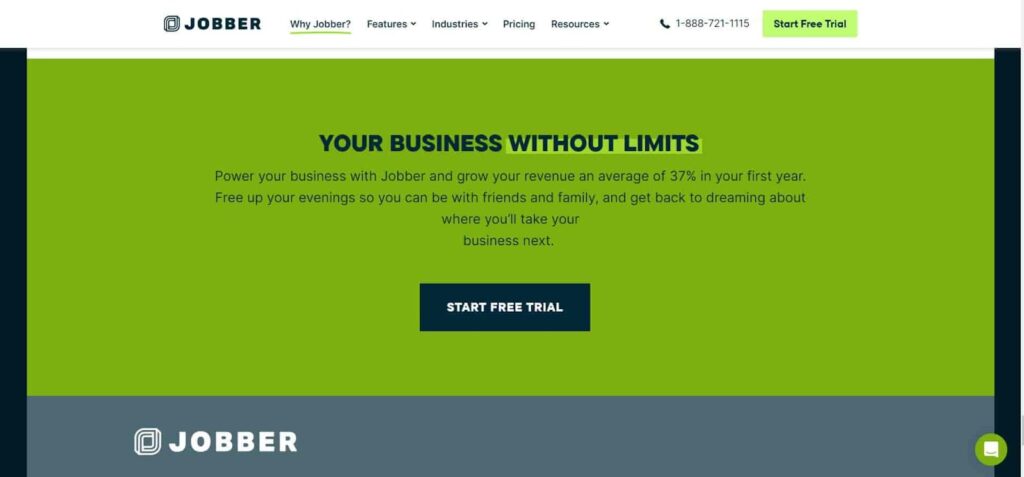
2. Jobber
Jobber is an FSM software designed for small to mid-sized service businesses. It offers a range of features to help businesses streamline their operations:
Scheduling and Dispatching: Easily schedule and dispatch jobs to your field technicians.
Invoicing and Payments: Generate invoices and accept payments directly through the platform.
Client Management: Keep track of client information, job history, and communication logs.
Mobile App: Provide your technicians with a mobile app for accessing job details and completing tasks in the field.
Jobber’s user-friendly interface and affordable pricing make it a popular choice for small to mid-sized service businesses.
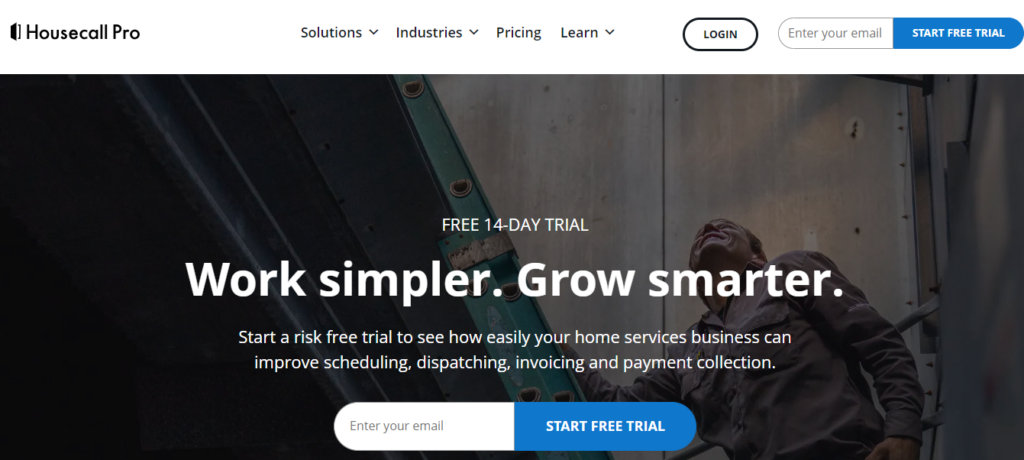
3. Housecall Pro
Housecall Pro is a cloud-based FSM software designed for home service professionals. It offers a comprehensive set of features to manage your field service operations:
Online Booking: Allow customers to book services online through your website or a mobile app.
Automated Marketing: Engage customers with automated email and text message marketing campaigns.
Payment Processing: Accept payments in the field or online with integrated payment processing.
Job Management: Track job progress, assign tasks, and manage schedules from a centralized platform.
Housecall Pro’s emphasis on customer engagement and online booking makes it a great choice for home service professionals.
4. FieldServicely
FieldServicely is a robust FSM software tailored for businesses with field technicians. Designed to streamline and optimize field service operations, it provides comprehensive features to manage different aspects of the service lifecycle:
Job Management: Efficiently create, assign, and track jobs from initiation to completion.
GPS Tracking: Real-time monitoring of technician locations to enhance dispatch accuracy.
Scheduling and Dispatching: Advanced algorithms optimize technician schedules and dispatching, improving efficiency.
Work Order Management: Seamlessly manage work orders, ensuring timely and accurate job completion.
Smart Timesheet Management: Automate timesheet entries and calculations to reduce administrative overhead.
Customer Invoicing: Simplify billing processes with streamlined invoicing capabilities.
FieldServicely is designed to boost productivity and customer satisfaction across various industries.
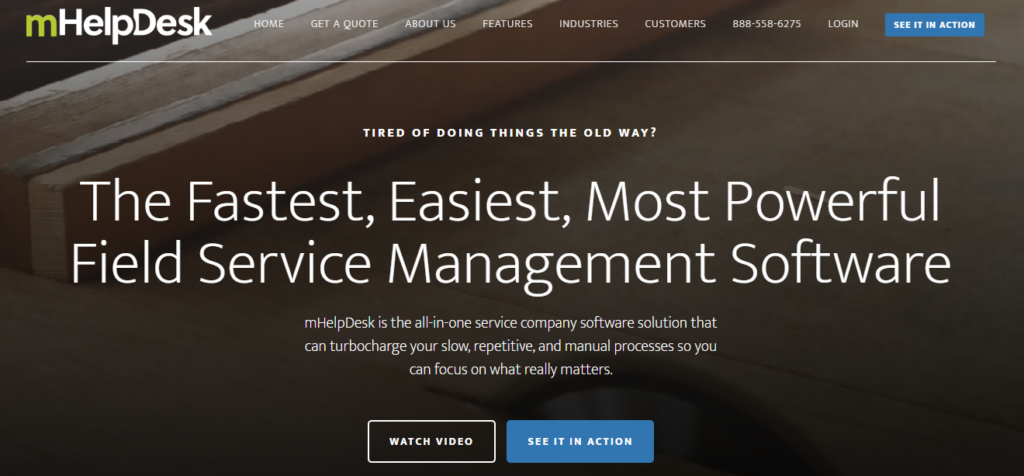
5. mHelpDesk
mHelpDesk is a versatile FSM software that offers a range of features to help businesses manage their field service operations:
Scheduling and Dispatching: Automate scheduling and dispatching to ensure efficient use of your workforce.
Billing and Invoicing: Streamline billing and invoicing with automated processes and customizable templates.
Customer Management: Maintain detailed customer records and service history to improve customer relationships.
Mobile App: Provide your technicians with a mobile app for accessing job details and completing tasks in the field.
mHelpDesk’s robust feature set and mobile capabilities make it a strong contender for businesses seeking an all-in-one FSM solution.
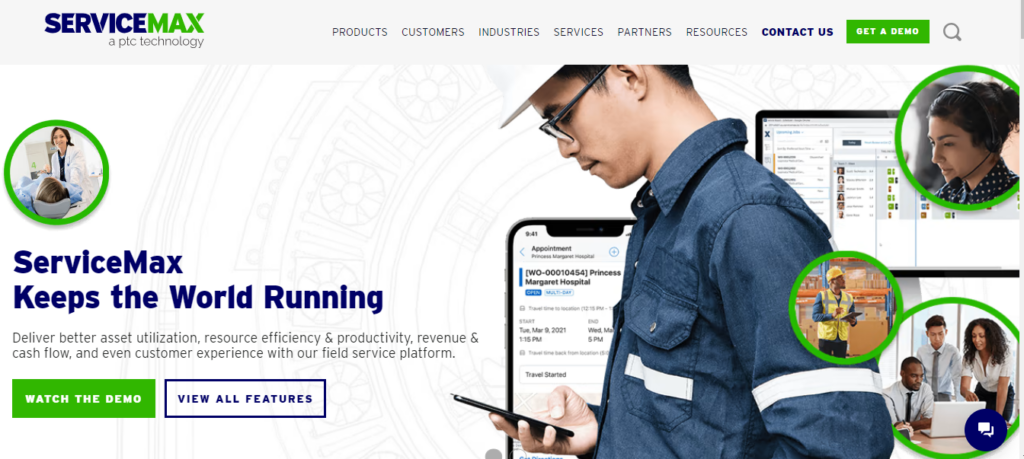
6. ServiceMax
ServiceMax is a leading FSM software designed for large enterprises with complex field service operations. It offers a range of features to help businesses optimize their field service management:
Work Order Management: Create, assign, and track work orders with ease.
Parts and Inventory Management: Manage parts and inventory to ensure you have the necessary resources for each job.
Scheduling and Dispatching: Optimize scheduling and dispatching with advanced algorithms and real-time data.
Analytics and Reporting: Gain insights into your field service operations with detailed reports and analytics.
ServiceMax’s enterprise-grade features and scalability make it a top choice for large businesses with complex field service needs.
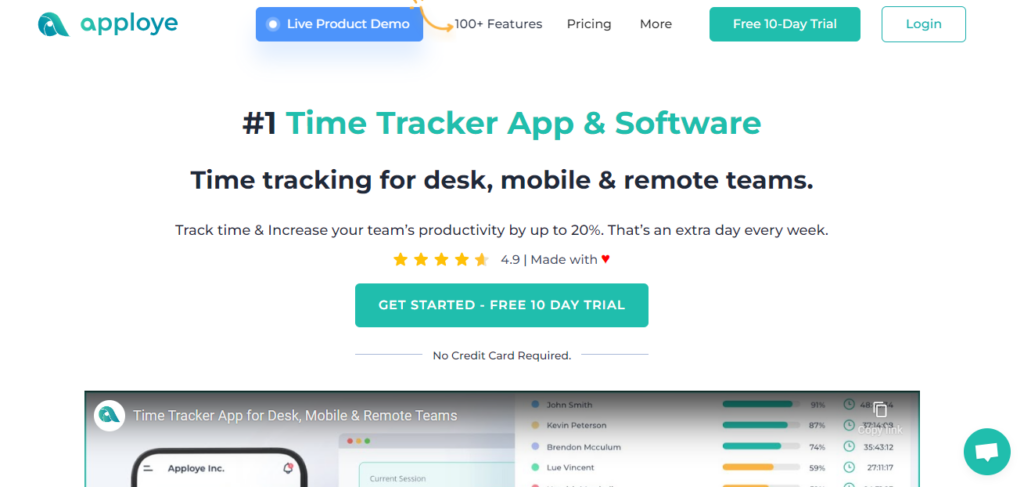
7. Apploye
Apploye is another top-tier FSM software known for its versatility and ease of use. It offers a range of features that streamline field service management:
Time Tracking: Accurate time tracking capabilities ensure that you can monitor employee work hours and productivity.
Project Management: Manage multiple projects simultaneously with features for task assignment, progress tracking, and reporting.
Geolocation Tracking: Monitor the location of your field workers to ensure they are at the right place at the right time.
Payroll Integration: Simplify payroll processing with automated timesheets and integration with popular payroll systems.
Apploye’s combination of time tracking, project management, and geolocation features make it an ideal choice for businesses seeking a comprehensive FSM solution.
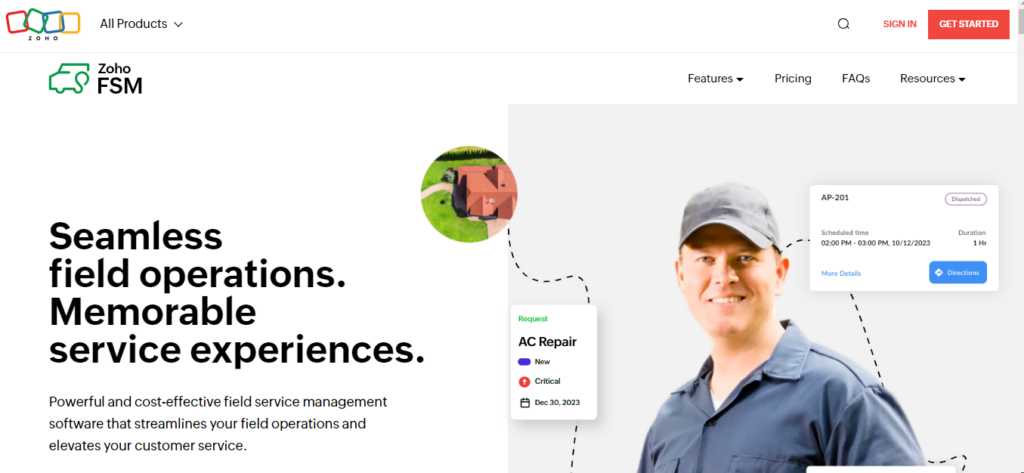
8. Zoho FSM
Zoho FSM is a cloud-based field service management software that offers a range of features to help businesses streamline their operations:
Job Scheduling: Schedule and dispatch jobs to your field technicians with ease.
Customer Management: Maintain detailed customer records and service history to improve customer relationships.
Mobile App: Provide your technicians with a mobile app for accessing job details and completing tasks in the field.
Integration with Zoho Suite: Integrate with other Zoho products for a seamless experience across your business operations.
Zoho FSM’s integration capabilities and user-friendly interface make it a great choice for businesses looking for a comprehensive FSM solution.
Final Thought on Finding the Best FSM Software Solutions
Selecting the right field service management software is crucial for optimizing your operations, improving customer satisfaction, and boosting productivity. FieldServicely and Apploye stand out as top choices, offering robust features and user-friendly interfaces. But there are many others worth checking out and incorporating into your business routine. Whether you’re a small business or a large enterprise, the FSM software on this list provides a range of options to meet your specific needs in 2024.
Instagram Reels are short interesting videos that you can make and share with others to draw high interactions. Since they are only a few seconds long, people are more likely to stop and watch them as they scroll through their feed, and also view them over and over again.
When done right, creating Instagram reels can increase your chances of getting a higher number of views, even up to 1 million views. Recording this many views is a big deal, particularly because more people will notice you.
Also, your account becomes more visible and can attract more people to your brand. Similarly, more people will tend to like, comment, or share your content with their friends, which will boost your engagement level. So in this article, we will share with you proven methods on how to get 1 million views on Instagram reels.
9 Proven Ways to Get 1 Million Views on Instagram Reels
Learn the strategies that can push your content to go viral on Instagram. Below are 9 ways to Get 1 Million Views on your Instagram reels:
1) Buy 1M Instagram Reels Views
Buying up to 1 million authentic Instagram reels views is the simplest way to reach the milestone, giving your Instagram account an instant boost, and opening up your brand page to start experiencing rapid organic growth.
This is because, when you have such level of interaction, people find it more convincing to check out your other content and become more interested in what you do.
It can also help to draw other brands to your business for possible paid sponsorships and partnerships. The safest way to do this is to buy 1M Instagram Reels Views from Media Mister, who provides 100% natural views from real accounts, and with a money-back guarantee.
This is simply gaining an advantage in the already highly competitive Instagram community, fast-tracking your business growth, and solidifying your social media presence.
2) Start with a Hook and Keep It Short
Grabbing viewers’ attention in the first few seconds of a Reel is crucial because people decide quickly if they want to keep watching. Start strong with something exciting or surprising, like a funny moment or an interesting scene.
Also, you should make use of bright colors, catchy music, or bold text to draw attention. Keep your Reel short and to the point, focusing on one main idea or theme. Make sure that you avoid long intros or slow starts that might make people lose interest.
By grabbing attention early and keeping your content concise, you will keep viewers engaged and increase the chances of your Reel being watched and shared.
3) Be on Trend
Trends are powerful, especially on Instagram and creating content around them is one of the most effective ways to boost engagement.
Be on the lookout for trending topics related to your niche, craft your content around those topics in the most engaging way and post them right when they are still trending. Social media trends are not limited to topics.
They may be content styles, format, etc. You will reach new audiences and boost your account by leveraging all these trends. By staying current and tapping into what people are already interested in, you can attract more viewers and get more engagement for your Reels.
4) Use the Right Hashtags
Using hashtags on Instagram is not old-fashioned. It is one of the proven ways to attract people to your content organically.
Hashtags are usually written in this form “#instagram” in the caption section of your post or on your profile. Firstly, you need to research the most relevant hashtags to your niche and individual post then use them strategically.
You can also ask yourself “What words are Instagram users likely to search for that are related to my Instagram reel?” When you find those words, use them strategically. They can increase your Instagram reel views to even up to a million.
5) Use Trending Music
Attaching popular sounds to your Instagram reels is another trick that works, because these sounds are already trending and that means that a lot of users are engaging them.
If you do the due diligence of identifying relevant trending sounds, there is a high possibility that new users can find and engage your Instagram reels.
To use trending music for your reels, click on a reel that has the audio you want, locate the music icon on the bottom left and click. You will see the “use audio” option there.
6) Post-Reels Consistently
Consistency is a great hack to anything, including online visibility. If your goal is to hit 1 million Instagram reel views, you need to post as much as you can.
Creating a content schedule is the key to staying consistent. Have a plan including the days and times to post your Instagram reels and follow appropriately. That way, you can retain your audience’s interest and keep them looking forward to your posts daily.
Put in the effort to create high-quality Instagram reels and show up every day to get 1M Instagram reel views without too much hassle.
7) Promote on Other Social Media
Promoting your Instagram Reels on other social media platforms is a strategy that works efficiently. By sharing your posts on platforms like Twitter, TikTok and Instagram stories, you will increase your reach and visibility.
Take advantage of the followers you have and the engagement you have on these other platforms to get more engagement for your Instagram Reels.
With this, getting 1 million Instagram Reel views will become more realistic, and you could even go beyond that target if your content is good enough. Ensure that you use clear calls to action when doing cross-promotion so that users can do exactly what you want them to do.
8) Collaborate with Other Creators
Collaboration is essential for rapidly engaging new audiences with your Instagram reels. This approach helps you to unlock access to users who might not otherwise discover your content, even with paid campaigns.
Research creators with a similar audience or demographic. Approach them professionally, highlighting the benefits of collaboration.
Work with multiple creators, but manage one or two collaborations at a time to track progress toward your goal of reaching one million Instagram Reel views.
9) Use Instagram Analytics
Utilize Instagram’s analytics feature instead of posting what you think works. These tools are designed for monitoring and evaluating your content’s performance.
From there, you will get insights regarding all your posts in terms of engagement, popularity, etc. Views represent the content’s reach and popularity, while likes, comments, and shares indicate the level of engagement.
An example of an insight you can get from using Instagram analytics is that around 21% of reel views come from Gen Z users. Insights such as this will guide you on what trending music, hashtags and other strategies to use to attract 1 million Instagram reel views.
Conclusion
Reaching 1 million views on Instagram reels is not just achievable but also essential for amplifying brand visibility and engagement. By diligently implementing these proven methods that we have discussed, you can be sure that reaching 1 million views on Instagram reels is well within your grasp!
As businesses scale and integrate more cloud services, the complexity of tracking expenses can skyrocket. Fortunately, a variety of tools are available that specialize in simplifying this task significantly. Here are just a few categories of tools to consider adopting so that your cloud resources can be implemented effectively without pushing your budget to breaking point.
Top Picks for Visual Cost Management
Visual dashboards provide a clear, immediate snapshot of cloud spending, allowing teams to detect anomalies and optimize costs proactively. This approach not only simplifies data interpretation but enhances decision-making efficiency. Given that Garntner expects cloud spending to top $679 billion this year, securing cost efficiency is a must. Here are three top tools in this category:
CloudHealth by VMware: A leader in the field, CloudHealth offers an extensive suite of analytics tools that help businesses visualize spending trends and predict future costs. Its policy-driven governance capabilities enable automatic real-time decisions to economize without manual intervention.
Microsoft Azure Cost Management + Billing: Specifically designed for Azure users, this tool provides in-depth analytics on where budget is being spent across different services. It offers customizable reporting features that can adapt to the specific needs of your business. So for instance if you’re enabling remote working, it lets you do so in a financially justifiable way.
Google Cloud Platform’s Cost Management Tools: These built-in features facilitate comprehensive monitoring and reporting on Google Cloud expenditures. With advanced data analysis and export options, teams can easily share insights and maintain control over their cloud budget.
Tools to Optimize Cost Efficiency
Automation plays a pivotal role in managing cloud costs by reducing manual oversight and improving resource efficiency. These tools can automate cost-saving policies across your cloud infrastructure, ensuring you get the most out of every dollar spent. Here are three standout choices:
AWS Cost Explorer: This tool allows automatic tracking of AWS spending and usage patterns over time. It offers recommendations based on historical data, which can help identify areas where costs could be reduced through changes in subscription plans or resource allocations. There are of course a number of other AWS cost management services to consider, so check all the options before committing.
ParkMyCloud: A focused tool that automatically identifies idle resources across AWS, Azure, and Google Cloud platforms and suggests smart parking options (i.e., auto-shutdown during non-peak hours) to slash unnecessary spending.
Spot by NetApp: This tool leverages AI to optimize cloud spend efficiently. It automates the process of purchasing and managing spot instances that are cheaper than standard pricing models, significantly lowering operational costs for compute-intensive applications without sacrificing performance.
Allocation and Tagging Tools
Effective cost allocation and tagging are crucial for granular tracking of cloud expenditures across different departments or projects. These tools help in assigning costs to specific users, teams, or functions, enabling precise budgeting and accountability. Here are three tools that excel in this category:
Cloudability by Apptio: This tool excels in financial management and cost allocation for cloud services. Cloudability provides detailed tagging capabilities that allow you to track every dollar spent on your cloud environment back to its source, making it easier to optimize spending patterns. This lets you focus on other aspects, like cloud security.
IBM Turbonomic: Known for its application resource management and performance monitoring feature, IBM Turbonomic also offers robust expense management solutions that include chargeback reports based on precise usage data. This helps ensure budgets are strictly adhered to per team or project requirements.
Yotascale: A dynamic player in the cost management sphere, Yotascale offers a sophisticated approach to cost allocation with strong support for Kubernetes environments. It enables accurate real-time tracking and predictive analytics for budget forecasting at both macro and micro levels.
Final Thoughts
As you can see, there are tons of tools out there which mean that cloud adoption does not have to be costly. Wringing as much value as possible from the platforms you add to your business toolkit will make you more productive as well as more efficient, so don’t sit still on this info.
The power of crafting attractive copy is a vital element for businesses trying to make a name for themselves in the midst of the noise. This article guides you through ten necessary steps to ensure that you produce content that will engage your audience and will not be forgotten. But before it, let’s talk about one important field, where your copy is also essential.
Content in Email Marketing
Today, email marketing is a primary tool of communication with your audience, based on email marketing strategies. The secret of its success is that it is generating engaging content that hooks the user and makes them act.
First of all, personalization is important. This can be achieved by customizing your messages to the particular interests of your subscribers, which will help you to cultivate more profound relations. The subject lines of your emails are paramount too; it is the determining factor whether your emails will be read or deleted without being opened. Craft them purposefully. After opening your email, the inner content should be valuable, which means that your customers will not regret opening it.
With visual elements, your emails can be much more persuasive. Make sure that they are optimized not only for desktop but also for mobile viewing so that there is no problem for the recipients on both platforms. Testing is a critical component of any good package. Try out various content types, subjects, send times, or CTAs to find the ones that work best with your audience.
Lastly, keep a curious mind, keep creating, and always try to make your subscribers feel the value of your content. If you have already finished with the basics of it and want to learn more, check out this email marketing course to perfect your skills as well as develop outstanding campaigns.
1. Understand Your Audience
To build content that can really hit home, one must first comprehend the audience. This goes beyond just the demographic data; it is about the real reasons for their needs, preferences, or pain points. Through the process of audience analysis, you will be able to customize your content to pertain to the particular topics of your audience members’ interests, which will make it more pertinent.
2. Craft Attention-Grabbing Titles
Headlines are a very important element of successful content that can attract the audience’s attention as well as make them want to delve deeper into your texts. Aside from being brief and vivid, headlines should be created in a manner that will make readers curious or provide them with a clear benefit. Through trying out various headline formulas and structures, the chances of your content being read or even clicked on may be increased.
3. Tell a Story
The storytelling tool is one of the most powerful instruments for developing a strong relationship with the audience on an emotional level. Stories are one of the ways that can grip any audience, make them feel, or leave a deep impression on them as compared to information. Whatever the tale you tell: a client who has benefitted from your product, your own journey, or a fictional story that explains the basic ideas, storytelling helps to make your content more memorable and influential.
4. Elicite Emotions
Emotions do affect consumer behavior and also influence it. The content that evokes strong feelings, either it’s happiness, surprise, fear, or empathy, is more likely to stand out and lead the audience to take the desired action. By mastering the psychological reactions that are relevant to your audience, you can create content that will not only strike a chord but also keep them hooked.
5. Provide Value
Beyond being captivating or emotionally touching, the content ought to have a real benefit for the viewer. Whether it is providing useful information, pieces of advice, etc., or giving industry insights together with solving common issues, the first step to gaining the trust of your audience as an expert is to offer valuable information. With the process of always adding value, you will be able to become an expert, an authority in your niche.
6. Add Images & Multimedia
The use of visuals can raise the value of your content by making it more attractive and useful. Besides dividing the text into small portions that are digestible, images, videos & infographics can also be incorporated to represent information in an impactful manner and to cater to the various learning styles. Adding visually appealing elements to your content will make it catchy to the eye, hence your audience will spend a lot of time on your site.
7. Maintain Consistency & Authenticity
Consistency is the main principle that gives a brand identity a strong and recognizable power. It can be seen in the tone of voice, visual style, or messaging of all your communication channels. Such consistency will help you to create a strong brand image and build trust with your audience. Consequently, you need to be true to yourself and real in your interactions. The audience is becoming more sophisticated and they can easily recognize if something is not authentic, keeping your brand voice together with values is crucial.
8. Optimize for Search Engines
If you are writing content for your target audience, do not forget that SEO is also the major thing. Through the use of keywords and other search engine optimization techniques, you will not only increase your visibility but also bring more organic visitors to the website. However, the goal should be to find a balance between SEO and user experience, so that your texts are still admirable and compelling to readers.
9. Engage with Your Audience
Effective communication is like a two-way street. Besides making copy that draws attention, you also should be able to interact with your followers. It entails replying to comments & private messages, requesting feedback, communicating with them in discussions, etc. Building a community and dialogue, thus, developing a strong relationship with your customers as well as brand loyalty can be achieved through this.
10. Measure Success
Lastly, you should determine the effectiveness of your content, and modify it according to the data and insights. The main metrics like engagement rates, click-through rates, and conversion rates can give you a good understanding of what is and isn’t working. Through this analysis and following informed alterations to your content strategy you will be able to constantly improve and optimize your efforts.
Summing Up
Digital marketing is a place where content creation is a pillar of success. Through knowing your audience, writing engaging headlines, storytelling, and giving value to your readers, you can attract and hold their attention in an online environment that is full of options. Furthermore, by being consistent, optimizing texts, and interacting with your customers, you may develop relationships and get tangible outcomes for your business. Bear in mind, that content creation is not a one-off task but a continuous process of testing, iterating, refining, etc. When you are committed, you can create texts that will touch the hearts of your clients and help your company grow.
Using Adobe Photoshop dramatically streamlines the editing process for both amateur and professional photographers, particularly when editing portraits. These pre-set commands allow for rapid, consistent enhancements across a series of photos, and are crucial for tasks like smoothing skin, eye enhancement, color grading, beauty retouch, glow effects, artistic filters and even things like portrait enhancement, batch editing and automated editing. Utilizing and implementing these commands not only saves time, but also maintains a high standard of quality across multiple images.
The benefits of using Photoshop Actions for portraits extend beyond just saving time. They also ensure consistency in your editing style across multiple images, which is particularly important for portrait photography and photoshop presets. When you’re dealing with a large batch of photos from a single shoot, you want to maintain a cohesive look and feel, as well as consistent photo effects, lighting adjustments and contrast enhancement. Actions allow you to apply the same adjustments to each photo, resulting in a professional and uniform final product.
Enhance Your Photography Toolkit with Photoshop Actions
Photoshop Actions act like advanced, pre-configured commands designed to automate detailed task sequences in Photoshop. They are particularly useful for editing numerous photos under similar conditions, such as in wedding photography or other large events where uniformity and speed are imperative. With actions, you can apply complex filters, such as retouching, smoothing, digital makeup, blemish removal, general airbrushing and even teeth whitening. Tasks become easy and quick to carry out, giving all your portraits a professional, polished look.
In addition to efficiency, Photoshop Actions also provide a great way for less experienced photographers to learn advanced image editing skills by means of action sets. By examining the individual steps in an action, you can see exactly how certain effects are achieved and apply that knowledge to your manual editing process. This can be an invaluable learning tool, allowing you to improve your skills and understand the intricacies of Photoshop more deeply.
Targeted Portrait Enhancements Using Specific Actions
There are a vast array of actions available, some of which are perfect for portraits. These include presets focused on improving skin texture and enhancing natural highlights. Others are tailored to accentuate specific facial features like brightening eyes or sharpening details. There are also actions designed to adjust the photo’s overall tone and contrast, for example by adding a matte finish, saturation boost or any other quick adjustments.
When choosing actions for portrait photography, it’s important to consider the specific needs of your subject. Different skin tones, ages and facial features may require different types of adjustments. Fortunately, there are actions designed for a wide variety of scenarios. Some are tailored for enhancing mature skin, while others are optimized for bringing out the best in children’s portraits. By selecting actions that align with your subject’s characteristics, you can achieve more natural and flattering results.
Balancing Automated and Manual Editing in Portraits
Using Photoshop Actions doesn’t mean sacrificing creative control. Most actions include layer masks and adjustable layers, enabling photographers to tweak the effects to better suit individual photos. Whether you need a more vibrant color or a soft, moody effect, you can modify these adjustments precisely. This flexibility allows photographers to combine efficiency with their artistic vision, achieving unique results while significantly cutting down editing time.
It’s worth noting that while actions can significantly streamline your workflow, they should not be relied upon exclusively. Each portrait is unique and may require specific adjustments that fall outside the scope of a pre-made action, for example dodge and burn whereby the photographer decreases the exposure for areas of the print that they want to be lighter. It’s also important to use actions as a starting point and then fine-tune the results manually to ensure the best possible outcome for each individual image. By striking a balance between automated and manual editing, you can maximize both efficiency and quality in your portrait photography.
Tips for Using and Creating Photoshop Actions
Though many excellent pre-made actions are available, creating custom actions can elevate a photographer’s output, embedding personal style and preferences into automated processes. Adding specific steps like a high-pass filter for sharper edges or a soft light layer for additional depth can profoundly impact the final images. Efficiently setting up these custom actions can streamline future editing, making high-quality, consistent results more accessible than ever. It’s also a great idea to get tips from experts in the industry, people who have experience and are willing to share it.
In sum, Photoshop Actions are indispensable for modern portrait photography, providing a robust toolset for fast and uniform editing without compromising on quality. They not only facilitate rapid adjustments but also offer room for creative expression, making them a key component in the digital photographer’s arsenal. With these actions, photographers can focus more on capturing incredible images, knowing that their editing workflow is both simplified and powerful.
When creating your own Photoshop Actions, it’s helpful to start by considering your most common editing tasks. What adjustments do you find yourself making to nearly every portrait? These might include exposure corrections, color balance adjustments, or skin retouching. By automating these repetitive tasks, you can save a significant amount of time in your editing process. As you become more comfortable with creating actions, you can start to experiment with more advanced techniques and build a library of custom actions tailored to your unique style.
PDF – stands for Portable Document Format that comes with a wide array of benefits and for many reasons. Evaluating the multiple reasons that make PDFs a great file format and the most sought-after solution for people who are studying, running businesses, or otherwise.
In this informative blog, we’re going to set the curtains aside from the five major reasons behind the extensive usage of PDF files.
Reason #1 – Preserve Formats & Layouts
Do you know? PDF files can help in preserving the formats and layout of documents across a wide array of devices and platforms. No matter if you are going to share a document with your colleagues, clients, or collaborators, you can be sure that it will appear as you want.
Different document management solutions providers like sodapdf strive hard to ensure that there will be no changes and gaps in your documents, resulting in more accuracy and trustworthiness.
Reason #2 – Offers Widespread Accessibility
Other than Word documents, Excel spreadsheets, or PowerPoint presentations, PDF formats are widely accessible. So, you can open and view documents on any device with no need for any specific software. Be certain that free-of-cost PDF readers are available on almost all devices.
Hence, this level of compatibility and accessibility makes PDFs a more reliable solution for sharing data and information with a wide yet diverse audience.
Reason #3 – Have Multiple Data Security Features
When it comes to document security, PDFs come equipped with robust features that include data encryption and password protection, too.
If you leverage PDF formats for your business or anything else, then ensure that sensitive information remains protected and confidential from unauthorised access. In different industries where data security and protection are paramount, PDF works well.
Reason #4 – Interactive Elements
People who use PDFs are well aware of what sorts of Interactive elements they are supporting. These elements include hyperlinks, buttons, forms, styles, and so on.
You can consider this super-amazing solution to create interactive documents, forms, or presentations, which will enhance user engagement and interactivity.
Reason #5 – Compress Files
Another major reason to leverage PDFs is that they can compress large files without sacrificing the quality and security of the content included in them.
PDFs not only save storage space to the maximum extent but also facilitate faster and more advantageous document sharing, particularly in email attachments or online uploads.
Reason #6 – Provide Read-Only Mode
To avoid any unintentional modifications and gaps to the content included in documents, PDFs provide read-only mode to their users, whether they be students or business professionals.
If you want to maintain your control over its integrity when sharing information with someone, this mode or feature would be very beneficial for you.
Reason #7 – Print-Ready & Searchable Text
The print-ready feature of PDFs ensures that the online document’s layout and formatting are well-kept while printing. When users have to produce high-quality physical copies of documents, PDFs serve at their best.
PDFs also comprise searchable text, enabling users to find specific information within a document more easily and without spending more time searching. As a result, the efficiency of document retrieval and navigation will be boosted.
Digital consumers love video! Research indicates that one-third of all online activity consists of watching video content. But why? This is because humans are highly visual creatures, and an interactive content format such as videos can engage viewers and help them form an emotional connection in a snap!
As more businesses embrace digital transformation, videos are becoming an increasingly popular way to attract customers and sell more products. However, video marketing has its own set of challenges, perhaps the biggest of which is churning out high-quality content consistently with a clear message and effective promotion.
This is where top-notch video marketing software can help. It can help you translate your ideas into premium content that drives more prospects to your website and may even enable you to increase your conversion rates by more than 46%!
Wondering which video marketing tool can help you boost sales in 2024? Check out this compilation of eleven of our best recommendations below!
But first, let’s understand how you can use a video marketing tool to boost sales for your brand.
How Can You Use a Video Marketing Tool To Boost Sales For Your Brand?
Videos are a powerful tool for delivering a brand’s message. Whether you are educating your ideal prospects about how they can resolve their pain points or demonstrating the strengths of your product in a way that positions it as the best solution on the market, videos allow you to make a memorable impression on your target audience.
Moreover, consumers find videos to be much more interesting and engaging than any other content format. Research indicates that 72% of consumers prefer to learn about products and services in a video format. This makes it a necessity for any online brand to invest in a video marketing tool. The right video marketing tool can help you save both time and money—all while enabling you to engage more prospects, boost your sales, and accelerate business growth.
Coming to the meat of the matter, here are our top eleven recommendations for premium video marketing tools that can boost your business’s sales in 2024.
11 Best Video Marketing Tools To Boost Sales in 2024
Here are eleven of the best video marketing tools for boosting sales in 2024, along with their best features, pricing, and pros and cons.
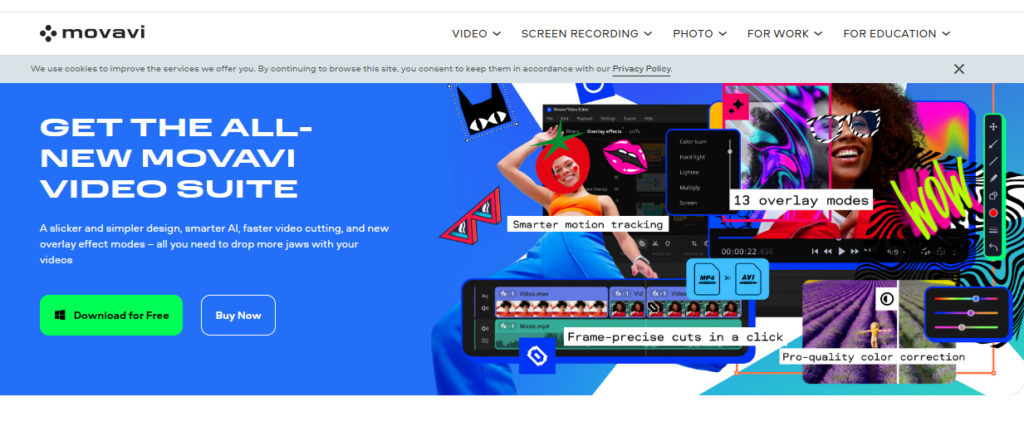
With an extensive feature set for editing several video formats, Movavi Video Editor provides an easy video editor for beginners. The customizable templates available in the fast mode allow you to quickly produce great videos. The manual option is fantastic for more experienced users who prefer to tweak the sound and remove backgrounds from their films manually.
The export options are fairly standard, providing access to popular video formats and the ability to save in Full HD and 4K resolutions. You can also easily connect and export your completed projects, whether they originate from your PC or are sourced directly from social media platforms such as YouTube, Instagram, or Facebook.
Features:
Intuitive user interface with quick and advanced editing modes.
Features like PiP, chroma-key, titles, filters, transitions, and keyframing to develop stunning motion graphics.
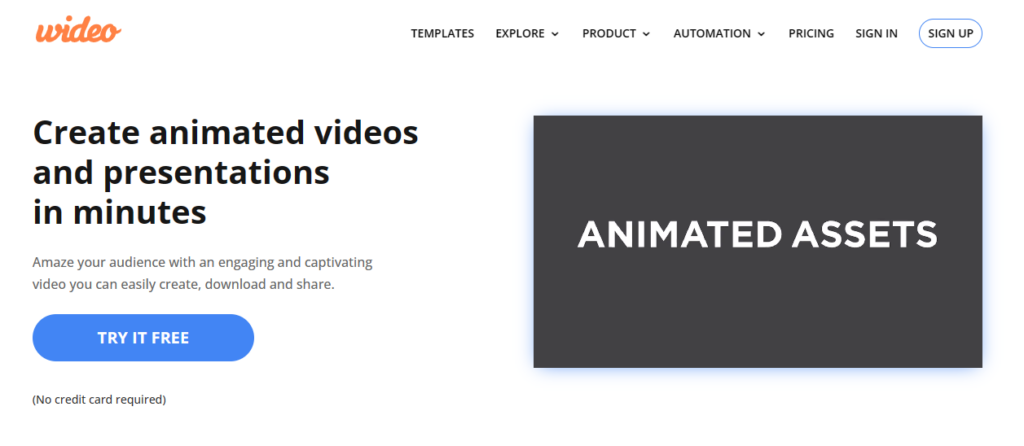
If you are looking to set your brand apart using animated videos, Wideo is the best video marketing tool for you. This software helps marketers create, edit, and share custom animated videos in minutes.
With Wideo, you can add your professional logo design, graphics, and background music to personalize your presentation, tutorial, or product demo. Moreover, if you’re not comfortable starting from scratch, you can start making a video in minutes by using one of the pre-made templates.
Features:
A built-in library consisting of thousands of video clips and 100+ free and customizable video templates.
Custom animation (keyframes), intro and outro effects, scene transitions, etc.
Presentation mode to turn videos into multi-slide presentations with a single click
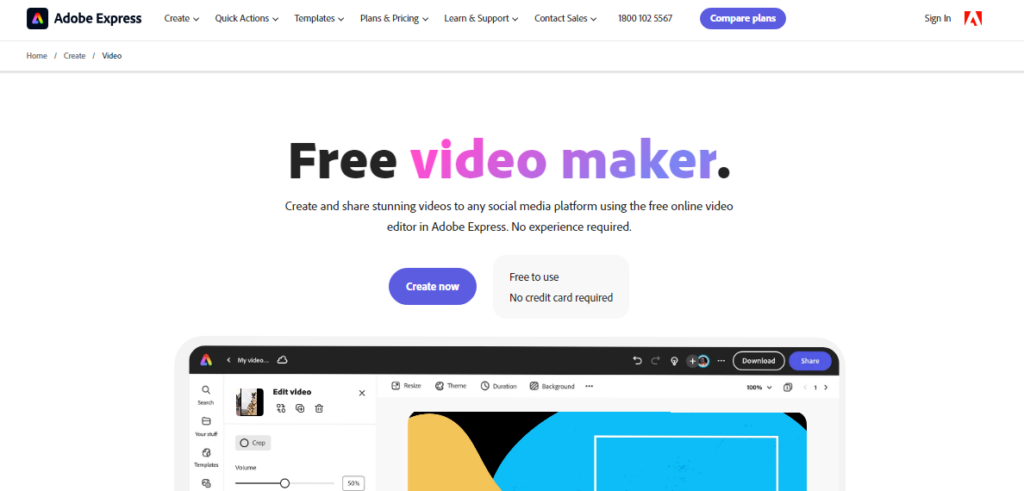
Adobe Spark Video, the freemium video-making product from Adobe Express, allows users to create and share immersive videos on any social media platform, including TikTok, YouTube, Instagram, and Facebook.
This free video editing tool is completely web-based and comes with numerous storyboards and an assortment of themes and layouts. It helps you edit and refine your movies to improve your brand’s video marketing efforts.
Features:
A built-in library full of royalty-free and rights-cleared high-quality stock music, videos, images, and more.
Quick action menu to crop, resize, trim, and merge videos and even convert them to MP4 format.
Customizable logos, background music, and branding for creating unique video content.
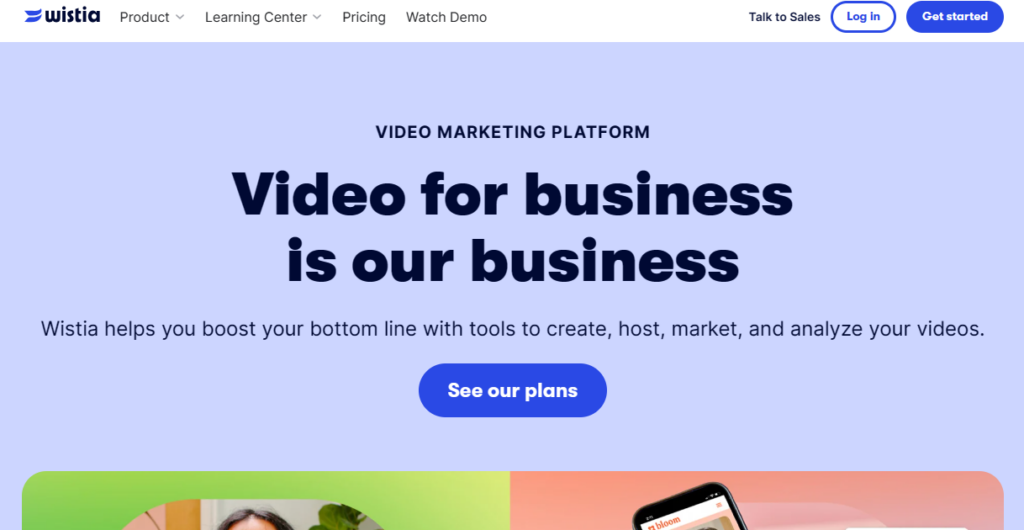
Wistia is a holistic video marketing tool with a comprehensive suite of features to help marketers create, host, publish, and manage their video content seamlessly.
Signing up is super easy, and the software provides comprehensive documentation to help users rapidly learn how to use all of Wistia’s capabilities and produce eye-catching videos.
Features:
The integrated analytics feature offers information on view counts, engagement rate, and drop-off rates, thus helping you monitor the performance of your videos.
Quick and secure video hosting services for corporations, in addition to limitless storage and bandwidth.
Email gates and turnstiles allow users to generate leads by gathering viewer data.
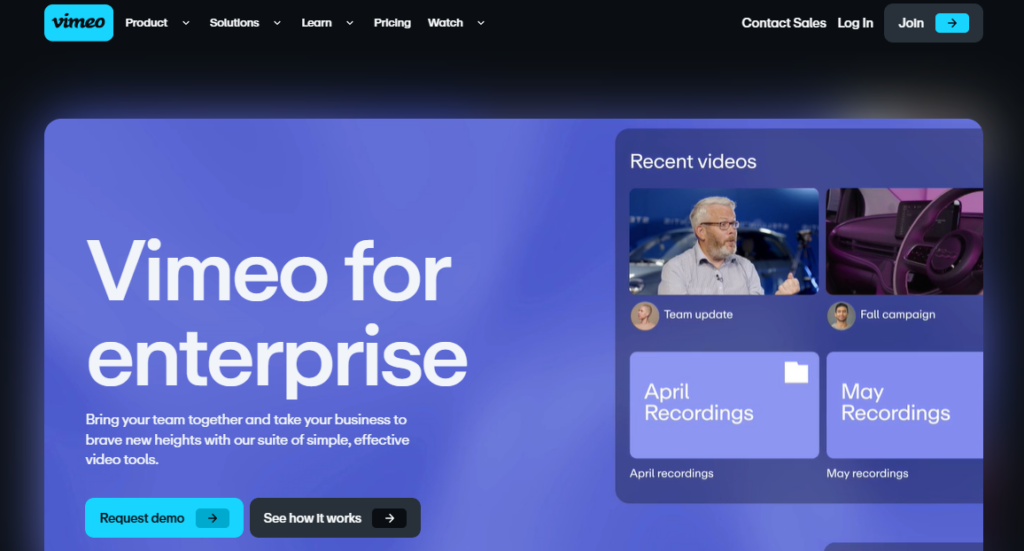
Vimeo is one of the best video marketing and production platforms and an excellent video hosting site. Vimeo Business is its specialized enterprise product, built to facilitate internal communications in a company.
Vimeo Business comes with 7TB storage and no uploading limits, making it easier for businesses to manage all video content in one place. With Vimeo Business, you can add photos, rearrange videos, add titles, and do a lot more. Any size video can be edited and uploaded to the Internet, and you can even embed it into your website.
Features:
Customizable video player and collaboration tools for large teams.
Advanced analytics to provide insights into audience behavior and engagement metrics.
Live-streaming capabilities for webinars and other digital events.
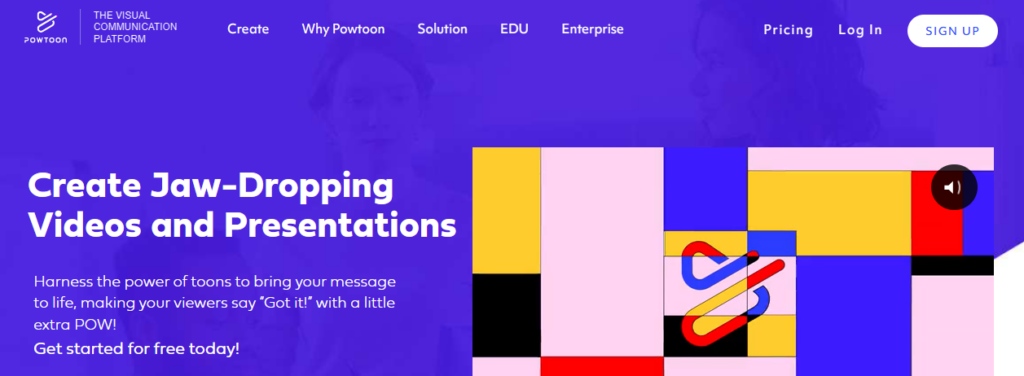
Powtoon is another effective tool for marketers looking to create premium-quality animated product videos, tutorials, explainer videos, and presentations.
It provides a range of animated characters, visual effects, and characters to assist you in making immersive videos to market your business. Powtoon also features a strong character builder that helps customize gestures, colors, attire, and more for your animated characters.
Features:
It has a huge library of professionally made templates, characters, props, video clips, and background music, making it perfect for creating animated cartoons.
Easy media file sharing, including GIFs, photos, videos, and professionally voiced audio.
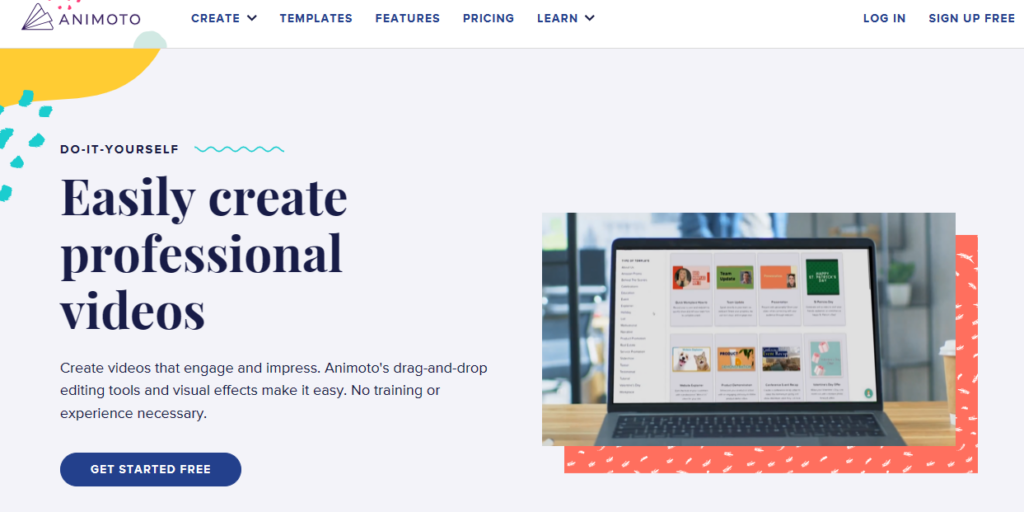
Animoto is an artificial intelligence-powered video creation platform perfect for creating customized videos for the social media channels of eCommerce businesses.
Simply select the type of video you want to make, upload your brand logo and images, and craft a message resonating with your company values—and voilà, you get an original video that is perfect for your Facebook, Instagram, or YouTube!
Features:
Easy-to-use drag-and-drop video editor and pre-designed templates for a variety of industries and use cases.
Huge visual stock library with more than a million authorized images and videos and 3000+ licensed background music tracks.
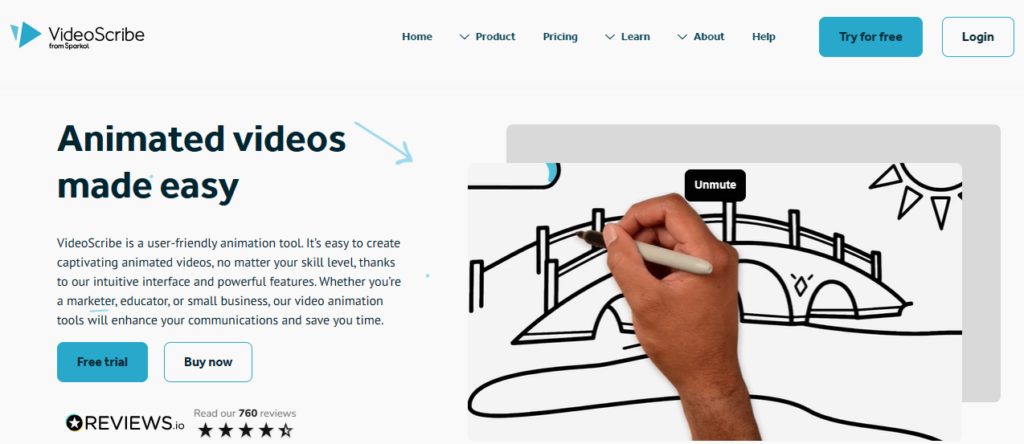
Want to create a whiteboard explainer video to explain complex concepts to your target audience? Check out VideoScribe.
This software allows users to develop whiteboard-style animations automatically using templates—all you have to do is add your own pictures and text. It is easy to use, which makes it a great choice for beginners.
Features:
Nine background textures and thirteen hand styles are available
Huge image library with over 6000 images in 40 categories, including shapes, designs, animals, buildings, and more.
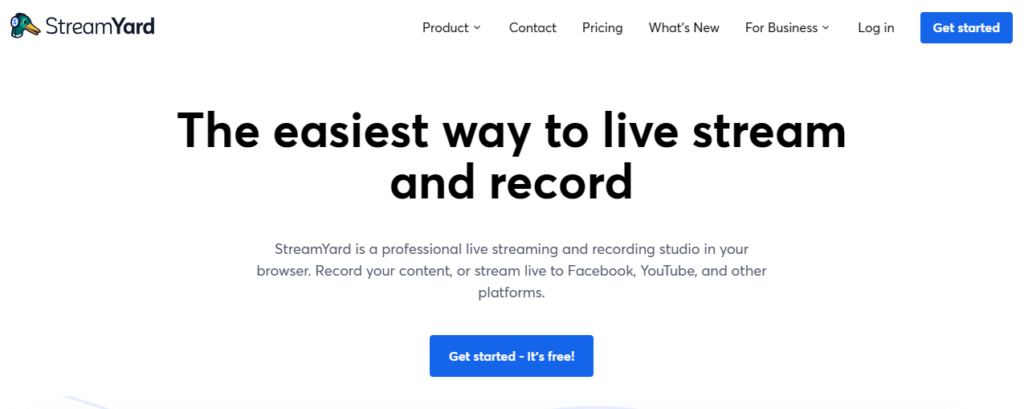
If you are an eCommerce marketer looking to create attractive live videos that give potential customers an immersive brand experience, Streamyard is perfect for you!
SteamYard was created specifically for live video streaming. Its built-in capabilities allow you to quickly add your personal touch to your brand’s broadcasts. This browser-based software will enable you to multi-stream to different platforms simultaneously.
Features:
Option to add customized backdrops, overlays, and logos to broadcasts.
Option to invite up to 10 guests to join the live stream at any given moment.
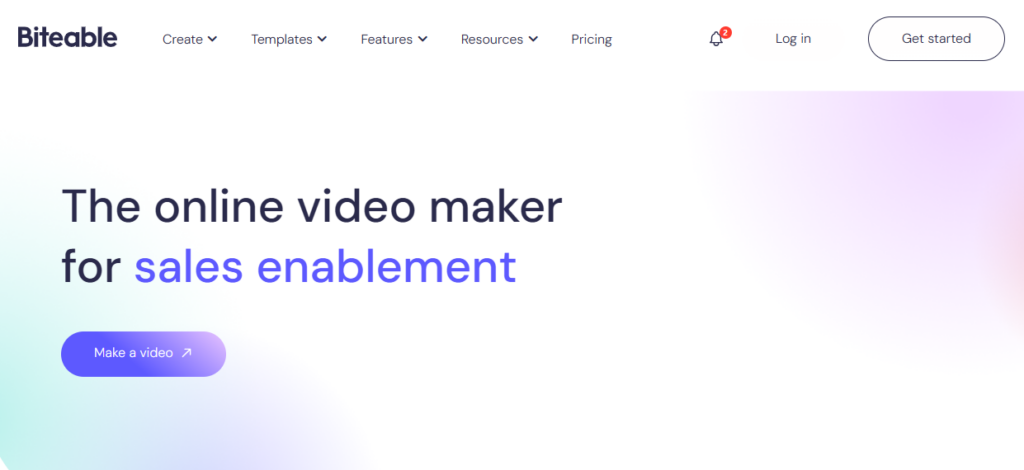
Biteable is ideal for creating user-friendly UGC videos for social media. It has built-in templates and a host of customization options. With its extensive premium plans, marketers can facilitate both product marketing as well as brand promotion—all from a single platform.
Other notable software features include easy storytelling, quick studio video creation, resource libraries, eye-catching templates, content customization, easy social network sharing, and more.
Features:
Integrated stock footage library providing access to high-quality video clips, animations, and images.
Variety of export formats, including HD video, GIF, and social media.
Vidyard is the ideal video marketing tool for sales teams worldwide. This software allows you to easily record and distribute personalized sales pitches to customers, prospects, and even internal team members.
Vidyard also offers video hosting and management services, analytics, and lead generation tools, so you can monitor the effectiveness of your videos and turn visitors into buyers. The software is also mobile-friendly and integrates with automation systems like Marketo and HubSpot, enabling you to use your video content to generate leads and sales.
Features:
Ready-to-use sales video templates for various videos, including proposals, sales demos, follow-ups, cold outreach, meeting reminders, and more.
Analytics and reporting highlighting data such as audience attention span, click-through patterns, viewer location, where viewers share the videos, and video marketing ROI.
Final Thoughts
Video marketing tools are a “must-have” for your sales tech stack in today’s digital era, where internet users are more keen on consuming video than any other content format.
Incorporating client portal software within these video marketing tools can streamline communication and feedback processes, ultimately enhancing collaboration between your business and its clients.
While making and publishing videos in the past may have been time-consuming and expensive, video marketing tools today can generate or guide you to create excellent visual content—all at a reasonable price. The software highlighted in this list has advanced features that help you render high-quality video content in minutes. We encourage you to try out one or more of these options and choose a tool that suits your budget and other unique business needs.
Leverage video marketing tools and create premium interactive content that engages, educates, and converts more prospects effectively today!
It may not be as taxing as big companies, but running a small business still means juggling many tasks, especially your financial activities. But today, here are some tips and tricks with online tools that can transform your financial game.
These handy digital tools will help you streamline your business processes and boost accuracy from speedy loan comparisons and intuitive budgeting software to credit health checkers.
Finance Web Tools for Your Business
Quick Loan Comparison Platforms
Today, some of your innovative financial aid may come from quick loan comparison platforms that act like they’re your financial matchmakers. These platforms simplify and help ease the often confusing process of finding the right loan for you.
With the ease of assessing loan options online, entrepreneurs can effectively use the resources provided by the SBA to help small businesses like yours find the most suitable financing. These efficient services are found in many web companies like Lendio. They can help find lenders with competitive interest rates, terms, and eligibility criteria within minutes.
So, to lessen your workload, adopt your own loan comparison platforms to help you manage, at the same time, level up your business.
Efficient Budgeting Software
It actually works like a financial GPS for small businesses–these budgeting software can guide you toward your financial goals with precision. Many of these efficient software, like QuickBooks or FreshBooks, are user-friendly platforms where you can track income and expenses, generate insightful reports, and create achievable budgets–all in one place.
Since you can visualize your cash flow in these systems and identify your spending patterns, you can make well-based decisions to optimize your financial cycle and stay on track.
Real-Time Credit Health Monitoring Services
Many online credit health monitoring services can act like vigilant guardians to make sure your financial well-being remains in good health. Some of them, like Karma or Experian, can help you obtain real-time updates on your credit scores and alerts for any suspicious activity on your account.
For thriving small businesses like yours, maintaining a healthy credit profile is your ticket to accessing favorable financing options and securing investors or partnerships. With these tools, you can competently manage your credit, detect potential issues early, and take positive actions to safeguard your financial standing.
Meticulous Expense Tracking Applications
Just like accounting software or a digital accountant, these expense-tracking applications can meticulously record every penny you spend to keep your business financially healthy. Applications like Take Expensify or Receipt Bank, for example, are handy apps that can allow you to snap photos of your receipts, categorize expenses, and track spending in real-time.
So, by getting a clear overview of where your money is going, you can identify those you need to cut off or minimize to prevent overspending and rocking your financial boat.
Innovative Invoicing and Billing Software
These innovations in invoicing and billing software can serve as your digital assistants to help you streamline the process of sending invoices and tracking payments. It’s best that you consider tools like Square Invoices and Xero to assist you in creating professional invoices, sending them to clients, and monitoring payment status without sweat.
By automating these things and tasks, you can efficiently improve your cash flow, reduce admin hassles, and ensure timely payments.
Efficient Payroll Management Sys
Paying for your team today has never been this pressure-free with payroll management systems that work like highly efficient digital assistants. They simplify the complex task of paying employees, like Gusto or ADP, for instance. They are your trusty platforms to automate payroll calculations, tax deductions, and direct deposits to your employees’ accounts.
These automated capabilities save you valuable time, aside from reducing paperwork and risk of errors. Their intuitive interfaces and compliance features can assure you of accurate and timely payments to keep your employees happy and your business operations running smoothly.
Trusty Tax Prep Software
Today’s tax preparation software is like your very capable virtual accountant at your fingertips. They can simplify tax season nuances for your small business. You may consider Intuit TurboTax or H&R Block platforms, for example. These user-friendly and efficient online tools can guide you through tax filing and all its processes.
These platforms usually prompt you to input tax information, like your tax base and eligible deductions. With their built-in error checks and electronic filing capabilities, you can make sure you have accuracy and efficiency in your filing, reducing your stress of tax compliance and, at the same time, avoiding costly tax filing mistakes.
For self-employed individuals impacted by COVID-19, the Self-Employment Tax Credit (SETC) can provide significant financial relief. Introduced as part of the Families First Coronavirus Response Act (FFCRA), the SETC offers credits of up to $511 per day for a maximum of 10 days in 2020 and 2021 if you were unable to work due to COVID-related circumstances, and up to $200 per day for family leave if you had to care for a child whose school or daycare was closed due to the pandemic.
Reliable Financial Reporting and Analytics Tools
Acting like your virtual Finance Officer, these financial reporting analytics tools can be your competent helpers in making reliable data-driven decisions.
Some of them are QuickBooks Online and DataRails, which are digital financiers you can use and trust. They can compile your financial data into clear, customizable reports, offering insights into your profitability, cash flow, and performance trends.
By giving you the visuals of your business’s key figures and identifying areas for improvement, you can optimize operations and use your resources strategically to succeed in the ever-evolving business landscape.
Conclusion
As you embrace these digital solutions, you can easily and competently flow through business challenges with confidence. From streamlining payroll to optimizing tax preparations and gaining actionable insights through analytics, each tool can play a vital role in making sure you achieve financial success.