Digital consumers love video! Research indicates that one-third of all online activity consists of watching video content. But why? This is because humans are highly visual creatures, and an interactive content format such as videos can engage viewers and help them form an emotional connection in a snap!
As more businesses embrace digital transformation, videos are becoming an increasingly popular way to attract customers and sell more products. However, video marketing has its own set of challenges, perhaps the biggest of which is churning out high-quality content consistently with a clear message and effective promotion.
This is where top-notch video marketing software can help. It can help you translate your ideas into premium content that drives more prospects to your website and may even enable you to increase your conversion rates by more than 46%!
Wondering which video marketing tool can help you boost sales in 2024? Check out this compilation of eleven of our best recommendations below!
But first, let’s understand how you can use a video marketing tool to boost sales for your brand.
How Can You Use a Video Marketing Tool To Boost Sales For Your Brand?
Did you know that more than 1 billion hours of YouTube content is watched every day? That’s insane! But what makes video content so attractive that it pushes businesses worldwide to make video production an important aspect of their branding strategy?
Videos are a powerful tool for delivering a brand’s message. Whether you are educating your ideal prospects about how they can resolve their pain points or demonstrating the strengths of your product in a way that positions it as the best solution on the market, videos allow you to make a memorable impression on your target audience.

Moreover, consumers find videos to be much more interesting and engaging than any other content format. Research indicates that 72% of consumers prefer to learn about products and services in a video format. This makes it a necessity for any online brand to invest in a video marketing tool. The right video marketing tool can help you save both time and money—all while enabling you to engage more prospects, boost your sales, and accelerate business growth.
Coming to the meat of the matter, here are our top eleven recommendations for premium video marketing tools that can boost your business’s sales in 2024.
11 Best Video Marketing Tools To Boost Sales in 2024
Here are eleven of the best video marketing tools for boosting sales in 2024, along with their best features, pricing, and pros and cons.
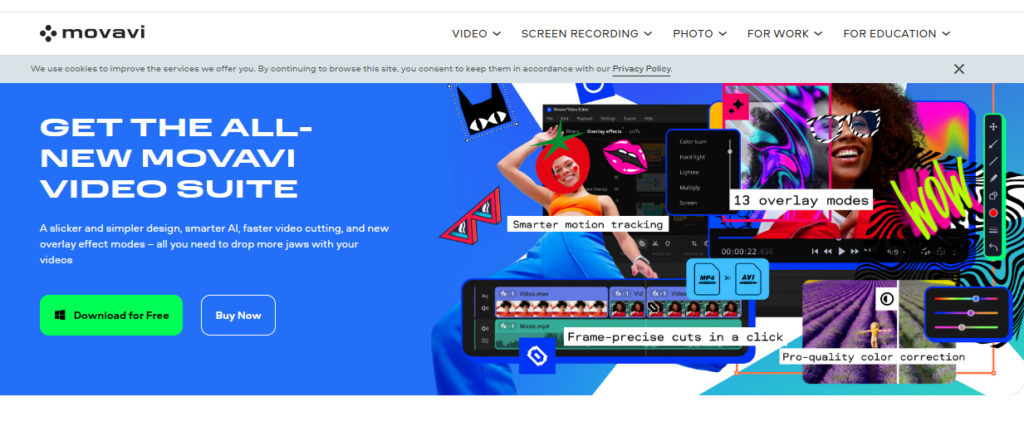
With an extensive feature set for editing several video formats, Movavi Video Editor provides an easy video editor for beginners. The customizable templates available in the fast mode allow you to quickly produce great videos. The manual option is fantastic for more experienced users who prefer to tweak the sound and remove backgrounds from their films manually.
The export options are fairly standard, providing access to popular video formats and the ability to save in Full HD and 4K resolutions. You can also easily connect and export your completed projects, whether they originate from your PC or are sourced directly from social media platforms such as YouTube, Instagram, or Facebook.
Features:
- Intuitive user interface with quick and advanced editing modes.
- Features like PiP, chroma-key, titles, filters, transitions, and keyframing to develop stunning motion graphics.
If you are looking to set your brand apart using animated videos, Wideo is the best video marketing tool for you. This software helps marketers create, edit, and share custom animated videos in minutes.
With Wideo, you can add your professional logo design, graphics, and background music to personalize your presentation, tutorial, or product demo. Moreover, if you’re not comfortable starting from scratch, you can start making a video in minutes by using one of the pre-made templates.
Features:
- A built-in library consisting of thousands of video clips and 100+ free and customizable video templates.
- Custom animation (keyframes), intro and outro effects, scene transitions, etc.
- Presentation mode to turn videos into multi-slide presentations with a single click
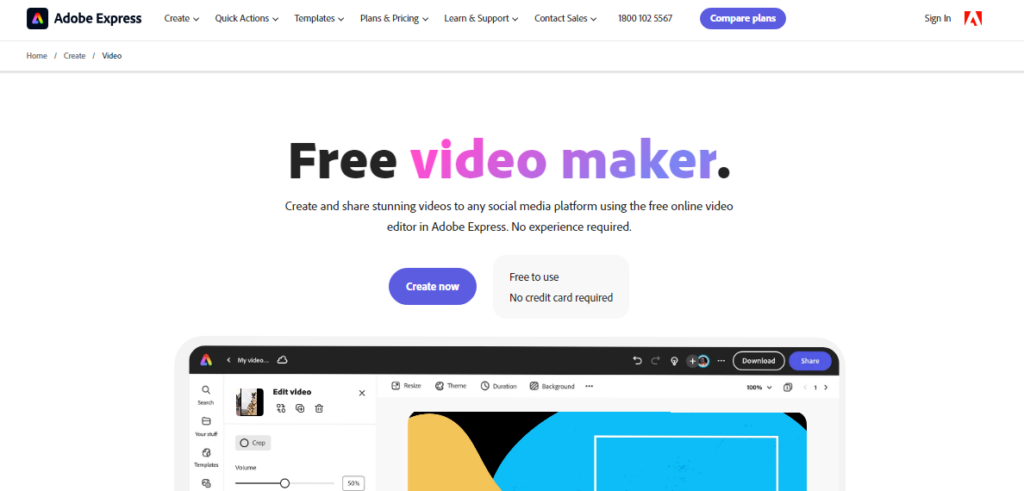
Adobe Spark Video, the freemium video-making product from Adobe Express, allows users to create and share immersive videos on any social media platform, including TikTok, YouTube, Instagram, and Facebook.
This free video editing tool is completely web-based and comes with numerous storyboards and an assortment of themes and layouts. It helps you edit and refine your movies to improve your brand’s video marketing efforts.
Features:
- A built-in library full of royalty-free and rights-cleared high-quality stock music, videos, images, and more.
- Quick action menu to crop, resize, trim, and merge videos and even convert them to MP4 format.
- Customizable logos, background music, and branding for creating unique video content.

Wistia is a holistic video marketing tool with a comprehensive suite of features to help marketers create, host, publish, and manage their video content seamlessly.
Signing up is super easy, and the software provides comprehensive documentation to help users rapidly learn how to use all of Wistia’s capabilities and produce eye-catching videos.
Features:
- The integrated analytics feature offers information on view counts, engagement rate, and drop-off rates, thus helping you monitor the performance of your videos.
- Quick and secure video hosting services for corporations, in addition to limitless storage and bandwidth.
- Email gates and turnstiles allow users to generate leads by gathering viewer data.
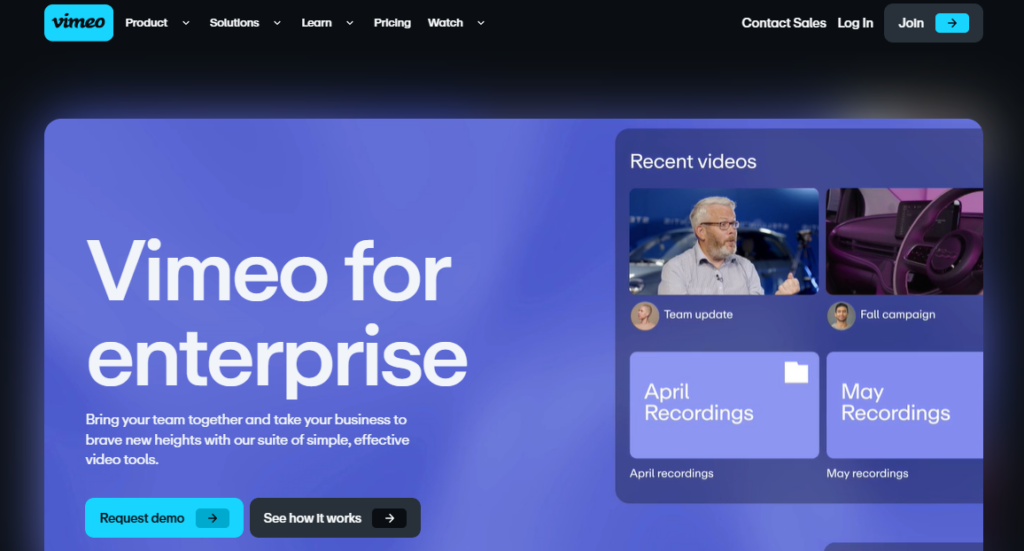
Vimeo is one of the best video marketing and production platforms and an excellent video hosting site. Vimeo Business is its specialized enterprise product, built to facilitate internal communications in a company.
Vimeo Business comes with 7TB storage and no uploading limits, making it easier for businesses to manage all video content in one place. With Vimeo Business, you can add photos, rearrange videos, add titles, and do a lot more. Any size video can be edited and uploaded to the Internet, and you can even embed it into your website.
Features:
- Customizable video player and collaboration tools for large teams.
- Advanced analytics to provide insights into audience behavior and engagement metrics.
- Live-streaming capabilities for webinars and other digital events.
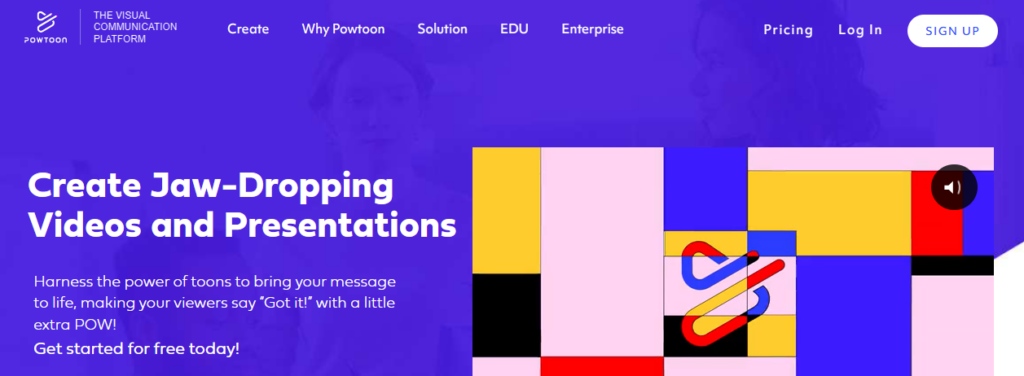
Powtoon is another effective tool for marketers looking to create premium-quality animated product videos, tutorials, explainer videos, and presentations.
It provides a range of animated characters, visual effects, and characters to assist you in making immersive videos to market your business. Powtoon also features a strong character builder that helps customize gestures, colors, attire, and more for your animated characters.
Features:
- It has a huge library of professionally made templates, characters, props, video clips, and background music, making it perfect for creating animated cartoons.
- Easy media file sharing, including GIFs, photos, videos, and professionally voiced audio.
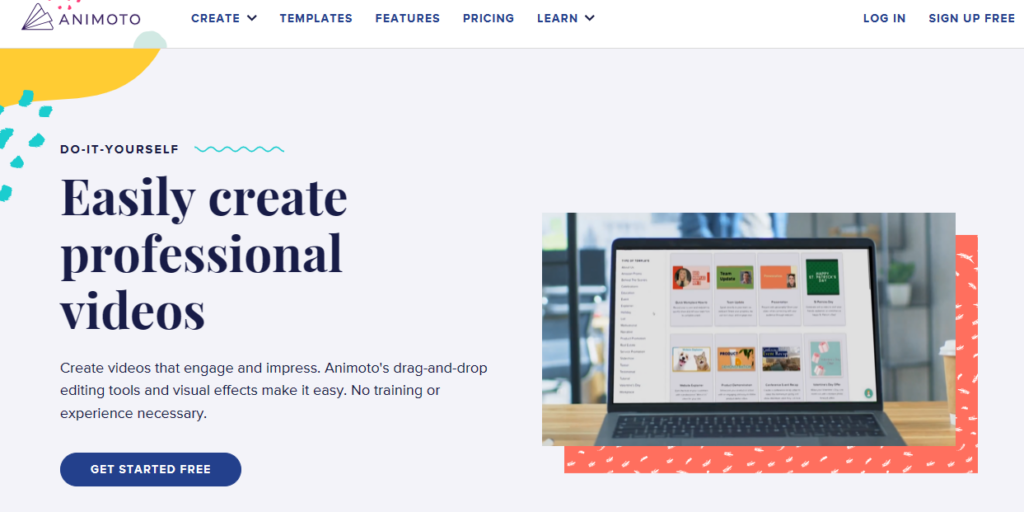
Animoto is an artificial intelligence-powered video creation platform perfect for creating customized videos for the social media channels of eCommerce businesses.
Simply select the type of video you want to make, upload your brand logo and images, and craft a message resonating with your company values—and voilà, you get an original video that is perfect for your Facebook, Instagram, or YouTube!
Features:
- Easy-to-use drag-and-drop video editor and pre-designed templates for a variety of industries and use cases.
- Huge visual stock library with more than a million authorized images and videos and 3000+ licensed background music tracks.
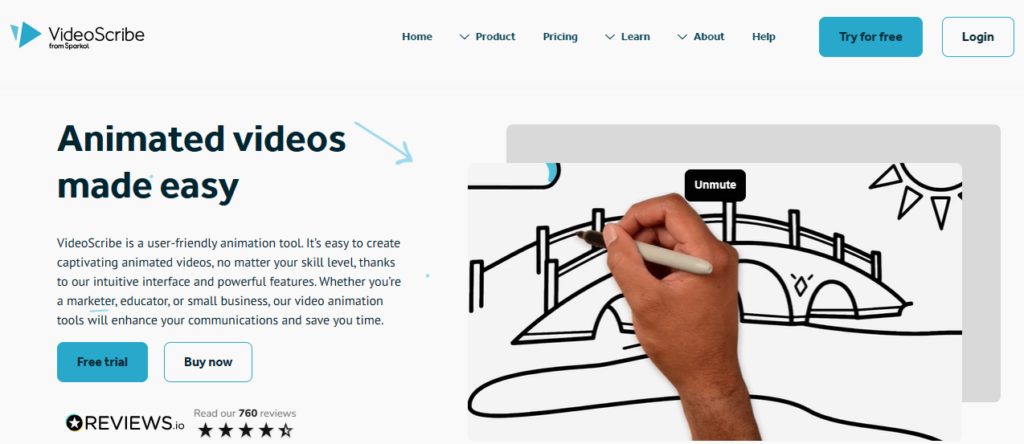
Want to create a whiteboard explainer video to explain complex concepts to your target audience? Check out VideoScribe.
This software allows users to develop whiteboard-style animations automatically using templates—all you have to do is add your own pictures and text. It is easy to use, which makes it a great choice for beginners.
Features:
- Nine background textures and thirteen hand styles are available
- Huge image library with over 6000 images in 40 categories, including shapes, designs, animals, buildings, and more.
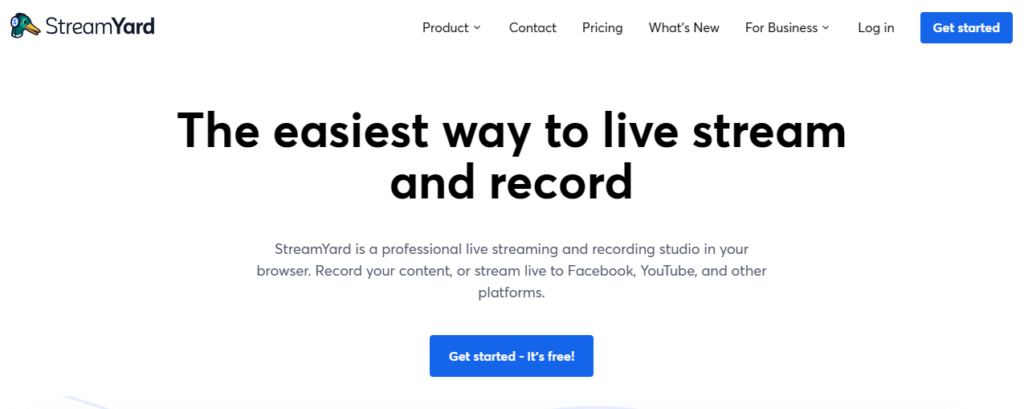
If you are an eCommerce marketer looking to create attractive live videos that give potential customers an immersive brand experience, Streamyard is perfect for you!
SteamYard was created specifically for live video streaming. Its built-in capabilities allow you to quickly add your personal touch to your brand’s broadcasts. This browser-based software will enable you to multi-stream to different platforms simultaneously.
Features:
- Option to add customized backdrops, overlays, and logos to broadcasts.
- Option to invite up to 10 guests to join the live stream at any given moment.
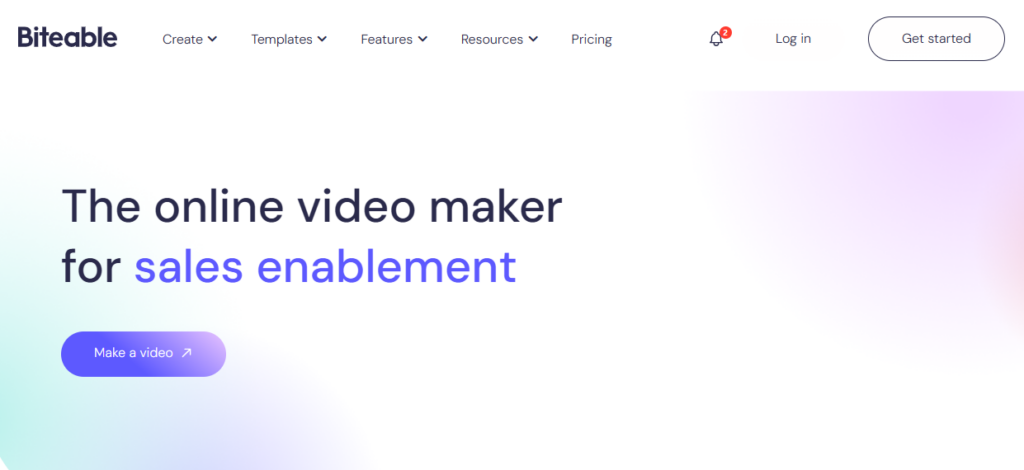
Biteable is ideal for creating user-friendly UGC videos for social media. It has built-in templates and a host of customization options. With its extensive premium plans, marketers can facilitate both product marketing as well as brand promotion—all from a single platform.
Other notable software features include easy storytelling, quick studio video creation, resource libraries, eye-catching templates, content customization, easy social network sharing, and more.
Features:
- Integrated stock footage library providing access to high-quality video clips, animations, and images.
- Variety of export formats, including HD video, GIF, and social media.

Vidyard is the ideal video marketing tool for sales teams worldwide. This software allows you to easily record and distribute personalized sales pitches to customers, prospects, and even internal team members.
Vidyard also offers video hosting and management services, analytics, and lead generation tools, so you can monitor the effectiveness of your videos and turn visitors into buyers. The software is also mobile-friendly and integrates with automation systems like Marketo and HubSpot, enabling you to use your video content to generate leads and sales.
Features:
- Ready-to-use sales video templates for various videos, including proposals, sales demos, follow-ups, cold outreach, meeting reminders, and more.
- Analytics and reporting highlighting data such as audience attention span, click-through patterns, viewer location, where viewers share the videos, and video marketing ROI.
Final Thoughts
Video marketing tools are a “must-have” for your sales tech stack in today’s digital era, where internet users are more keen on consuming video than any other content format.
Incorporating client portal software within these video marketing tools can streamline communication and feedback processes, ultimately enhancing collaboration between your business and its clients.
While making and publishing videos in the past may have been time-consuming and expensive, video marketing tools today can generate or guide you to create excellent visual content—all at a reasonable price. The software highlighted in this list has advanced features that help you render high-quality video content in minutes. We encourage you to try out one or more of these options and choose a tool that suits your budget and other unique business needs.
Leverage video marketing tools and create premium interactive content that engages, educates, and converts more prospects effectively today!