Want to download YouTube videos for offline watching, editing, or sharing? In this list, we’ll compare the best YouTube video downloaders online and offline including free options, fast download speeds, and multi-format support. Learn which tools work best in 2026 and how to use them.
What is a YouTube Video Downloader?
A YouTube video downloader is an online tool or application that allows users to download videos directly from YouTube to their devices. These tools let you save videos in formats like MP4, MP3, and HD/4K quality, making them accessible for offline viewing, content creation, or personal use.
Most YouTube downloaders also support features such as playlist downloads, audio extraction, and fast processing speeds, making them popular among students, creators, and casual viewers.
Best YouTube Video Downloader
- Socialplug
- DVDVideoSoft
- 4k video downloader
- Allavsoft
- Airy
- BitDownloader
- VIDPAW
- Savefrom.net
- Clip Converter
- x2Convert
1. Socialplug
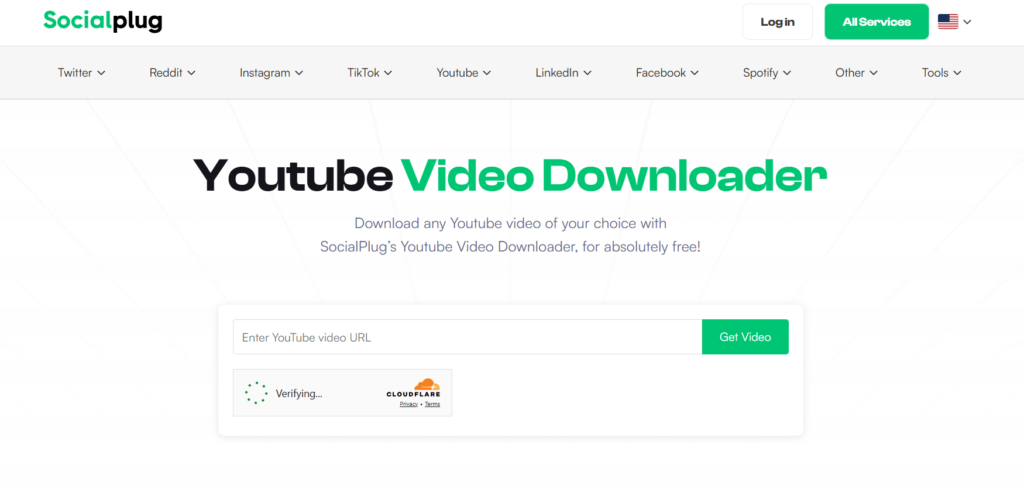
SocialPlug is one of the best YouTube video downloaders that provides many amazing features without any advertisement download videos using SocialPlug without a watermark.
Features of SocialPlug:
- Multiple video and audio formats
- All Quality Options from 360P to 4K and more
- No Advertisement
- Comfortable with almost all modern browsers
- Fast conversion while downloading cropped clips.
Supported Formats:
MP4, MP3, WebM, and other commonly used formats
Pros & Cons:
| Pros | Cons |
|---|---|
| Completely ad-free experience | Requires a stable internet connection |
| No watermark on downloaded videos | Limited advanced editing features |
| Supports multiple formats (MP4, MP3, WebM) | No desktop or mobile app |
| Quality options up to 4K resolution | Cannot download private videos |
| Works directly in the browser | No built-in batch download |
| Fast conversion and download speed | Depends on browser performance |
Availability:
- Browser
Summary:
SocialPlug is an excellent choice for users who want a fast, free, and ad-free online YouTube video downloader with support for high-quality formats up to 4K.
2. DVDVideoSoft
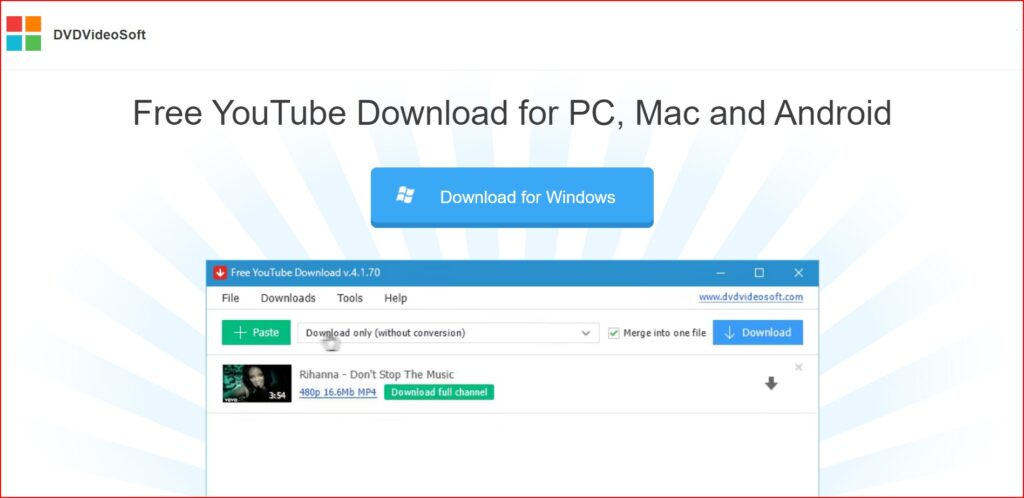
DVDVideoSoft provides a free YouTube Downloader for PC, Mac, and Android. DVDVideoSoft lets you download and convert YouTube videos, so you can watch them whenever you want. The best feature of DVDVideoSoft is that you can also download YouTube video subtitles
Features of DVDVideoSoft:
- Download YouTube videos in MP4, MKV, up to 8K UHD, WEBM, and MP3
- Perform conversion to MP4, AVI, and MP3
- Apply output name format patterns
- Open lists of links from any text files
- Transfer videos to iTunes automatically and convert them to iPhone / iPad / iPod
- Download subtitles
Supported Formats
MP4, MKV, WEBM, AVI, MOV, MP3 (audio extraction).
Pros & Cons:
| Pros | Cons |
|---|---|
| Supports high resolutions up to 8K | Desktop software needed (not browser-based) |
| Batch download and playlist support | May require a premium upgrade for longer videos (per some reviews) |
| Multiple output formats including MP3 | Multiple output formats, including MP3 |
| Download with subtitles | Only works on PC and Mac |
| Fast download speeds | No direct online version |
Availability:
- Windows app
- Mac app
- Android app
Summary:
DVDVideoSoft Free YouTube Download is ideal for users who prefer a powerful desktop downloader with extensive format support, playlist capabilities, and high-resolution downloads.
3. 4k video downloader
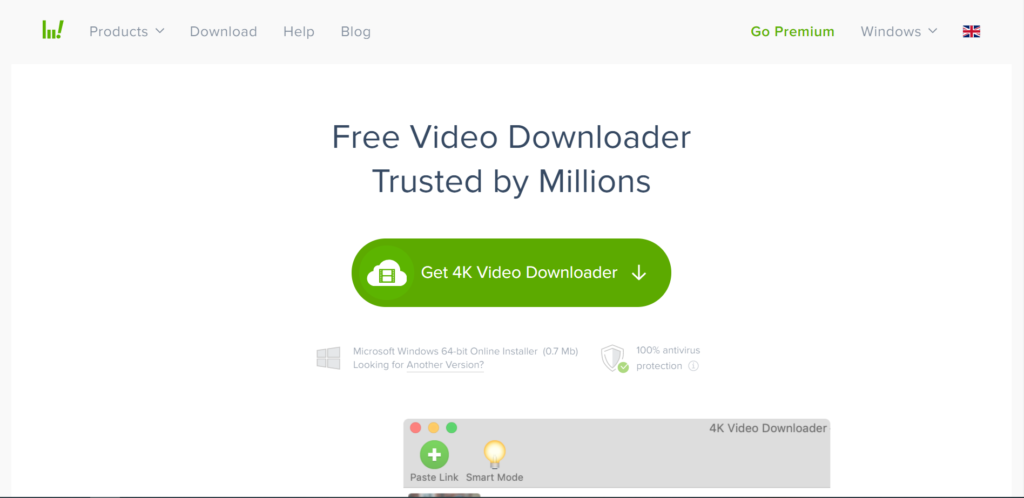
The simplest video downloader, ever! Download video and audio from YouTube and similar services on macOS, PC, and Linux absolutely for free! There are two versions of this software one is the free version, for which you do not need to pay anything. And the second is the premium version, which is paid.
Features of 4k video downloader:
- Download video in HD quality
- Download subtitles in one click
- Download YouTube subscriptions
- Download full playlists and channels
- Download 3D video
- Smart Mode Feature
Supported Formats:
MP4, MKV, MP3, M4A, OGG, and more (depends on the version and output settings).
Pros & Cons:
| Pros | Cons |
|---|---|
| Supports high-quality downloads up to 8K | Requires installation not browser-based |
| Save full playlists, channels, and search results | Some advanced features require premium license |
| Extract subtitles and audio tracks | Slight learning curve for beginners |
| Built-in browser for easier downloads | Larger app size compared to lightweight tools |
| Works on Windows, macOS, and Linux | Doesn’t run in a browser |
Availability:
- Website
- Windows app
- Mac app
Summary:
4K Video Downloader is a great choice for users who want a robust YouTube video downloader with support for high resolutions, playlists, channel downloads, subtitle extraction, and advanced control.
4. Allavsoft
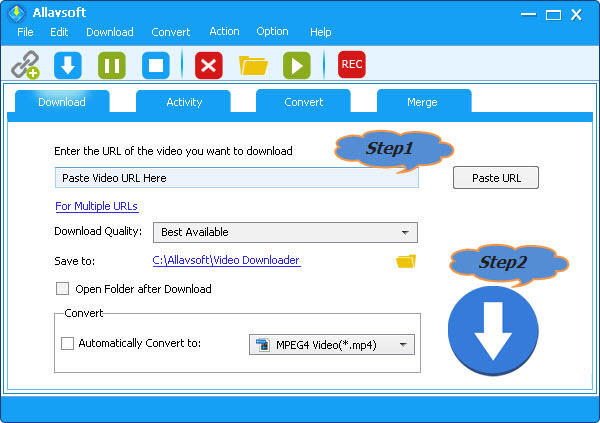
Allavsoft is a video downloader and converter. It can batch download video, subtitles, and music files from YouTube, Vimeo, Spotify, Soundcloud, Twitter, Facebook, Dailymotion, NBC News, CNN, BBC, Acorn TV, ESPN, PBS, Crunchyroll, etc 1000+ websites. It supports direct download to MP4, MP3, AVI, WAV, MOV, etc any video or audio formats. Allavsoft supports adding multiple video URLs and batch downloading and converting multiple videos at a time.
Features of Allavsoft downloader:
- Download free videos from 100+video-sharing sites
- One step to download
- Convert online video files to any video format
- Download videos in HD, 3D or SD
- One-click to extract audio from online video files
- Batch download and convert
- Preview and playback downloaded video files
Supported Formats:
Video: MP4, AVI, WMV, MOV, MPEG-1, MPEG-2, VOB, ASF, RMVB, WebM, FLV, OGV, and more.
Audio: MP3, WMA, WAV, AAC, M4A, AIFF, RA, FLAC, OGG, AU, etc.
Pros & Cons:
| Pros | Cons |
|---|---|
| Supports downloads from 1000+ websites | The interface may feel dated to some users |
| Batch download + batch convert | Requires desktop installation (no browser version) |
| Converts video to many formats | Interface may feel dated to some users |
| Built-in player preview | Not as fast for high-volume playlist downloads as some specialised tools |
| Pause/resume support | Not as fast for high-volume playlist downloads as some specialized tools |
Availability:
Summary:
Allavsoft is a powerful choice for users who need a multi-site video downloader and converter with batch capabilities and broad format support, especially suitable for downloading from numerous platforms beyond just YouTube.
5. Airy
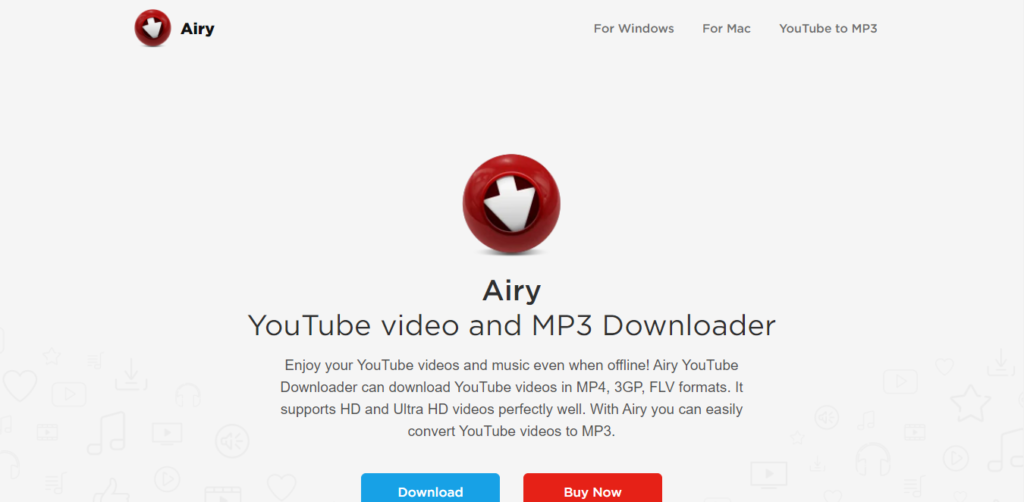
Airy is an application developed by Eltima Software for downloading YouTube videos. It was first developed for the Mac OS, but now supports Windows too. According to expert reviews, Airy is very useful and reliable for downloading YouTube videos and even extracting the audio from the downloaded clips.
Features of Airy:
- YouTube content without ads.
- High-quality YouTube videos at fast speeds.
- Extraction of audio from video.
- Can choose the format and resolution.
- Integrate the app with the browser.
- Download entire YouTube playlists from channels with ease.
- 60FPS videos from YouTube.
- Subtitle file extraction in SRT format.
- Can resume downloads.
- Access to protected or age-restricted content.
Supported Formats:
MP4, FLV, 3GP, MP3 (audio extraction).
Pros & Cons:
| Pros | Cons |
|---|---|
| Simple and intuitive interface | Free version limited to only a few downloads |
| Supports playlist downloads | Free version is limited to only a few downloads |
| Audio extraction (MP3) included | Not as feature-rich as some competitors |
| Allows format selection before download | No mobile app available |
| Browser integration for faster downloads | Full features require a paid license |
Availability:
- Website
- Windows app
- Mac app
Summary:
Airy YouTube Downloader is a solid choice for users who want a desktop tool with a clean interface for downloading videos and audio from YouTube, including playlists and multiple quality options.
6. BitDownloader
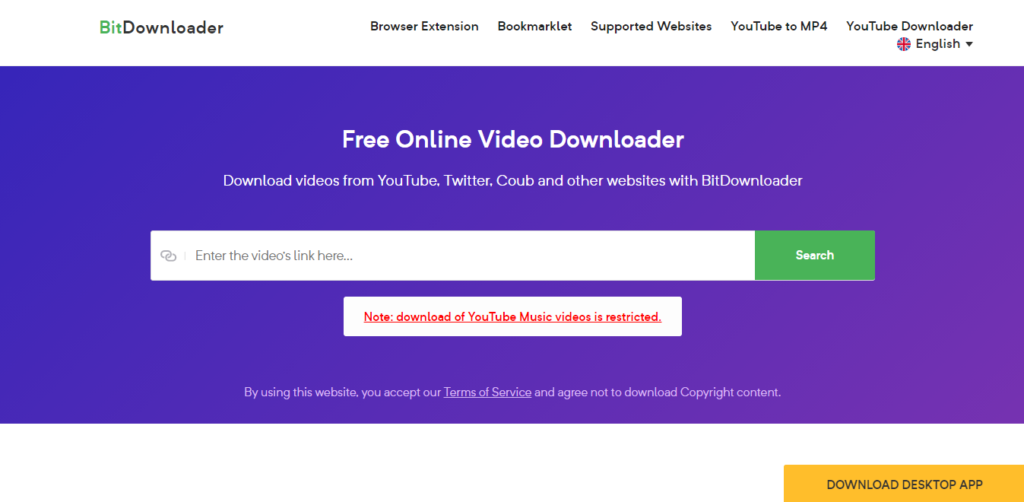
BitDownloader is an online video downloader tool. You can easily and quickly download videos from a range of websites, including YouTube, Facebook, and Instagram. The tool is completely free.
Features of BitDownloader:
- 100% FREE
- No restrictions
- Fast download speed
- Cross-platform support
- YouTube to MP4 Converter
Supported Formats:
Common formats such as MP4 and other video/audio options (varies by source and resolution).
Pros & Cons:
| Pros | Cons |
|---|---|
| 100% free to use | Quality/format options depend on the source video |
| No software or registration required | No advanced features (no batch download) |
| Works directly in the browser | Cannot download private or age-restricted videos |
| Supports many websites (not just YouTube) | Quality/format options depend on source video |
| Simple and fast interface | Depends on the internet connection |
Availability:
- Website
Summary:
BitDownloader is a straightforward online YouTube downloader that’s perfect for users who want a free, fast, and no-installation solution to save videos and media from YouTube and many other platforms.
7. VIDPAW
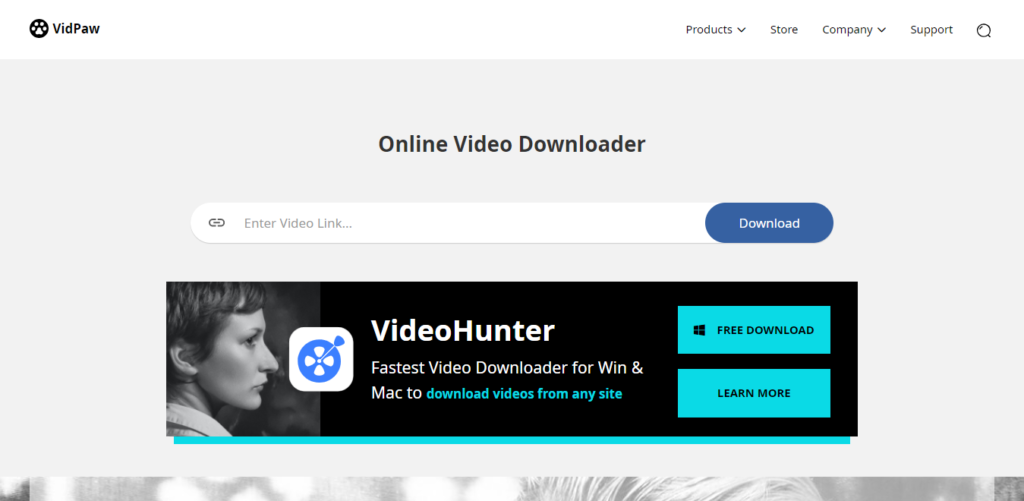
Vidpaw offers intuitive and authentic free tools and software, including a video downloader, video converter, screen recorder, Blu-ray player & ripper, and so on.
Features of Vidpaw:
- Online Video Downloader
- Music Video Downloader
- Powerful Video Converter
- Download from 1,000 Sites
- YouTube Subtitle Downloader
- Multiple Downloads At Once
- 20+ Popular Output Formats
- Batch Download Tasks
- 6X Fast Download Speed
- Online Video Downloader from Websites
Supported Formats:
MP4, MP3, 3GP, M4A, WebM, and SRT (subtitle), format availability may vary by video source and original quality.
Pros & Cons:
| Pros | Cons |
|---|---|
| 100% free to use | Download options depend on original video quality |
| No software or registration required | Cannot download private or restricted videos |
| Works in any browser (Windows, Mac, Android, iOS) | Some sites may not be fully supported |
| Supports multiple formats (video + audio + subtitles) | No advanced features like batch downloading |
| Supports many platforms beyond YouTube | Quality options vary by source |
Availability:
- Website
- Windows app
- Mac app
Summary:
VidPaw is a straightforward and powerful online YouTube downloader that’s perfect for users who want a free, unlimited, browser-based solution for saving videos, audio, playlists, and subtitles from YouTube and many other sites without signing up or installing anything.
8. Savefrom.net
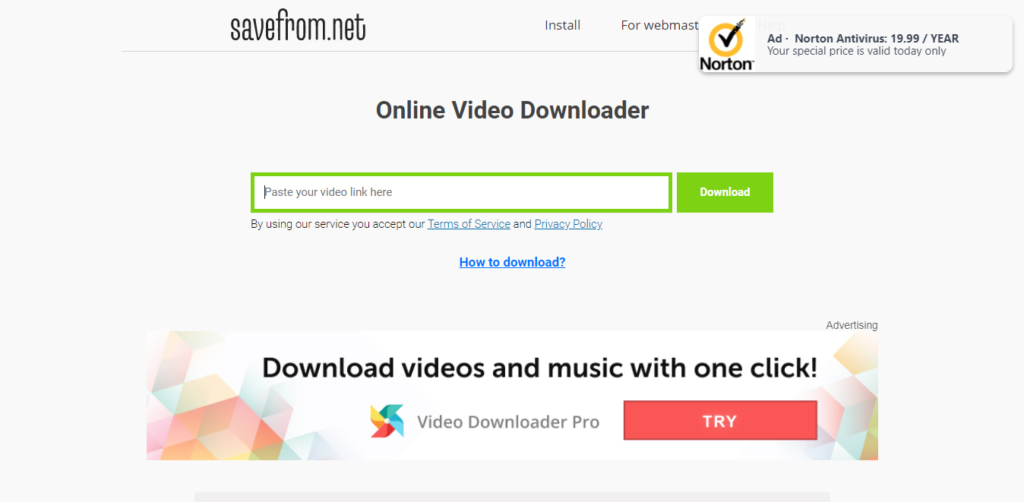
Savefrom is an online video downloader that offers to download videos from almost all popular video streaming sites. Savefrom is a completely free tool for downloading videos
Features of SaveFrom:
- Paste the video URL to download.
- Download videos from almost all sites.
Supported Formats:
Common media formats such as MP4 (video), MP3 (audio), and WebM. Format availability depends on the source video and platform.
Pros & Cons:
| Pros | Cons |
|---|---|
| 100% free online tool (no install) | Quality and format options vary by video source |
| Supports multiple video platforms | No built-in batch download feature |
| Simple copy-paste download workflow | Can display ads due to the free model |
| Works in any browser | Can display ads due to the free model |
| No account or registration needed | Lacks advanced features like editing or playlist downloads |
Availability:
- Website
- Chrome Extension
- Mozilla Extension
Summary
SaveFrom.net is ideal for users who want a fast, free, and no-installation YouTube video downloader that supports a wide range of platforms and output formats, perfect for quick downloads on virtually any device.
9. Clip Converter
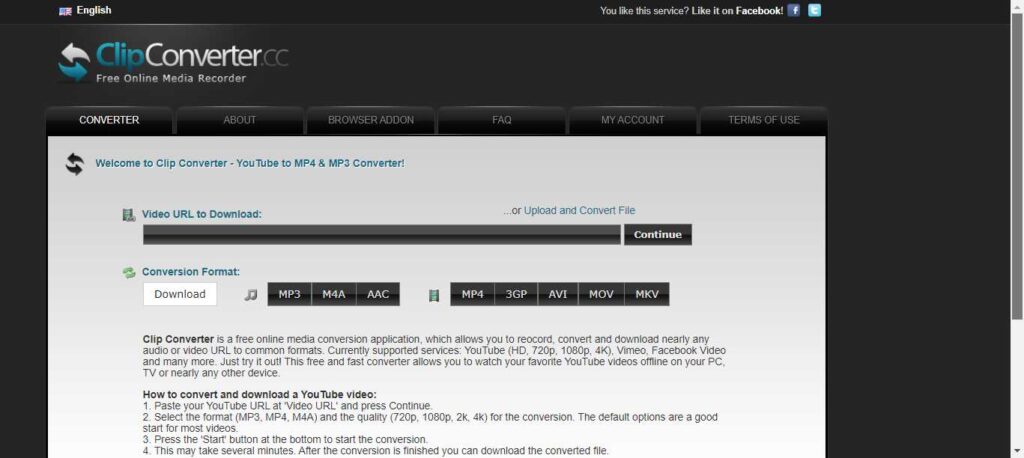
Clip Converter is a free online media conversion application which allows you to convert and download nearly any audio or video URL to common formats. Currently supported services: YouTube (HD, 720p, 1080p, 4K), Vimeo, Facebook Video, and many more.
Features of Clip converter:
- Record screen.
- Convert video.
- Download the video from the URL
Supported Formats:
MP4, MP3, M4A, AAC, AVI, MOV, WEBM, 3GP, MKV (availability may vary by source).
Pros & Cons:
| Pros | Cons |
|---|---|
| Free to use with no installation needed | Ads and pop-ups may be intrusive on the site |
| Supports many common formats (video + audio) | Reliability can vary depending on the source and server status |
| Works in any modern browser | Cannot download private or age-restricted videos |
| Browser add-ons make downloads easier | No built-in advanced features like playlist batch downloading |
| Supports high-quality output including HD/4K | Supports high-quality output, including HD/4K |
Availability:
- Website
- The extension (not official)
Summary:
ClipConverter.cc is a versatile and free online YouTube downloader and converter that’s ideal for users who want to download and convert videos right from their browser with flexibility in output formats and quality, especially for occasional downloads without installing any software.
10. x2Convert
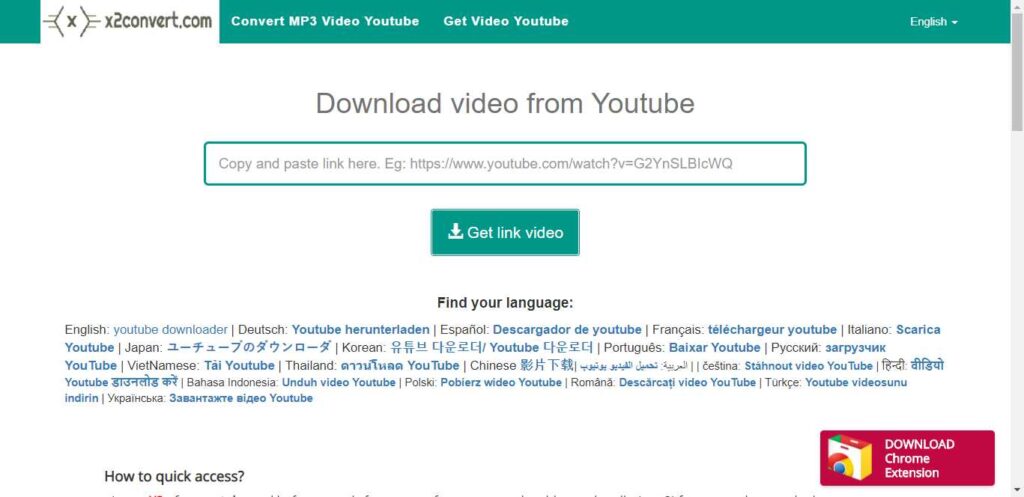
x2Convert is a video-downloading application that you can use to download videos from YouTube. The x2Convert extension is now available in the Chrome Store.
Features of x2Convert:
- Downloadthe youtube video.
- Works on any browser.
- A Chrome extension is available.
Supported Formats:
Popular formats like MP4, MP3, FLV, MKV, M4A, WebM, and others, depending on the source video.
Pros & Cons:
| Pros | Cons |
|---|---|
| Free and no registration required | Doesn’t support downloading private or age-restricted videos |
| Works on any device in a browser | No advanced editing or batch download features |
| Download quality depends on the original video | Download quality depends on original video |
| No preset limits on downloads | May show ads on the free web interface |
| Quick and easy paste-and-download workflow | Supports many formats, including video and audio |
Availability:
- Website
- Chrome extension
Summary:
X2Convert is a convenient and free online YouTube downloader and converter that’s ideal for users who want to quickly save videos or audio from YouTube and many other platforms using only a web browser, with support for multiple formats and unlimited downloads.
Conclusion
In this article, we covered some of the best YouTube video downloaders available in 2026, including both free online tools and desktop software. Each downloader offers different features such as MP4 and MP3 formats, HD or 4K quality, fast download speeds, and playlist support.
If you want quick downloads without installing software, online YouTube video downloaders are a great choice. For advanced features like batch downloads or higher resolutions, desktop applications may be more suitable.
Before choosing a tool, consider your needs, video quality, file format, device compatibility, and ease of use. Selecting the right YouTube downloader will help you download videos safely and efficiently.