
Categories
Digital Marketing & Growth

8 Tools That Help Maintain Email Quality as Campaigns Expand

Email gets harder the moment it starts working. At the beginning, you’re sending to a small list, you know your audience, and you can personally feel when something’s off.

Then the campaigns scale. You add automations. Segments multiply. More people touch templates. More links get tracked. And suddenly, “email quality” becomes this fragile thing you’re trying to protect while everything is moving faster.

What’s tricky is that quality issues don’t always show up as obvious failures. Sometimes it’s subtle. A deliverability dip. A template that renders weird on mobile. A slow rise in bounces. A small spike in spam complaints after one aggressive send.

These tools help teams keep email quality steady as volume and complexity grow, without turning every campaign into a fire drill.

1. InboxAlly
InboxAlly is helpful when the real risk isn’t your copy, it’s your reputation. As campaigns expand, you start sending more often, to more segments, from more domains or subdomains. Even if your intent is good, inbox providers can interpret sudden shifts as suspicious.

InboxAlly focuses on reputation conditioning through engagement patterns and steady sending behavior, which is exactly what keeps you stable while you scale.

A practical way to use it is as part of your “pre-scale checklist.” Before you ramp volume, you want to confirm you’re not already drifting into poor placement.

This is also where pairing it with an Email blacklist checker makes sense. Not because you expect disaster, but because checking early is cheaper than recovering later.

The big win here is consistency. Inbox trust is earned slowly, and InboxAlly supports the slow part.

2. Litmus
Litmus is one of those tools you appreciate more the bigger your email program gets.

When campaigns expand, you stop having one template and one layout. You have variations. Dark mode issues. Dynamic blocks. Localization. Different teams making small edits that can break things.

Litmus helps you preview emails across clients and devices, check links, and spot rendering problems before they hit your full list. That’s quality control, plain and simple.

It’s especially useful when you’re running high-stakes sends, like product launches or big promos, and you can’t afford a “looks fine in Gmail” surprise.

3. Email on Acid
Email on Acid plays a similar role to Litmus, but teams often pick one based on workflow preferences and what kind of testing they do most.

Where Email on Acid shines is catching the stuff humans miss during review. Layout quirks in Outlook. Broken buttons on certain mobile clients. Image scaling that looks fine in one place and messy in another.

As you scale, these issues stop being one-off annoyances. They become reputation risks. If emails look broken, people delete faster. That hurts engagement. Engagement hurts deliverability.

Quality is connected. Email on Acid helps you protect the chain.

4. MailGenius
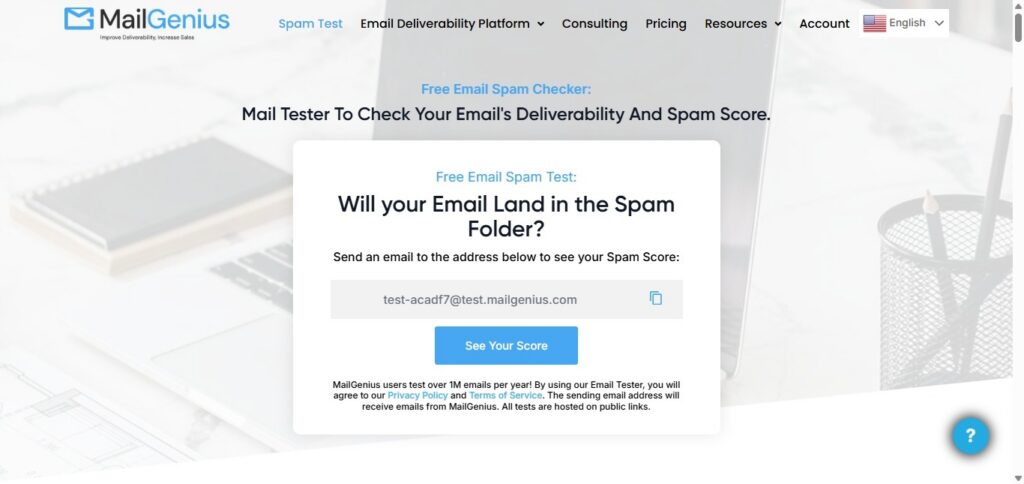
When marketers talk about “spam triggers,” it often turns into superstition. Don’t use this word. Avoid that phrase. Never do this.

Reality is more nuanced. Filters care about patterns, formatting, link behavior, and how your message lines up with your sending reputation.

MailGenius is useful because it gives you a quick, practical check on content risk before you send. It’s not judging whether your email is persuasive. It’s checking whether your structure looks risky.

This matters more as campaigns expand because you’re making faster edits, adding more tracking, and moving through approvals with less time to manually spot issues.

Think of it as the last look before the email leaves the building.

5. NeverBounce
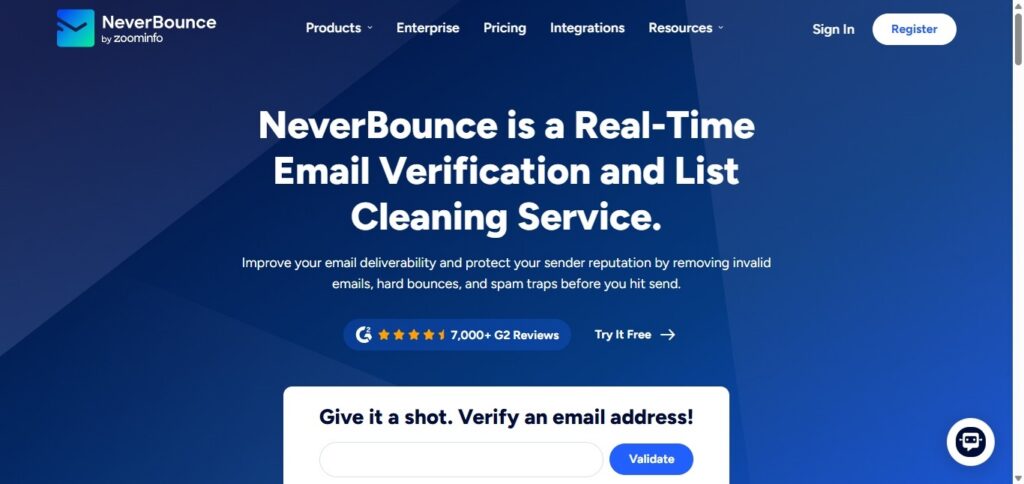
List quality becomes a silent killer when you scale. At a small volume, a few invalid addresses don’t matter much. At large volume, bounces stack up. And inbox providers don’t love senders who keep hitting dead inboxes.

NeverBounce helps by verifying addresses and reducing bounce risk before you mail. It’s especially useful when you’re importing leads from events, partnerships, older CRM lists, or reactivation segments that haven’t been emailed in a while.

The misconception is that list cleaning is “optional” if you’re careful. The truth is, list decay happens no matter what. Verification tools help you stay ahead of it.

6. Folderly
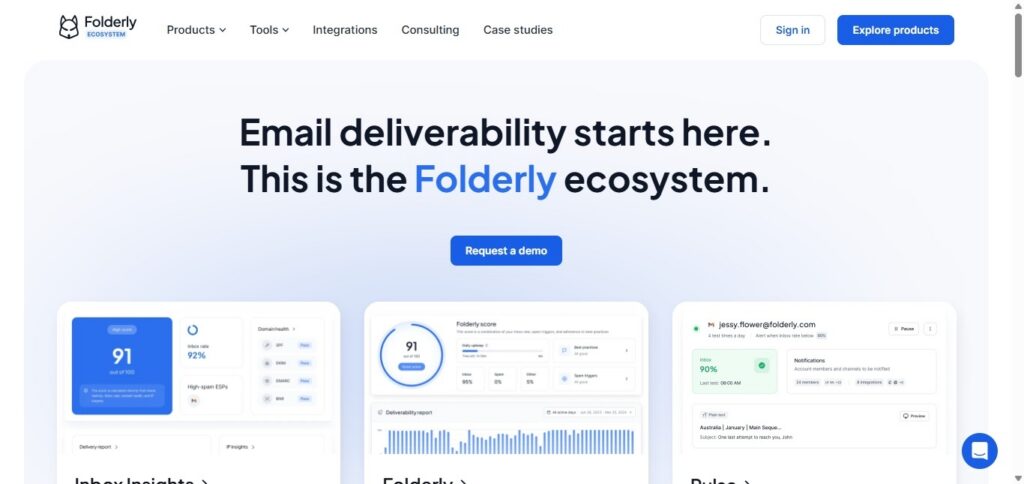
Folderly sits in that space between deliverability monitoring and deliverability improvement.

As campaigns expand, many teams notice the same pattern: one inbox provider starts filtering more aggressively, while another still performs fine. Or placement varies by segment. Or a domain that used to be healthy starts drifting.

Folderly helps you identify those patterns and improve sending behavior without relying on guesswork. It’s also useful when you’re scaling outreach or adding new sending streams, because those changes can create reputation volatility.

The value here is prevention. If you can spot problems early, you don’t have to “fix” them later under pressure.

7. Dmarcian
Authentication problems rarely show up like a flashing warning light. They show up like confusion.

Your emails still send, but placement gets inconsistent. A provider throttles. Another starts filtering. Someone asks what changed, and nobody has a clean answer.

DMARCian helps teams monitor DMARC and understand whether SPF and DKIM alignment is holding steady. That becomes increasingly important as campaigns expand because more tools and domains get added, and alignment can drift quietly over time.

If you want fewer deliverability mysteries, authentication monitoring is part of the answer.

8. Valimail
Valimail is another strong option in the authentication and DMARC space, especially for organizations that need ongoing monitoring and enforcement as their email footprint grows.

As you scale, you’re not just protecting marketing sends. You’re protecting the entire domain reputation tied to your brand. That includes transactional emails, support, HR, and any other system that sends mail on your behalf.

Valimail helps teams keep visibility over who is sending, whether authentication is aligned, and where risks are emerging. It’s the kind of tool that supports stability, which is what quality looks like at scale.

The Support Ticket Signal Teams Ignore

One of the simplest indicators that email quality is slipping is the support inbox. If customers or internal teams keep asking, “Why can’t I receive emails?”, it’s rarely a single issue.

It could be filtering, throttling, authentication drift, list hygiene problems, or content triggering stricter filtering than usual. But the point is the same: when those questions increase, your monitoring stack should get louder, not quieter.

That’s the moment to slow down, diagnose, and protect your reputation before you send bigger.

Conclusion: Scaling Email Without Losing Quality Is a System

Email quality isn’t one thing. It’s a set of small disciplines working together.

Rendering checks keep your emails readable. Content tests reduce avoidable filtering. Verification protects your bounce profile. Reputation and authentication monitoring prevent slow drift. And tools like these give you visibility before you make a big move.

When campaigns expand, the teams that stay stable are the ones who treat quality like maintenance, not crisis response. That’s what keeps email reliable, even when everything else scales around it.                                                                                                                                                                                                                                                                                                                                                                                                                                                                                                                                                                                          

Categories
Social Media, Creators & Media

How to Track Instagram Unfollowers Without Guesswork

The loss of followers on Instagram is something nearly all people go through. Nowadays you are many, then there is a reduction, now and then without a noticeable cause. It will be overwhelming, particularly when you are working hard on your material.

Many people try to figure it out manually: scrolling through follower lists, comparing usernames, or relying on memory. That approach usually leads to frustration and wasted time, and it’s surprisingly easy to miss changes.

In this article, we’ll look at why people unfollow, why manual tracking rarely works, and how online tools can help you understand follower changes in a safer, more practical way without turning it into a full-time job.

Why People Unfollow on Instagram

Before jumping into tracking, it helps to understand the common reasons unfollows happen:

  • Content fatigue – Followers may lose interest if posts feel repetitive or no longer match what they signed up for.
  • Posting frequency – Posting too often (or hardly at all) can push people away.
  • Algorithm changes – Sometimes your content simply stops appearing in certain feeds.
  • Fake or inactive accounts – Instagram regularly removes bots and inactive profiles, which can cause sudden drops.

Most unfollows aren’t personal; they’re usually part of natural audience shifts.

Manual vs Online Tracking Methods

Some users try to monitor unfollows by checking their follower list every day. While this sounds simple, it comes with real limitations:

  • It’s time-consuming, especially once you have more than a few hundred followers.
  • Human memory isn’t reliable for spotting subtle changes.
  • You can easily overlook accounts or misread usernames.
  • There’s no way to track trends over time.

Manual checking might work for very small accounts, but it doesn’t scale, and it doesn’t provide insights beyond “someone left.”

If you’re curious about broader social media metrics, GoOnlineTools also has a helpful overview of basic analytics concepts in their guide to social media analytics for beginners.

How Online Tools Help Identify Unfollowers

Online Instagram unfollowers tools work by comparing follower data at different points in time. Instead of guessing, you can see clear changes between snapshots of your account.

Typically, these tools focus on:

  • Tracking Instagram followers over time
  • Highlighting accounts that disappeared since your last check
  • Showing patterns in follower growth or decline

This makes it easier to understand audience behaviour without constantly refreshing your profile.

If you’re looking to check unfollowers instagram online, browser-based trackers can help visualise these changes without installing apps. For example, tools likeallow users to compare follower lists across sessions, making Instagram follower change tracking much more straightforward.

When used in moderation, this form of Instagram unfollowers tracker can save hours and minimise guesswork, particularly for creators who would like to have a basic Instagram unfollowers check from time to time.

For readers exploring Instagram utilities in general, GoOnlineTools also shares a practical roundup of everyday Instagram tools.

Safety and Privacy When Using Online Instagram Tools

Not all tools are created equal, so it’s important to be cautious.

Here are a few safety tips:

  • Instagram passwords should never be requested.
  • Be cautious of those tools that demand too much.
  • Web-based applications are, in many cases, safer than applications which need access to the entire account.
  • Be aware of such red flags as forced downloads or aggressive pop-ups.

A legitimate online Instagram unfollowers tool should focus on public data or simple comparisons, not deep access to your account.

If you’re new to online trackers in general, GoOnlineTools’ article on safe use of online calculators and trackers is worth a read.

What to Do After You Find Your Unfollowers

Once you know how to see who unfollowed you on Instagram, the next step is using that information constructively.

Instead of stressing over individual accounts, focus on trends:

  • Are certain posts followed by drops?
  • Does engagement improve when you change posting times?
  • Are your captions encouraging conversation?

Simple actions can help:

  • Stick to a consistent posting schedule
  • Experiment with different content formats (Reels, carousels, stories)
  • Reply to comments and messages to build real engagement

Think of follower tracking as feedback, not a scorecard.

With time, online Instagram follower analytics will help you realise what your followers like and assist you in monitoring instagram unfollower without spamming the app.

Conclusion

This is a normal change in followers as seen in Instagram. There are a lot of reasons why people unfollow, and the manual tracking can be rather confusing than clear.

You can make the information of instagram follower tracking tool data not a cause of stress, but rather something useful by learning about the reasons for unfollows, cautiously using online tools, and considering the long-term trends.

The idea is not to track down all the followers that you lost, but to learn, change and become wiser about what you have to write. By realising how and when to use online instruments intelligently and accountably, the process of tracking Instagram followers over time loses its guessing aspect – and gains wisdom.

Categories
Online Tools & Software Reviews

That Old Xbox Gift Card in Your Email? It’s Probably Worth More Than You Think

I’ll admit it, I’m terrible at cleaning up digital stuff. My desktop has folders from 2019 labeled “temp” that are definitely not temporary anymore. My email inbox is a graveyard of “I’ll deal with this later” messages. And somewhere in the middle of all that chaos, I found something I’d completely forgotten about: an Xbox gift card.

It wasn’t even hidden. It was right there in my promotions tab, buried under newsletters and sale alerts. A $50 code from a credit card reward program I’d signed up for during a move last year. At the time, I thought, “Oh cool, free game money!” Then life happened, I got busy, and the card just… disappeared into the digital void.

For months, it sat there unused, unnoticed, and honestly, kind of useless to me. I don’t own an Xbox anymore. I build PCs, tinker with Linux, and buy almost everything on Steam or GOG. The Microsoft Store? I haven’t opened it in over a year.

But instead of deleting the email like I usually do with old receipts, I paused. What if I could actually get something out of this?

Turns out, I could. And it didn’t involve sketchy Discord DMs or waiting weeks for a stranger to “send payment.”

Why So Many of Us End Up With Unused Xbox Cards

You don’t have to be disorganised to end up with a gift card you’ll never use. It happens to the best of us.

  • Gifts from well-meaning relatives: “You like video games, right? Here’s an Xbox card!” (Never mind that you’re deep into PC-only mods.)
  • Retail or credit card bonuses: Sign up for a new card, get a $25 gift card as a thank-you. You file it away… and forget.
  • Online rewards programs: Complete a survey, watch a video, earn points and redeem them for a digital card you never intended to use.
  • Platform shifts: You sold your Xbox to fund a GPU upgrade, but forgot to spend the leftover store credit.

Sound familiar? If so, you’re not alone. And more importantly, you’re not stuck with it.

What Most People Assume (And Why They’re Wrong)

A lot of folks think: If I don’t use Xbox, this card is worthless.

But that’s not true. The value is still there, it’s just locked in a format that doesn’t work for you.

Others try to give it to a friend or post it in a Facebook group. That can work, sure, but it’s slow, unreliable, and sometimes risky. What if the person ghosts you after you send the code? What if they claim it didn’t work when it did?

And no, Microsoft won’t let you cash it out. You can’t convert store credit to real money through their system. That’s by design.

So what’s left? Selling it to a service that actually wants it and pays you quickly and fairly.

How I Actually Did It (Step by Step, No Fluff)

Here’s what I did, exactly as it happened:

  1. I opened the email and copied the 25-digit code and the PIN (it was under a “show code” button).
  2. I Googled “sell Xbox gift card” and looked for sites that specialised in digital cards, not general marketplaces.
  3. I picked one that looked clean, simple, and didn’t ask for weird info (like my Xbox login or ID).
  4. I pasted the code, hit submit, and got an offer within seconds: $44 for my $50 card.
  5. I chose PayPal as my payout method, confirmed, and closed the tab.
  6. The next morning, $44 was in my PayPal.

No phone calls. No waiting. No “please verify your identity.” Just paste, click, and get paid.

I used that money to buy a new thermal paste tube and a set of zip ties for cable management. Small things, but they made my latest build look cleaner and run cooler. Not a huge win, but a win nonetheless.

How to Spot a Legit Service (And Avoid the Scams)

Let’s be real, there are a lot of fake sites out there. Some look convincing but disappear after you submit your code. Others ask for way too much info.

Here’s what I look for now:

  • They only ask for the gift card code and PIN, nothing else.
  • They show the payout amount before you commit, no bait-and-switch.
  • They support fast payout methods like PayPal or bank transfer.
  • They have a clear contact page or support email, not just a contact form that goes nowhere.
  • They’ve been around for a while a quick search shows real user comments or reviews.

After trying a couple, I’ve stuck with sell xbox gift cards. It’s plain, no-nonsense, and pays reliably. No flashy banners, no fake urgency (“Offer expires in 5 minutes!”), Just a clean form and a fair offer.

A Few Things to Keep in Mind

  • Only sell unredeemed cards. If you’ve already added the code to your Microsoft account, you can’t sell it.
  • Double-check the code before submitting. One wrong digit and the offer gets rejected.
  • Don’t wait too long. Even if the card doesn’t expire, you might lose the email or forget where you saved it.
  • It’s okay to start small. Even a $10 card can cover a coffee or a phone accessory.

This isn’t about getting rich. It’s about not leaving money behind just because it’s in the wrong format.

Why This Feels Good (Beyond the Cash)

There’s something satisfying about cleaning up digital clutter, especially when it turns into something useful.

It’s like finding a $20 bill in an old jacket. You didn’t expect it. You didn’t plan for it. But it’s yours, and now you can actually use it.

In a world where we’re constantly spending money on upgrades, repairs, and new gear, recovering even a little bit of stranded value feels like a win. And it takes less time than reorganising your browser bookmarks.

Final Thought: Check Once

You don’t have to become a digital hoarder hunter. Just do this once:

  • Open your email
  • Search for “Xbox gift card” or “Microsoft gift card”
  • Check your notes app, password manager, or that old notebook on your desk

If you find a code, don’t delete it. Don’t ignore it. Turn it into something real.

Because of that forgotten card? It’s not junk. Its potential is waiting for you to unlock it.

Categories
Web Development & Programming

A/B Testing Infrastructure: Statistical Rigor in UI/UX Design Agency Practice

A/B testing sounds simple. Change one thing. Measure what happens. In practice, it’s rarely that clean. Many teams run experiments, see a lift, and move on. Weeks later, engagement drops. Or users complain. Or support tickets spike.

This is why a UI/UX design agency like https://fuselabcreative.com/ treats A/B testing as infrastructure, not a tactic. The goal isn’t to win experiments. It’s to make better decisions without breaking the product.

Testing without structure creates false confidence

Most failed experiments share one issue. They answer the wrong question.

A button gets more clicks. But users complete fewer tasks. A flow feels faster. But error rates increase.

Without structure, teams celebrate “wins” that quietly cause damage elsewhere. That’s not learning. That’s noise.

Metrics need roles, not just numbers

Not all metrics serve the same purpose. Treating them equally leads to bad calls.

Some metrics show success. Others act as guardrails. Some exist only to protect quality.

Spotify Engineering details how rigorous experimentation relies on decision frameworks that separate success metrics from guardrails and quality metrics – so “wins” don’t hide harmful side effects.

That separation matters more than most teams realize. A UI/UX design agency practicing real rigor defines these roles before any test runs.

Success metrics show progress

Success metrics answer one question. Did the change move us forward? They are narrow by design. Conversion rate. Task completion. Time to first action.

These metrics decide whether an idea worked for its intended goal. They don’t tell the whole story.

Guardrails protect the experience

Guardrail metrics exist to say “stop.” They track things that should not get worse.
Error rate. Bounce rate. Support requests.

If a test improves a success metric but breaks a guardrail, it fails. No debate.

This is where many teams cut corners. And where long-term damage begins.

Quality metrics catch hidden costs

Some effects don’t show up right away. User trust. Perceived clarity. Mental load.

Quality metrics act as early warnings. They don’t always decide outcomes, but they inform them.

A/B testing infrastructure that ignores quality metrics optimizes short-term gains at long-term cost.

Statistical rigor prevents overreaction

Small sample sizes lie. Random noise looks convincing. Good A/B testing infrastructure handles this upfront. Enough users. Enough time. Clear confidence thresholds.

A UI/UX design agency doesn’t rush conclusions because dashboards look exciting. They wait until results are stable. This patience prevents teams from chasing patterns that don’t exist.

UX testing needs context, not just numbers

Numbers show what happened. They don’t explain why. Good experimentation pairs data with observation. Session recordings. User feedback. Behavior patterns.

When results surprise the team, context explains it. Without context, teams guess.

That guessing often leads to the wrong follow-up changes.

Infrastructure enables consistency

Running one good test is easy. Running good tests consistently is hard. That’s where infrastructure matters.

Shared frameworks. Reusable dashboards. Clear experiment templates.

When teams reuse structure, results become comparable. Learning compounds instead of resetting each time.

Experimentation should slow decisions down

This sounds backward. But it’s true. Good A/B testing slows decisions just enough to make them safer. It replaces opinions with evidence. Urgency with clarity.

A UI/UX design agency builds systems that encourage this pause. Not to block progress. To protect it.

Testing is part of design, not validation

A common mistake is treating testing as a final check. Design. Build. Test. That order limits learning.

Strong UX practice integrates experimentation earlier. Ideas are tested before they harden. Risk drops. Waste drops.

This approach only works with reliable infrastructure behind it.

Why agencies approach testing differently

Internal teams often test under pressure. Deadlines. Targets. Expectations. An external agency brings distance. They ask harder questions. They push for guardrails.

Fuselab Creative approaches A/B testing as a safety system, not a scoreboard. That mindset changes outcomes.

The takeaway

A/B testing isn’t about winning experiments. It’s about avoiding bad decisions.

Statistical rigor, clear metric roles, and strong infrastructure protect products from short-sighted optimization.

When experimentation is treated as part of UX design practice, teams learn faster without harming users.

That’s what makes testing valuable, not the numbers, but the discipline behind them.