This category focuses on creating and growing content online. It includes social media tips, creator tools, video editing guides, platform strategies, and content growth advice.
Discover essential tips for selecting the perfect video editor to match your editing requirements and creative aspirations
Assess Your Editing Requirements
When it comes to assessing your editing requirements, thorough consideration of several factors is paramount in choosing the perfect video editor for your needs. Begin by evaluating the complexity of your projects, whether they entail simple edits or intricate post-production tasks. Factor in the desired features, such as transitions, audio manipulation, and text overlays, that align with your creative vision. Additionally, establish a budget that accommodates the software’s cost and any potential add-ons or subscriptions. Lastly, gauge your level of expertise to determine whether you require user-friendly interfaces or advanced functionalities like motion tracking and 3D effects. By carefully analyzing these aspects, you can make an informed decision and select a video editor that seamlessly integrates into your workflow, enhancing your editing capabilities and efficiency.
Consider Budget and Pricing Options
When selecting a video editor, it’s crucial to consider your budget and explore pricing options. Evaluate whether you need a free, budget-friendly, or premium software, weighing features against cost to find the best fit for your editing needs and financial resources. Additionally, look for subscription plans, one-time purchases, or trial periods to ensure you’re getting the most value for your investment in a video editing tool that aligns with your budget and editing requirements.
Evaluate Editing Features and Tools
When choosing a video editor, thoroughly assess its editing features and tools to ensure they align with your project requirements. Look for functionalities like trimming, transitions, effects, and audio manipulation, considering both basic and advanced editing needs. Additionally, examine the user interface to ensure ease of use and accessibility of tools. By carefully evaluating these aspects, you can select a video editor that empowers you to bring your creative vision to life efficiently and effectively.
Compatibility with Your Device or Operating System
Ensure the video editor you choose is compatible with your device or operating system. Whether you use Windows, macOS, or mobile platforms like iOS or Android, selecting software that seamlessly integrates with your system ensures smooth editing experiences without compatibility issues. Prioritize editors that offer cross-platform compatibility or versions tailored to your specific device to maximize flexibility and convenience in your editing workflow. Compatibility is crucial for ensuring that you can edit your videos efficiently and effectively on your preferred device or operating system.
Review User Interface and Ease of Use
When assessing a video editor, consider its user interface and ease of use. Look for intuitive controls, customizable layouts, and efficient workflows. A user-friendly interface ensures smoother editing processes, allowing you to focus on creativity rather than technical hurdles. Additionally, seek editors with clear tutorials or documentation to aid navigation. By prioritizing user experience, you’ll find a video editor that aligns with your skill level and enhances your editing efficiency.
Explore Additional Features and Effects
Explore the diverse array of additional features and effects offered by various video editing software options to elevate your editing experience. From advanced color correction tools to special effects and transitions, unlocking these creative possibilities can enhance the quality and impact of your videos, ensuring they stand out from the crowd.
Check for Customer Support and Resources
When selecting a video editor, ensure that it offers comprehensive customer support and ample learning resources. Look for platforms with responsive support teams, user forums, tutorials, and documentation to assist you in mastering the software and troubleshooting any issues that may arise during your editing process. This ensures that you have the necessary assistance and guidance to make the most out of your editing experience and achieve professional results with ease.
Read Reviews and Seek Recommendations
Before committing to a video editor, delve into user reviews and seek recommendations from fellow creators. Platforms like forums, social media groups, and review websites offer valuable insights into software performance, user experience, and compatibility with specific editing needs. Don’t hesitate to ask for recommendations from peers or industry professionals who have firsthand experience with different video editing tools. By gathering feedback from diverse sources, you can make a well-informed decision and choose a video editor that aligns perfectly with your creative vision and technical requirements.
Conclusion
In conclusion, choosing the right video editor is pivotal for achieving your creative vision. By considering factors such as features, ease of use, platform compatibility, and budget, you can find a tool that meets your specific needs. Remember to explore trial versions or demos, seek recommendations, and read reviews to make an informed decision. Whether you’re a beginner or an experienced editor, finding the right video editing software empowers you to bring your ideas to life and produce professional-quality content. With the right tools at your disposal, you can unlock your creativity and embark on a successful video editing journey.
Digital consumers love video! Research indicates that one-third of all online activity consists of watching video content. But why? This is because humans are highly visual creatures, and an interactive content format such as videos can engage viewers and help them form an emotional connection in a snap!
As more businesses embrace digital transformation, videos are becoming an increasingly popular way to attract customers and sell more products. However, video marketing has its own set of challenges, perhaps the biggest of which is churning out high-quality content consistently with a clear message and effective promotion.
This is where top-notch video marketing software can help. It can help you translate your ideas into premium content that drives more prospects to your website and may even enable you to increase your conversion rates by more than 46%!
Wondering which video marketing tool can help you boost sales in 2024? Check out this compilation of eleven of our best recommendations below!
But first, let’s understand how you can use a video marketing tool to boost sales for your brand.
How Can You Use a Video Marketing Tool To Boost Sales For Your Brand?
Videos are a powerful tool for delivering a brand’s message. Whether you are educating your ideal prospects about how they can resolve their pain points or demonstrating the strengths of your product in a way that positions it as the best solution on the market, videos allow you to make a memorable impression on your target audience.
Moreover, consumers find videos to be much more interesting and engaging than any other content format. Research indicates that 72% of consumers prefer to learn about products and services in a video format. This makes it a necessity for any online brand to invest in a video marketing tool. The right video marketing tool can help you save both time and money—all while enabling you to engage more prospects, boost your sales, and accelerate business growth.
Coming to the meat of the matter, here are our top eleven recommendations for premium video marketing tools that can boost your business’s sales in 2024.
11 Best Video Marketing Tools To Boost Sales in 2024
Here are eleven of the best video marketing tools for boosting sales in 2024, along with their best features, pricing, and pros and cons.
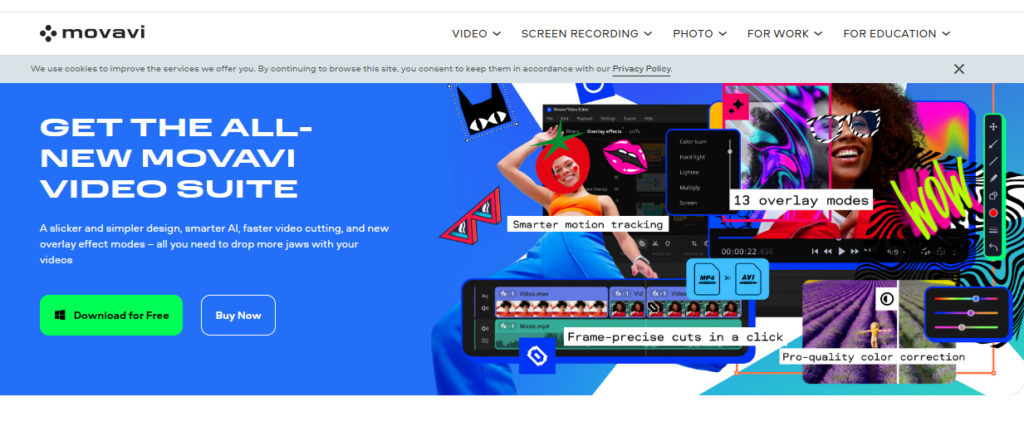
With an extensive feature set for editing several video formats, Movavi Video Editor provides an easy video editor for beginners. The customizable templates available in the fast mode allow you to quickly produce great videos. The manual option is fantastic for more experienced users who prefer to tweak the sound and remove backgrounds from their films manually.
The export options are fairly standard, providing access to popular video formats and the ability to save in Full HD and 4K resolutions. You can also easily connect and export your completed projects, whether they originate from your PC or are sourced directly from social media platforms such as YouTube, Instagram, or Facebook.
Features:
Intuitive user interface with quick and advanced editing modes.
Features like PiP, chroma-key, titles, filters, transitions, and keyframing to develop stunning motion graphics.
If you are looking to set your brand apart using animated videos, Wideo is the best video marketing tool for you. This software helps marketers create, edit, and share custom animated videos in minutes.
With Wideo, you can add your professional logo design, graphics, and background music to personalize your presentation, tutorial, or product demo. Moreover, if you’re not comfortable starting from scratch, you can start making a video in minutes by using one of the pre-made templates.
Features:
A built-in library consisting of thousands of video clips and 100+ free and customizable video templates.
Custom animation (keyframes), intro and outro effects, scene transitions, etc.
Presentation mode to turn videos into multi-slide presentations with a single click
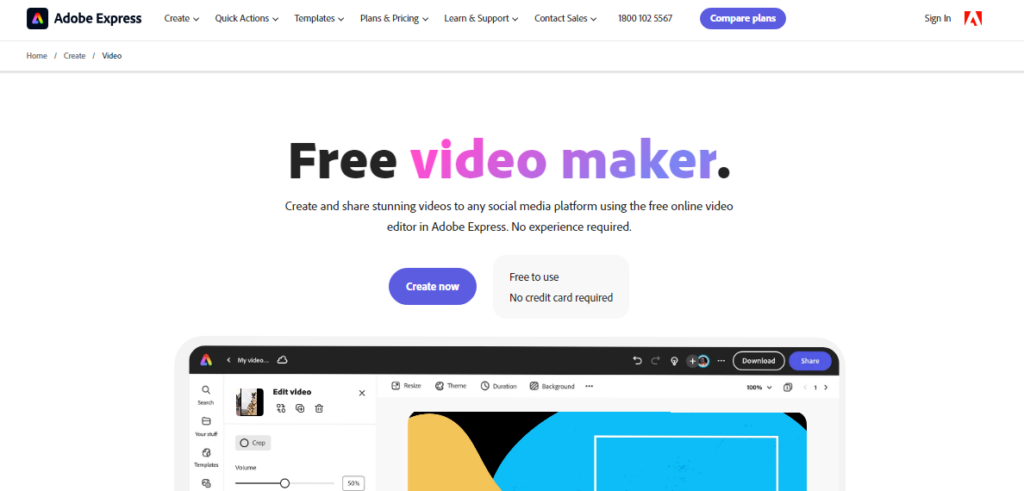
Adobe Spark Video, the freemium video-making product from Adobe Express, allows users to create and share immersive videos on any social media platform, including TikTok, YouTube, Instagram, and Facebook.
This free video editing tool is completely web-based and comes with numerous storyboards and an assortment of themes and layouts. It helps you edit and refine your movies to improve your brand’s video marketing efforts.
Features:
A built-in library full of royalty-free and rights-cleared high-quality stock music, videos, images, and more.
Quick action menu to crop, resize, trim, and merge videos and even convert them to MP4 format.
Customizable logos, background music, and branding for creating unique video content.
Wistia is a holistic video marketing tool with a comprehensive suite of features to help marketers create, host, publish, and manage their video content seamlessly.
Signing up is super easy, and the software provides comprehensive documentation to help users rapidly learn how to use all of Wistia’s capabilities and produce eye-catching videos.
Features:
The integrated analytics feature offers information on view counts, engagement rate, and drop-off rates, thus helping you monitor the performance of your videos.
Quick and secure video hosting services for corporations, in addition to limitless storage and bandwidth.
Email gates and turnstiles allow users to generate leads by gathering viewer data.
Vimeo is one of the best video marketing and production platforms and an excellent video hosting site. Vimeo Business is its specialized enterprise product, built to facilitate internal communications in a company.
Vimeo Business comes with 7TB storage and no uploading limits, making it easier for businesses to manage all video content in one place. With Vimeo Business, you can add photos, rearrange videos, add titles, and do a lot more. Any size video can be edited and uploaded to the Internet, and you can even embed it into your website.
Features:
Customizable video player and collaboration tools for large teams.
Advanced analytics to provide insights into audience behavior and engagement metrics.
Live-streaming capabilities for webinars and other digital events.
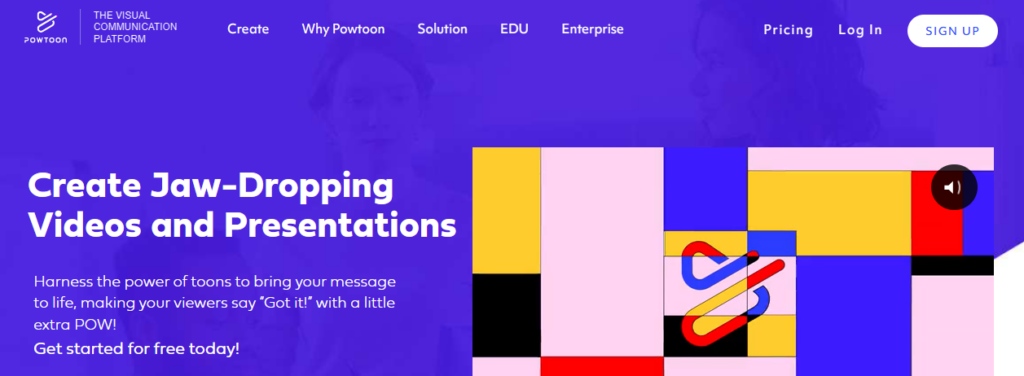
Powtoon is another effective tool for marketers looking to create premium-quality animated product videos, tutorials, explainer videos, and presentations.
It provides a range of animated characters, visual effects, and characters to assist you in making immersive videos to market your business. Powtoon also features a strong character builder that helps customize gestures, colors, attire, and more for your animated characters.
Features:
It has a huge library of professionally made templates, characters, props, video clips, and background music, making it perfect for creating animated cartoons.
Easy media file sharing, including GIFs, photos, videos, and professionally voiced audio.
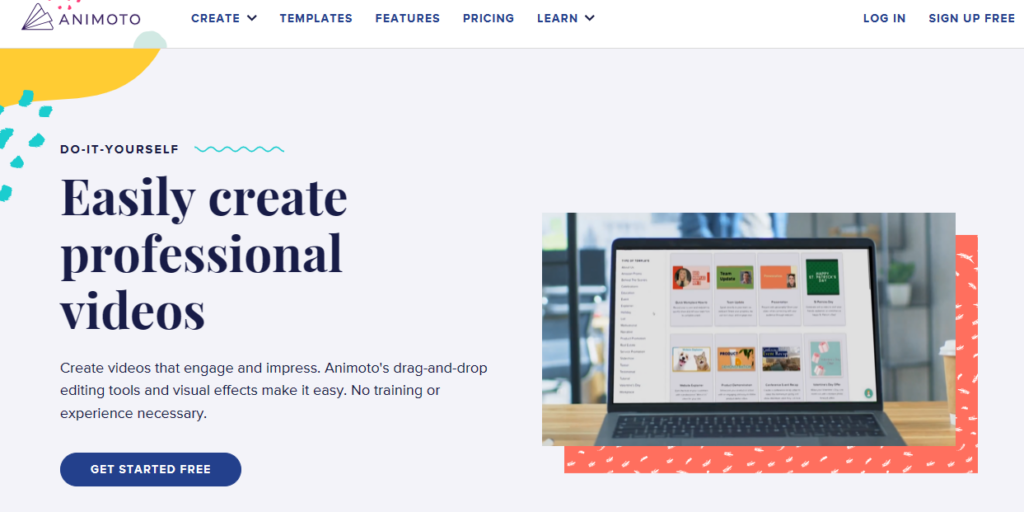
Animoto is an artificial intelligence-powered video creation platform perfect for creating customized videos for the social media channels of eCommerce businesses.
Simply select the type of video you want to make, upload your brand logo and images, and craft a message resonating with your company values—and voilà, you get an original video that is perfect for your Facebook, Instagram, or YouTube!
Features:
Easy-to-use drag-and-drop video editor and pre-designed templates for a variety of industries and use cases.
Huge visual stock library with more than a million authorized images and videos and 3000+ licensed background music tracks.
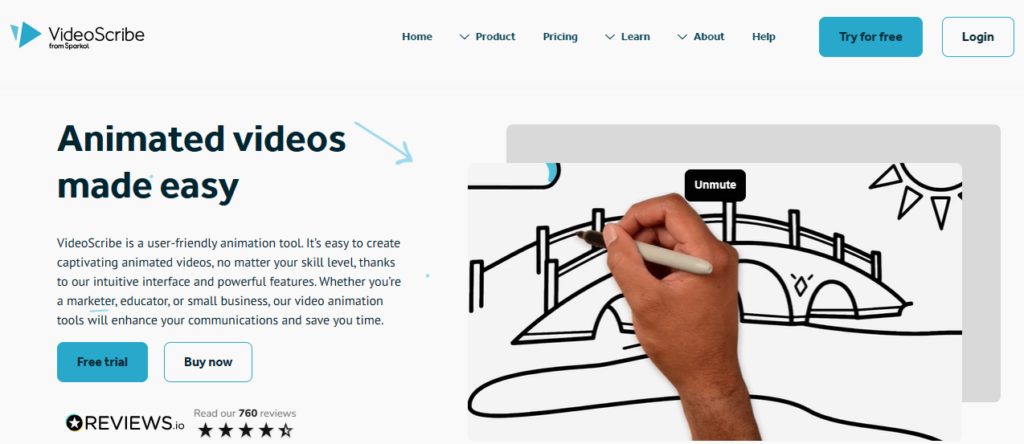
Want to create a whiteboard explainer video to explain complex concepts to your target audience? Check out VideoScribe.
This software allows users to develop whiteboard-style animations automatically using templates—all you have to do is add your own pictures and text. It is easy to use, which makes it a great choice for beginners.
Features:
Nine background textures and thirteen hand styles are available
Huge image library with over 6000 images in 40 categories, including shapes, designs, animals, buildings, and more.
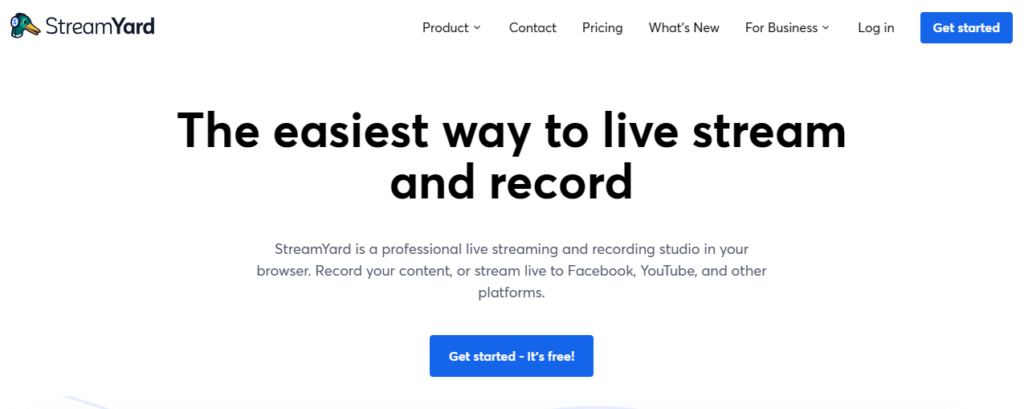
If you are an eCommerce marketer looking to create attractive live videos that give potential customers an immersive brand experience, Streamyard is perfect for you!
SteamYard was created specifically for live video streaming. Its built-in capabilities allow you to quickly add your personal touch to your brand’s broadcasts. This browser-based software will enable you to multi-stream to different platforms simultaneously.
Features:
Option to add customized backdrops, overlays, and logos to broadcasts.
Option to invite up to 10 guests to join the live stream at any given moment.
Biteable is ideal for creating user-friendly UGC videos for social media. It has built-in templates and a host of customization options. With its extensive premium plans, marketers can facilitate both product marketing as well as brand promotion—all from a single platform.
Other notable software features include easy storytelling, quick studio video creation, resource libraries, eye-catching templates, content customization, easy social network sharing, and more.
Features:
Integrated stock footage library providing access to high-quality video clips, animations, and images.
Variety of export formats, including HD video, GIF, and social media.
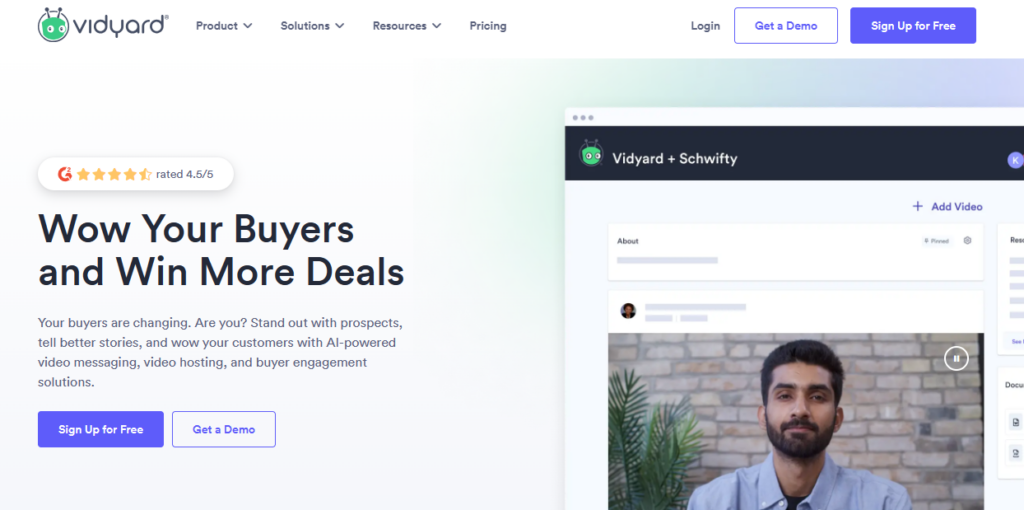
Vidyard is the ideal video marketing tool for sales teams worldwide. This software allows you to easily record and distribute personalized sales pitches to customers, prospects, and even internal team members.
Vidyard also offers video hosting and management services, analytics, and lead generation tools, so you can monitor the effectiveness of your videos and turn visitors into buyers. The software is also mobile-friendly and integrates with automation systems like Marketo and HubSpot, enabling you to use your video content to generate leads and sales.
Features:
Ready-to-use sales video templates for various videos, including proposals, sales demos, follow-ups, cold outreach, meeting reminders, and more.
Analytics and reporting highlighting data such as audience attention span, click-through patterns, viewer location, where viewers share the videos, and video marketing ROI.
Final Thoughts
Video marketing tools are a “must-have” for your sales tech stack in today’s digital era, where internet users are more keen on consuming video than any other content format.
Incorporating client portal software within these video marketing tools can streamline communication and feedback processes, ultimately enhancing collaboration between your business and its clients.
While making and publishing videos in the past may have been time-consuming and expensive, video marketing tools today can generate or guide you to create excellent visual content—all at a reasonable price. The software highlighted in this list has advanced features that help you render high-quality video content in minutes. We encourage you to try out one or more of these options and choose a tool that suits your budget and other unique business needs.
Leverage video marketing tools and create premium interactive content that engages, educates, and converts more prospects effectively today!
Facebook has become an integral part of our lives, connecting us with friends, family, and colleagues across the globe. With millions of users actively sharing their thoughts, photos, and updates on the platform, you might wonder if there’s a way to peek into someone else’s Facebook activity. While Facebook emphasizes privacy and security, there are legitimate reasons for wanting to see someone’s activity, such as monitoring your child’s online behavior or staying updated on a close friend’s updates. In this article, we will explore the methods to see someone’s activity on Facebook while respecting privacy boundaries and adhering to legal considerations.
Why Would You Want to See Someone’s Activity on Facebook?
Before we delve into the methods, it’s essential to understand the reasons behind this curiosity. People might want to view someone’s Facebook activity for various reasons, including:
Ensuring the safety of loved ones: Parents might want to monitor their children’s online presence to protect them from potential dangers.
Staying informed about friends and family: It’s natural to want to keep up with the latest updates from close friends or family members.
Identifying shared interests: Viewing someone’s activity can help you discover mutual hobbies or interests.
Understanding Facebook’s Privacy Settings
Before attempting to see someone’s Facebook activity, it’s crucial to comprehend the platform’s privacy settings. Facebook offers users a range of privacy controls to customize who can see their posts, photos, and personal information. Users can set their profiles to public, restricting specific content to friends only, or even create custom lists to share content with specific groups. Respect for someone’s privacy settings is paramount, and attempting to bypass these settings can lead to serious consequences, including account suspension.
Ways to See Someone’s Activity on Facebook
Activity Log
Facebook provides users with an “Activity Log,” where they can review all their actions on the platform. If you are friends with the person you want to know more about, you can navigate to their profile and click on the three dots (…) next to the “Message” button. From the dropdown menu, select “Activity Log.” Here, you can see their recent interactions, such as posts, comments, likes, and more.
Tagged Photos and Posts
Another way to gain insights into someone’s activity is by checking for tagged photos and posts. If the person is tagged in a photo or post, you can see it even if you’re not friends with them. Keep in mind that the content you can view depends on the privacy settings of the person who posted it.
Following Activity
If you and the person you’re interested in are mutual friends, you can “Follow” their profile to receive updates on their public posts. While this won’t provide a comprehensive view of their activity, it allows you to stay informed about their public updates.
Liked Pages and Groups
If you have common interests, you can check the pages or groups they have liked or joined. This can give you an idea of their hobbies, preferences, or even professional affiliations.
Using Third-Party Tools and Extensions
While there are third-party tools and browser extensions claiming to offer access to someone’s private Facebook activity, proceed with caution. Many of these tools are scams, designed to collect your data or compromise your account’s security. Additionally, using such tools violates Facebook’s terms of service, leading to account suspension or legal repercussions. It is advisable to avoid using these unauthorized tools and focus on legitimate methods within Facebook’s guidelines.
Respecting Privacy and Legal Considerations
Respecting someone’s privacy is of utmost importance when using Facebook or any other social media platform. Always remember that people have the right to control their online presence and decide who can view their content. Trying to access someone’s private activity without their consent is not only unethical but may also be illegal in some jurisdictions. Always seek permission or use the available legitimate methods while staying within legal boundaries.
Conclusion
In conclusion, while it’s natural to be curious about someone’s Facebook activity, it’s essential to respect their privacy and follow ethical practices. Utilizing Facebook’s built-in features, such as the Activity Log and following activity, can provide you with some insights into their online presence. However, never attempt to use unauthorized third-party tools or violate someone’s privacy settings. Instead, focus on building trust and open communication to stay connected with your friends, family, and loved ones on Facebook.
FAQs
Q1: Is it legal to use third-party tools to see someone’s private Facebook activity?
Using third-party tools to access someone’s private Facebook activity without their consent is not only against Facebook’s terms of service but may also be illegal in many jurisdictions. It’s crucial to respect privacy laws and seek permission from the person in question.
Q2: Can I see someone’s activity on Facebook without being friends with them?
Yes, you can view someone’s public activity on Facebook even if you are not friends with them. Check for tagged photos, posts, or follow their public updates to stay informed about their activities.
Q3: How do I protect my own privacy on Facebook?
To protect your privacy on Facebook, review and adjust your privacy settings regularly. Limit the audience for your posts, manage who can send you friend requests, and be cautious about sharing personal information with strangers.
Q4: Can someone see if I’ve viewed their Facebook profile?
No, Facebook does not provide a feature that allows users to see who has viewed their profile. Any third-party apps or tools claiming to offer this functionality are not genuine.
Q5: How can I report a privacy violation on Facebook?
If you encounter privacy violations or believe someone is accessing your information without authorization, you can report the issue through Facebook’s Help Center or use the reporting options available on the platform.
Do you want to change the background on Instagram story? If yes then this article is especially for you because in this article i will show you how to change the background on Instagram story (step by step).
Instagram stories are an excellent way to share your daily life with your friends and followers. With its wide range of filters and effects, Instagram allows you to create unique and eye-catching stories.
One such feature that you can use to enhance your stories is the background color. Instagram lets you customize the background of your story with a color of your choice. In this article, we will guide you through the steps on how to change the background on Instagram story. You can also buy Instagram likes to increase them.
Step 1: Open Instagram
To start, open the Instagram app on your phone. Log in to your account if you haven’t already.
Step 2: Access the Story Camera
Once you’re in the app, you can access the story camera by tapping on your profile picture or swiping right from your feed.
Step 3: Take a Picture or Video
Next, take a picture or record a video for your story. You can do this by tapping the circular button at the bottom of the screen. You can also swipe left or right to switch between the different camera modes.
Step 4: Tap on the Brush Icon
After taking a picture or video, tap on the brush icon located on the top right corner of the screen. This will open up a menu of different editing tools.
Step 5: Select the Background Color Tool
Scroll through the editing tools and select the “Aa” icon with a circle around it. This is the background color tool.
Step 6: Choose a Color
Once you select the background color tool, a menu of colors will appear at the bottom of the screen. You can choose any color you like by tapping on it. If you don’t see a color you like, you can swipe left or right to access more colors.
Step 7: Customize the Background Color
After selecting a color, you can customize the background further. You can adjust the brightness of the color by swiping up or down on the screen. You can also select a different shade of the color by tapping on the color again and choosing a new shade from the menu.
Step 8: Save and Share Your Story
Once you’re happy with the background color, tap on the checkmark icon located on the top right corner of the screen. This will save your story with the new background color. You can now share your story with your friends and followers.
Changing the background color on your Instagram story is a simple yet effective way to make your stories stand out. With just a few taps, you can customize the background of your story with a color of your choice. We hope this article has helped you understand how to change the background on Instagram story. Try experimenting with different colors and see what works best for your stories.