Categories
Uncategorized

7+ Best Writing Tools in 2023

Writing has been an essential component of human culture for ages. As we have evolved, so have our writing tools –from lost tools such as clay, slate, and wood, to pen and paper, typewriters, computers, and recently AI-enabled machines and software. Today, writers are spoilt for choice regarding the writing tools to consider for essay writing, storytelling, editing, organizing, or boosting productivity.

Whether you are a seasoned author, a casual blogger, an aspiring writer, or someone who likes to maintain a journal, keeping track of your thoughts and creating a masterpiece is always challenging. Unfortunately, the world continues to be busy, and there are a whole lot of issues to be attended to, making it difficult for one to sit and wait for writing inspiration to strike.

Fortunately, numerous writing tools are available online, free or paid, which can come in handy for authors, novelists, and playwrights, among others. These implements allow writers to put down ideas whenever they strike, regardless of time, and receive feedback on whether they are grammatically correct. As a result, productivity seems to be on an upward trajectory, leading to the continued development of the writing career.

What Are Some of The Best Tools for Writing?

As hinted, advanced technology in modern-day society presents multiple tools for writers to use during the inscription process. Such implementations range from those that check for grammatical errors, vocabulary, and sentence structure to those that offer suggestions on the correct line of thought. Equally, there are tools designed to aid writers by providing meaningful feedback and recommendations, making one adore the entire writing process.

Perhaps you might be conversant with Microsoft Office and Google Docs as some of the standard and most popular tools for writers. If yes, this article will present other tools to complement the latter and help you boost your expertise by choosing from the recommended selection.

1. LibreOffice

As mentioned earlier, Microsoft Office is a common writing tool whose productivity is well-known among writers. Here is its free counterpart: LibreOffice. It is a free classic word processor that might be useful for anyone interested in feeling the power of Microsoft Office without paying a dime. Moreover, it supports all the file types, from the .pptx, .ppt, .xlsx, .doc, and .docx.

2. Draft

Are you a fan of Google Docs? If yes, we might have just introduced you to another option, a perfect replica that is bound to improve your productivity by a significant margin. The draft is one of the best tools for book writers as it lets you keep track of the words you write every day. It can also send you email reminders if you fail to meet your daily word count goals. Aside from that, Draft works the same way as Google Docs, permitting collaborative writing via suggested edits and comments on the document.

3. Grammarly

Grammarly is an AI-powered writing assistant tool that surpasses basic spell checkers. The implementation includes functionalities that allow the writer to check grammar, spelling, punctuation, and plagiarism. Further, it enhances the vocabulary of the write-up, making it appear unique in its way.

Even though there is a free version of the software, the premium version is much better. However, accessing the premium version may be a bit of a hassle for less established writers such as casual bloggers, novel writers, or even students who might need to work on a single essay assignment.

At this point, one can choose to seek assistance from a professional essay writing service. The latter has access to the software and might save you from the hustle of purchasing premium accounts, as well as the overall writing process. CustomWritings is the best example of such companies, providing high-quality custom essay writing services. Furthermore, the website is available for both individuals and companies since they have experts who can generate original papers based on the client’s instructions regardless of whether the assignment is academic-oriented. Thus, it is common to find students in the USA and beyond placing orders, inquiries, or even buying custom essays and research papers depending on individual needs.

4. Reedsy Book Editor

This free online word processor formats your book as you write. It is a good option for authors interested in seeing their thoughts string into a ready-to-publish manuscript. Apart from the sophisticated level of organization that the tool offers, it has spelling-checker functionalities, which help to boost general productivity.

5. StayFocusd

Do you usually struggle to remain attentive and focus on your writing task, or are you just interested in avoiding distractions from other websites and apps? StayFocusd is your answer. It is a Google Chrome extension that helps you block all the sites you ask it to and prevents you from getting distracted. Therefore, it plays a part in improving your productivity and ensuring you deliver your mandate.

6. ProWritingAid

ProWritingAid is a three-in-one tool working as an AI-powered writing mentor, style editor, and grammar checker. It might just be an alternative to Grammarly. In addition, the implementation offers more granular recommendations, which might be the right dose for any serious writer to understand the mechanics of writing.

7. QuillBot

This AI-powered multi-purpose tool works as a citation generator, paraphraser, plagiarism checker, grammar checker, and co-writer. It is arguably one of the best tools in academia, even though it might not be a good option for content publishers and freelance writers.

Online Writing Tools for Students

When it comes to writing tools, a good number can be accessed online. This is primarily because most of them depend on an internet connection to provide the best services to the writers. For instance, except for LibreOffice and Microsoft Office, all the tools mentioned are online-based.

Even though we have discussed the best writing tools at the writer’s disposal, it might as well be essential to have some free tools from the list highlighted. Specifically, some writers might not be able to pay the premium subscriptions while still needing to boost their performance. Thus, at this point is where the free writing tools come in handy to save the day and ensure that all students meaningfully develop their careers.

From the above-discussed tools, the following can be accessed for free or at least have some free tiers:

  • LibreOffice
  • Draft
  • Grammarly
  • Reedsy book editor
  • ProWritingAid (chrome extension)

In sum, productivity is a very crucial aspect of writing. However, this is impossible when resources, from learning materials to writing tools, are unavailable. As a result, it has become a significant challenge for beginners to break through the industry, let alone come up with the best content. Therefore, with the recommendations in this article, we believe that writers, especially those beginning their careers, can garner some helpful information that will play a substantial role in their development.

Categories
Online Tools & Software Reviews

Best Online Tools for Running a Profitable Website in 2023

Running a website precedes its creation and content management. It’s a more scrupulous and multilevel process that eventually should bring profit and audience growth, together with meeting clients’ interests. To succeed in building a fruitful website, it’s vital to apply diverse SEO platforms and services to optimize its performance, keep track of progress, and determine what goals should be achieved.

Moreover, today the competition is increasing fiercely, with each new website owner aiming to engage more clients. Although, you can find dozens of marketing tools and business strategies to strengthen your content and back up ideas.

Therefore, nowadays, online businesses have lots of profitable solutions for running a website and having a good income if they do everything right.

You can also create good website using Squarespace. Here is how to create a website using squarepace for free.

Let’s outline the most suitable tools for creating a website from the very start and proceed to its promotion via SEO services and design generation.

  1. Make up a suitable domain name. Use such a service Who.is that assists in choosing a fitting domain name for your website by omitting its duplication. Just enter a domain you want to apply and keywords to use, and the program will analyze the provided database to know whether it’s free or is already taken. You can use our domain checker to find domains in cheap price.
  2. Track website performance and clients’ activity. Google Analytics is an irreplaceable tool for these purposes. Each marketer and SEO expert uses it to get accurate marketing metrics to upgrade the site on Google ranking. Want to track conversion and visitor interaction and boost your user experience? GA is a perfect place to receive the whole report in one place.
  3. Getting a complete technical audit of the website performance. SEO Power Suit is a unique tool including 4 separate services to get a comprehensive picture of your website progress. WebSite Auditor will help to check a website’s structure, indexing, SERP, and general optimization. Rank Tracker is good for keyword tracking and website position on search engines. LinkAssistant deals with link-building strategy and applying proper backlink prospects. SEO SpyGlass will help you to select fitting backlinks and trace competitors’ performance.
  4. Start building your brand. With Awario, you’ll know overall analytics about the frequency people mention your brand name and fitting keywords.
  5. Ensuring smooth user experience. Use the PageSpeed Insights platform to check whether your website complies with the desktop and mobile versions and whether it’s optimized enough.

All in all, these web page tools will direct you concerning what aspects are necessary to fix and what points should be unchanged.  With proper optimization, you’ll succeed in selling your idea and products by engaging more clients and promoting your project to the users.

Make Your Hobby of Writing Articles to a Profitable Business

Making money on text writing isn’t something new. Today, more and more freelancers are thinking of getting income from what they do best – creating articles, reviews, guest posts, and blogging has become a beneficial way to receive some revenue. But, first, it’s important to know all the nuances of blog post writing and what SEO tools and specific programs are essential to implement to gain considerable results.

The next step is to determine what website-building tools you’ll use to create yours. There are numerous site builders having both their pros and cons: Wix, Shopify, Weebly, Jimdo, WordPress, Squarespace, etc. So, only a user can decide what exact website is more fitting for their purpose. According to the pouted.com online life magazine, WordPress is the best option for crafting a good-looking website, even if you’re just a beginner in this field.

Although, don’t forget that you won’t get the desired outcome on a whim. Some efforts are required to monetize your blogs and become a leader in the niche. First, it’s crucial to tune up a website to make it attractive, catchy, and informative for the users. Check its structure, page layout, design, and user experience – together, these points should create an engaging picture clients will want to visit and move to read the content.

Second, you need to concentrate on your website SEO promotion and make it relevant to your target audience. Here you should deal with an in-depth analysis of your industry, find out the interests and needs of your clients, know the latest trends, and work with keywords scrupulously to achieve high SERP. 

Finding Authoritative Partners to Increase Rating & Recognisability 

Besides professional SEO tools for websites running, there’s quite an effective way to engage more readers to your blog – using guest posting and trusted backlinks. That means you need to find credible websites with high-quality content of the same niche and offer them to place a guest post on your website. So, you’ll get a trustworthy source with a link to it that will bring you proven leads, stable traffic, and income.

The truth is that placing paid backlinks is a very efficient way to promote your website, thanks to the organic links from credible sites. All you need is to comply with the requirements of the field and meet the audience’s needs. Having it done, the applied backlinks will facilitate your site development without a hitch.

To become an expert in website promotion, contact Adsy company to know the most effective way to get money from your blog. Apply such a technique as affiliate marketing by inserting credible links to your posts, doing advertising, writing publications to become an influencer in your niche, or creating sponsored content. In any case, Adsy will assist you in promoting your blogging, upgrading your writing skills, increasing your ranking on Google, and eventually, you’ll start to make a profit from it.

Categories
Uncategorized

4 Helpful Coaching Apps and Software to Upgrade Your Practice

MD: Are you a coach and looking for apps to make your practice and customer experience even better? Click here and review a top-4 software list to upgrade your practice.

Coaching is one of the fastest-growing branches of management consulting. According to the International Federation of Coaches (IFC), there are now more than 40,000 certified business coaches working in the world, and their number keeps growing day by day. Daily rates for coaches in developed countries can range from one to 30 thousand dollars. Such financial perspectives make many people look in this direction and develop their professional skills. 

Twenty years ago, working with a personal coach was considered extravagant for a manager. Ten years ago, it was just a trend. And today, coaching is becoming almost as common among senior management as working with business consultants, auditors, and recruiters. 

One of the biggest challenges in achieving career happiness in your coaching practice is the lack of time to complete administrative tasks while finding new businesses and satisfying your clients. Luckily, there are several apps and software tools that you can use to take your business to the next level! Let’s take a look at them.

#1 – Satori

One of the best options for coaches is Satori, which has an interface that is both easy to use and effective. You may simplify your whole coaching process with their coaching software without worrying about assembling a team for every aspect of your organization. It is a flexible solution that enables you to quickly and effectively develop your coaching program, brand your client experience, and publish your coaching recommendations. So that you may spend more time assisting your clients in achieving their goals and less time on administrative tasks.

By connecting Satori with your payment processor and email marketing platform, you can also use the app to collect online payments and track email bounces. This will help you construct a strong brand in your market and will immediately enhance client retention. Satori is similar to employing a virtual assistant that does all routine activities that don’t need your careful supervision and attention.

If you want to start email marketing for free then use brevo because brevo is one of the best email marketing tools and it offers brevo free trial for long time.

#2 – Calendesk

Modern electronic calendars have long performed a much larger list of tasks than conventional paper calendars. They not only help us to know a particular date but also allow us to create our own schedule and organize our remote work even better. What is more important, they notify us in advance about upcoming dates so that we do not forget about them. The Calendesk app does a good job with these tasks although you can’t call it super functional.

You may use the app to connect with your favourite sites. By using the solution, you may easily and quickly schedule a career coaching appointment in a location you are familiar with. To learn if they already utilize the Calendesk booking system, get in touch with your partners. The app is entirely free and contains all the features you want to visit your favourite locations. Never before has made an appointment been so quick and simple.

#3 – The Curve

The Curve is a British fintech startup that allows its users to store up to 100 payment cards on one Mastercard plastic and manage them through a mobile application. When ordering your solution from The Curve, you receive a personalized Mastercard debit card. There are several card products to choose from:

In addition to the ability to add about a hundred payment cards, The Curve also provides its users with the following functions:

  • Transfer funds in more than 25 different currencies;
  • 1% cashback on goods and services of three merchants. The seller list includes dozens of well-known brands, including Starbucks, Virgin Experience, Netflix, Spotify, Booking.com, Apple, Amazon, H&M, and more;
  • The “Go Back in Time” feature allows you to change the card used for a transaction of up to 1,000 euros within 14 days after payment;
  • The ability to send money abroad without additional conversion fees. The free account has limits on overseas transactions with zero fees up to £ 500 (about $ 652) per month;
  • Free cash withdrawal from ATMs abroad. The service operates according to the limit of the tariff plan, but up to 600 pounds (about $ 782) per month;
  • The Curve customer protection. Refunds up to 100 thousand euros for unauthorized transactions or for services and goods that were not provided by the seller or were provided of inadequate quality;
  • Locking and unlocking the card in the application. You may freeze your card on the app in case you misplace it and then unlock it once it is located.

To store a dozen cards on one plastic item, you need to install the Curve application, register there, and then add your debit and credit cards. Such an approach will significantly ease the payment system.

#4 – Screen Capture

The easiest way to communicate information is to visually show what needs to be conveyed to another person. That is why screen recording programs are very popular among coaches. With the help of such apps, you can record videos with your own comments (screencasts), create tutorials, and capture webinars. And this is where the screen recorder comes in handy. 

The utility is capable of capturing a specific area of ​​the monitor and recording just anything that needs to be captured. 

Achieve Success in What You’re Doing!

It is easy to reach success in your dream job if you have all the necessary tools and instruments at hand. You may have in-depth knowledge and solid experience, but you will hardly be able to deliver all that without dedicated utilities. The above top 4 tools will make your life coaching practice more efficient and hassle-free. So use them to your benefit to the max!

Categories
Uncategorized

Xamarin vs Flutter: pros and cons that will help you make a decision

There is a global demand for creating best-in-class apps for the masses. Such a requirement paves the way for other needs like skilled developers’ availability and new technologies’ use. Xamarin and Flutter are the two most popular app development frameworks that have achieved great heights of success in the last few years. If you are unable to decide whether to choose Flutter or Xamarin forms, this article will help you. Keep reading…

What is Xamarin?

Xamarin is a mobile development application for Windows, iOS, and Android. It offers cross-platform usability using a single code. Thus the need to rewrite the code is eliminated. The company started in 2011 and was taken over by Microsoft in 2016. It uses the C# language for app development.
Xamarin: pros and cons

The advantages of using Xamarin are:

  • Excellent performance
  • Great user experience
  • Shared app logic
  • Comprehensive app development framework
  • Component store for choosing UI controls, libraries, etc.

The disadvantages are as follows:

  • Not very efficient with heavy applications
  • Platform-specific code
  • Delay in updates

What is Flutter?

A serious contender to Xamarin, Flutter is a great app development framework that uses the Dart language. It is known for creating innovative apps with great ease. You can create apps for mobile, desktop, and the web. Just like Xamarin, it removes the need to rewrite the code multiple times by setting a unified code system. Google started Flutter in 2017, and it has attracted a gigantic customer base over the years.

Flutter: pros and cons

You might be skeptical about which one to choose, Flutter or Xamarin? For finding the answer to this, we have listed some pros and cons of Flutter as well. The advantages of this framework are:

  • Google backing
  • Fast working due to the hot-reload feature
  • Great user interface
  • No requirement for manually updating the UI content

Disadvantages of using Flutter are:

  • Inefficient community support
  • Restricted access to libraries for SDK

Which is better: Flutter or Xamarin forms?

In the league of Xamarin vs Flutter, we have listed some factors below that can help you make a wise decision.

1. Speed

When talking about Xamarin vs. Flutter performance and speed, it is a tough job agreeing on which one is better in this regard. Both frameworks are great contenders and boast some amazing features. However, we can choose Xamarin here since the tools it offers are very convenient to use. Thus the developer will naturally spend less time working with this framework and enjoy a better speed.

2. Developer availability

When comparing Flutter with Xamarin for developer availability, Flutter undoubtedly wins the race here as Flutter developers are much more owing to its popularity and user preference. So if the availability of developers is a critical factor for you, don’t hesitate to choose Flutter over Xamarin.

3. Cost

Flutter is a better option if your app development budget is not very high. It proves to be quite worth the price. On the contrary, Xamarin is very expensive, especially because of the high licensing cost for Microsoft Visual Studio. Thus it is a viable choice for high-budget projects, but we would recommend Flutter because of the cost-effectiveness it offers.

4. Complexity of projects

This comparative parameter focuses on the ventures that demand technical expertise, experience, and great industry knowledge. Such tasks require the use of a framework that can contribute to a competitive app that can capture the market. Flutter steals the show in terms of project complexity by offering some high-end features that can help create good applications.

5. Installation

Another difference between Flutter and Xamarin is the installation criteria. Both have their pros and cons in this respect. Xamarin is dependent on the Visual Studio IDE, and Flutter can be installed using the command line. Downloading the binary for Flutter installation is a task, but installing it is easier than Xamarin installation.

6. App size

Both frameworks offer great app sizes to users. If we were to choose one, we would go with Xamarin since the binaries for Xamarin are smaller than those of Flutter.

Conclusion

You must be thinking about whether to go with Flutter or Xamarin forms. We have discussed the major factors that can help you decide between the two. You have to think according to your requirements. So research well and then make a wise decision.

Categories
Uncategorized

Top 5 Network Performance Monitoring Tools (2022 UPDATED)

A network is critical in any modern organization as it connects its different organizational operation sites, devices, and systems. In most cases, organizations invest in network performance monitoring tools to ensure devices, systems, and processes in their network run uninterrupted. 

A network performance tool helps monitor the complex mix of the human, software, and hardware to give insight into the health of a network while also helping resolve some common network inefficiencies. If you are facing network issues and looking for a way to solve your problems, here are the best five you may want to check out in 2022.

1. NinjaOne

If you are looking for a network monitoring tool you can access from a wide range of operating systems, the NijaOne, formerly known as NinjaRMM, is the tool for you. Whether you are on Windows, Mac, Linus, Android, or IOS, this tool has your back. 

NinjaOne is designed to help users with remote monitoring and management, software deployment, endpoint management, patch management, IT documentation, and IT asset management. However, it is only ideal for small to medium-size enterprises, meaning it may not be the best option if you want to scale soon.

2. Atera

If you are looking for an easy-to-use tool, then Atera is what you need. Like NijaOne, it supports a wide range of platforms; Windows, Linus, Mac, IOS, and Android. It also offers a knowledge base that can help users get the help they need whenever they get stuck. 

Atera also allows you to connect as many devices as you need. Its most prominent limitation is that it is cloud-based and does not offer on-premises monitoring. If you do not mind not having an on-premises tool, then Atera is an excellent choice.

3. SolarWinds Network Performance Monitor

This tool packs all the features you would want in a performance monitoring tool, such as a multi-vendor monitoring network, an advanced alerting system for errors and glitches, NetPath, and PerfStack allowing easy troubleshooting and an ability to scale with your growing needs. 

Irrespective of the make of your devices, you can trust this tool to properly check, diagnose and resolve some of the most complex network issues. You can get a quote on SolarWinds network performance monitor from their website. The best part is that you can get a fully functional 30-day free trial, meaning you can test it before spending your hard-earned money. 

4. Nagios

The strength of this tool is in its flexibility. Also, being an open-source monitoring tool, it has a massive community of users which means you may have an easy time getting helpful resources, and its plugins are pretty easy to write. 

On the flip side, it has quite a steep learning curve and is best used by experienced IT experts who can customize it to meet their specific needs. So if you are a novice in network monitoring tools, this may not be the best option. This is the only tool in this list that offers a 60-day trial period, allowing you enough time to determine if it is worth your money. 

5. Progress WhatsUp Gold

This tool features a unique and interactive interface that helps you see the general performance of your network at a glance. You can customize the dashboard to get a more detailed status performance of specific aspects of your network. 

Its most prominent downside is its inability to detect network anomalies fast enough. However, this tool is quite versatile and works well regardless of the size of the organization. Also, it allows the user to purchase add-ons to expand its features. 

Categories
Uncategorized

6 Best Free Tools for Students

A student requires different types of tools to help make their learning easier. They require tools for research, taking notes, publishing, and editing. The cost of buying software sometimes is high. This makes it hard for many students to buy most of the applications. 

Fortunately, there are hundreds of tools that students can get for free. They perfectly give results the same way bought software would give. Although there are many student tools available online, some stand out above the rest. Here are the five tools that stand out as best. 

Source – Pexels

VistaCreate

VistaCreate is a multipurpose free design platform for anyone. As a student, you can create professional presentations, infographics, invitations, resumes, and other types of graphics and materials using VistaCreate. The best feature of this tool is that it offers bundles of professional, fully customizable designs for all these purposes, while all the essential tools are completely free.

For example, in your graphic or presentation, you can customize colours, fonts, backgrounds, images, and even add music to video with ease. Drag and drop, resize and do any other tweaks with your objects in a visual editor.

Microsoft Office 365 for Education

Microsoft Office 365 for Education is available for both Windows and Mac. It can be used by both students and teachers. It is one tool that contains different software important for students. The tool has PowerPoint, Word, Excel, MS Teams, OneNote, and many more. 

Microsoft Office 365 for Education has a big storage advantage too. Students get up to one terabyte of cloud storage for free. The only condition for using this tool for free is to sign up using a specific school email address. 

The tool has many advantages for students and teachers. They can use it as a communication and collaboration tool. Teachers can share assignments using the tool. Students submit their assignments on the same tool. They can research and take notes using OneNote. They can work on complex math using excel etc. 

Students can use various tools to make their work easier. They can use study, note-taking, productivity, and many other tools. Nevertheless, it is different when it comes to writing assignments. Many students are unable to write an attractive thesis. To create the best thesis, most students get custom help with thesis writing service Ca.EduBirdie. The service has qualified writers who offer professional writing help to students all over the world. Due to their experience, they create an attractive-looking thesis in a quick time. 

Google Docs, Sheets, and Slides

Google Docs, Sheets, and Slides is an easy-to-use tool for students. It is a safe cloud-based tool with multiple functions. Students can use it to edit assignments or upload different file formats. The tool saves all files directly on the cloud. 

To use Google Docs, Sheets, and Slides, a student needs to have an email address. All their projects are saved and accessed through their email address. The only disadvantage is that it has to be a Gmail address. 

It is easy to use Google Docs, Sheets, and Slides for collaboration and group projects. A student can give access to their colleagues to help in document editing. That means multiple students can work on the same project. 

GIMP

GIMP is a perfect choice for students when working on presentations. More often, a student might be required to present their projects before a panel. If it is a research project, they must break it into easy-to-understand chunks. They may use images when preparing slides for presentations.

GIMP helps with editing photos. They can resize images or reposition them at different angles. Using its intuitive interface, students can layer their images or design them from scratch. Its other functions are cropping, manipulation, and sharing.

Source – Pexels

Canva

Canva is an excellent tool for creating tables and graphs. Many students get challenges creating a graph or table from scratch. It can be harder when formatting it in a research paper. Canva makes it possible to create an attractive table or graph. 

The tool has multiple templates containing graphs and tables. A student is only required to choose the template they like. They can insert their data and edit as they wish. It is possible to change colours, drag and drop items, or download. The tool is used to share documents, publish, or embed tables and graphs. 

Also read – Blog Commenting Sites

Zoom 

Zoom is a free video-conferencing and communication tool. It is an excellent tool for engaging students in online classes. Students use it to connect with their colleagues remotely. They can hold discussions for up to 40 minutes for each session. 

One student prepares a zoom meeting and invites their colleagues. The other students connect using the link from the host. The advantages of zoom are that all participants can see each other. Zoom can also be used to make HD video and audio calls. It is a real-time communication tool. Its other features are chatting, taking polls, and sharing. 

Conclusion 

There are many types of tools students can access online to make learning better. However, many of the tools cost money. Fortunately, many tools are accessible for free. Students can get tools for meetings, taking notes, editing, or designing. Although there are many free tools available, a student should be careful when choosing them. Some of the tools might have malware links or viruses which can destroy a student document. 

Author’s Bio

Larry Smith is an academic writer covering various subjects, including information technology, engineering, business management and education. Besides writing, he’s quite popular as a sports reviewer and motivational speaker on YouTube. He keeps himself active by exercising, playing volleyball and listening to the latest music.

Categories
Cloud, Hosting & IT Infrastructure

How File Servers are Still Relevant in the Age of Cloud Computing

With cloud computing becoming more and more popular, it’s hard to imagine a time when we needed to rely on old-fashioned file servers. But many firms still rely on them for solutions like backup and storage.

File servers are often overlooked in the world of technology because they aren’t flashy or expensive. But their reliability is what makes them so valuable. They’re the workhorses that keep everything running smoothly while less important systems are being updated. It’s not that simple to just get rid of an entire system without consequences. The point is, don’t discount file servers just yet!

Read on to find out how they’re still relevant in the age of cloud computing.

Before choosing the right cloud computing make sure you know everything about cloud computing and for this you can go with cloud consulting companies

The Importance of File Servers

Without a doubt, the main reason we need file servers is to ensure we can access data no matter what. Not only do these servers keep your backup data in order, but they also hold all the company’s important documents.

Many firms have become accustomed to remote access these days. This means they use public services like Google Drive, Office 365, and OneDrive, but cloud services only go so far. We still have to manually handle our data to make sure everything stays secure.

While cloud storage provides a convenient option for transferring data between computers, there are numerous security concerns that remain. It’s best to use a file server solution that can only be accessed by people with appropriate permissions. This is where on-premise file servers come in.

Why Companies Still Use File Servers

Most file servers are installed on a server farm or in a separate room in a building. This may seem like a little detail, but it actually makes a big difference when it comes to security.

For starters, an on-premise file server reduces the attack surface for malicious actors. Public-facing file storage is at risk for brute force hacks and denial of service attacks. An on-premise server’s biggest attack vector is physical tampering, but this can easily be mitigated with on-site security measures.

Here are some of the reasons why companies still use file servers today:

Reason #1 – Security

All the major cloud platforms like Dropbox and Google Drive have been hacked. The ramifications of these breaches can be devastating to your company.

On-premise servers don’t have this issue because users aren’t granted access to other systems or the internet when using a file server, and you can formulate disaster recovery protocols to mitigate downtime in the event of a server failure.

A company can also perform internal audits on how many downloads or uploads are occurring, to make sure the server is still being used correctly. These audit logs can be helpful when assessing performance problems.

There are certain safety measures companies must take before giving out access to a file server to their employees. This is especially true when you’re discussing private data that can’t be accessed by outsiders.

Reason #2 – Performance

File server performance isn’t just limited to reducing the attack surface. It also means you’re able to serve large amounts of data at faster speeds. When using a cloud service, transfer speeds can be very slow. Cloud providers often throttle transfer speeds, as they’re servicing a large number of users, and aren’t able to keep up.

An on-premise file server will only be limited by its hard drive, processing power, and network connection.

Data transfer speeds are typically much faster than cloud services because the service isn’t being shared with other people. This means you can transfer large files to your employees as quickly as possible, which could be a huge advantage when uploading videos or presentations.

Reason #3 – Storage Capacity

Cloud storage providers offer storage options in tiers – if you need more storage capacity, you’ll need to upgrade to the higher tiers. With an on-premise file server, your storage capacity is limited only by the hardware you install.

Physical storage is generally pretty cheap nowadays, so it’s practically a drop in the bucket to outfit your file server with several terabytes of storage space.

Categories
Web Development & Programming

Tools and frameworks needed to create a REST API

The process of building an API can vary wildly depending on the goals you set yourself and the resources you have at your disposal.

Even so, you will still need to leverage tools and frameworks which are well suited to this task, and comparing them against one another to see whether they mesh with your aims is also essential.

With that in mind, let’s go over a handful of the top contenders in this space and explore what they offer and why you might consider using them to create a REST API of your own.

Image Source: Pixabay

JavaScript solutions

For developers with a background in JavaScript, it makes sense to implement an API using this language as the underpinning.

A typical combination for putting together an API in this context is the Node.js runtime environment, paired with the Express framework. This will be appropriate for both web app and mobile apps alike and offers decent performance combined with a relatively lightweight infrastructure.

A whole host of additional frameworks branch off from the Node.js and Express ecosystem, including well-known solutions like LoopBack, Kraken, and NestJs.

Be aware that learning JavaScript is arguably trickier than some of the other programming languages out there, but its ability to take on a range of duties outside of REST API building means that it will be a skill worth acquiring.

Python solutions

Python is another of the languages that can be put to work when forging your own API, and of course, there are frameworks that are geared towards doing just that.

Flask is among the best known of the bunch, and like JavaScript, it can respond to JSON objects with ease. If you are planning to utilize multiple APIs, then it is worth leveraging an API integration platform for this purpose, but Flask is a good starting point if you just want to work with one for the time being.

In terms of the amount of community support and documentation available, Python-oriented frameworks are definitely well served. And again, if you already have lots of experience with this language, then it makes sense to stick with it for your REST API needs, rather than starting from scratch with JavaScript or any other alternative.

Outside of Flask, there are frameworks such as Django and FastAPI which have their own Python-powered approach to REST API creation. If you work as part of a team, talking to other members to see if they have experience with any of these platforms could help shape your decision.

PHP solutions

Another of the widely used scripting languages in the world of web development, PHP is an option for API creation thanks to frameworks like Laravel.

There may be more of a learning curve to overcome, but once you have got to grips with Laravel, it should empower you to knock up a REST API in a handful of hours.

Other advantages of Laravel include the comprehensive documentation, which is obviously important given the aforementioned complexity that newcomers have to contend with, along with native support for all sorts of SQL databases.

Flexibility is also part and parcel of what Laravel provides, so irrespective of your preferred approach to structuring your API project, it should be able to accommodate your intended design without forcing you to adhere to rigid standards.

There is a range of other PHP-based frameworks and tools aside from Laravel, including Slim and Symfony, so you are not tied to just one. Indeed you might find that through experimentation, your preference becomes clear. You can also beautify your PHP code if you are struggling.

Java solutions

Continuing to cover the various programming languages which can be put to use in an API creation context, Java stands apart as an attractive option that is also deeply ingrained with web development on the whole.

There are frameworks that facilitate its use for REST API initiatives, with Spring Boot being one of the major choices in this market niche.

Catalyzing development and enabling rapid prototyping of apps is what Spring Boot is all about, and its batch processing power in combination with its REST endpoint management chops makes it a productive, efficient service.

A point to make is that not all of these frameworks support every OS environment which you might choose to use.

Spring Boot is cross-compatible with most modern platforms, so you can work with it in Windows, Linux, and even on Mac if you prefer. Be sure to check this before you commit, as compatibility issues can come back to bite you.

Ruby solutions

In terms of accessibility, Ruby has commonly been portrayed as a more approachable programming language thanks to its unfussy syntax. So if you don’t want to face the uphill struggle of becoming a Java expert, turning to Ruby for your app development and API needs makes sense.

Ruby on Rails is the open-source framework of choice for development using this language, and it has been harnessed for all sorts of well-known software services including Shopify, Airbnb, and Twitch.

As well as being all-encompassing, this framework is free to use and boasts a bountiful community of users who are always on hand to answer questions and assist you in conquering any conundrums you encounter.

Performance is flagged as not quite up there with the best of the rest of the frameworks out there, and it might lack the polish of its better-supported peers, but Ruby on Rails is worth considering for REST API creation and all-round app development.
Conclusion

We have only scratched the surface in terms of the options you have available to you as you start down the path to putting together a REST API. You can even go the whole hog and write in C++ if none of the programming languages mentioned above are appealing.

Whatever the case, your choice of framework and tools can only be informed and shaped by what you want out of your API, as well as the expertise you have to hand. Choose wisely and the process of building and launching an API will be less taxing.

Categories
Online Tools & Software Reviews

9 Best Free Video Editors in 2025

Are you looking for the best free video editor? If yes, then this article is especially for you because in this article, I will show you the 9 best free video editors in 2025.

Good video editing software helps you showcase your products from every possible angle. It gives your product a professional promo for social media platforms like Instagram, Facebook, YouTube, etc., where you can share these videos like your brand videos. Several easy-to-use free video editing programs may help you stand out from others on the internet.

Well-produced video products have a more engaging form of content marketing than just photographs alone, and something authentic that automatically reduces a customer’s hesitation in making a purchase. E-commerce product videos can increase conversion rates up to around 144 per cent. Therefore, making a well-collected and enjoyable video can help you get a lot of responses online.

There are many modern laptop and desktop-based editing software available for businesses looking to make something promotional as their brand videos. The most substantial advantage of free video editing software for laptops or desktops is that they tend to have more additional features than smartphone video editing applications.

Suppose you are someone looking to edit your promotional video on a simple and small budget. In that case, the applications below are just perfect for you as you can use them to edit long forms of content for social media platforms like YouTube or your eCommerce site.

There is a list of the best video editing software from all around the internet. Each entrepreneur has their own needs and requirements, so this list runs down some of the most valuable features of each best free video editors.  

Best Free Video Editors:

  1. Filmora
  2. Camtasia
  3. Video Pad
  4. InVideo
  5. Adobe premiur pro
  6. iMovie
  7. Final Cut Pro
  8. Animotica
  9. HitFilm Express

1. Filmora (Recommended)

Wondershare Filmora is one of the top and best free video editors. Filmora comes with many amazing features, but picture-in-picture mode, green screen, split screen, auto reframe, silence detection, motion tracking and AI portraits are the best features.

Filmora is a popular video editor among YouTubers and video content creators.

Top features:

  • Audio Equalizer
  • 4K Resolution Editing Support
  • GIF Support
  • Split Screen
  • Video And Audio Controls
  • Layer Multiple Video Clips
  • Video Stabilization
  • Colour Grading Presets
  • Advanced Text Editing
  • Tilt-Shift
  • Mosaic (Blurring)
  • Noise Removal
  • Social Import
  • Frame By Frame Preview
  • Speed Control
  • Audio-Mixer
  • Chroma Key Backgrounds
  • Screen Recording
  • Audio Separation

If you want to try filmora for free, then check out the filmora free trial guide.

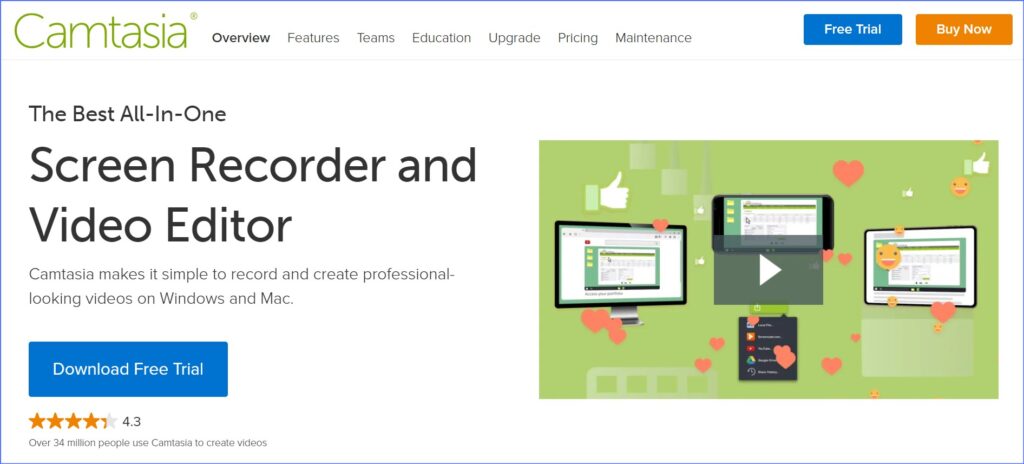
2. Camtasia

Camtasia allows you to create engaging instructional content using powerful video content as well as other features. These include animated backgrounds, graphics, callouts, and clickable links within the videos created. Therefore, your end-user can easily be engaged by your finished product due to these features available in Camtasia Studio. Nevertheless, Camtasia is not free.

Top features:

  • Video Capture
  • Image Editor
  • Scrolling Capture
  • Text Extraction
  • Screen Record
  • File Sharing
  • Platform Search

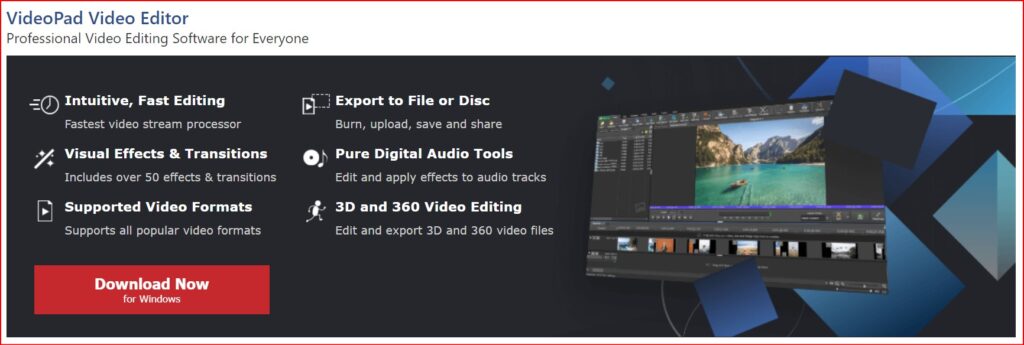
3. Video Pad

Video Pad is a great free option for anyone who wants to make some high-quality videos without having to spend a dime on it. With the help of this video editing software, you will find all kinds of simple and easy-to-use features, for example, 3D video editing and a sound effects library to try various types of video compositions and styles.

You can use editing features like special effects, overlays, texts and transitions, colour adjustments, and sound effects on your video to make it look more stunning and eye-catching. Then you can even export all your finished videos directly to social media platforms like YouTube and Facebook, or directly to your Google Drive and other mobile devices quickly and easily.

Top Features:

  • It has a built-in double screen for easy and intuitive editing.
  • It has pre-made, customizable transitions for more polished professionalism
  • Exporting presets to easily create video files for specific platforms is very easy in this software

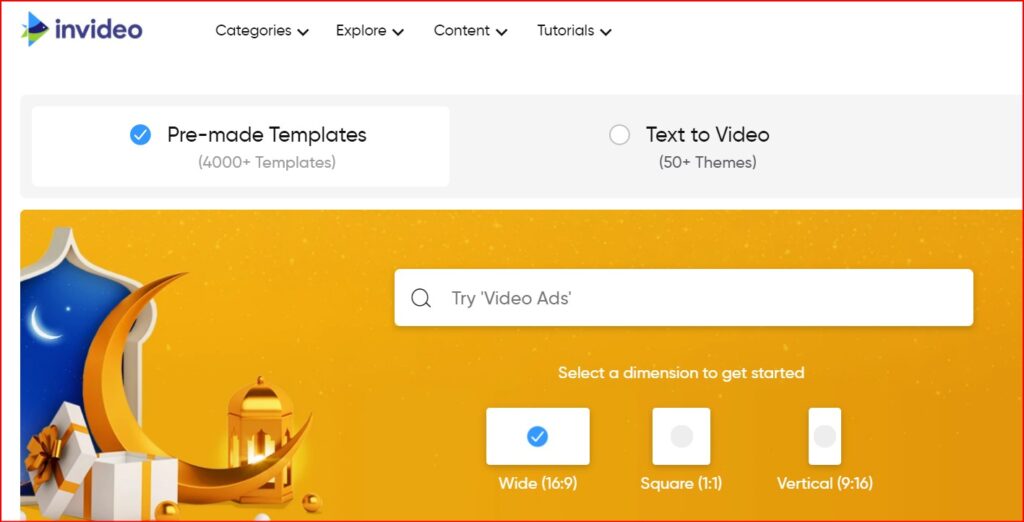
4. InVideo

InVideo helps you change your video clips into spectacular videos. They have helped many media companies, small businesses, and brands and have extended their audience engagement with the help of video content.

The one thing that every user would love in the application is that they have at least 100 different categories of templates to choose from, where every template is captivating and straightforward.

The templates also use an artificial intelligence (AI) engine. That works behind all the scenes to provide you with all the visuals and music selections, so you do not have to spend time searching for them. It has an all-the-time open world-class support system, making it a very dependable application at any time needed.

Top features:

  • 60 unique video exports a month.
  • 4000+ fully customisable templates.
  • Access to 1M+ images and video clips.
  • Make videos in any language.
  • Unlimited users.
  • Add your branding.
  • Automated text-to-speech.

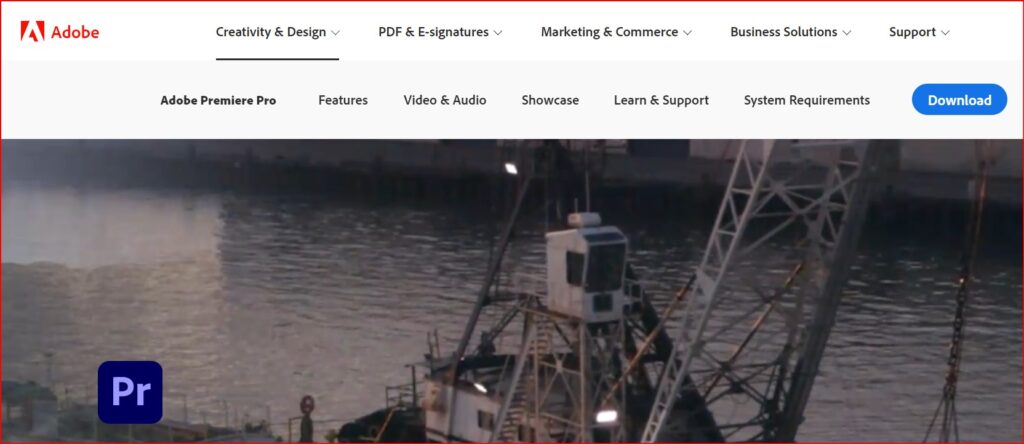
5. Adobe Premiere Pro

Adobe Premiere Pro is the most popular video editor that can turn your computer into a full-featured device for creating multimedia files that include gaming videos. You can include this program on your list as it gives you high-quality results. It does not even have any limitations when it comes to importing your video in different formats. It has the following features included;

Social media sharing and publishing tools to share videos online through the applications themselves. It has an extensive library of video transitions and visual effects to customise videos. Premiere Pro also includes some more innovative features, including an AI video editor for faster, more advanced editing across all skill sets, and other professional-grade video optimization tools like stabilization.

But this video editor has a straightforward user interface and can be very simple for some advanced video editors. It does not even have as many advanced features as other free video editing software on this list, but it has features like light effects, fine-tuning colours, and over texts and images; there’s enough here to make it worthy of your download.

Top features:

  • Simultaneous Projects.
  • Motion Graphics Templates.
  • Shared Projects.
  • VR Editing.
  • VR Rotate Sphere.
  • VR Audio Editing.
  • Video Titling & Graphics.

6. iMovie

The iMovie users also get optional templates to use. That means people can add their photos and videos with titles and music to their timelines together to create stunning videos.

Top features:

  • The biggest pro of iMovie is that it has some fantastic tools for free.
  • Many special effects are available, including slowing down or speeding up the video clip, the picture-in-picture feature, and the green screen effect.
  • If a user does not want to add their music to the video, then the application offers more than 80 soundtracks to use, and it also has the option to use your voice as the soundtrack.
  • The users can also shift between Mac devices to work on the projects.

With such excellent capabilities, many people can get motivated to give this software a crack.

Also read – Best Online Photo Editor

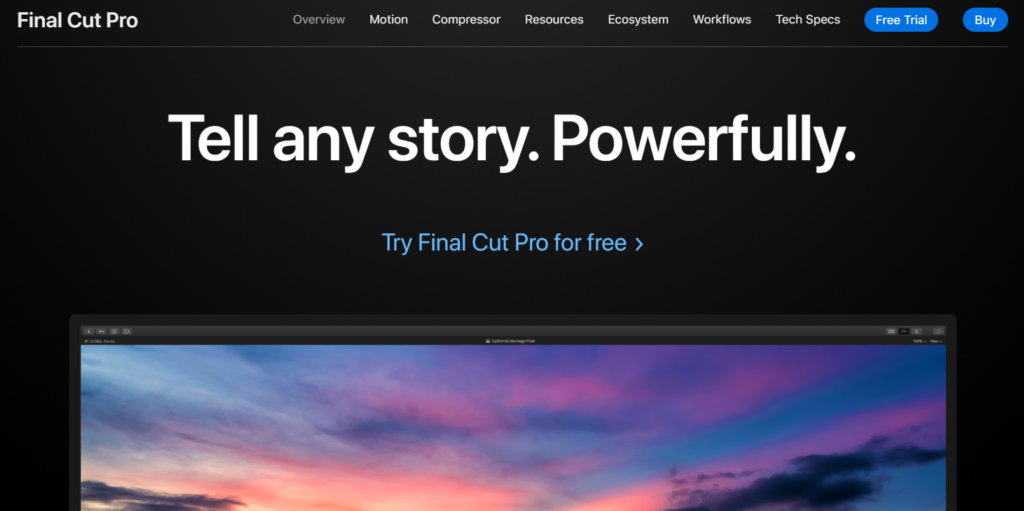
7. Final Cut Pro 

Best Free Video Editor

Many professionals use it now and then, and it allows you to combine your video editing tools with a media organisation. It helps you to extend your capabilities by adding features like third-party workflow extensions.

If you are looking for an option that Adobe does not own, this software is your best option. With little work and patience, you can master the software without any problem whatsoever. Final Cut Pro is very significant with Mac systems and is also compatible with iPads. The software is smooth even when you work with large media files.

It has many features like drag and drop, colour correction, etc., which give you high-level results. The user interface is simple and easy to use; it supports almost all kinds of video and audio formats.

Top features:

  • Workflow extensions.
  • Batch sharing.
  • Video noise reduction.
  • Timecode window.
  • Comparison viewer.
  • Tiny planet.
  • Comicization,
  • Improvements to 360° video

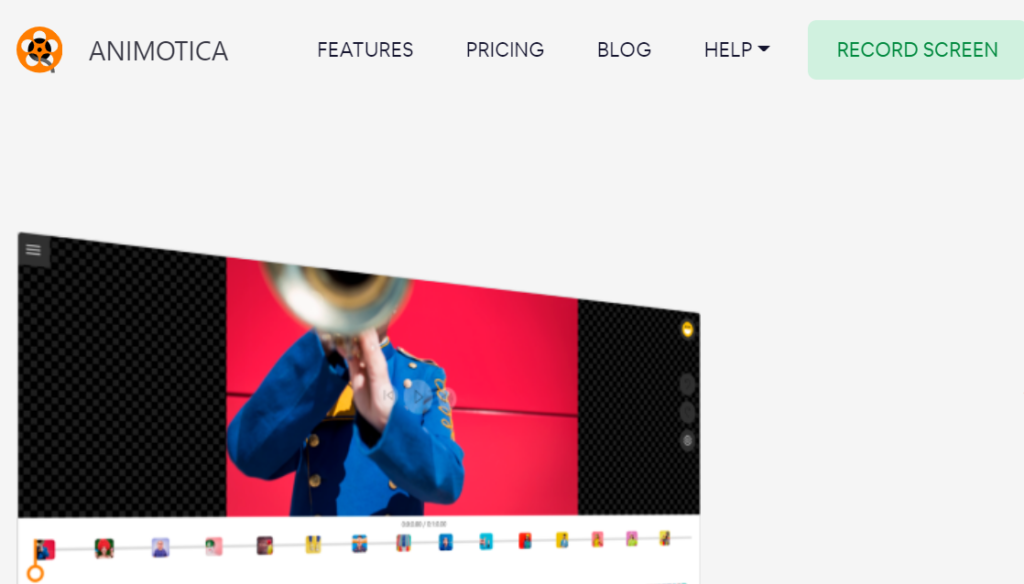
8. Animotica

Best Free Video Editor

This video editor and movie maker is straightforward to use and has a very user-friendly Video Editor, Movie Maker, and Slideshow video maker interface. The software encompasses all the traditional tools and features that you would expect from top-quality video editing software.

This video editor and movie maker software has features like video trim, split, combining video and phone, adding music, and so much more. The software becomes an accessible replica of a professional video editing application like Adobe Premiere Pro.

Top features:

  • Chroma key / Green Screen.
  • Speed Up & Slow Down Video and Audio.
  • Export In 4k.
  • Blur Video Background.
  • Video Blending.
  • Fade the video to White/black. 

9. HitFilm Express

Best Free Video Editor

If you do not have a lot of experience with video editing, this application will make you a little advanced at first. This application is usually used to produce Hollywood-style films, but it’s worth the learning curve as it’s one of the best video editors available.

HitFilm includes animation tools that would let you create and edit audio-video transitions without the need to create composite shots, which is a huge time saver when it comes to editing.

Top Features:

  • It has professional-grade video editing with motion tracking, colour pickers, and cropping tools.  
  • This video editor gives you composite shot enhancements that allow you to animate two separate shots together for surreal video effects.
  • It even has an auto stabiliser to make shaky footage look smooth
  • You will get different transition options like push, zoom, dissolves, etc, from this awesome editor.

Conclusion

So, these are the best free video editors that you must try in 2025. So, without wasting any more time, start trying them. Each option may come with its own set of advantages and disadvantages. Hopefully, with the help of this list, you will be able to find out the most useful features of each editor.

According to that, pick Filmora editor if you want a free video editor, and if you want a premium editor, then go with Camtasia and start video editing to make them utterly impressive for the audience. Happy video editing!

Categories
Online Tools & Software Reviews

10 Best Facebook Video Downloader in 2025

Are you looking for the best Facebook video downloader? If yes then this article is especially for you because in this article I listed the 10 best Facebook video downloaders in 2025 😍

What is Facebook Video Downloader?

Facebook video downloader is an online website or application that can be used to easily download any videos from Facebook. Facebook video downloader comes with many excellent features. So it’s an important subject to know all about this type of website/application.

Best Facebook Video Downloader:

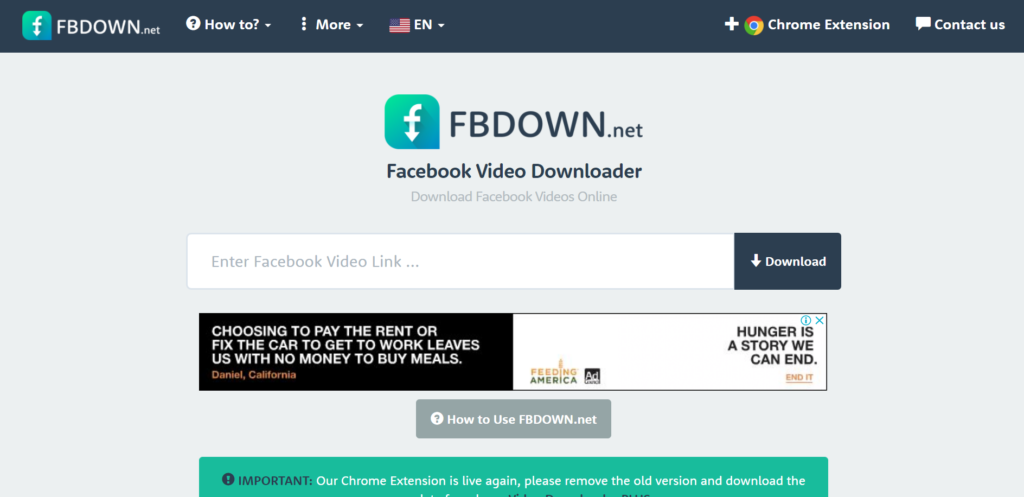
  1. FBDOWN.net
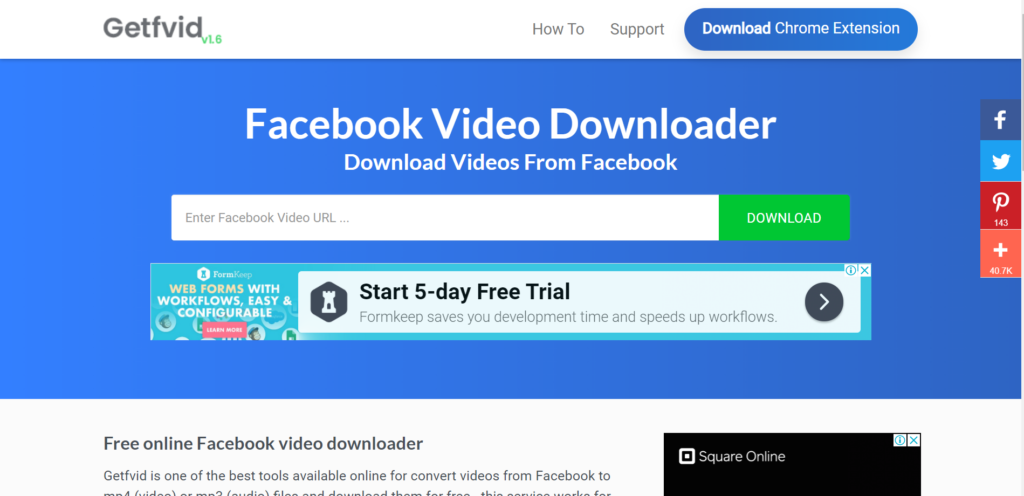
  2. GetfVid
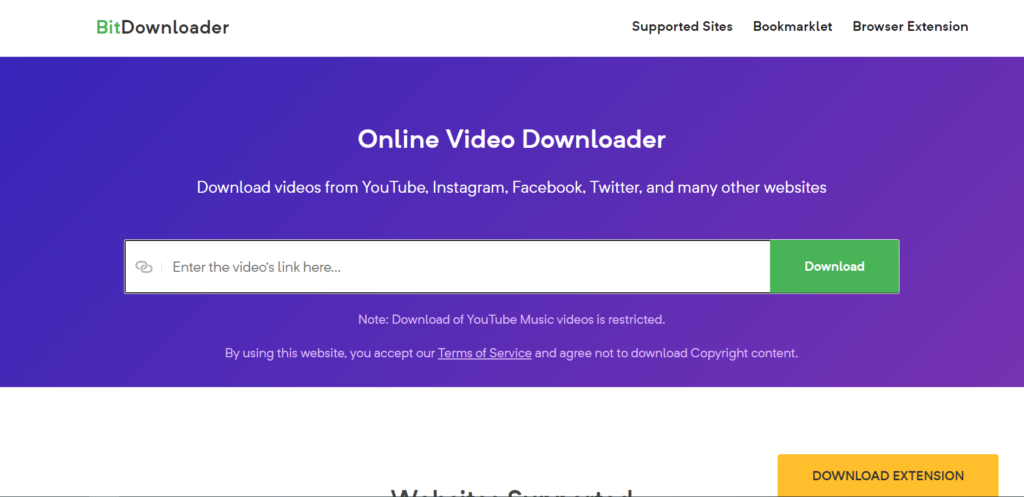
  3. BitDownloader
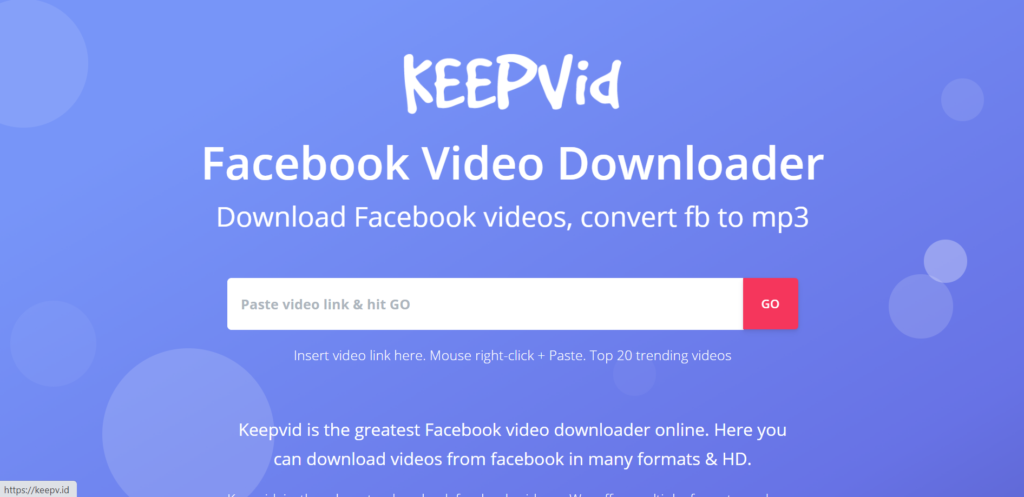
  4. KeepVid
  5. ClipGrab
  6. Savefrom.net
  7. iTube
  8. FB Downloader
  9. Snapsave
  10. ContentStudio

1. FBDOWN.net

Best Facebook Video Downloader

FBDOWN.net is a free website that helps users download their favourite videos off Facebook and save them for offline viewing by generating direct links to the Facebook video.

Features of FBDOWN.net:

  • Chrome Extension 
  • Support HD videos.
  • Multi-language Support.
  • Download the video from Facebook.
  • Download private Facebook videos.
  • Download videos from the news feed.
  • Download videos from the groups and pages.

Availability:

  • Website
  • Extension

2. GetfVid

Best Facebook Video Downloader

Getfvid is one of the best online tools for downloading videos from Facebook. This tool helps convert videos from Facebook to mp4 (video) or mp3 (audio) files.

Features of GetfVid:

  • Download the video in a single click
  • Convert video directly
  • Download the video in any available format
  • Download private video
  • No subscription required
  • Extension available

Availability:

  • Website
  • Extension

3. BitDownloader

Best Facebook Video Downloader

BitDownloader is a free downloader tool that allows you to download videos from many platforms including YouTube, Facebook, Instagram, and many other services. 

Features of BitDownloader:

  • Download videos from multiple platforms
  • Download the video in the available format
  • Download the Facebook page video
  • Download the Facebook group video
  • No subscription required
  • Extension available

Availability:

  • Website
  • Extension

4. KeepVid

Keepvid is the place to download Facebook videos. Keepvid offers multiple formats and can convert your FB video to MP3. If you need a Facebook video downloader, keepvid is one of the best solutions.

Features of KeepVid:

  • Instant downloading
  • Download any type of Facebook video
  • Convert Facebook video to mp3 
  • Download video in high-quality
  • Know the size of the video

Availability:

  • Website

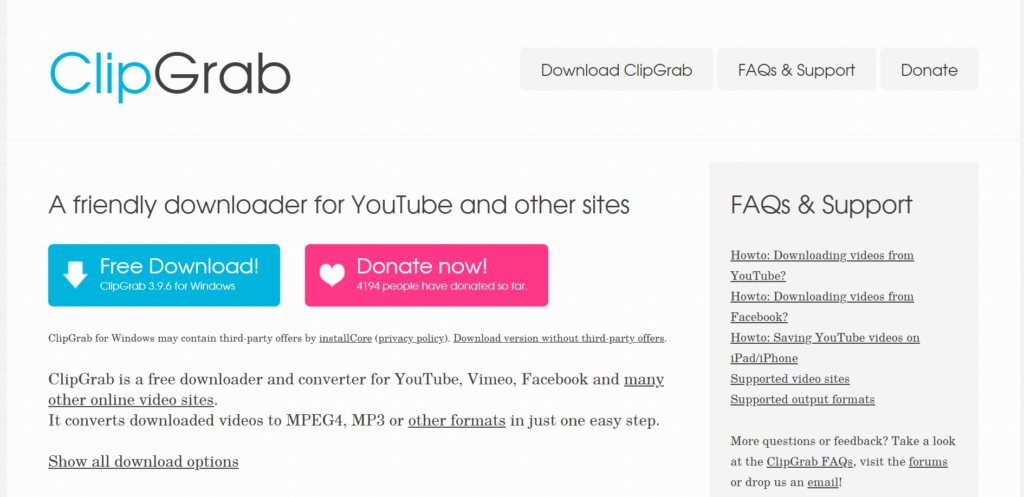
5. ClipGrab

ClipGrab is a multi-platform software package for downloading videos from various websites such as YouTube, Vimeo, Dailymotion, or Facebook.

Features of ClipGrab:

  • Built-in search tool
  • Supports lots of video-sharing websites
  • Download Facebook video
  • Clipboard monitoring
  • Allows video-to-audio conversion

Availability:

  • Windows app

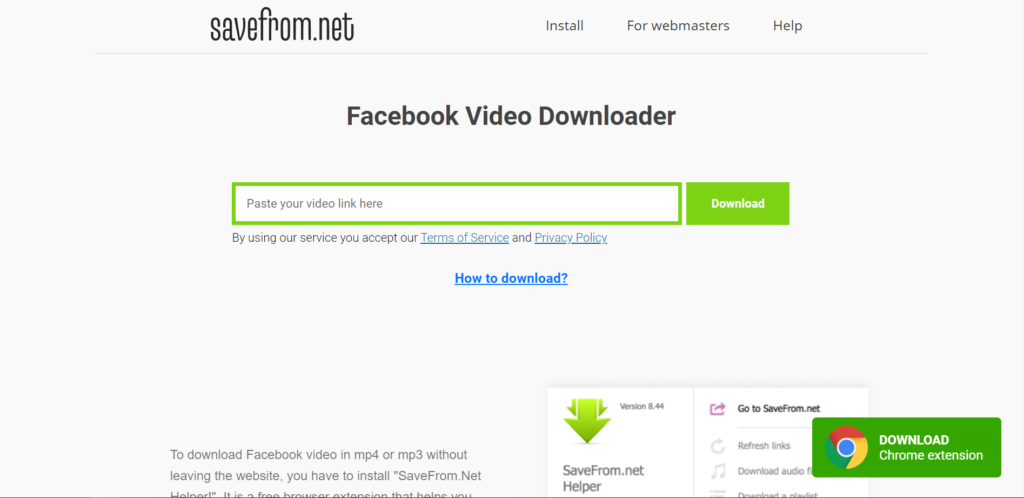
6. Savefrom.net

Savefrom.net helps you to download Facebook videos in mp4 or mp3 without leaving the website, you have to install “SaveFrom.Net Helper!”. It is a free browser extension that helps you to save preferred videos without the need to leave the website.

Features of Savefrom.net:

  • Download private Facebook video
  • Download the live Facebook video
  • Download the video in any available quality
  • Download the video in mp4 or mp3

Availability:

  • Website
  • Extension

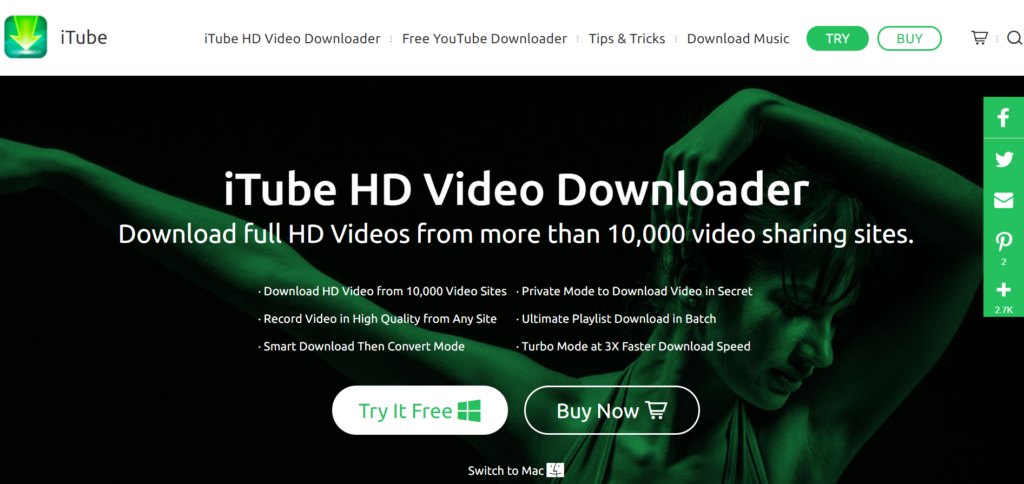
7. iTube

With iTube HD Video Downloader, you’re able to download videos or extract audio from YouTube, Facebook, Vimeo, etc. You can download videos by pasting the URL or using the browser plugin (available for Chrome, Safari, and Firefox) to download full HD videos in the browser directly.

Features of iTube:

  • 10,000+ Video Sites Supported (including Facebook)
  • Download HD Video
  • Download YouTube to MP3
  • Download Audio Only
  • Batch Download Videos
  • Fast Download Speed

Availability:

  • Website
  • Windows app
  • Mac app

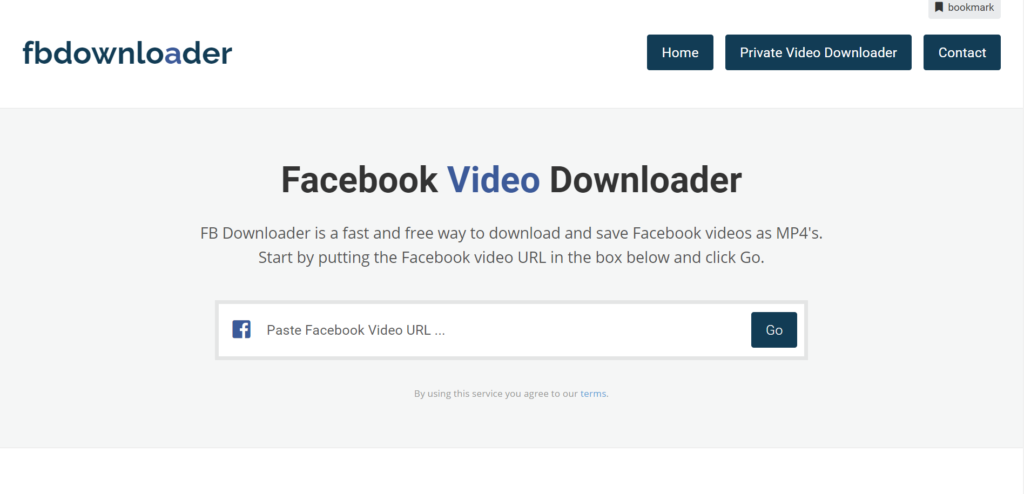
8. FB Downloader

FB Downloader is a fast and free way to download and save Facebook videos as MP4s. FB downloader also enables you to convert Facebook videos to MP3 audio files.

Features of FB Downloader:

  • Download Facebook video
  • Download private Facebook video
  • Download the live Facebook video
  • Download unlimited videos
  • Completely free

Availability:

  • Website

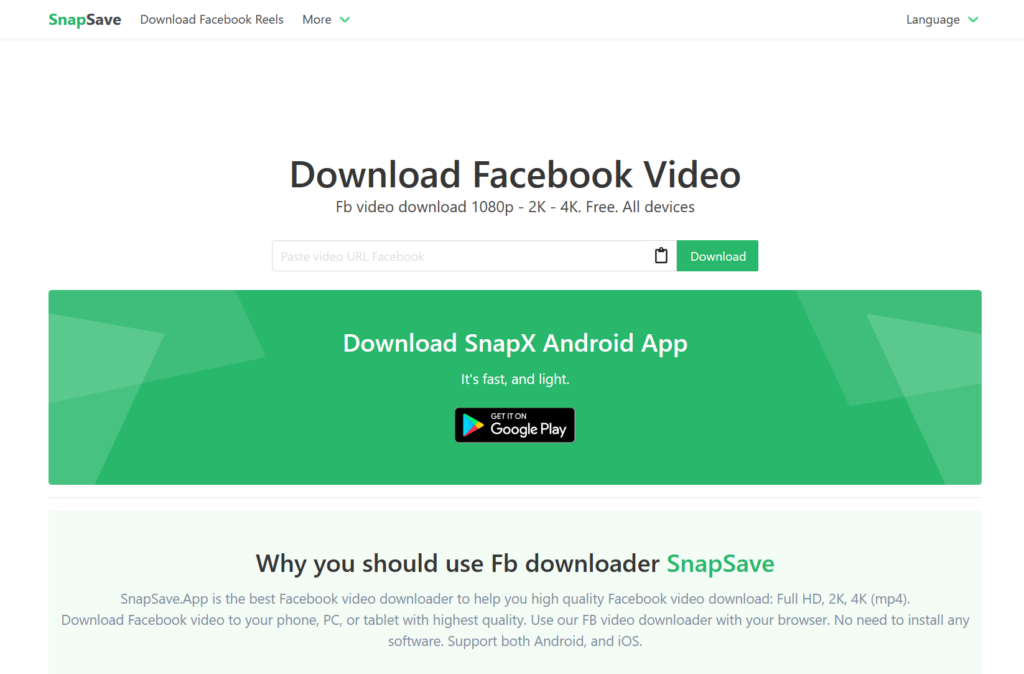
9. Snapsave

Snapsave is high quality Facebook video downloader. You can download all types of Facebook videos for free. Snapsave also provides a native Android app for free.

Features of Snapsave:

  • Download high-quality video
  • Download any type of Facebook video
  • Download live stream video
  • Download the video in 4K
  • Free android app

Availability:

  • Website
  • Android App

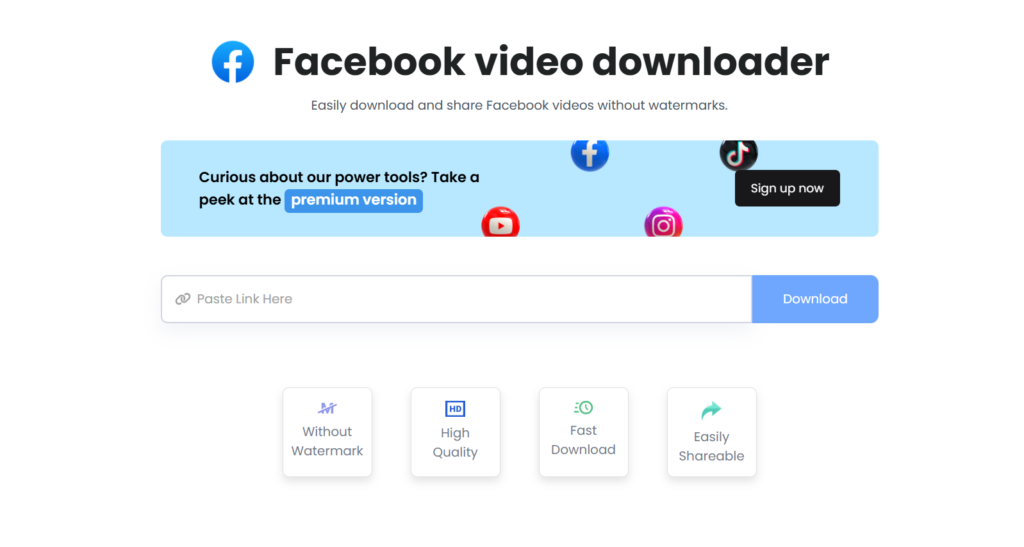
10. ContentStudio

ContentStudio provides a free facebook video downloader that helps you to download Facebook videos without a watermark in high quality. It supports the fastest downloading of video.

Features of ContentStudio:

  • Download the video without the watermark
  • Download video in high-quality
  • Easily share fast video downloadable link

Availability:

  • Website

I mentioned almost all popular Facebook video downloaders. Now you need to decide which one is best for you.