A student requires different types of tools to help make their learning easier. They require tools for research, taking notes, publishing, and editing. The cost of buying software sometimes is high. This makes it hard for many students to buy most of the applications.
Fortunately, there are hundreds of tools that students can get for free. They perfectly give results the same way bought software would give. Although there are many student tools available online, some stand out above the rest. Here are the five tools that stand out as best.
VistaCreate is a multipurpose free design platform for anyone. As a student, you can create professional presentations, infographics, invitations, resumes, and other types of graphics and materials using VistaCreate. The best feature of this tool is that it offers bundles of professional, fully customizable designs for all these purposes, while all the essential tools are completely free.
For example, in your graphic or presentation, you can customize colours, fonts, backgrounds, images, and even add music to video with ease. Drag and drop, resize and do any other tweaks with your objects in a visual editor.
Microsoft Office 365 for Education
Microsoft Office 365 for Education is available for both Windows and Mac. It can be used by both students and teachers. It is one tool that contains different software important for students. The tool has PowerPoint, Word, Excel, MS Teams, OneNote, and many more.
Microsoft Office 365 for Education has a big storage advantage too. Students get up to one terabyte of cloud storage for free. The only condition for using this tool for free is to sign up using a specific school email address.
The tool has many advantages for students and teachers. They can use it as a communication and collaboration tool. Teachers can share assignments using the tool. Students submit their assignments on the same tool. They can research and take notes using OneNote. They can work on complex math using excel etc.
Students can use various tools to make their work easier. They can use study, note-taking, productivity, and many other tools. Nevertheless, it is different when it comes to writing assignments. Many students are unable to write an attractive thesis. To create the best thesis, most students get custom help with thesis writing service Ca.EduBirdie. The service has qualified writers who offer professional writing help to students all over the world. Due to their experience, they create an attractive-looking thesis in a quick time.
Google Docs, Sheets, and Slides
Google Docs, Sheets, and Slides is an easy-to-use tool for students. It is a safe cloud-based tool with multiple functions. Students can use it to edit assignments or upload different file formats. The tool saves all files directly on the cloud.
To use Google Docs, Sheets, and Slides, a student needs to have an email address. All their projects are saved and accessed through their email address. The only disadvantage is that it has to be a Gmail address.
It is easy to use Google Docs, Sheets, and Slides for collaboration and group projects. A student can give access to their colleagues to help in document editing. That means multiple students can work on the same project.
GIMP
GIMP is a perfect choice for students when working on presentations. More often, a student might be required to present their projects before a panel. If it is a research project, they must break it into easy-to-understand chunks. They may use images when preparing slides for presentations.
GIMP helps with editing photos. They can resize images or reposition them at different angles. Using its intuitive interface, students can layer their images or design them from scratch. Its other functions are cropping, manipulation, and sharing.
Canva is an excellent tool for creating tables and graphs. Many students get challenges creating a graph or table from scratch. It can be harder when formatting it in a research paper. Canva makes it possible to create an attractive table or graph.
The tool has multiple templates containing graphs and tables. A student is only required to choose the template they like. They can insert their data and edit as they wish. It is possible to change colours, drag and drop items, or download. The tool is used to share documents, publish, or embed tables and graphs.
Zoom is a free video-conferencing and communication tool. It is an excellent tool for engaging students in online classes. Students use it to connect with their colleagues remotely. They can hold discussions for up to 40 minutes for each session.
One student prepares a zoom meeting and invites their colleagues. The other students connect using the link from the host. The advantages of zoom are that all participants can see each other. Zoom can also be used to make HD video and audio calls. It is a real-time communication tool. Its other features are chatting, taking polls, and sharing.
Conclusion
There are many types of tools students can access online to make learning better. However, many of the tools cost money. Fortunately, many tools are accessible for free. Students can get tools for meetings, taking notes, editing, or designing. Although there are many free tools available, a student should be careful when choosing them. Some of the tools might have malware links or viruses which can destroy a student document.
Author’s Bio
Larry Smith is an academic writer covering various subjects, including information technology, engineering, business management and education. Besides writing, he’s quite popular as a sports reviewer and motivational speaker on YouTube. He keeps himself active by exercising, playing volleyball and listening to the latest music.
With cloud computing becoming more and more popular, it’s hard to imagine a time when we needed to rely on old-fashioned file servers. But many firms still rely on them for solutions like backup and storage.
File servers are often overlooked in the world of technology because they aren’t flashy or expensive. But their reliability is what makes them so valuable. They’re the workhorses that keep everything running smoothly while less important systems are being updated. It’s not that simple to just get rid of an entire system without consequences. The point is, don’t discount file servers just yet!
Read on to find out how they’re still relevant in the age of cloud computing.
Before choosing the right cloud computing make sure you know everything about cloud computing and for this you can go with cloud consulting companies
The Importance of File Servers
Without a doubt, the main reason we need file servers is to ensure we can access data no matter what. Not only do these servers keep your backup data in order, but they also hold all the company’s important documents.
Many firms have become accustomed to remote access these days. This means they use public services like Google Drive, Office 365, and OneDrive, but cloud services only go so far. We still have to manually handle our data to make sure everything stays secure.
While cloud storage provides a convenient option for transferring data between computers, there are numerous security concerns that remain. It’s best to use a file server solution that can only be accessed by people with appropriate permissions. This is where on-premise file servers come in.
Why Companies Still Use File Servers
Most file servers are installed on a server farm or in a separate room in a building. This may seem like a little detail, but it actually makes a big difference when it comes to security.
For starters, an on-premise file server reduces the attack surface for malicious actors. Public-facing file storage is at risk for brute force hacks and denial of service attacks. An on-premise server’s biggest attack vector is physical tampering, but this can easily be mitigated with on-site security measures.
Here are some of the reasons why companies still use file servers today:
Reason #1 – Security
All the major cloud platforms like Dropbox and Google Drive have been hacked. The ramifications of these breaches can be devastating to your company.
On-premise servers don’t have this issue because users aren’t granted access to other systems or the internet when using a file server, and you can formulate disaster recovery protocols to mitigate downtime in the event of a server failure.
A company can also perform internal audits on how many downloads or uploads are occurring, to make sure the server is still being used correctly. These audit logs can be helpful when assessing performance problems.
There are certain safety measures companies must take before giving out access to a file server to their employees. This is especially true when you’re discussing private data that can’t be accessed by outsiders.
Reason #2 – Performance
File server performance isn’t just limited to reducing the attack surface. It also means you’re able to serve large amounts of data at faster speeds. When using a cloud service, transfer speeds can be very slow. Cloud providers often throttle transfer speeds, as they’re servicing a large number of users, and aren’t able to keep up.
An on-premise file server will only be limited by its hard drive, processing power, and network connection.
Data transfer speeds are typically much faster than cloud services because the service isn’t being shared with other people. This means you can transfer large files to your employees as quickly as possible, which could be a huge advantage when uploading videos or presentations.
Reason #3 – Storage Capacity
Cloud storage providers offer storage options in tiers – if you need more storage capacity, you’ll need to upgrade to the higher tiers. With an on-premise file server, your storage capacity is limited only by the hardware you install.
Physical storage is generally pretty cheap nowadays, so it’s practically a drop in the bucket to outfit your file server with several terabytes of storage space.
The process of building an API can vary wildly depending on the goals you set yourself and the resources you have at your disposal.
Even so, you will still need to leverage tools and frameworks which are well suited to this task, and comparing them against one another to see whether they mesh with your aims is also essential.
With that in mind, let’s go over a handful of the top contenders in this space and explore what they offer and why you might consider using them to create a REST API of your own.
For developers with a background in JavaScript, it makes sense to implement an API using this language as the underpinning.
A typical combination for putting together an API in this context is the Node.js runtime environment, paired with the Express framework. This will be appropriate for both web app and mobile apps alike and offers decent performance combined with a relatively lightweight infrastructure.
A whole host of additional frameworks branch off from the Node.js and Express ecosystem, including well-known solutions like LoopBack, Kraken, and NestJs.
Be aware that learning JavaScript is arguably trickier than some of the other programming languages out there, but its ability to take on a range of duties outside of REST API building means that it will be a skill worth acquiring.
Python solutions
Python is another of the languages that can be put to work when forging your own API, and of course, there are frameworks that are geared towards doing just that.
Flask is among the best known of the bunch, and like JavaScript, it can respond to JSON objects with ease. If you are planning to utilize multiple APIs, then it is worth leveraging an API integration platform for this purpose, but Flask is a good starting point if you just want to work with one for the time being.
In terms of the amount of community support and documentation available, Python-oriented frameworks are definitely well served. And again, if you already have lots of experience with this language, then it makes sense to stick with it for your REST API needs, rather than starting from scratch with JavaScript or any other alternative.
Outside of Flask, there are frameworks such as Django and FastAPI which have their own Python-powered approach to REST API creation. If you work as part of a team, talking to other members to see if they have experience with any of these platforms could help shape your decision.
PHP solutions
Another of the widely used scripting languages in the world of web development, PHP is an option for API creation thanks to frameworks like Laravel.
There may be more of a learning curve to overcome, but once you have got to grips with Laravel, it should empower you to knock up a REST API in a handful of hours.
Other advantages of Laravel include the comprehensive documentation, which is obviously important given the aforementioned complexity that newcomers have to contend with, along with native support for all sorts of SQL databases.
Flexibility is also part and parcel of what Laravel provides, so irrespective of your preferred approach to structuring your API project, it should be able to accommodate your intended design without forcing you to adhere to rigid standards.
There is a range of other PHP-based frameworks and tools aside from Laravel, including Slim and Symfony, so you are not tied to just one. Indeed you might find that through experimentation, your preference becomes clear. You can also beautify your PHP code if you are struggling.
Java solutions
Continuing to cover the various programming languages which can be put to use in an API creation context, Java stands apart as an attractive option that is also deeply ingrained with web development on the whole.
There are frameworks that facilitate its use for REST API initiatives, with Spring Boot being one of the major choices in this market niche.
Catalyzing development and enabling rapid prototyping of apps is what Spring Boot is all about, and its batch processing power in combination with its REST endpoint management chops makes it a productive, efficient service.
A point to make is that not all of these frameworks support every OS environment which you might choose to use.
Spring Boot is cross-compatible with most modern platforms, so you can work with it in Windows, Linux, and even on Mac if you prefer. Be sure to check this before you commit, as compatibility issues can come back to bite you.
Ruby solutions
In terms of accessibility, Ruby has commonly been portrayed as a more approachable programming language thanks to its unfussy syntax. So if you don’t want to face the uphill struggle of becoming a Java expert, turning to Ruby for your app development and API needs makes sense.
Ruby on Rails is the open-source framework of choice for development using this language, and it has been harnessed for all sorts of well-known software services including Shopify, Airbnb, and Twitch.
As well as being all-encompassing, this framework is free to use and boasts a bountiful community of users who are always on hand to answer questions and assist you in conquering any conundrums you encounter.
Performance is flagged as not quite up there with the best of the rest of the frameworks out there, and it might lack the polish of its better-supported peers, but Ruby on Rails is worth considering for REST API creation and all-round app development.
Conclusion
We have only scratched the surface in terms of the options you have available to you as you start down the path to putting together a REST API. You can even go the whole hog and write in C++ if none of the programming languages mentioned above are appealing.
Whatever the case, your choice of framework and tools can only be informed and shaped by what you want out of your API, as well as the expertise you have to hand. Choose wisely and the process of building and launching an API will be less taxing.
Are you looking for the best free video editor? If yes, then this article is especially for you because in this article, I will show you the 9 best free video editors in 2025.
Good video editing software helps you showcase your products from every possible angle. It gives your product a professional promo for social media platforms like Instagram, Facebook, YouTube, etc., where you can share these videos like your brand videos. Several easy-to-use free video editing programs may help you stand out from others on the internet.
Well-produced video products have a more engaging form of content marketing than just photographs alone, and something authentic that automatically reduces a customer’s hesitation in making a purchase. E-commerce product videos can increase conversion rates up to around 144 per cent. Therefore, making a well-collected and enjoyable video can help you get a lot of responses online.
There are many modern laptop and desktop-based editing software available for businesses looking to make something promotional as their brand videos. The most substantial advantage of free video editing software for laptops or desktops is that they tend to have more additional features than smartphone video editing applications.
Suppose you are someone looking to edit your promotional video on a simple and small budget. In that case, the applications below are just perfect for you as you can use them to edit long forms of content for social media platforms like YouTube or your eCommerce site.
There is a list of the best video editing software from all around the internet. Each entrepreneur has their own needs and requirements, so this list runs down some of the most valuable features of each best free video editors.
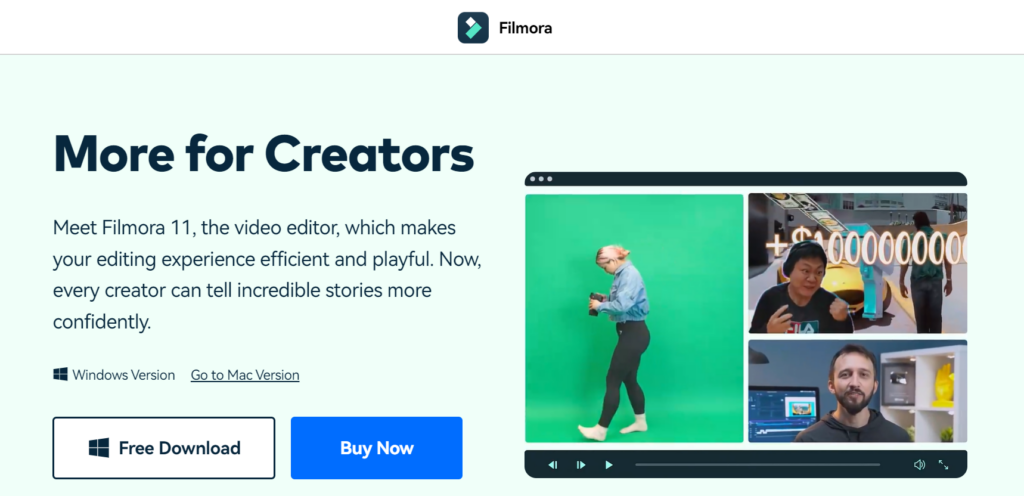
Wondershare Filmora is one of the top and best free video editors. Filmora comes with many amazing features, but picture-in-picture mode, green screen, split screen, auto reframe, silence detection, motion tracking and AI portraits are the best features.
Filmora is a popular video editor among YouTubers and video content creators.
Top features:
Audio Equalizer
4K Resolution Editing Support
GIF Support
Split Screen
Video And Audio Controls
Layer Multiple Video Clips
Video Stabilization
Colour Grading Presets
Advanced Text Editing
Tilt-Shift
Mosaic (Blurring)
Noise Removal
Social Import
Frame By Frame Preview
Speed Control
Audio-Mixer
Chroma Key Backgrounds
Screen Recording
Audio Separation
If you want to try filmora for free, then check out the filmora free trial guide.
Camtasia allows you to create engaging instructional content using powerful video content as well as other features. These include animated backgrounds, graphics, callouts, and clickable links within the videos created. Therefore, your end-user can easily be engaged by your finished product due to these features available in Camtasia Studio. Nevertheless, Camtasia is not free.
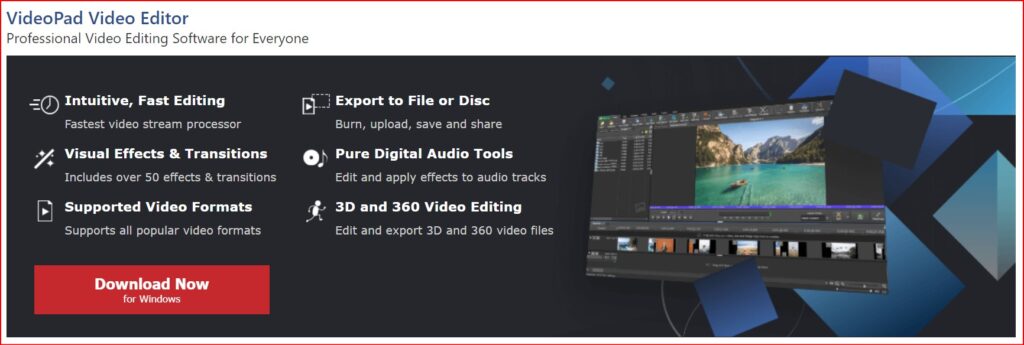
Video Pad is a great free option for anyone who wants to make some high-quality videos without having to spend a dime on it. With the help of this video editing software, you will find all kinds of simple and easy-to-use features, for example, 3D video editing and a sound effects library to try various types of video compositions and styles.
You can use editing features like special effects, overlays, texts and transitions, colour adjustments, and sound effects on your video to make it look more stunning and eye-catching. Then you can even export all your finished videos directly to social media platforms like YouTube and Facebook, or directly to your Google Drive and other mobile devices quickly and easily.
Top Features:
It has a built-in double screen for easy and intuitive editing.
It has pre-made, customizable transitions for more polished professionalism
Exporting presets to easily create video files for specific platforms is very easy in this software
InVideo helps you change your video clips into spectacular videos. They have helped many media companies, small businesses, and brands and have extended their audience engagement with the help of video content.
The one thing that every user would love in the application is that they have at least 100 different categories of templates to choose from, where every template is captivating and straightforward.
The templates also use an artificial intelligence (AI) engine. That works behind all the scenes to provide you with all the visuals and music selections, so you do not have to spend time searching for them. It has an all-the-time open world-class support system, making it a very dependable application at any time needed.
Adobe Premiere Pro is the most popular video editor that can turn your computer into a full-featured device for creating multimedia files that include gaming videos. You can include this program on your list as it gives you high-quality results. It does not even have any limitations when it comes to importing your video in different formats. It has the following features included;
Social media sharing and publishing tools to share videos online through the applications themselves. It has an extensive library of video transitions and visual effects to customise videos. Premiere Pro also includes some more innovative features, including an AI video editor for faster, more advanced editing across all skill sets, and other professional-grade video optimization tools like stabilization.
But this video editor has a straightforward user interface and can be very simple for some advanced video editors. It does not even have as many advanced features as other free video editing software on this list, but it has features like light effects, fine-tuning colours, and over texts and images; there’s enough here to make it worthy of your download.
The iMovie users also get optional templates to use. That means people can add their photos and videos with titles and music to their timelines together to create stunning videos.
Top features:
The biggest pro of iMovie is that it has some fantastic tools for free.
Many special effects are available, including slowing down or speeding up the video clip, the picture-in-picture feature, and the green screen effect.
If a user does not want to add their music to the video, then the application offers more than 80 soundtracks to use, and it also has the option to use your voice as the soundtrack.
The users can also shift between Mac devices to work on the projects.
With such excellent capabilities, many people can get motivated to give this software a crack.
Many professionals use it now and then, and it allows you to combine your video editing tools with a media organisation. It helps you to extend your capabilities by adding features like third-party workflow extensions.
If you are looking for an option that Adobe does not own, this software is your best option. With little work and patience, you can master the software without any problem whatsoever. Final Cut Pro is very significant with Mac systems and is also compatible with iPads. The software is smooth even when you work with large media files.
It has many features like drag and drop, colour correction, etc., which give you high-level results. The user interface is simple and easy to use; it supports almost all kinds of video and audio formats.
This video editor and movie maker is straightforward to use and has a very user-friendly Video Editor, Movie Maker, and Slideshow video maker interface. The software encompasses all the traditional tools and features that you would expect from top-quality video editing software.
This video editor and movie maker software has features like video trim, split, combining video and phone, adding music, and so much more. The software becomes an accessible replica of a professional video editing application like Adobe Premiere Pro.
If you do not have a lot of experience with video editing, this application will make you a little advanced at first. This application is usually used to produce Hollywood-style films, but it’s worth the learning curve as it’s one of the best video editors available.
HitFilm includes animation tools that would let you create and edit audio-video transitions without the need to create composite shots, which is a huge time saver when it comes to editing.
Top Features:
It has professional-grade video editing with motion tracking, colour pickers, and cropping tools.
This video editor gives you composite shot enhancements that allow you to animate two separate shots together for surreal video effects.
It even has an auto stabiliser to make shaky footage look smooth
You will get different transition options like push, zoom, dissolves, etc, from this awesome editor.
Conclusion
So, these are the best free video editors that you must try in 2025. So, without wasting any more time, start trying them. Each option may come with its own set of advantages and disadvantages. Hopefully, with the help of this list, you will be able to find out the most useful features of each editor.
According to that, pick Filmora editor if you want a free video editor, and if you want a premium editor, then go with Camtasia and start video editing to make them utterly impressive for the audience. Happy video editing!
Are you looking for the best Facebook video downloader? If yes then this article is especially for you because in this article I listed the 10 best Facebook video downloaders in 2025 😍
What is Facebook Video Downloader?
Facebook video downloader is an online website or application that can be used to easily download any videos from Facebook. Facebook video downloader comes with many excellent features. So it’s an important subject to know all about this type of website/application.
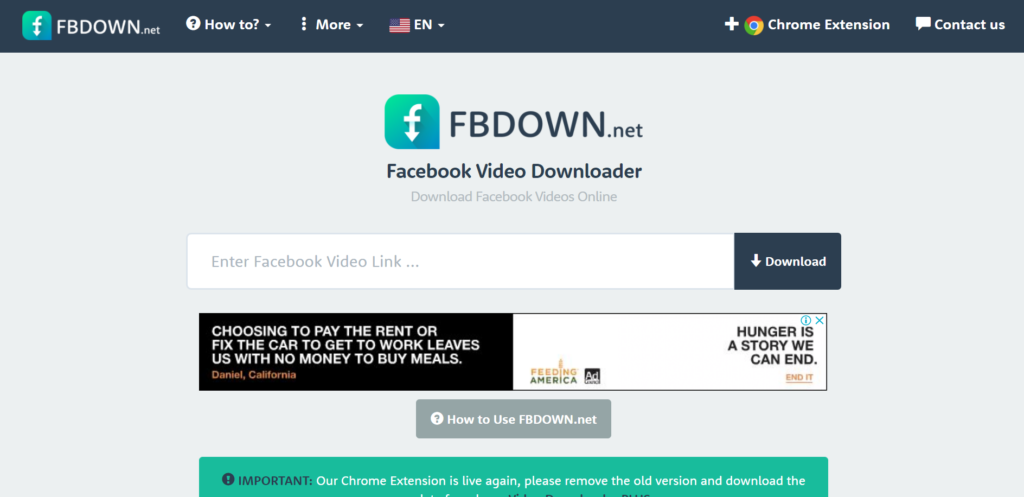
FBDOWN.net is a free website that helps users download their favourite videos off Facebook and save them for offline viewing by generating direct links to the Facebook video.
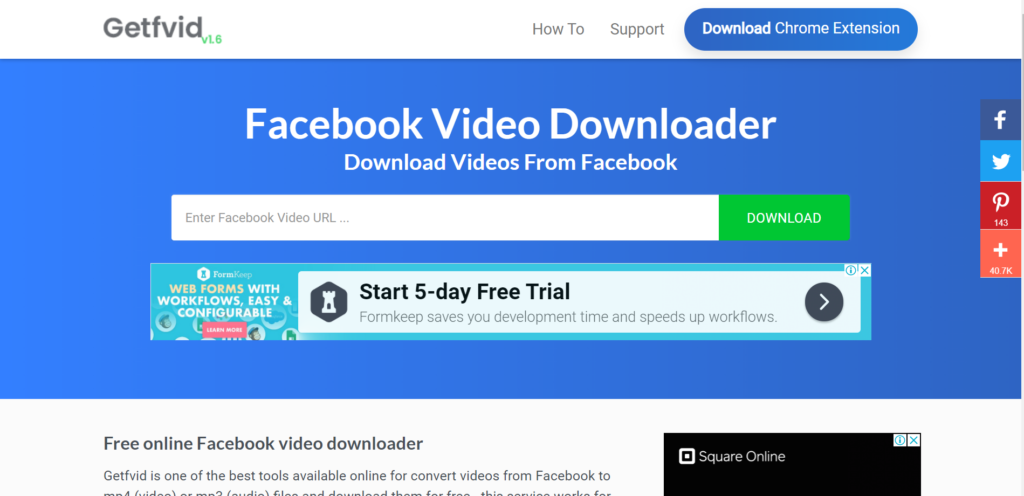
Getfvid is one of the best online tools for downloading videos from Facebook. This tool helps convert videos from Facebook to mp4 (video) or mp3 (audio) files.
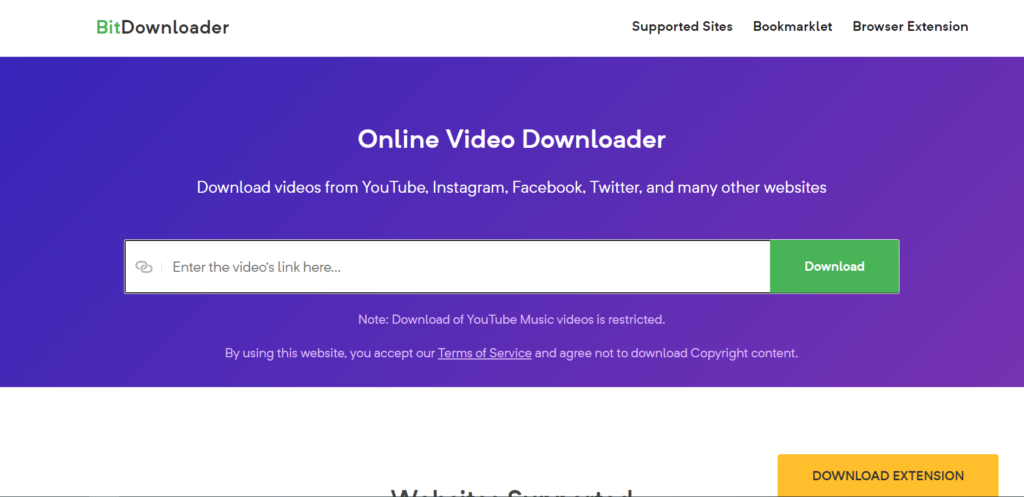
BitDownloader is a free downloader tool that allows you to download videos from many platforms including YouTube, Facebook, Instagram, and many other services.
Keepvid is the place to download Facebook videos. Keepvid offers multiple formats and can convert your FB video to MP3. If you need a Facebook video downloader, keepvid is one of the best solutions.
Savefrom.net helps you to download Facebook videos in mp4 or mp3 without leaving the website, you have to install “SaveFrom.Net Helper!”. It is a free browser extension that helps you to save preferred videos without the need to leave the website.
With iTube HD Video Downloader, you’re able to download videos or extract audio from YouTube, Facebook, Vimeo, etc. You can download videos by pasting the URL or using the browser plugin (available for Chrome, Safari, and Firefox) to download full HD videos in the browser directly.
Features of iTube:
10,000+ Video Sites Supported (including Facebook)
FB Downloader is a fast and free way to download and save Facebook videos as MP4s. FB downloader also enables you to convert Facebook videos to MP3 audio files.
Snapsave is high quality Facebook video downloader. You can download all types of Facebook videos for free. Snapsave also provides a native Android app for free.
ContentStudio provides a free facebook video downloader that helps you to download Facebook videos without a watermark in high quality. It supports the fastest downloading of video.
Features of ContentStudio:
Download the video without the watermark
Download video in high-quality
Easily share fast video downloadable link
Availability:
Website
I mentioned almost all popular Facebook video downloaders. Now you need to decide which one is best for you.
Want to download YouTube videos for offline watching, editing, or sharing? In this list, we’ll compare the best YouTube video downloaders online and offline including free options, fast download speeds, and multi-format support. Learn which tools work best in 2026 and how to use them.
What is a YouTube Video Downloader?
A YouTube video downloader is an online tool or application that allows users to download videos directly from YouTube to their devices. These tools let you save videos in formats like MP4, MP3, and HD/4K quality, making them accessible for offline viewing, content creation, or personal use.
Most YouTube downloaders also support features such as playlist downloads, audio extraction, and fast processing speeds, making them popular among students, creators, and casual viewers.
SocialPlug is one of the best YouTube video downloaders that provides many amazing features without any advertisement download videos using SocialPlug without a watermark.
Features of SocialPlug:
Multiple video and audio formats
All Quality Options from 360P to 4K and more
No Advertisement
Comfortable with almost all modern browsers
Fast conversion while downloading cropped clips.
Supported Formats:
MP4, MP3, WebM, and other commonly used formats
Pros & Cons:
Pros
Cons
Completely ad-free experience
Requires a stable internet connection
No watermark on downloaded videos
Limited advanced editing features
Supports multiple formats (MP4, MP3, WebM)
No desktop or mobile app
Quality options up to 4K resolution
Cannot download private videos
Works directly in the browser
No built-in batch download
Fast conversion and download speed
Depends on browser performance
Availability:
Browser
Summary:
SocialPlug is an excellent choice for users who want a fast, free, and ad-free online YouTube video downloader with support for high-quality formats up to 4K.
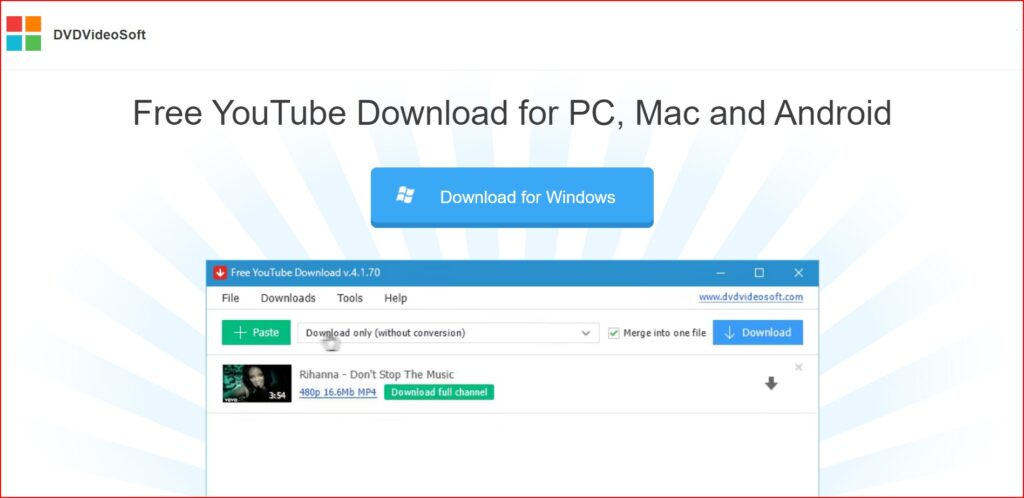
DVDVideoSoft provides a free YouTube Downloader for PC, Mac, and Android. DVDVideoSoft lets you download and convert YouTube videos, so you can watch them whenever you want. The best feature of DVDVideoSoft is that you can also download YouTube video subtitles
Features of DVDVideoSoft:
Download YouTube videos in MP4, MKV, up to 8K UHD, WEBM, and MP3
Perform conversion to MP4, AVI, and MP3
Apply output name format patterns
Open lists of links from any text files
Transfer videos to iTunes automatically and convert them to iPhone / iPad / iPod
Download subtitles
Supported Formats
MP4, MKV, WEBM, AVI, MOV, MP3 (audio extraction).
Pros & Cons:
Pros
Cons
Supports high resolutions up to 8K
Desktop software needed (not browser-based)
Batch download and playlist support
May require a premium upgrade for longer videos (per some reviews)
Multiple output formats including MP3
Multiple output formats, including MP3
Download with subtitles
Only works on PC and Mac
Fast download speeds
No direct online version
Availability:
Windows app
Mac app
Android app
Summary:
DVDVideoSoft Free YouTube Download is ideal for users who prefer a powerful desktop downloader with extensive format support, playlist capabilities, and high-resolution downloads.
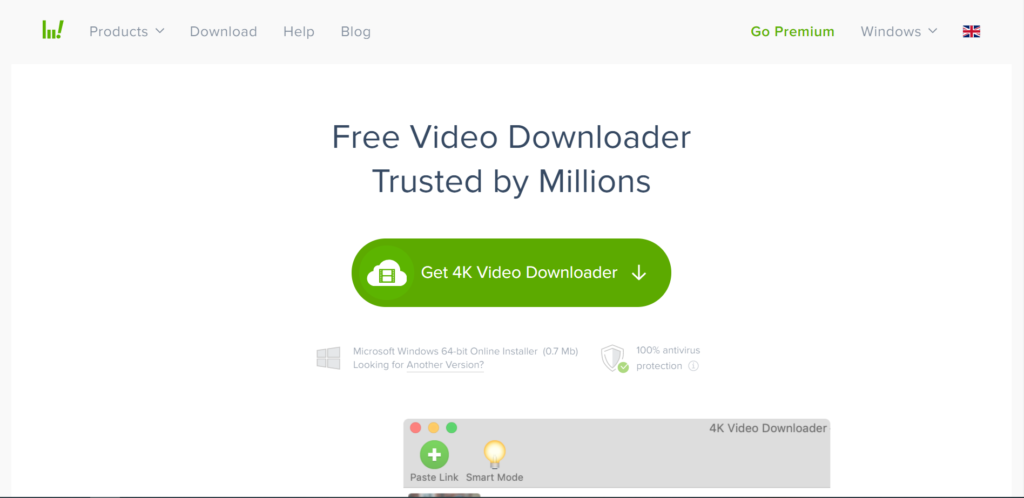
The simplest video downloader, ever! Download video and audio from YouTube and similar services on macOS, PC, and Linux absolutely for free! There are two versions of this software one is the free version, for which you do not need to pay anything. And the second is the premium version, which is paid.
Features of 4k video downloader:
Download video in HD quality
Download subtitles in one click
Download YouTube subscriptions
Download full playlists and channels
Download 3D video
Smart Mode Feature
Supported Formats:
MP4, MKV, MP3, M4A, OGG, and more (depends on the version and output settings).
Pros & Cons:
Pros
Cons
Supports high-quality downloads up to 8K
Requires installation not browser-based
Save full playlists, channels, and search results
Some advanced features require premium license
Extract subtitles and audio tracks
Slight learning curve for beginners
Built-in browser for easier downloads
Larger app size compared to lightweight tools
Works on Windows, macOS, and Linux
Doesn’t run in a browser
Availability:
Website
Windows app
Mac app
Summary:
4K Video Downloader is a great choice for users who want a robust YouTube video downloader with support for high resolutions, playlists, channel downloads, subtitle extraction, and advanced control.
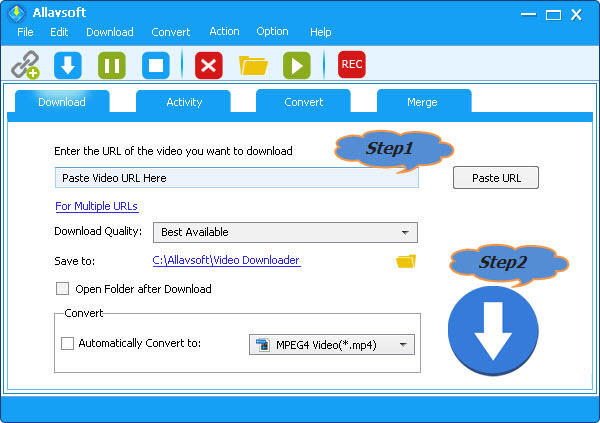
Allavsoft is a video downloader and converter. It can batch download video, subtitles, and music files from YouTube, Vimeo, Spotify, Soundcloud, Twitter, Facebook, Dailymotion, NBC News, CNN, BBC, Acorn TV, ESPN, PBS, Crunchyroll, etc 1000+ websites. It supports direct download to MP4, MP3, AVI, WAV, MOV, etc any video or audio formats. Allavsoft supports adding multiple video URLs and batch downloading and converting multiple videos at a time.
Features of Allavsoft downloader:
Download free videos from 100+video-sharing sites
One step to download
Convert online video files to any video format
Download videos in HD, 3D or SD
One-click to extract audio from online video files
Batch download and convert
Preview and playback downloaded video files
Supported Formats:
Video: MP4, AVI, WMV, MOV, MPEG-1, MPEG-2, VOB, ASF, RMVB, WebM, FLV, OGV, and more. Audio: MP3, WMA, WAV, AAC, M4A, AIFF, RA, FLAC, OGG, AU, etc.
Pros & Cons:
Pros
Cons
Supports downloads from 1000+ websites
The interface may feel dated to some users
Batch download + batch convert
Requires desktop installation (no browser version)
Converts video to many formats
Interface may feel dated to some users
Built-in player preview
Not as fast for high-volume playlist downloads as some specialised tools
Pause/resume support
Not as fast for high-volume playlist downloads as some specialized tools
Allavsoft is a powerful choice for users who need a multi-site video downloader and converter with batch capabilities and broad format support, especially suitable for downloading from numerous platforms beyond just YouTube.
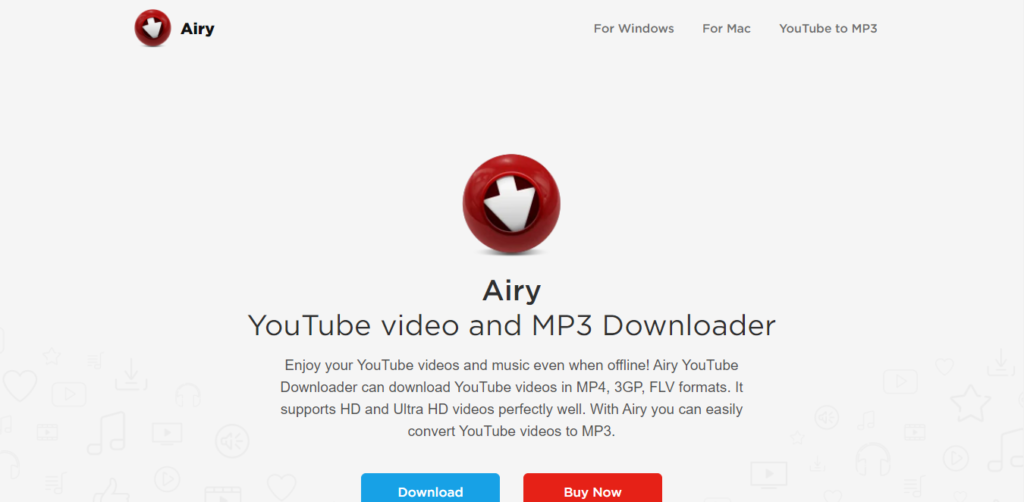
Airy is an application developed by Eltima Software for downloading YouTube videos. It was first developed for the Mac OS, but now supports Windows too. According to expert reviews, Airy is very useful and reliable for downloading YouTube videos and even extracting the audio from the downloaded clips.
Features of Airy:
YouTube content without ads.
High-quality YouTube videos at fast speeds.
Extraction of audio from video.
Can choose the format and resolution.
Integrate the app with the browser.
Download entire YouTube playlists from channels with ease.
60FPS videos from YouTube.
Subtitle file extraction in SRT format.
Can resume downloads.
Access to protected or age-restricted content.
Supported Formats:
MP4, FLV, 3GP, MP3 (audio extraction).
Pros & Cons:
Pros
Cons
Simple and intuitive interface
Free version limited to only a few downloads
Supports playlist downloads
Free version is limited to only a few downloads
Audio extraction (MP3) included
Not as feature-rich as some competitors
Allows format selection before download
No mobile app available
Browser integration for faster downloads
Full features require a paid license
Availability:
Website
Windows app
Mac app
Summary:
Airy YouTube Downloader is a solid choice for users who want a desktop tool with a clean interface for downloading videos and audio from YouTube, including playlists and multiple quality options.
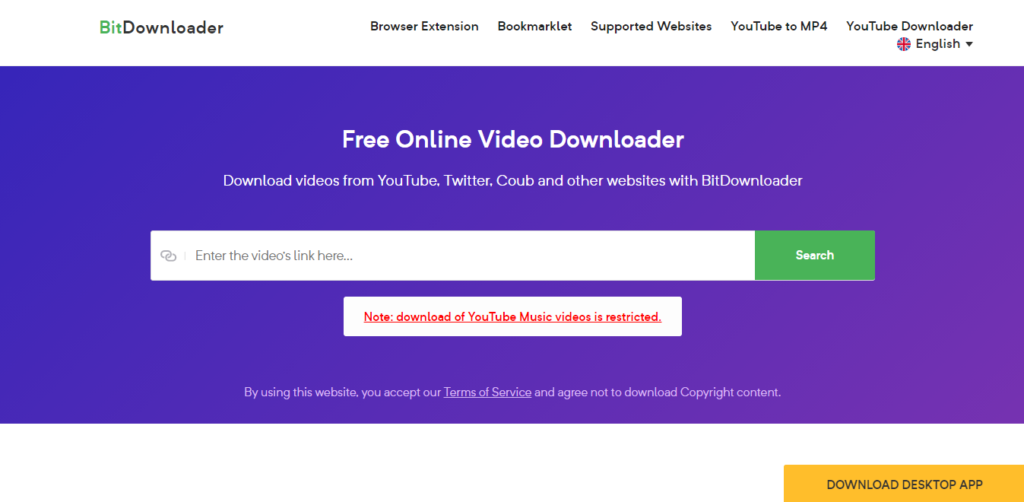
BitDownloader is an online video downloader tool. You can easily and quickly download videos from a range of websites, including YouTube, Facebook, and Instagram. The tool is completely free.
Features of BitDownloader:
100% FREE
No restrictions
Fast download speed
Cross-platform support
YouTube to MP4 Converter
Supported Formats:
Common formats such as MP4 and other video/audio options (varies by source and resolution).
Pros & Cons:
Pros
Cons
100% free to use
Quality/format options depend on the source video
No software or registration required
No advanced features (no batch download)
Works directly in the browser
Cannot download private or age-restricted videos
Supports many websites (not just YouTube)
Quality/format options depend on source video
Simple and fast interface
Depends on the internet connection
Availability:
Website
Summary:
BitDownloader is a straightforward online YouTube downloader that’s perfect for users who want a free, fast, and no-installation solution to save videos and media from YouTube and many other platforms.
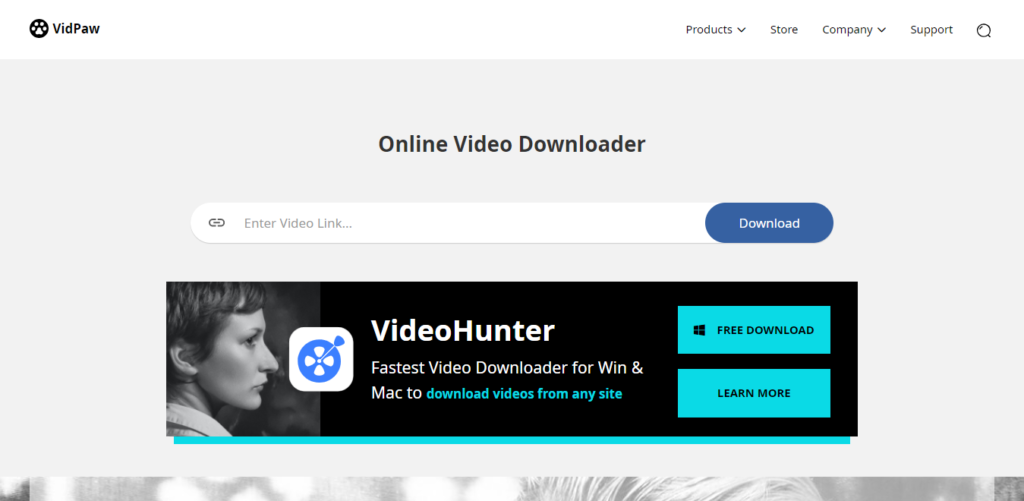
Vidpaw offers intuitive and authentic free tools and software, including a video downloader, video converter, screen recorder, Blu-ray player & ripper, and so on.
Features of Vidpaw:
Online Video Downloader
Music Video Downloader
Powerful Video Converter
Download from 1,000 Sites
YouTube Subtitle Downloader
Multiple Downloads At Once
20+ Popular Output Formats
Batch Download Tasks
6X Fast Download Speed
Online Video Downloader from Websites
Supported Formats:
MP4, MP3, 3GP, M4A, WebM, and SRT (subtitle), format availability may vary by video source and original quality.
VidPaw is a straightforward and powerful online YouTube downloader that’s perfect for users who want a free, unlimited, browser-based solution for saving videos, audio, playlists, and subtitles from YouTube and many other sites without signing up or installing anything.
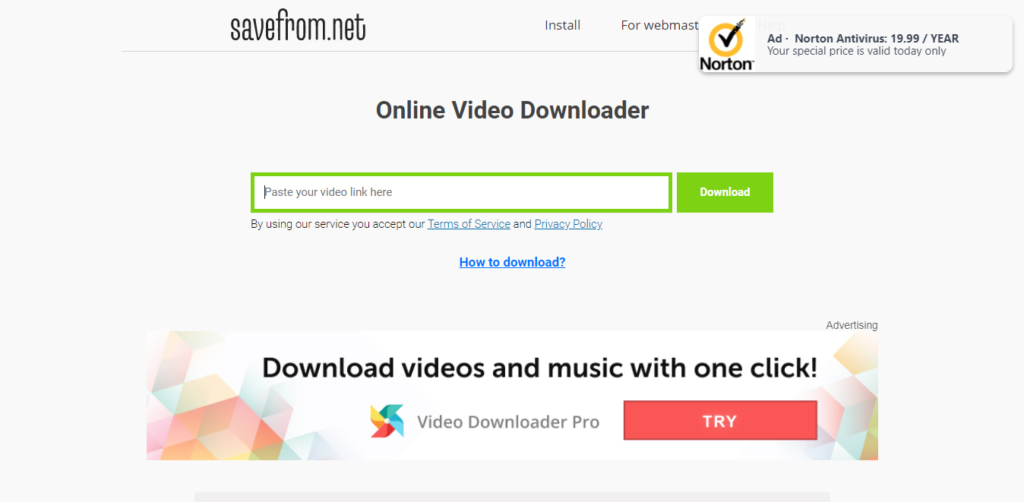
Savefrom is an online video downloader that offers to download videos from almost all popular video streaming sites. Savefrom is a completely free tool for downloading videos
Features of SaveFrom:
Paste the video URL to download.
Download videos from almost all sites.
Supported Formats:
Common media formats such as MP4 (video), MP3 (audio), and WebM. Format availability depends on the source video and platform.
Pros & Cons:
Pros
Cons
100% free online tool (no install)
Quality and format options vary by video source
Supports multiple video platforms
No built-in batch download feature
Simple copy-paste download workflow
Can display ads due to the free model
Works in any browser
Can display ads due to the free model
No account or registration needed
Lacks advanced features like editing or playlist downloads
Availability:
Website
Chrome Extension
Mozilla Extension
Summary
SaveFrom.net is ideal for users who want a fast, free, and no-installation YouTube video downloader that supports a wide range of platforms and output formats, perfect for quick downloads on virtually any device.
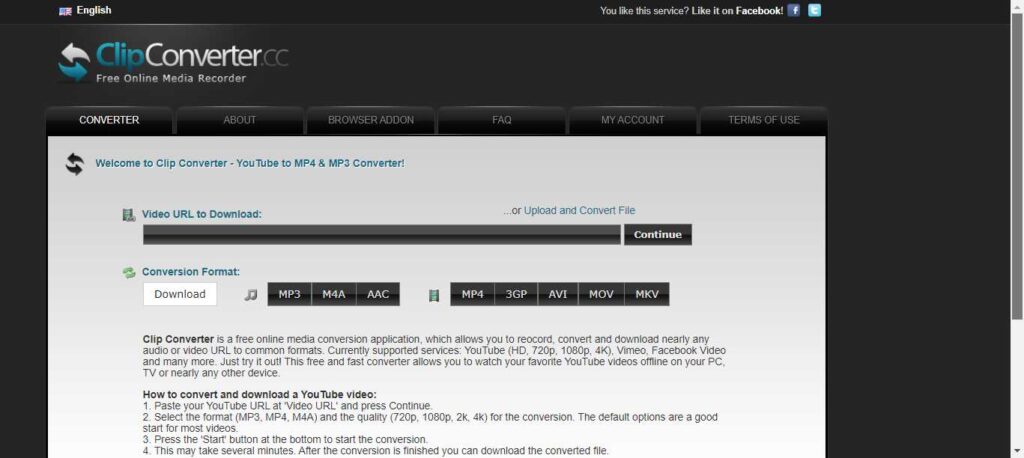
Clip Converter is a free online media conversion application which allows you to convert and download nearly any audio or video URL to common formats. Currently supported services: YouTube (HD, 720p, 1080p, 4K), Vimeo, Facebook Video, and many more.
Features of Clip converter:
Record screen.
Convert video.
Download the video from the URL
Supported Formats:
MP4, MP3, M4A, AAC, AVI, MOV, WEBM, 3GP, MKV (availability may vary by source).
Pros & Cons:
Pros
Cons
Free to use with no installation needed
Ads and pop-ups may be intrusive on the site
Supports many common formats (video + audio)
Reliability can vary depending on the source and server status
Works in any modern browser
Cannot download private or age-restricted videos
Browser add-ons make downloads easier
No built-in advanced features like playlist batch downloading
Supports high-quality output including HD/4K
Supports high-quality output, including HD/4K
Availability:
Website
The extension (not official)
Summary:
ClipConverter.cc is a versatile and free online YouTube downloader and converter that’s ideal for users who want to download and convert videos right from their browser with flexibility in output formats and quality, especially for occasional downloads without installing any software.
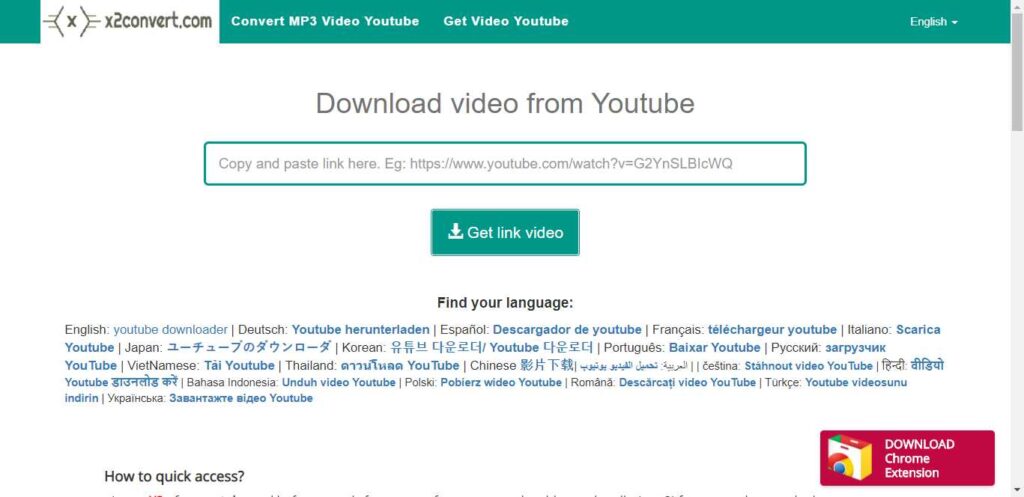
x2Convert is a video-downloading application that you can use to download videos from YouTube. The x2Convert extension is now available in the Chrome Store.
Features of x2Convert:
Downloadthe youtube video.
Works on any browser.
A Chrome extension is available.
Supported Formats:
Popular formats like MP4, MP3, FLV, MKV, M4A, WebM, and others, depending on the source video.
Pros & Cons:
Pros
Cons
Free and no registration required
Doesn’t support downloading private or age-restricted videos
Works on any device in a browser
No advanced editing or batch download features
Download quality depends on the original video
Download quality depends on original video
No preset limits on downloads
May show ads on the free web interface
Quick and easy paste-and-download workflow
Supports many formats, including video and audio
Availability:
Website
Chrome extension
Summary:
X2Convert is a convenient and free online YouTube downloader and converter that’s ideal for users who want to quickly save videos or audio from YouTube and many other platforms using only a web browser, with support for multiple formats and unlimited downloads.
Conclusion
In this article, we covered some of the best YouTube video downloaders available in 2026, including both free online tools and desktop software. Each downloader offers different features such as MP4 and MP3 formats, HD or 4K quality, fast download speeds, and playlist support.
If you want quick downloads without installing software, online YouTube video downloaders are a great choice. For advanced features like batch downloads or higher resolutions, desktop applications may be more suitable.
Before choosing a tool, consider your needs, video quality, file format, device compatibility, and ease of use. Selecting the right YouTube downloader will help you download videos safely and efficiently.
Back in the day, Google Chrome was a lightweight and mean browsing machine that will load everything instantly. However, after a couple of years and countless updates, they’ve made this browser heavier and more complex.
This means that Google Chrome uses more of your PC’s resources, and sometimes the process gets slower.
In today’s article, we will go through some of the best ways to make your Google Chrome faster. There is no need to change between browsers, as these tips can help you bring your Chrome back to life.
1. Clean up Apps and Extensions
Currently, Chrome is basically its own platform, which enables you to install additional apps and extensions that run within.
There are many useful apps and extensions that can improve your overall browsing experience, but you have to understand that every single one of those apps and add-ons requires more resources in order to operate.
So, the more extensions and add-ons you have installed, the more bogged down and slowed your Chrome will operate. Additionally, most Chrome apps require access to some of your browsing activity. This means that over time you must check your list of installed extensions and remove everything you don’t use.
2. Examine The Apps You Decide to Keep
If you choose to hold on to some of the extensions, you should look closely at what sort of access they’re claiming. Some apps might need too much information from you, so you are better off removing them.
If you see an app listed as having access “on all sites,” it usually means that it can see and sometimes even modify what’s in your browser at all times. This is a potential danger for your privacy, and it slows down your browsing experience.
3. Avoid Opening too Many Tabs at Once
Some of us are more disorganized than others. If you are that person that keeps millions of tabs open, you should know that that action significantly slows down your browser performance. Try to improve your tab management. The best option is to develop a habit of closing all the tabs that you don’t use, but if that’s not the answer, you can download an extension that will manage them for you.
4. Allow Chrome to Preload Pages for You
The most frustrating thing when it comes to browser performance is waiting for a page to load. Can you imagine trying to load BetAmerica Extra MMA odds and it taking ages?
However, Chrome found a solution to this problem.
The solution is more like a cover-up, but at least it will take some of the pain away. The preload system works by looking at every link within a page that you’re viewing.
Google is using a magic algorithm to predict which link you are likely to click on, and it preloads the page before you actually click the link.
5. Clean Up Your Computer
Obviously, Chrome takes a significant part of your computer performance. This means that freeing up space on your computer might give your Chrome a better chance for improving its performance. If you haven’t cleaned up your computer for a long time, it is time to do that.
6. Start Fresh
Since Chrome is storing up cache data from websites, extensions and might get infected by malware, it is time to start fresh. You can uninstall Chrome from your PC and install it again.
That way, you’ll have a clean, fresh start with basic Chrome without anything to weigh it down.
Final Words
These are some of the ways you can improve your Google Chrome performance. Since browsers are becoming more complicated, sometimes your PC’s hardware performance can be an issue.
If you have outdated components, you cannot expect to run as smoothly as a couple of years ago.
Are you looking for the best online photo editor? If yes, then this article is especially for you because I will tell you about the best online photo editors.
However, when creating a portfolio or editing pictures for themselves or clients, most photographers will need to retouch their photos to make them look professional and attractive.
You can download a photo and use it the way you like – send it to friends, share it on social media networks, or improve photo colour. This is when an online photo editing tool will come in handy.
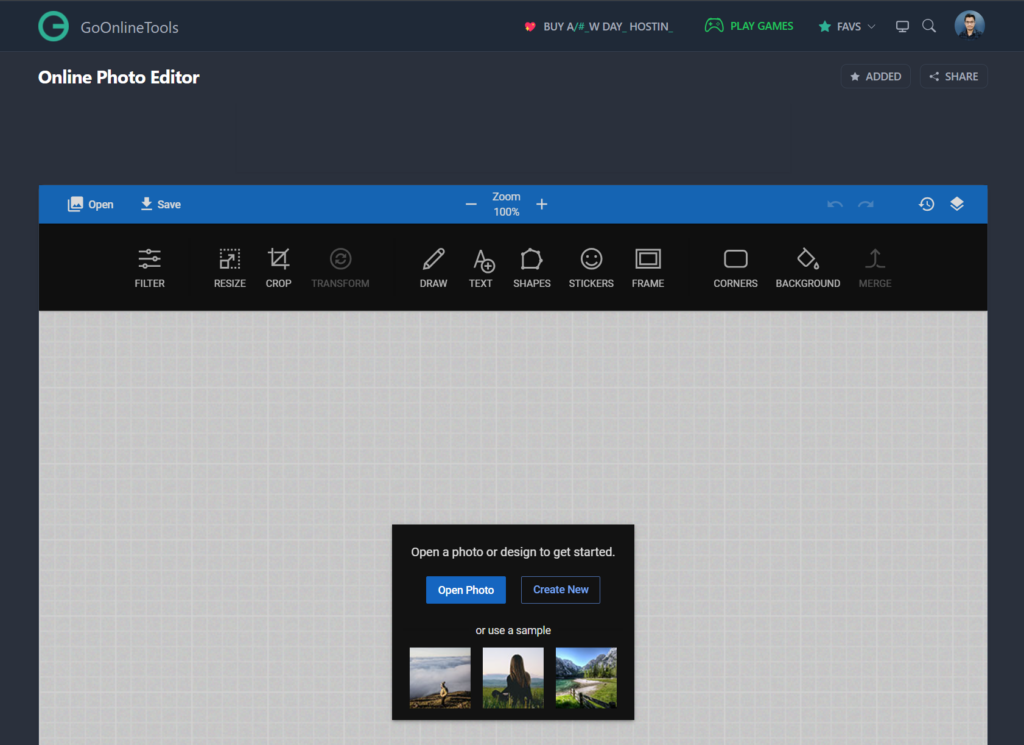
Online Photo Editor by GoOnlineTools is the Best Free Advanced Photo Editing Tool, that helps you to edit photos without downloading any heavy applications. This Tool Needs only a Browser and an Internet Connection. This Online Photo Editor Tool lets you edit photos, apply photo effects, resize, sepia, crop, rotate, flip, and more.
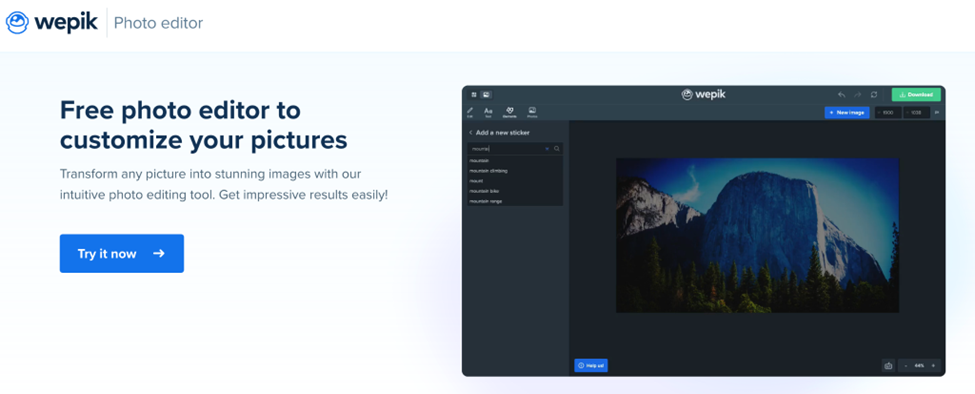
Discover Wepik, a great photo editing tool to customize and edit your photos for free! Wepik also has hundreds of easy-to-edit templates to create logos, flyers, social media posts, business cards, resumes and many more. Great free online template editor for any project and you won’t need any special software or prior graphic design knowledge to get started. From the palm of your hand — thanks to Wepik’s App — to the desktop version, thousands of pre-made designs are ready to be personalized in minutes, effortlessly and 100% free!
Pixlr, the World’s Favorite #1 Online Photo Editor lets you edit photos right in your browser for Free. Experience next-level, intuitive photo editing with AI-powered tools for quick yet professional edits.
Instasize is the photo editor toolkit for creatives. Easily edit photos and videos with premium photo filters, picture borders, collage maker, retouch tools, format photo resizer and so much more. … Enhance your image with editing tools including contrast, exposure, saturation, and clarity.
Fotor is a renowned photo editor, designed to bring powerful digital editing to you. Fotor is a renowned photo editor, designed to bring powerful digital editing to you. With basics such as 1-tap enhance, resize, crop, background remover, rotate and straighten, it also has many unique features.
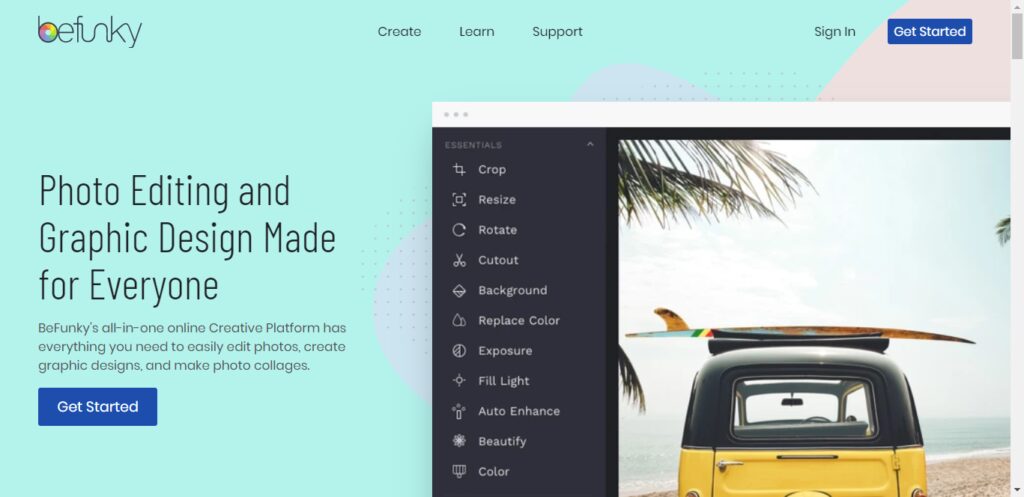
BeFunky is a powerful, yet easy-to-use Photo Editor, Collage Maker, and Graphic Designer for the web. It’s an all-in-one online platform that offers hundreds of fully customizable templates, a vast library of tools, and stunning design elements to choose from.
PicMonkey is an online photo editing and design service. It can be accessed from a web browser, or through the PicMonkey mobile app. PicMonkey’s mission is to empower everyday creatives to communicate visually. Create beautiful photos, logos, social media graphics, and Facebook covers with PicMonkey’s easy yet powerful photo editing and graphic design software.
iPiccy has many powerful and easy-to-use photo editing tools right in your browser. Auto adjusts photos in one click, crop, rotate and resize images in no time. Over 100+ photo effects and PRO-level photo enhancements, facial retouching, and frames. This is the best place for your pictures!
Overview. Ribbet is a free online photo editor and collage maker with beautiful filters, seasonal effects, touch-ups, stickers, and fonts. We also offer Premium membership for those users wishing to take advantage of our Premium editing tools.
Top features:
Crop, resize, rotate
Basic edits with ease.
From professional to artsy or just fun
Drag & drop photos to quickly create grids and collages for anything from family albums to engaging social media posts.
Create and reuse your project templates.
Conclusion
As per my own experience, every photo editor app has its advantages. However it depends on your requirement which photo editor is best for you.
If you want to go with advanced features in the free plan then I prefer this GoOnlineTools Photo Editor is best.
If you want to go with pricing then I prefer Pixelr because this tool offers good features but it costs money.
Are you looking for the best online video downloading sites? If yes then this article is especially for you because in this article I will tell you the Best Online Video Downloading Sites.
YouTube is one of the widest platforms for streaming video. This is, one of the most used and watched streaming websites all across the globe.
You will find tv shows, music videos, films, gaming content, news, educational videos and also personal entertainment vlogs.
If you have a slow or weak web connection, then it can be problematic for video streaming, and this is why we would recommend you save your favorite content from YouTube to your local storage.
Technically it looks impossible because YouTube or any other site for that matter does not allow you to download their content. But in this source, we are going to list out the ten best tools that can help you save videos using URLs!
In addition, in case you have some content or scenario for your video to keep it on Youtube, there is also no problem to hire someone to deal with writing your content, ideas or scenario like, as an example, typing buy phd thesis to work with a reliable writing expert, and even if you are a student to be freer while studying.
Before we tell you about the top ten tools, we want you to know the percentage of availability of videos on different platforms all across the globe!
YouTube covers 72% of the video content on the Internet.
5% of content belongs to Netflix
5% of content belongs to Vimeo
4% of content belongs to Dailymotion
Hulu takes 3% of the total share
Vibe comes next with a 2%
Twitch comes with 2% as well
Liveleak has 2%, and Vine has 1%
All other websites contain the remaining 4% of videos
Best video downloader tools for URL downloading
We have gathered all this information after great research on hundreds of free and paid tools on the web. Read the below-mentioned details and use the tool that triggers your instinct!
1. SmallSeoTools
Online video downloader by Small seo tools is one of the best online tools you can find. This is the easiest tool that would help you save videos from every website on the Internet. You need to copy the URL of the video that you want to download and paste it into the input box given by the tool. This video downloader is a well-reputed tool that can be used for free. You can download videos unlimited with this online downloader.
2. 4k video downloader program
This online video downloader tool can be used for free and without any trouble. It is considered to be the perfect one for downloading complete batches or playlists of videos and that tool in high quality. There are two plans available with this program. The first plan is the basic and free one which can be used to save high-quality content with some limitations. The second plan is the one in which you have to get a personal or business license based on your requirements.
3. WinX video downloader
Another online video downloader tool that can be used to save videos from the Internet based on URLs. This is said to be one of the Deluxe tools that you can find online; this is an ideal platform that can help you in saving high-quality as well as low-quality content. The operation of this program is easy and understandable. You can not only download videos with this tool, but you can also convert formats to your desired ones.
4. Snap downloader
This is one of the best video downloader tools that you can find online if you want to save content in 8k quality. You can save videos based on their URLs may they belong to YouTube or any other website. This is a downloadable tool that you can have on your device for free. This video downloader also has different packages concerning different limitations. It has one of the friendliest interfaces you will find on the web.
5. Video procs
This is a fast video downloader tool that can be used by anyone who wants to save content in their local storage. This downloader can help you save content from more than thousands of websites and that too for free. You have to copy the link/URL of the video from its origin and paste it in the designated box in the tool. It will find the content and download it in your desired quality. You can get special discounts on the paid packages of the tool.
6. Y2 Mate
Y2mate is a website tool that can help you in saving content from the Internet. It has an easy-to-use interface which can help you understand the working of the tool for sure. You can not only find and download videos via URL, but you can also do it with the help of keywords and links to the pages on which the video exists. There is no limitation in the use of this tool, and you can save as much content as you want.
7. YouTube video downloader
This is a great platform that can help you save content directly from YouTube using the links to the videos. This tool allows you the unlimited downloading of HD and SD videos from not only YouTube but also Facebook. It supports multiple document formats and is compatible with all browsers.
8. Savefrom.net
This is another video downloader website tool that one should know about. This website tool is compatible with not only pcs but also with smartphones. The tool is integrated with more than dozens of websites and video streaming applications and can help you in unlimited downloading of content in your desired quality. It would be best if you had the URL of the video, and you are good to go.
9. Itubego
This video downloader tool is compatible with all devices and has strong integrations with almost every video streaming website. This online tool is usually used to save content of lower quality as it doesn’t support the saving of HD content. You can also download or save the complete batch of files with this online tool. This is also a URL-based grabber program
10. Bit downloader
This is a free video downloader tool that can save content from all the major platforms hosting video content on the Internet. You can also download the application on your device or can use it online. You don’t have to worry about any copyright issues and restrictions with this program. Just keep inputting the URL of the video and saving it on your device!
Do you know there is no connection between Java and Javascript? And this python is a programming language of a high standard? Let us have a look at the different things you can enjoy when you have a professional coder by your side.
It is challenging to decode those skills while employing a creator, a codec, or even a programmer with a non-technical context. The IT world is a complete and continually changing ecosystem. It’s hard to grasp the whole paradigm with an excellent technological experience, which makes it overwhelming to recruit the right guy. You can hire the best expert by conducting a coding test.
Many experts from different Allied Tech Recruiting and Retention completed an informative poll that found that 50% of managers are worried about the best technological talent. Thus it is essential to hire a coder.
Many recruiting managers ask about retaining a programmer when coding or scripting is not a useful competence. It is a concern even when you use a traditional hiring technique to hire a developer/coder/programmer. Conventional recruitment strategies do not work for a developer.
A coder needs to understand the nook and corner of the organization.
A typical error by recruiters when recruiting a coder is that they don’t grasp the job description. Thus you need to prepare a proper coding test to check their efficiency before you hire a coder. If a programmer is recruited, it may seem a manageable company, but you must consider the company’s correct position. The program the company is going to create must be known. Need anyone for the front end or an administrator of a database? Will a programmer back-end or is the developer in a full-stack fit? Each function has a particular combination of ability, technology, architecture, and language. Therefore it is a simple challenge not to find out the exact specifications of the business. You must ensure that your decision-making does not represent your non-technical experience.
A coder can be your best companion.
Online recruiting was a groundbreaking method developed by specialists to enable workers to recruit effectively quickly. To ensure market and organizational success, the appearance of various careers and specializations has gained sophistication hires the best expertise within a fixed period. This includes many recruiting practices such as screening, face-to-face interviews, reviews, and appraisal of the applicants, depending on their performance.
Online code training aids recruiters test and assesses their applicants based on exam results accompanied by online assessments.
It’s a programmer who will be the reason for constructing certain products that mobilize the process by using technologies to resolve the most complex solutions for a company.
Useful in evaluating
There are critical questions about the leading Java, C, C, C++, Python, R, OOPs, fundamental coding problems, and more in the Online Programming Exam. Assess candidate code expertise for seasoned applicants via the Java Coding Exam. Virtual machine-based simulations from Talview deliver the cloud-based virtual machine environment, assessing their performance in a business environment. The recruiters will assess the programmers in real-time and provide advice and suggestions to simplify the process.
Saves time
A programmer might still have time in the world in a perfect world, but market constraints must be investigated. The standard is non-negotiable with the deadlines to be reached. An online code test lets the recruiters assess the time required to overcome more challenging challenges, which can be readily calculated from the interviews’ outcomes and performance, providing recruiters with an insight into the abilities and core competencies of the applicant.
Cost-saving
The typical means of recruiting are incredibly costly, where the businesses incur external consulting fees, travel returns, infrastructure, stationery expenses, etc. Internet video interviews and reviews allow Talent Heads to reduce recruitment costs and simplify the process efficiently.
Talents ought to be in the right place in any region of the country. The recruiter should never be obsessed with judging them. Online code training and video interviews allow you to philter the company’s best candidate without the full expense of recruiting.
We are recruiting for available vacancy costs around $15,000. The cost of recruit can be lowered by TTI 50%.
The skilled team at work
Online coding testing allows recruiters to combine their company’s professionals and best programmers. Manual assessments may lead to mistakes leading to marginal jobs and research. In the following business sectors, the specialist programmers would be responsible for important decisions like:
The developer of the Mobile App
Specialist in cloud integration
Specialist in computing
SAAS experts
The online code test allows recruiters to assess the ability to code along with other team play considerations of the applicant, which are of considerable importance to the cultural fit. Hence Talview provided an assessment engine for the code and other resources, such as asynchronous interviews, live interviews, psychometric testing, and more.
Testing
The aspect of programming is another significant and forgotten component. Project managers are also keen to complete the tasks, resulting in released products without adequate checking for defects and glitches. The consequence is a lot of market reworking and failure that has recently been done. With online code evaluation, the test cases may be configured to test the code’s consistency, which implies explicitly the sustainable application of the software generated by the programmer, in compliance with real-time business issues. It would also allow recruiters to determine how simple the programmer knows the software or code.
If your marketing or writing skills like HTML and CSS are your new best mates, you must remember to use a standard newsletter template. You will mark the material according to the exact format and style that you or your manager is looking for with the opportunity to build models from scratch.
You will function separately, best of all. You are trying to remove all the hours wasted on research and design departments. You are not going to wait for other people to make edits. And if resources and budget are minimal, you will retain this sharp and fresh vision of your content. This is all about the importance of hiring a coder. He can help stay connected with the trends and maintain the right pace of development.