
Why competitor monitoring stopped being a monthly task
Four analysts, thirty minutes each, first Monday of the month. Export a rival’s keywords, screenshot a SERP, drop it into a slide nobody opens. That is 24 hours a year on a document with the shelf life of milk. Most competitor analysis tools were bought to feed that ritual, and the ritual is the problem.
The math changed underneath it. About 30% of keywords trigger AI Overviews in US SERPs, and those answers rewrite themselves without warning you. The long tail moves fastest: 10-word queries trigger AI Overviews over 5 times more often than single-word searches. Rivals get cited in answers you never tracked, faster than any monthly export catches.
The unit of work is no longer the report. It is the watch. Sample once every thirty days and you photograph a moving target. Repeat weekly and it’s a pipeline.
What a competitor monitoring stack has to do
A competitor monitoring stack has four jobs, and the criteria for ranking competitor analysis tools fall out of them:
- Identify the real competitor set: the domains that rank against you, not the three rivals your sales team names.
- Pull keyword, backlink and traffic gaps in one pass, so deltas are diffable, not screenshotted.
- Watch SERP positions and AI-answer movement continuously, where the churn lives now.
- Schedule, alert and report without a human touching an export.
- Expose an API or MCP endpoint so it wires into a pipeline, not a browser tab.
- Cover organic, paid and AI search, since rivals don’t stay on one surface.
Six criteria, only two about data; the rest decide whether the tool runs itself. I scored each of the seven competitor analysis tools on what you can wire in, not how the dashboard looks: API access, alerting, data coverage, and the maintenance bill.
The seven competitor analysis tools at a glance
Ranked on pipeline fit, not feature count. SE Ranking leads by running the whole loop from one place; the rest each own a single step.
| Rank | Tool | Pipeline step it owns | API + alerts | Data coverage | From |
| 1 | SE Ranking | Spine of the stack | API + MCP every plan, scheduled alerts | Organic + paid + AI | $103.20/mo billed annually |
| 2 | Similarweb | Size the competitive set | API, alerts on paid tiers | Traffic + market share | ~$199/mo, quote-based |
| 3 | Ahrefs | Backlink + content gap | API add-on | Backlinks + organic | $129/mo |
| 4 | seoClarity | Enterprise data ops | API, custom | Enterprise organic | Custom quote |
| 5 | Semrush | Paid + organic breadth | API units | Organic + paid | $139/mo |
| 6 | Serpstat | Cost-controlled gap data | API | Organic + paid | ~$59/mo |
| 7 | SpyFu | Paid-search recon | API | Paid + organic history | ~$39/mo |
The seven competitor analysis tools, by where they fit the pipeline
Each of these competitor analysis tools owns one pipeline step, from the anchor platform to the feeds you bolt on.
1. SE Ranking
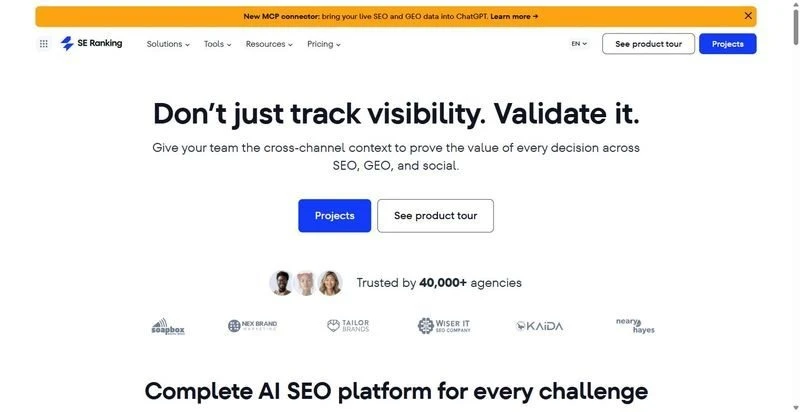
SE Ranking is the SEO and AI-search visibility platform that owns the spine of the stack: identify rivals, run the gaps, watch AI answers, and report from one place.
Best for: teams that want the whole monitoring loop in one platform the pipeline can call directly.
Standout: Competitive Research spans organic, paid, and AI search across engines in a single pass: competitor identification, keyword gap, backlink gap, and traffic estimation. The official MCP server (160+ tools) lets an AI agent query competitor data without a custom scraper, and API plus MCP ship on every plan instead of behind a separate invoice.
Pros:
- Collapses competitor identification, gap analysis, and AI-answer tracking into one scheduled job.
- Ships API and MCP on every tier (Core 25,000 Data API credits/mo, Growth 100,000).
- Tracks AI visibility across ChatGPT, Perplexity, Gemini, and AI Overviews.
- Wires into GA4, GSC, Looker Studio, Zapier, Make, and n8n for warehouse and reporting flows.
Cons:
- Keyword and prompt volumes are plan-based, so heavy competitive analysis can push you up a tier.
- Deep AI-prompt tracking needs the AI Search add-on.
- Raw backlink index depth trails the largest single-purpose crawlers.
Pricing: Core $129/mo ($103.20/mo annual), Growth $279/mo ($223.20/mo annual); standalone Data API from $179/mo; Agency Pack white-label from $69/mo. 14-day trial, no card.
Where it pays back: Four manual steps, identify, keyword gap, backlink gap, AI-answer watch, collapse into one cron job over MCP. That is hours a week off stitching exports; payback lands the first month your team reads a scheduled report.
2. Similarweb
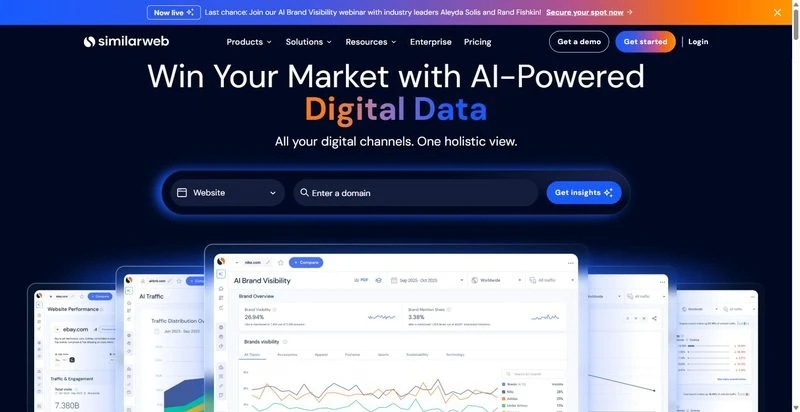
Similarweb sizes the real competitive set across channels, not just search.
Best for: teams validating who the real competitors are before wiring up tracking.
Standout: Traffic and market-share estimates run across channels, not just search, so you see the demand off-search rivals capture. API access feeds those numbers into a warehouse, which makes it a clean first stage that hands a verified competitor list to the tools downstream.
Pros:
- Estimates traffic share and market context across paid, social, and referral channels.
- Exposes an API for feeding competitor sets into a warehouse.
- Surfaces demand you would miss looking at SERPs alone.
Cons:
- SEO-specific depth (keyword and backlink granularity) is lighter than search-native tools.
- Pricing is quote-based and climbs at data scale.
Pricing: from around $199/mo, quote-based at scale.
Where it pays back: It stops you monitoring the wrong five domains, saving weeks of tracking rivals who never took your demand.
3. Ahrefs
Ahrefs owns backlink and content-gap depth: who is linking and ranking against you, at scale.
Best for: teams whose edge is link and content-gap analysis at depth.
Standout: A large backlink index plus content-gap views show the keywords and referring domains rivals hold and you do not. The API add-on pulls those gaps programmatically, so the link and content-gap step runs on a schedule instead of a manual export every Monday.
Pros:
- Surfaces a deep backlink index for referring-domain analysis.
- Builds content-gap views across multiple competitor domains at once.
- Exposes an API to pull gaps into your own pipeline.
Cons:
- The API is a separate paid add-on, so budget it before you design around it.
- AI-search competitor tracking is thinner than the SEO core.
Pricing: from $129/mo (API billed separately).
Where it pays back: The link and content-gap pull that eats hours by hand becomes a scheduled query. That time compounds every cycle.
4. seoClarity
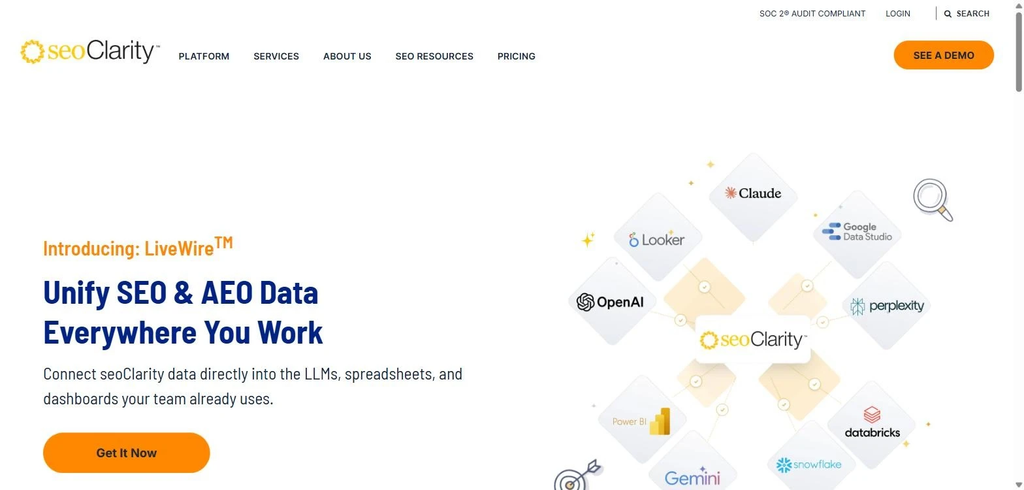
seoClarity owns enterprise data ops: custom pulls that feed a warehouse, not a dashboard.
Best for: enterprise in-house teams with data engineers and 100k+ page portfolios.
Standout: This is competitor analysis software built for volume. It handles enterprise-grade data sets and ships them through custom API and data delivery, so competitive signals land in your internal pipeline rather than a UI you have to log into. Managed scale is the point, and it holds up on large-site portfolios.
Pros:
- Delivers competitive data at volumes most crawlers cap out on.
- Feeds warehouses directly through custom API and data delivery.
- Supports managed scale across sprawling multi-site portfolios.
Cons:
- Enterprise pricing and a real onboarding lift before value.
- Overkill for a single mid-market site.
Pricing: Custom, enterprise quote.
Where it pays back: When your data lives in a warehouse, this is the feed that fills it. Budget the onboarding up front; after that maintenance runs low.
5. Semrush
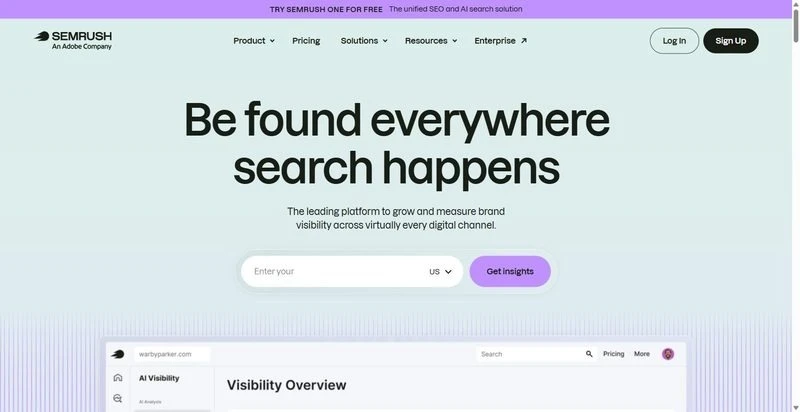
Semrush owns breadth: paid and organic competitor data sitting in one place.
Best for: teams that want one broad dashboard spanning paid and organic competitor data.
Standout: The reach is the draw. Semrush covers organic, paid and PR data sets in a single toolkit, with API access metered in units. For competitive analysis that touches several channels at once, one wide source beats stitching narrow ones together and reconciling three schemas by hand.
Pros:
- Spans organic, paid and PR data from one account.
- Exposes an API when you are ready to automate pulls.
- Cuts the integration count to a single source.
Cons:
- API units get expensive at pipeline volume.
- Breadth means paying for modules you may never automate.
Pricing: From $139/mo.
Where it pays back: When one broad source beats stitching three narrow ones and you accept unit costs. Automated jobs burn units fast, scaling the bill with call volume, not headcount.
6. Serpstat
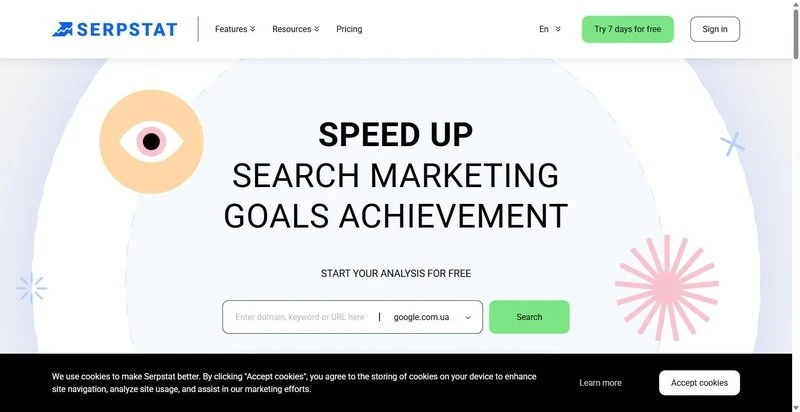
Serpstat owns cost-controlled gap data: callable competitor intel without an enterprise contract.
Best for: teams that need programmatic gap data without an enterprise contract.
Standout: Serpstat pairs keyword and competitor gap data with API access at a controlled cost. You get a callable feed for automated jobs without signing a six-figure deal, which keeps the data budget predictable when you are running gap checks on a schedule rather than ad hoc.
Pros:
- Serves keyword and competitor gap data on demand.
- Exposes an API that holds a predictable cost line.
- Automates gap checks without an enterprise commitment.
Cons:
- Smaller databases than the largest crawlers.
- Occasional data gaps on long-tail terms.
Pricing: From ~$59/mo.
Where it pays back: A callable gap-data feed when you don’t need the biggest index. For scheduled gap checks, the smaller database rarely bites. Confirm your priority terms are covered, then let it run.
7. SpyFu
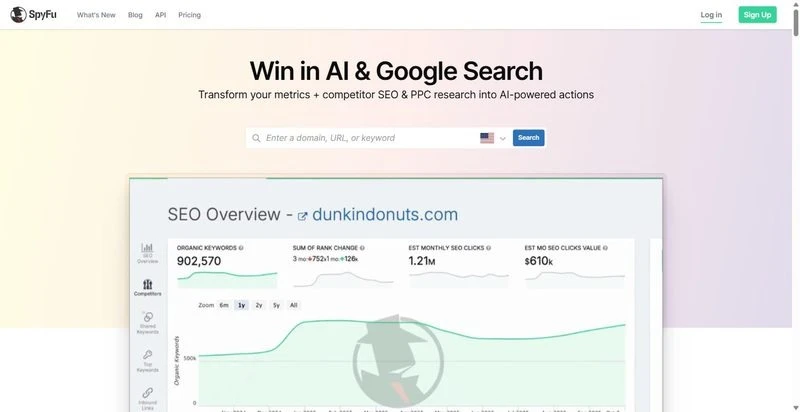
SpyFu owns paid-search recon: competitor PPC history, ad copy and bought keywords.
Best for: teams wiring paid-search competitor intel into the stack.
Standout: SpyFu keeps a long history of competitors’ bought keywords and ad variations, and exports it through an API. That depth of paid-search record is the reason to run it: you can trace what rivals have funded over time and feed that history straight into your own reporting jobs.
Pros:
- Tracks years of competitor bought keywords and ad copy.
- Exports paid-search history through an API.
- Feeds PPC recon into an automated stack.
Cons:
- Organic data is thinner and less fresh.
- The UI shows its age.
Pricing: From ~$39/mo.
Where it pays back: The paid-search history that tells you what rivals keep funding. Wire the ad-history export into your recon job and ignore the dated screens.
Assembling your own stack: build vs buy
Stitching it yourself means four point tools, four auth flows, four export formats to reconcile: a week of glue code before the first report ships, then maintenance every time a vendor changes a schema. For most teams, one platform that runs the whole loop beats bolting several competitor analysis tools together. SE Ranking starts that build because API and MCP come on every plan, so the pipeline calls it directly instead of scraping a UI.
Skip seoClarity unless you already have a warehouse and data engineers. Skip SpyFu unless paid-search recon is a standing job, not a one-off.
Build your own only if your requirements sit outside the standard 80%; otherwise buy. Wire the scheduled report first: one cron, one endpoint, zero manual pulls after Monday.
FAQ
How often should you actually recheck competitors?
Weekly for volatile SERP or AI-answer niches, monthly for stable ones. The point is a schedule, not a mood. AI answers shift faster than classic rankings, so a page that cited you in June can drop you by August. Quarterly checks miss the window; you find out from a traffic dip.
Can you replace manual competitor checks with alerts?
Yes. Competitor analysis tools let you set threshold alerts: position drops past a floor, a new competitor entering the top 10, backlink spikes on a rival domain. A human only looks when something moved, which is the whole savings. Set thresholds too loose and they fire on noise; people get alert fatigue and mute the channel. Tune the floors first.
Competitor monitoring tools vs rank trackers: what’s the difference?
A rank tracker watches YOUR positions over time. Competitor monitoring tools watch rivals’ keywords, backlinks, traffic estimates and ad moves. Different subject, different questions. Good platforms do both from one dataset, so your ranking history and a competitor’s gap sit in the same query instead of two exports stitched by hand.
