Categories
Online Tools & Software Reviews

Free Text Analysis Tool for Writers, Students, and Marketers

Writing content is easier when you have the right information about your text. Whether you’re a writer creating articles, a student working on assignments, or a marketer preparing campaigns, a free text analysis tool can help you understand your content instantly.

By counting words, characters, sentences, and paragraphs, it provides useful insights that help improve accuracy, readability, and overall writing quality. With real-time results and a simple interface, you can analyse any text in seconds and make better writing decisions with confidence.

The Importance of Accurate Text Analysis

In today’s digital world, written content plays a crucial role in communication, marketing, education, and professional work. Whether you’re drafting a blog post, writing an academic paper, creating social media captions, or preparing business documents, keeping track of your text length is essential. A Smart Word Counter and Character Counter helps users instantly analyze their content and gain valuable insights into its structure and readability.

Text analysis tools have become indispensable for writers, students, marketers, and content creators who need quick, accurate feedback on their writing. Instead of manually counting words or characters, users can rely on intelligent tools that deliver results within seconds.

What Is a Smart Word Counter?

A Smart Word Counter is an advanced online tool designed to measure various text metrics automatically. It calculates the total number of words, characters, sentences, paragraphs, and sometimes even reading time. These tools provide real-time analysis, allowing users to monitor their content as they type or paste text into the editor.

Unlike traditional counting methods, smart counters offer a detailed breakdown of content statistics, helping users optimise their writing for specific requirements and platforms.

Key Features That Enhance Productivity

Modern text analysis tools come with a variety of useful features that go beyond simple word counting. Some of the most valuable functions include:

  • Real-time word and character counting
  • Sentence and paragraph analysis
  • Reading and speaking time estimation
  • Keyword density tracking
  • Character count with and without spaces
  • Readability assessment
  • Instant content updates

These features save time and eliminate guesswork, making content creation more efficient and accurate.

Benefits for Writers and Content Creators

Writers often work within specific word limits imposed by publishers, clients, or websites. A smart word counter helps maintain these requirements without interrupting the writing process.

Content creators can use the tool to optimize blog posts, articles, and website copy for better engagement. By understanding content length and readability, they can create material that is easier for audiences to consume and enjoy.

Additionally, SEO professionals frequently use character counters to ensure meta titles and descriptions fit search engine display limits, improving click-through rates and search visibility.

Essential for Students and Academic Writing

Students regularly encounter assignments with strict word count requirements. Exceeding or falling short of these limits can negatively impact grades. A Smart Word Counter and Character Counter allows students to verify their work instantly and make necessary adjustments before submission.

Research papers, essays, dissertations, and reports all benefit from accurate text analysis. The tool helps students stay organized and focused on content quality rather than manual calculations.

Supporting Social Media and Digital Marketing

Different social media platforms impose character restrictions on posts, captions, and advertisements. Marketers must carefully craft messages that remain concise while delivering maximum impact.

A character counter enables digital marketers to create content that fits platform guidelines without sacrificing clarity. Whether posting on social networks, sending email campaigns, or creating paid advertisements, accurate character tracking ensures professional and effective communication.

How Smart Analysis Improves Content Quality

Beyond counting words and characters, modern tools help users evaluate overall content structure. They can identify lengthy sentences, estimate reading time, and provide insights into readability.

These metrics help writers produce content that is more engaging and accessible. Readers generally prefer clear, concise, and well-structured text, making smart analysis an important part of the content creation process.

By regularly reviewing content statistics, writers can improve clarity, consistency, and user experience.

Fast, Simple, and User-Friendly

One of the greatest advantages of a Smart Word Counter and Character Counter is its ease of use. Most tools require nothing more than pasting text into a designated box. Results appear instantly, allowing users to make immediate edits and improvements.

The intuitive interface makes these tools accessible to beginners and professionals alike. No technical expertise is required, making text analysis available to anyone who works with written content.

Conclusion

A Smart Word Counter and Character Counter is more than just a counting tool; it is a powerful writing companion that enhances productivity, accuracy, and content quality. From students and bloggers to marketers and professional writers, anyone who creates written content can benefit from instant text analysis.

By providing real-time statistics, readability insights, and detailed content metrics, these tools help users meet requirements, improve communication, and create more effective content in less time. When speed and accuracy matter, a smart text analysis tool is an essential resource for modern writing.

Categories
Online Tools & Software Reviews

6 Best CRM Software for Medium-Sized Business for 2026

Customer relationship management software is the foundation of any expanding company since every firm wants to increase lead generation, boost lead-to-deal conversion rates, and deliver top-notch customer care.

Nowadays, many leading CRM businesses offer comparable features, and many business owners are confused about how to select a CRM system that is suited to their particular requirements and ongoing difficulties.

Because of this, we have compiled a list of the best 6 CRM programs that include features like: Overview of the platform, Important pieces of functionality, Top well-known clients using the best CRM software, and Pricing plan overview.

Criteria for Selection: Key Features to Consider in CRM Software

When searching for the ideal CRM software, consider it like selecting a new smartphone. You want something that fits just right, not too complex, but with all the necessary bells and whistles. 

Here’s what to keep your eyes on:

Customizability: You want a CRM that fits your business like a good suit. It should adapt to your processes, not the other way around.

Scalability: Think future-proof. Whether you’re scaling up or down, your CRM should handle the changes without breaking a sweat.

Integration capabilities: It should play nice with other tools you use. Seamless integration means less hassle for you and your team.

User-friendliness: Nobody wants to spend hours training on a new platform. It should be intuitive and easy to navigate, something everyone can get on board with quickly.

Customer support: Good support is like a reliable friend always there when needed. Make sure the CRM provider offers excellent service.

Pricing structure: Money matters, right? Look for transparent pricing without hidden fees that fit your budget.

Choosing the right CRM is crucial, so take your time, weigh these features, and pick the one that best suits your business vibe!

Top 6 CRM Software for Medium-Sized Businesses in 2026 

1. Fireberry

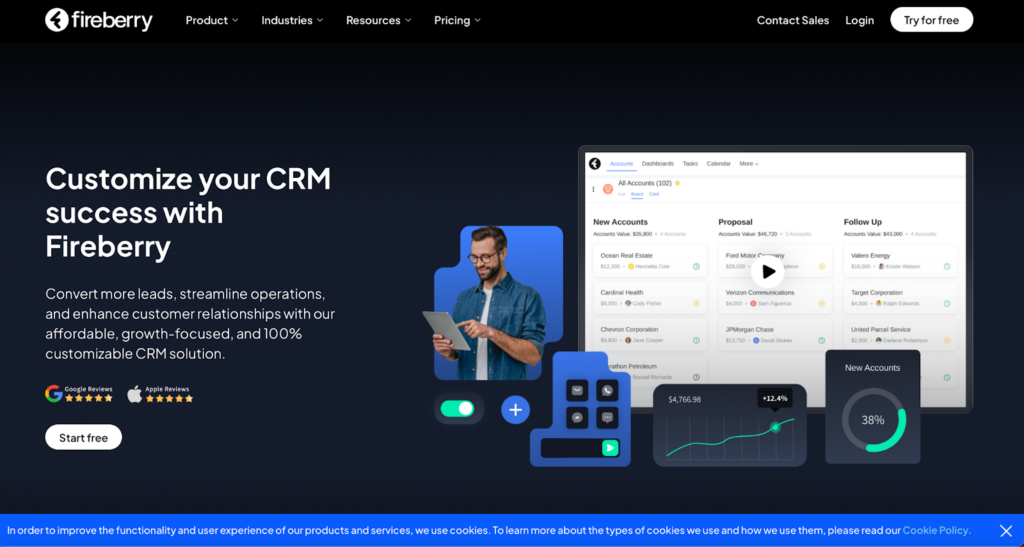
Screenshot from Fireberry website

Ever stumbled upon Fireberry? If not, it’s high time you did because it’s quickly becoming the MVP in the CRM league. Think of Fireberry as that super cool newcomer everyone wishes to buddy up with because they just nail their tasks.

What’s the Buzz About?

Fireberry has features that make your daily grind feel like a breeze. We’re talking sleek automation tools that streamline your workflow, detailed reports that don’t spin your head, and customization that lets you do your thing your way. It’s the dream setup for any business looking to keep things neat and efficient. 

The Ups and Downs

People can’t stop talking about how Fireberry makes their lives easier. But let’s be honest, no CRM is flawless. Some users find it tricky to get the hang of it, and a few wish for more integrations to spice things up.

What’s the Damage?

When it comes to pricing, Fireberry has you covered with various plans that cater to different needs and budgets. They even offer a free trial, so you can try it out before spending a dime. It’s like test-driving a car but in the software world.

2. Salesmate CRM

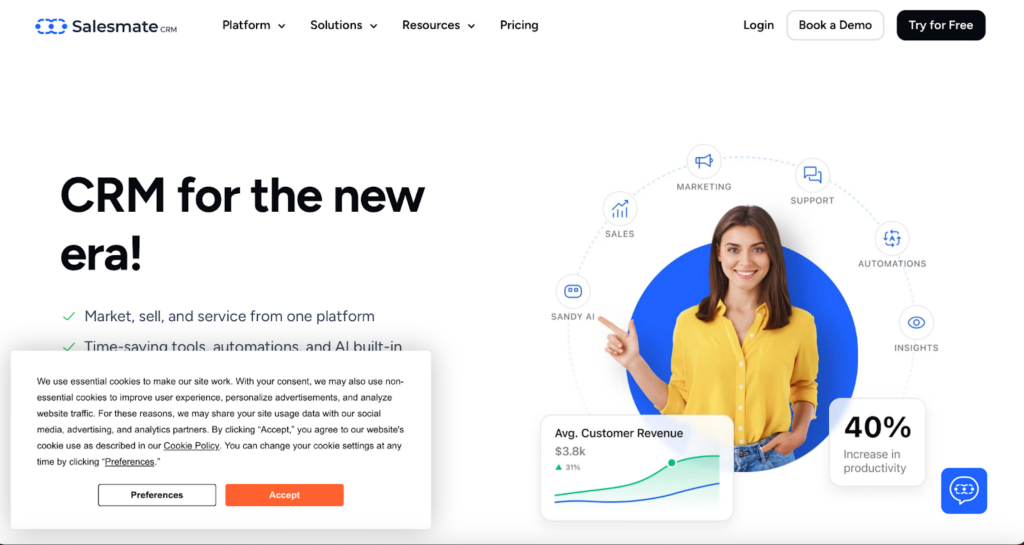
Screenshot from Salesmate CRM website

Meet Salesmate CRM, your new best friend if you’re a medium-sized business looking to improve your game. This CRM is not just any other tool; it’s crafted to make your business operations smooth and impactful.

Key Features

Dive into Salesmate, and you’ll find some nifty features. From sales pipeline management that guides you like a GPS to seamless email integration and mobile accessibility, this CRM goes wherever you are, ensuring you’re always connected, whether at a café or mid-flight.

Good & Not-so-Good

Users love Salesmate for its user-friendly design that scales with their business; it’s like a CRM that grows with you. However, some feel it could offer more customization options, and larger enterprises might find it a tad restrictive.

Pricing Tiers

Salesmate has various pricing options designed to fit various needs and pockets. They’re upfront about what each plan includes, helping you dodge those annoying hidden fees. They also offer flexible payment options, monthly or yearly, whatever floats your boat.

3. vcita

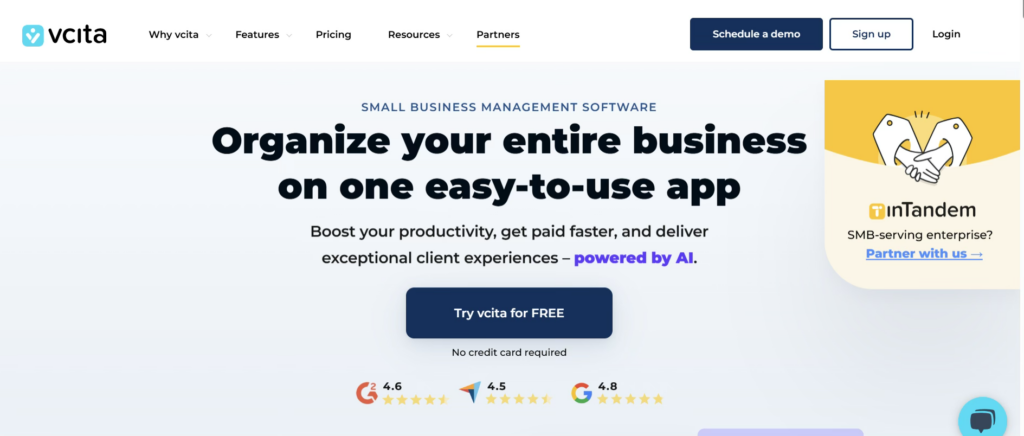
If you’re running a small or service-based business and juggling clients, scheduling, payments, and follow-ups, vcita might feel like the all-in-one helper you didn’t know you needed. Designed with simplicity and automation in mind, vcita focuses on helping businesses manage client relationships without overwhelming complexity.

Key Features

vcita brings together CRM, scheduling, payments, and client communication into a single dashboard. Its standout features include automated appointment scheduling, client intake forms, invoicing, online payments, and built-in CRM tools that track every interaction. The client portal is a big plus, allowing customers to book services, pay invoices, and communicate with businesses effortlessly.

Good & Not-so-Good

Users appreciate vcita for its ease of use and how well it supports service-oriented businesses like consultants, coaches, and local service providers. The automation tools save time and reduce manual follow-ups. On the downside, businesses with highly complex sales pipelines or enterprise-level needs may find vcita somewhat limited in advanced customization and reporting compared to larger CRM platforms.

Pricing Tiers

vcita offers multiple pricing tiers tailored to small and medium-sized businesses. Plans are transparent and scale based on features such as automation, client management tools, and integrations. While it’s not the cheapest CRM on the market, many users feel the bundled scheduling, payment, and CRM features justify the cost.

Best Suited For

vcita is ideal for freelancers, consultants, and service-based businesses looking for a streamlined way to manage clients, appointments, and payments without adopting multiple separate tools.

4. HoneyBook

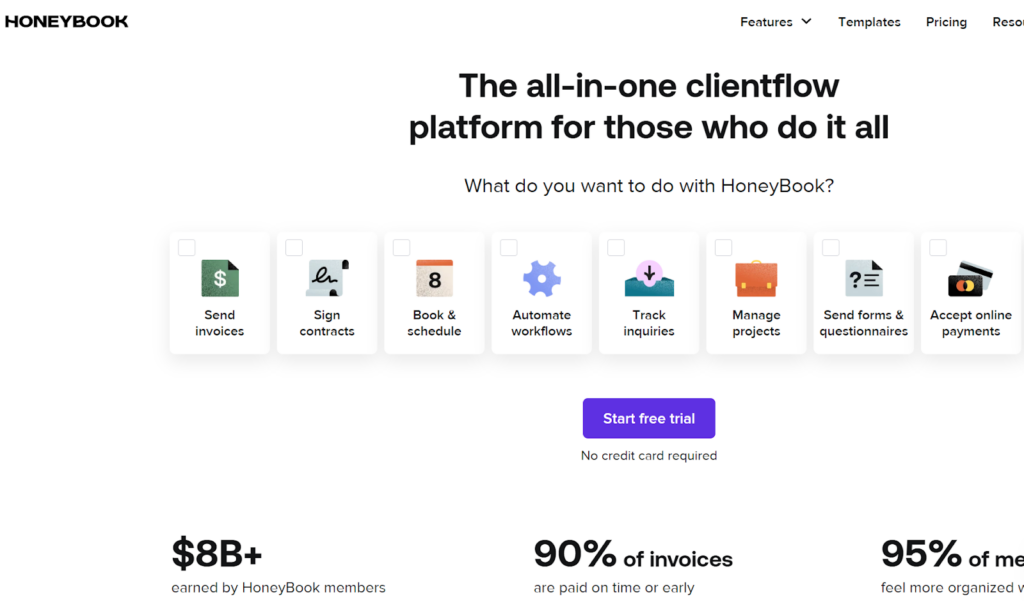
Screenshot from Honeybook website

HoneyBook isn’t just another tool; it’s a full-fledged assistant designed to simplify how you manage projects, communicate with clients, and handle payments. It’s especially great for freelancers, small business owners, and anyone managing multiple client projects.

Key Features

Jump into HoneyBook, and you’ll find a plethora of features designed to ease your workload. From robust project management tools and effortless communication functions to a straightforward invoicing system, it’s like having your own business admin, communication, and finance teams all wrapped into one.

The Sweet and the Sour

Users rave about how HoneyBook turns chaotic workflows into smooth operations. They dig the intuitive design, which is easy to navigate. However, larger projects might find it lacking in scalability, and some wish for more detailed customization in reports.

Pricing Plans

HoneyBook offers clear pricing options that cater to various budgets, often with special deals that add extra sweetness. Whether you’re starting fresh or upgrading, they have a plan that’s just right.

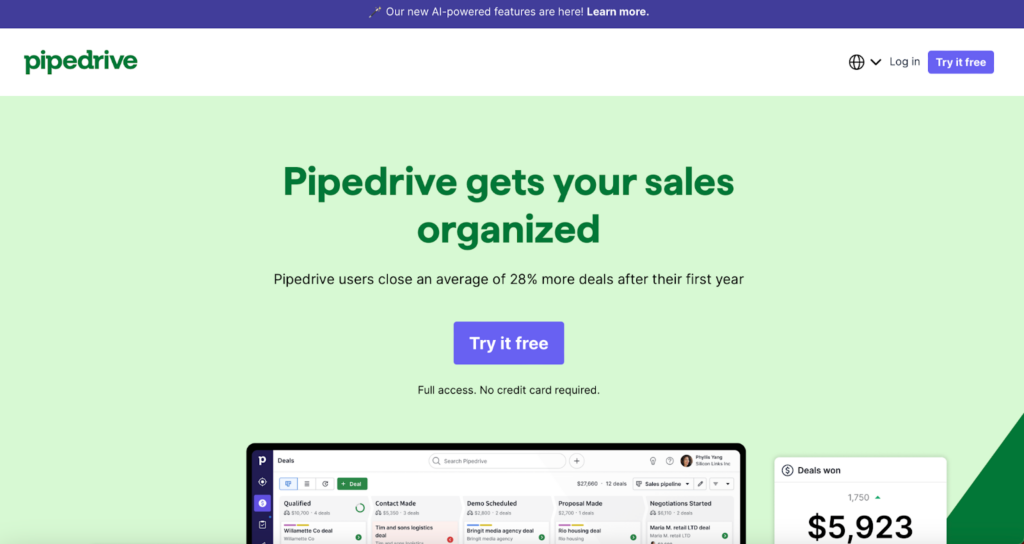
5. Pipedrive

Screenshot from Pipedrive website

In the bustling world of CRM, Pipedrive stands out by putting sales teams in the driver’s seat. It’s favored by sales pros who want to close deals quicker and with fewer headaches.

Key Features

Pipedrive has features that make sales management as intuitive as checking your rearview mirror. Visual sales pipelines provide a clear view of your deals, automation tools reduce busywork, and superb integration capabilities ensure everything runs smoothly.

Pros and Cons

Users adore Pipedrive for its user-friendly interface and efficient setup, which truly understands the sales grind. However, it might fall short for larger enterprises needing more advanced features.

Pricing Simplified

Pipedrive’s pricing is straightforward, with plans suited for various business sizes and needs, from startups to seasoned teams.

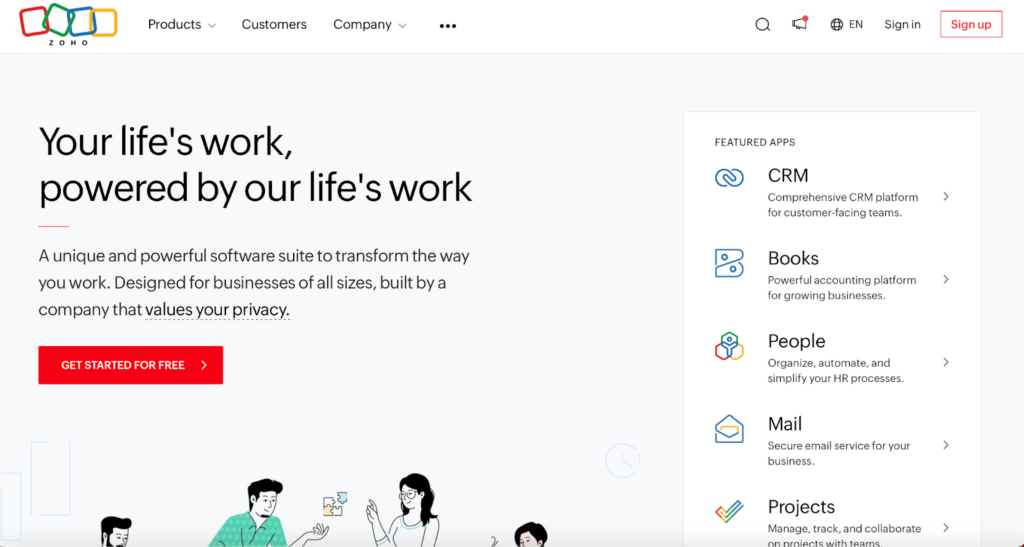
6. Zoho CRM

Screenshot from Zoho website

Zoho CRM is a powerhouse for medium-sized businesses looking to boost their operations. Known for its versatility and intelligent features, it’s a top pick for companies aiming to stay competitive.

Key Features

Zoho CRM excels with AI-driven insights for predicting trends, automating tasks, and making smarter decisions. It’s highly customizable and integrates well with your existing apps, creating a seamless business ecosystem.

The Good and the Complicated

While users praise Zoho for its comprehensive features and customization, some initially find its array of options overwhelming. Also, unlocking its full potential can be costly.

Pricing Diversity

Zoho CRM offers varied pricing plans, from a free basic version to advanced options packed with features suitable for every budget and business stage.

Conclusion: Final Thoughts on Choosing the Best CRM

Selecting the right CRM software isn’t just a minor decision; it’s foundational and can shape how your business operates and grows. 

Before making your final decision:

  • Take the time to evaluate your specific business requirements.
  • Consider factors like team size, the complexity of your sales processes, and the level of customer interaction.
  • Don’t hesitate to take advantage of free trials or demos offered by these platforms.

They are a great way to see each CRM in action and gauge which one feels right for managing your customer relationships effectively.

Categories
Online Tools & Software Reviews

9 Best Instagram Video Downloaders in 2026

Are you looking for the best Instagram video downloader? If yes, then this article is especially for you because in this article I will tell you the 9 best Instagram video downloaders.

What is an Instagram video downloader?

Instagram video downloader is a free online tool to download any public video or reel posted on Instagram.

Best Instagram Video Downloader

  1. FastDL
  2. 4k Stogram
  3. Inflact
  4. DownloadGram
  5. W3Toys
  6. Savefrom.net
  7. KeepVid
  8. InstaOffline
  9. Snapinsta

1. FastDL

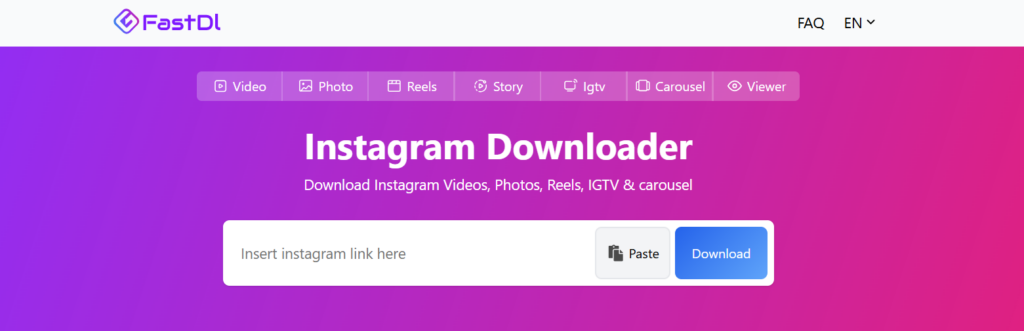
FastDL is one of the best Instagram downloaders. You can download videos, reels, stories and IGTV. FastDL supports almost all devices using a browser.

FastDL supports high-quality Instagram video downloading with high speed.

2. 4k Stogram

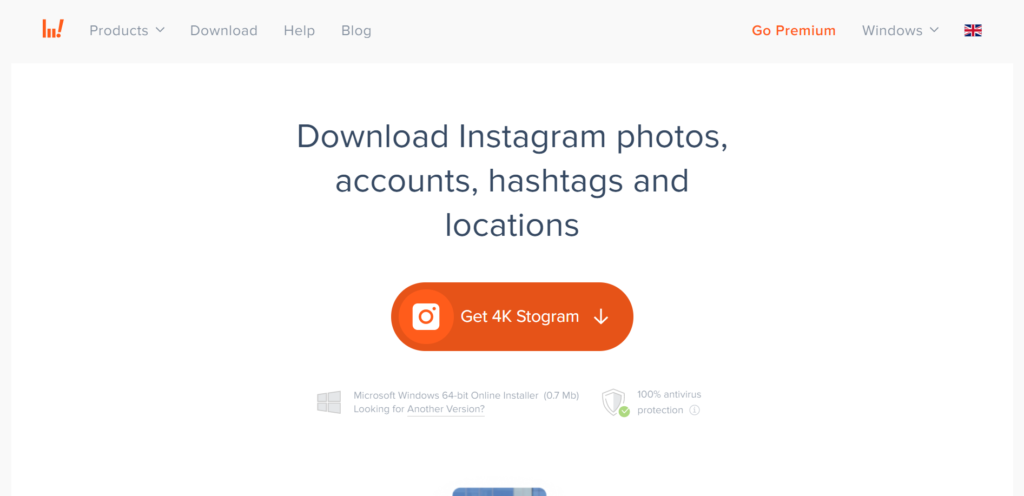
Free Instagram Downloader for macOS, PC, and Linux. Search, download, or backup Instagram photos shared by any user. Explore and download Instagram photos and video content from different places around the world. Subscribe to favourite Instagram accounts, hashtags, and locations in-app — download all their existing and upcoming posts automatically.

3. Inflact

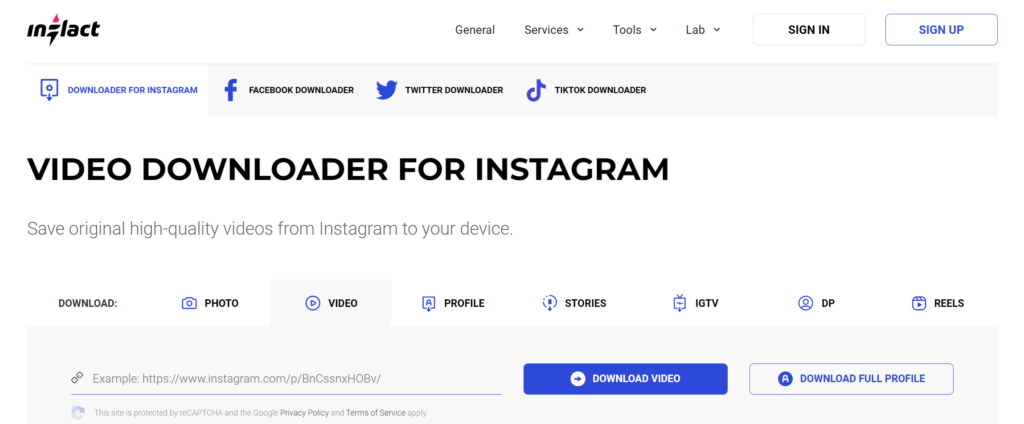
Inflact is a popular Instagram tool for video downloading, photo downloading, story downloading, and IGTV video downloading. Inflact supports downloads from Instagram regardless of the operating system and device type. It is possible to save catchy videos to your iPhone, Android, and computer. The only rule is that you might have to free up some memory on a device.

4. DownloadGram

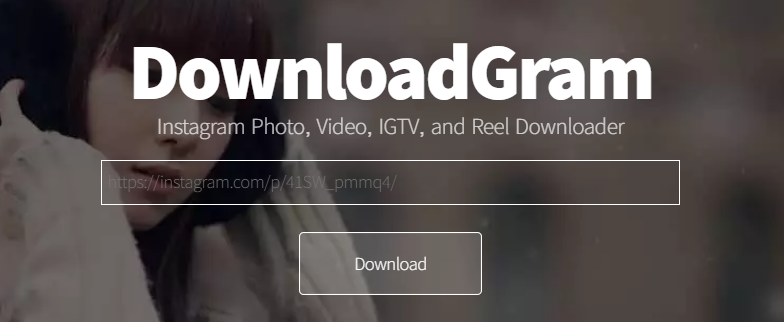
Downloadgram is also an Instagram video downloader. you can also download Instagram photos, Instagram reels, and IGTV videos. The best part of this tool is you can download videos and photos in high quality.

5. W3Toys

Best Instagram Video Downloader

W3Toys is a very popular Instagram video downloader. This tool is not different from others, you can also download Instagram photos and videos using this tool. The worst part of this tool is it comes with tons of ads.

6. Savefrom.net

Savefrom.net is also an Instagram video downloader, and you can download anything from Instagram using this tool. Savefrom.net is not only an Instagram video downloader; this tool offers video downloading from many popular platforms (i.e., Facebook, YouTube)

7. KeepVid

Best Instagram Video Downloader

Keepvid excels at Instagram video downloading. It can also download IG stories and IGTV videos so that you can watch them offline. But that’s not all. Keepvid can also convert Instagram videos to MP3 in seconds. Try Keepvid when you need a good Instagram downloader, and you will not be disappointed. All other tools claim it, but none can match our sound quality.

8. InstaOffline

Best Instagram Video Downloader

Instaoffline is a powerful web tool for downloading and saving media off Instagram. It is the best and easiest online tool for anyone wanting to download: Instagram sideshow posts (aka carousel posts), Instagram images, Instagram videos, and IGTV.

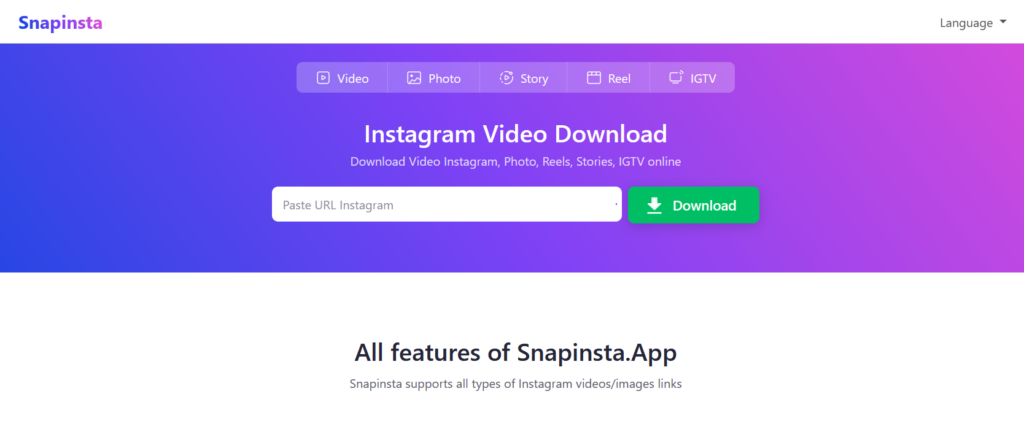
9. Snapinsta

Snapinsta is not only an Instagram video downloader, but you can also download Instagram photos, Instagram stories and Instagram reels. You can download videos and images in high quality.

In this article, I listed almost all the popular Instagram video downloaders. Now you need to choose which one is suitable for you.