Categories
AI Tools & Artificial Intelligence

How AI Generators Turn One Photo Into a Week of Social Content

Most people do not have a content problem. They have a workflow problem.

They have photos sitting in their camera roll. They have ideas saved in notes. They have products, outfits, trips, tutorials, or personal projects they could post about. But turning those raw materials into videos, captions, thumbnails, and short-form content takes time.

That is why AI generators have become so useful.

They do not magically create a brand for you. But they can take one idea and help you turn it into several pieces of content quickly for creators, small businesses, and solo marketers, that can make the difference between posting once a month and posting consistently.

The timing makes sense. Deloitte’s 2025 Digital Media Trends report found that 56 per cent of Gen Z and 43 per cent of millennials surveyed say social media content is more relevant to them than traditional TV or movie content (Deloitte, 2025). Meanwhile, Goldman Sachs Research expects the creator economy to approach $480 billion by 2027 (Goldman Sachs, 2023).

In other words, social content is not just entertainment anymore. It is where discovery, trust, and buying decisions often start.

Start With One Strong Visual

A good AI content workflow usually starts with one strong asset.

That could be:

  • a product photo,
  • a portrait,
  • a travel picture,
  • a fashion image,
  • a pet photo,
  • a logo mockup,
  • or a simple screenshot.

From there, the creator decides what the asset should become. Should it be funny? Useful? Aspirational? Educational? Trend-driven?

This question matters more than the tool. A weak idea with AI still feels weak. A clear idea can become surprisingly effective with the right generator.

For example, if someone has a static photo and wants to make it feel alive for TikTok, Reels, or Shorts, an AI dance generator can turn that image into a short movement-based clip. This works well for playful content, music trends, event promotions, fan edits, and light brand awareness posts.
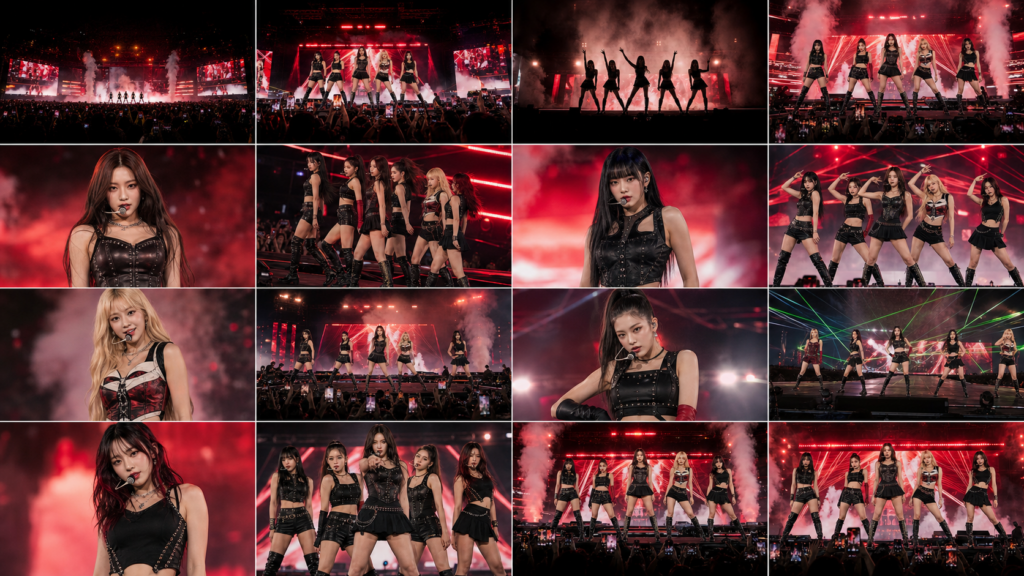
The best results usually come from simple source images: one clear subject, good lighting, and no cluttered background.

A Simple Dance Video Workflow

Here is a practical way to create a dance-style post from one photo:

  1. Choose a photo with a clear full-body or upper-body subject.
  2. Pick a dance style that matches the audience.
  3. Keep the first version short, ideally 5-10 seconds.
  4. Add captions or a quick hook.
  5. Export in vertical format for short-form platforms.
  6. Review the final video before publishing.

A simple hook could be:

“POV: your product launch finally gets approved.”

Or:

“When the weekend trip leaves the group chat.”

The idea does not need to be complicated. Short-form content works best when people understand the joke or message instantly.

But there is a caveat. AI movement can sometimes look unnatural. If a hand bends oddly or a face shifts too much, regenerate or choose a simpler motion. Human review is still part of the process.

Turning a Character Into a Content System

AI generators are also changing how brands think about recurring characters.

Not every company can afford a human creator, studio setup, or regular model shoots. But many still need a consistent visual personality for social posts, ads, product explainers, and campaign tests.

That is where an AI influencer generator can be useful. It can help creators build a consistent digital persona for visual experiments, social storytelling, or brand-led content.

The smartest use is not pretending the character is a real person. It is building a clear creative asset.

For example, a skincare brand could create a clean, friendly digital character for tutorial-style posts. A gaming page could create a recurring host for weekly updates. A productivity tool could create a visual mascot for tips and short explainers.

To keep it consistent, create a simple character guide:

  • name,
  • age range,
  • visual style,
  • tone of voice,
  • wardrobe,
  • background setting,
  • topics they talk about,
  • topics they avoid.

This makes future content easier to produce and less random.

Authenticity Still Matters

AI content is getting easier to make, but audiences are also getting more selective.

TikTok’s 2026 trend forecast says users are moving into “discovery mode” and expect brands to provide value, not just fill the feed (TikTok, 2026). That is an important warning for anyone using AI tools.

More content is not always better content.

A virtual influencer, dance clip, or AI-generated video should still have a reason to exist. It should teach something, entertain someone, show a product clearly, or help a viewer make a decision.

There are also disclosure issues. The FTC’s influencer guidance says material brand relationships should be disclosed clearly, including in social media content (FTC). If AI-generated characters are used in advertising, brands should be careful not to mislead users about identity, endorsement, or product results.

The safer rule is simple: use AI to make content production easier, not to fake trust.

How to Turn One Asset Into Five Posts

Here is a simple weekly workflow:

Post 1: Turn the original image into a short dance or motion clip.
Post 2: Use the same image as a thumbnail for a tip post.
Post 3: Create a behind-the-scenes caption explaining the idea.
Post 4: Use a digital persona to present a product benefit.
Post 5: Make a carousel showing the before-and-after versions.

This approach saves time because the creator is not starting from zero every day. One image becomes a small content system.

For a small business, this could be a product launch week. For a creator, it could be a personal brand series. For a blogger, it could be a way to make written content easier to promote on visual platforms.

Final Thoughts

AI generators are not a shortcut around creativity. They are a shortcut around repetitive production.

The creators who get the most value from them usually do three things well: they start with a clear idea, choose the right tool for the format, and review the final output carefully.

A dance generator can make a static image feel alive. A digital influencer tool can help build a consistent visual persona. Together, they give small teams and individual creators more room to experiment.

The goal is not to post more noise. The goal is to make better ideas easier to publish.
Categories
AI Tools & Artificial Intelligence

8 Best AI Humanizer Tools in 2026

AI humanizers polish machine-generated text into natural, human-like content that bypasses detection tools, adds a personal touch, and reads better. The global AI market should exceed $826 billion by 2030, yet most humanizer tools don’t meet expectations. 

Despite AI-powered writing tools growing 25% yearly, finding reliable options remains challenging. This blog covers the 8 best AI humanizer tools that stand out based on actual performance statistics rather than guesswork. 

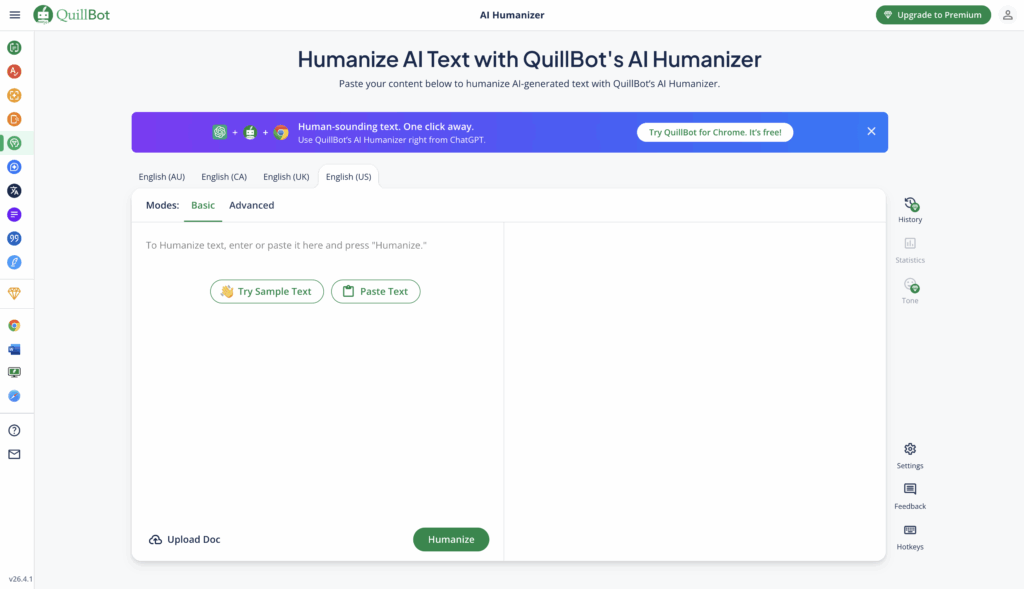
1. Quillbot 

QuillBot’s AI Humanizer is a renowned tool that transforms AI text differently than other tools in the market. The company started as a paraphrasing tool and grew to include many writing features that boost your work. You can easily combine this tool with Chrome, Microsoft Word, and macOS through extensions, so you can use it on whatever platform you write on.

Key features

QuillBot’s AI Humanizer stands out by turning robotic AI-generated text into natural language with better tone, clarity, and flow. The tool goes beyond minor changes and analyses writing patterns to rephrase content while keeping the original meaning.

QuillBot works as a detailed writing assistant with these built-in tools:

  1. Paraphraser: This tool rewords text in different styles. You get two modes with a free account (Standard and Fluency), while Premium users can access nine unique modes like Formal, Academic, Simple, Creative, and more.
  2. Grammar Checker: Spots and fixes spelling, punctuation, and grammar errors in six languages
  3. Summarizer: Breaks down long texts, articles, or research papers into main points or paragraphs 
  4. Citation Generator: Makes properly formatted citations in hundreds of academic styles 
  5. Plagiarism Checker: Looks through billions of online sources to find potentially unoriginal material
  6. AI Detector: Checks text to find how likely AI was involved in creating it
  7. Translator: Changes text between more than 40 languages

Quillbot Advantages: 

  • User-focused interface: You can humanize text with just one click, making it available even to beginners.
  • Adjustable settings: Control how many changes you want and pick specific words to modify 
  •  Cross-platform compatibility: Works with apps and websites of all types through extensions
  • Free tier availability: Simple features work without payment or signup 
  • Multiple language support: Handles many languages for translation and core features.

Quillbot pricing

  • Free Plan:  125-word limit for each paraphrase
  • Premium Plan: USD 20.00 per month and no word limits

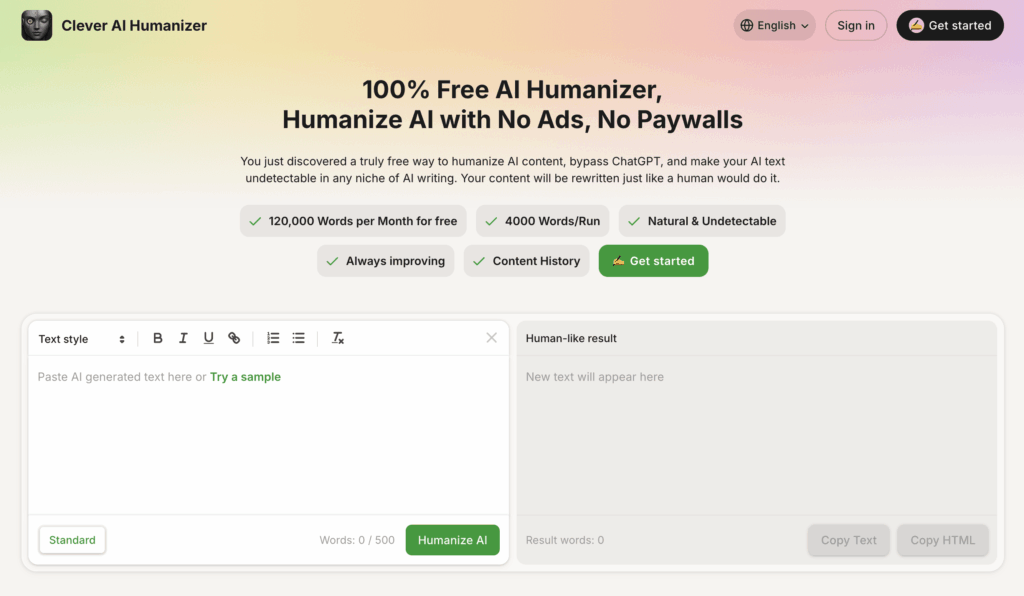
2. Clever AI Humanizer

Free Clever AI Humanizer is a 100% free online tool designed to make AI-generated text sound natural and human-like. Unlike most similar tools, it doesn’t require registration, subscriptions, or payment; you can paste your text and get instant results. The platform specializes in rewriting ChatGPT or GPT-4 outputs so they sound authentic while significantly reducing AI detection rates from systems like ZeroGPT, GPTZero, or Originality.ai.

It allows up to 4,000 words per run and offers a generous monthly limit of 120,000 words for free. AI Humanizer focuses on preserving the original meaning of your text while enhancing tone, rhythm, and sentence structure to mimic real human writing. The interface is simple and intuitive — you paste your text, click “Humanize AI,” and receive fluent, undetectable content within seconds.

Key features

  • Human-like rewriting that adjusts tone, phrasing, and emotion.
  • Strong AI detection bypass for tools such as GPTZero and Grammarly AI.
  • Completely free, with no ads or login required.
  • Saves your content history for easy access.
  • Supports more than 15 languages, including English, Spanish, French, German, and Japanese.

Pricing:

  • Free plan with up to 120,000 words per month.
  • 4,000 words per run limit.

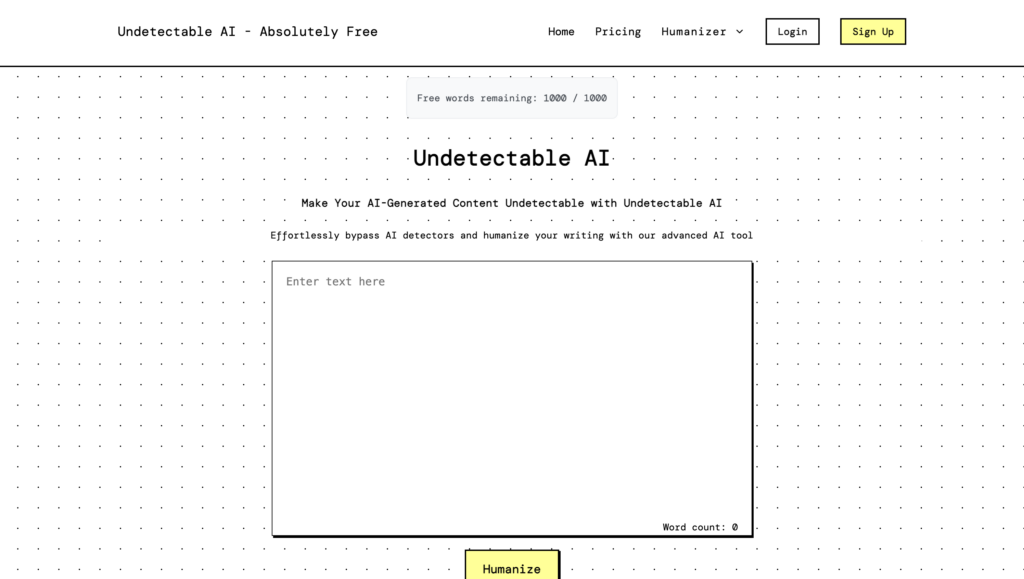
3. Undetectable AI

Undetectable AI helps you convert AI text to human-like writing that feels clear, natural, and easy to read. It bypasses all detectors, including Originality.ai, GPTZero, Turnitin, etc

Unlike basic rewriting tools, Undetectable AI at the sentence structure, tone, and meaning. It rewrites your content so it sounds like a real person wrote it, while keeping the original message.

Key features

These are the key things the tool can do:

  • Bypass AI Detection
  • Humanize your material
  • Preserve the main idea of the text
  • No registration necessary
  • Free of charge

Pricing

  • Free Plan: $0 (1000 words allowed per scan)
  • Paid Plans: Lite 9.99$, Pro 25$, Unlimited 59$

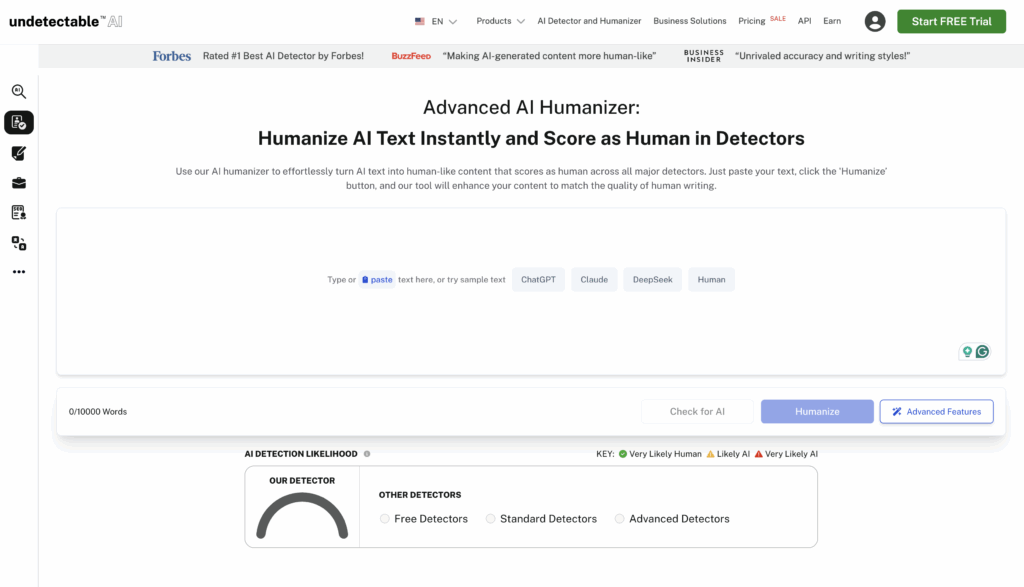
4. Undetectable AI

Undetectable AI stands as one of the most innovative services that help make AI-written text look human-written. This platform helps students, content creators, and professionals make their AI-assisted work appear more natural. The company started in 2023 and quickly became a go-to solution.

Key features

The platform has a complete set of tools that focus on AI content changes and detection:

  1. AI Humanizer: This tool makes AI text more human-like. It modifies patterns of chaos and confusion that are usually detected by AI detectors.
  2. AI Detector: The system uses shared, consensus-based detection to analyze content against algorithms from major detection systems.
  3. Customization Options: Users can adjust humanized text based on different reader levels like university, high school, or legal documents.
  4. Human Auto Typer: The tool copies typing patterns. This prevents document history flags that might show the content was pasted instead of typed.

Undetectable AI Advantages

  • High Bypass Rate: It passes many popular AI detection tools.
  • Free Trial Available: Users can try the service at no cost before buying.
  • Side-by-Side Display: Users can compare original and humanized versions easily.
  • Multiple Tool Integration: The interface combines eight major AI checkers.

Pricing 

  • Monthly Plans: starts from $9.99
  • Annual Plan Benefits: Users save 50% with yearly subscriptions

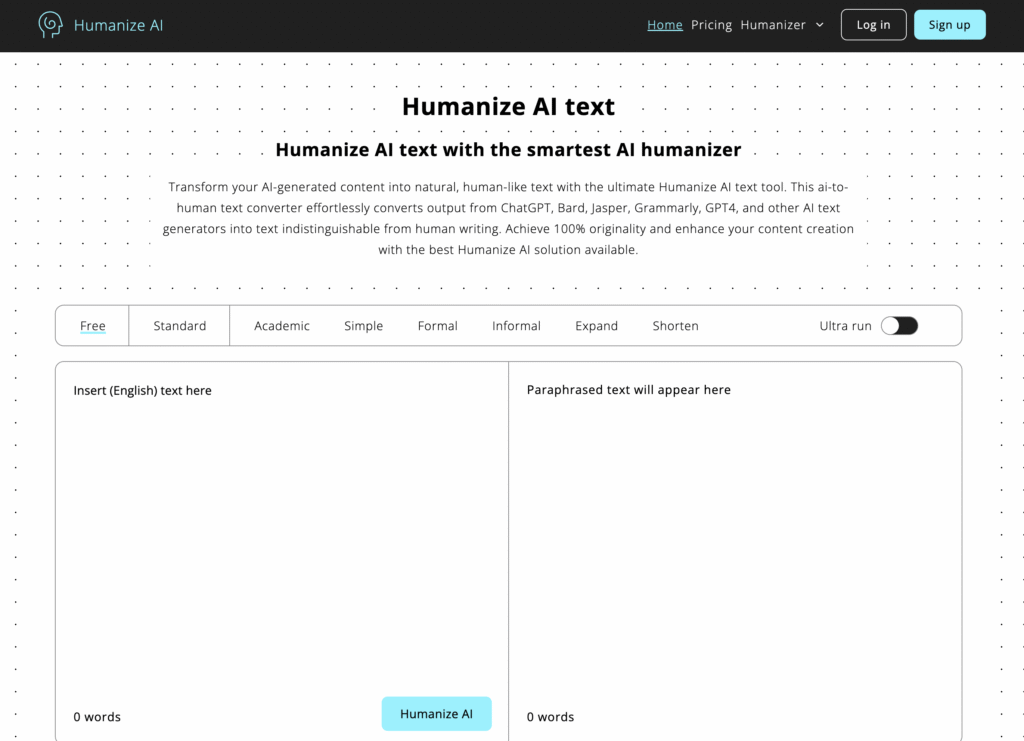
5. Humanize AI

Humanize AI turns your AI-generated text into naturally flowing, human-sounding content. Whatever you’ve written using tools like ChatGPT, Bard, Jasper, Grok or others, this tool helps it read like real, relatable human writing. It also supports multiple tones (Standard, Academic, Simple, Flowing, Formal, Informal, Expand, Shorten), so you can choose the style you need

Key features

  • Converts AI-generated text into human-like content, retaining meaning and tone.
  • Works across major browsers and devices: desktop, tablet, mobile.
  • No registration or signup required, just paste your text and go.
  • Keeps your original context, is SEO friendly, and makes content less likely to be flagged by AI detectors.

Advantages

  • Free to use: Unlimited access at no cost.
  • User-friendly: Straightforward interface; easy even for beginners
  • Fast processing: Get your humanised content quickly.
  • More authentic voice: Makes your writing feel personal, genuine and human.

Pricing

  • Free Plan: $0 (no cost with limited features)
  • Lite Plan: $19/month
  • Standard Plan: $29/month
  • Pro Plan: $79/month

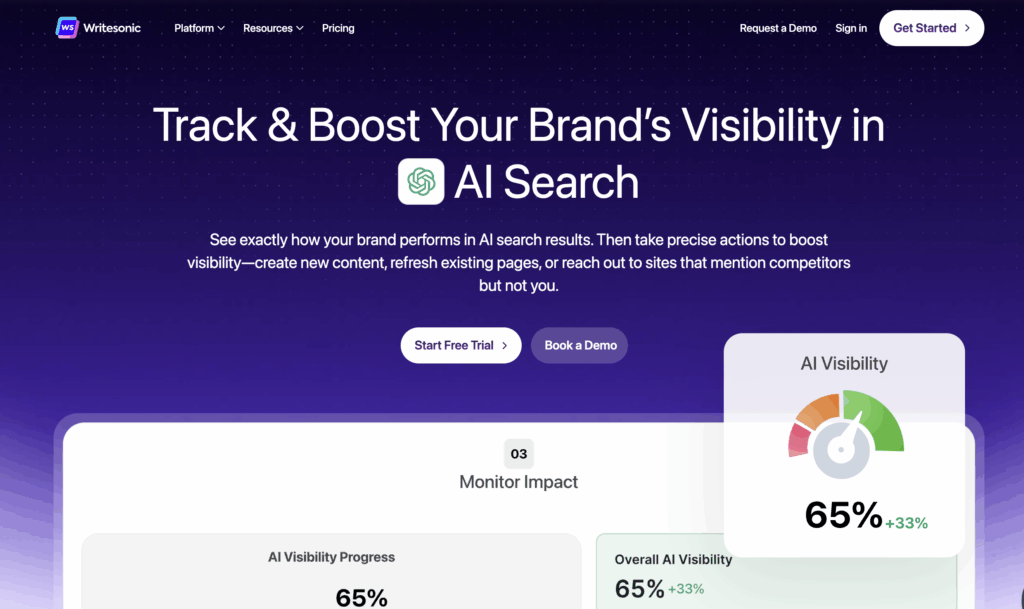
6. Writesonic 

Writesonic sets itself apart as an AI humanizer that offers text humanization capabilities at no cost. This AI Humanizer has caught users’ attention among Writesonic’s AI writing tools because it makes AI-generated content sound natural and human-like. This tool processes up to 200 words per scan and allows you to choose from 14 different tones, such as “friendly” and “formal”.

Key features

Along with an AI Humanizer, Writesonic also offer these AI tools:

  1. Site audit: It allows you to review your website to analyse any issue and improve site health.
  2. Research tool: You can use keyword research to find the high-ranking keywords for seo. 
  3. Article writer: It’s an AI writer that helps you write a well-researched and informative article within minutes.

Writesonic Humanizer Advantages

  • Free access: Writesonic provides 100% free AI humanization services.
  • User-friendly interface: The clean design lets beginners humanize text without hassle.
  • Quick processing: Content transformation happens within seconds, perfect for tight deadlines.
  • Multilingual support: Global users benefit from multiple language options.

Pricing 

  • Plan Monthly Price: Free $0 
  • Annual Plan: $16.00 if billed annually

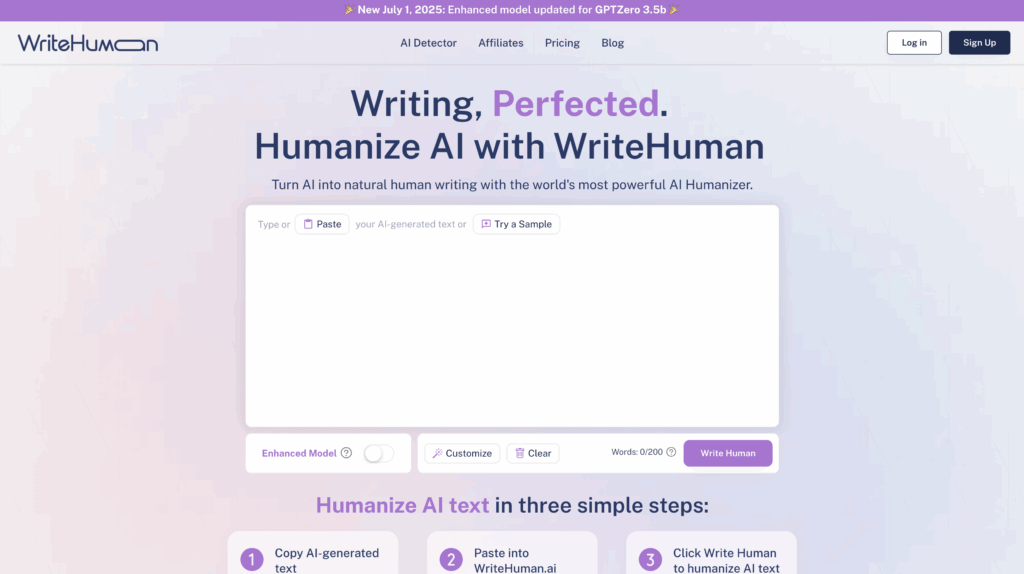
7. WriteHuman

This online AI text humanizer turns machine-generated content into natural, human-like text. The service says it can make AI content undetectable by popular detection systems using advanced Natural Language Processing (NLP) technology.

Key features

WriteHuman brings several powerful features to transform AI-generated text:

  1. Easy-to-use interface with a simple three-step process: copy AI text, paste it into WriteHuman, and click to humanize.
  2. Built-in AI detector that checks if your content might be flagged as AI-generated.
  3. Natural Language Processing technology that adjusts sentence structure to match human writing patterns.

WriteHuman Advantages

  1. Affordable: Free trial option gives you 3 free requests monthly (up to 200 words each).
  2. Multilingual: Multiple language support helps global users create content in different languages.
  3. Secure: Data security protects user privacy with advanced encryption.
  4. Tone: Style customization matches writing tones to audience expectations.

Pricing 

  • Basic:  $12.00/month 
  • Pro version:  $18.00/month 

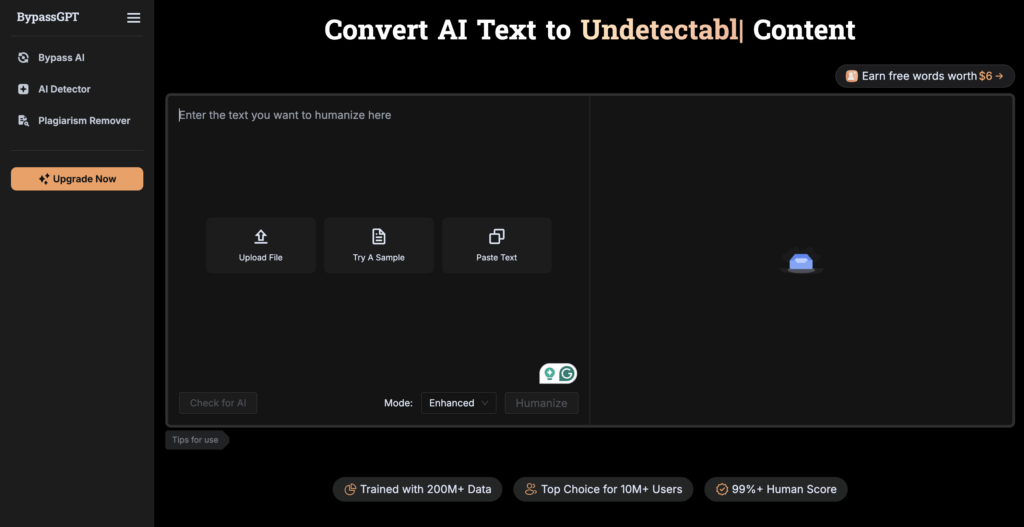
8. BypassGPT

BypassGPT offers an advanced AI humanization technology that changes AI text into content that passes through the most sophisticated AI checkers. The platform works with content from any AI language model, including ChatGPT, GPT-4, Gemini, and Jasper, making it a versatile choice for users.

Key features

Here are its standout features:

  1. Different modes: Multiple humanization modes with Fast, Creative, and Enhanced options that use different rewriting techniques.
  2. AI checker: Built-in AI checker that shows if your content might get flagged as AI-generated.
  3. Undetectable rewriting that changes your text’s word choices, sentence structures, and style.
  4. Multilingual support to humanize content in over 50 languages while keeping proper grammar.
  5. Error-free: highly readable outputs that keep the original meaning intact.

BypassGPT Advantages

  • Removes AI traces from content most of the time.
  • Clean interface with everything on one page.
  • Quick processing for different text types.
  • Keeps the original meaning during humanization.
  • Could bypass several detection systems, including Turnitin and Originality.ai.

Pricing 

  • Plan: Free $0 
  • Basic plan: $8.00/month 
  • Premium plan: $30.00/month

Conclusion  

AI Humanizer is a time-saving tool that quickly makes your content engaging and readable. The best results come from mixing AI help with human checking. Look for weird phrases, word mix-ups, and gaps.

Without a doubt, machine-generated and human-written content will become harder to tell apart as AI writing gets better. These were the best AI Humanizer tools in 2026, having a perfect system that beats all detection systems and keeps content quality high.