Categories
Online Tools & Software Reviews

10 Best Youtube Video Downloader in 2026

Want to download YouTube videos for offline watching, editing, or sharing? In this list, we’ll compare the best YouTube video downloaders online and offline including free options, fast download speeds, and multi-format support. Learn which tools work best in 2026 and how to use them.

What is a YouTube Video Downloader?

A YouTube video downloader is an online tool or application that allows users to download videos directly from YouTube to their devices. These tools let you save videos in formats like MP4, MP3, and HD/4K quality, making them accessible for offline viewing, content creation, or personal use.

Most YouTube downloaders also support features such as playlist downloads, audio extraction, and fast processing speeds, making them popular among students, creators, and casual viewers.

Best YouTube Video Downloader

  1. Socialplug
  2. DVDVideoSoft
  3. 4k video downloader
  4. Allavsoft
  5. Airy
  6. BitDownloader
  7. VIDPAW
  8. Savefrom.net
  9. Clip Converter
  10. x2Convert

1. Socialplug

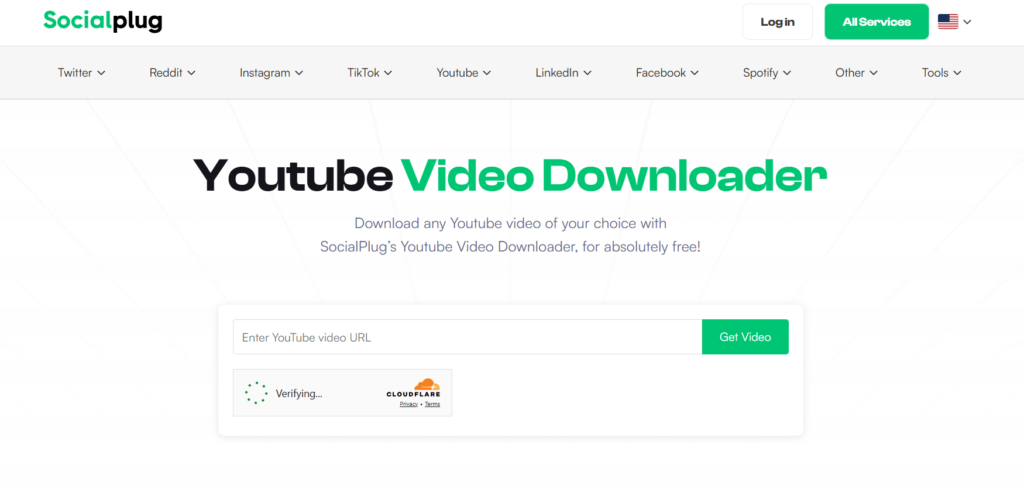
SocialPlug is one of the best YouTube video downloaders that provides many amazing features without any advertisement download videos using SocialPlug without a watermark.

Features of SocialPlug:

  • Multiple video and audio formats
  • All Quality Options from 360P to 4K and more
  • No Advertisement
  • Comfortable with almost all modern browsers
  • Fast conversion while downloading cropped clips.

Supported Formats:

MP4, MP3, WebM, and other commonly used formats

Pros & Cons:

ProsCons
Completely ad-free experienceRequires a stable internet connection
No watermark on downloaded videosLimited advanced editing features
Supports multiple formats (MP4, MP3, WebM)No desktop or mobile app
Quality options up to 4K resolutionCannot download private videos
Works directly in the browserNo built-in batch download
Fast conversion and download speedDepends on browser performance

Availability:

  • Browser

Summary:

SocialPlug is an excellent choice for users who want a fast, free, and ad-free online YouTube video downloader with support for high-quality formats up to 4K.

2. DVDVideoSoft

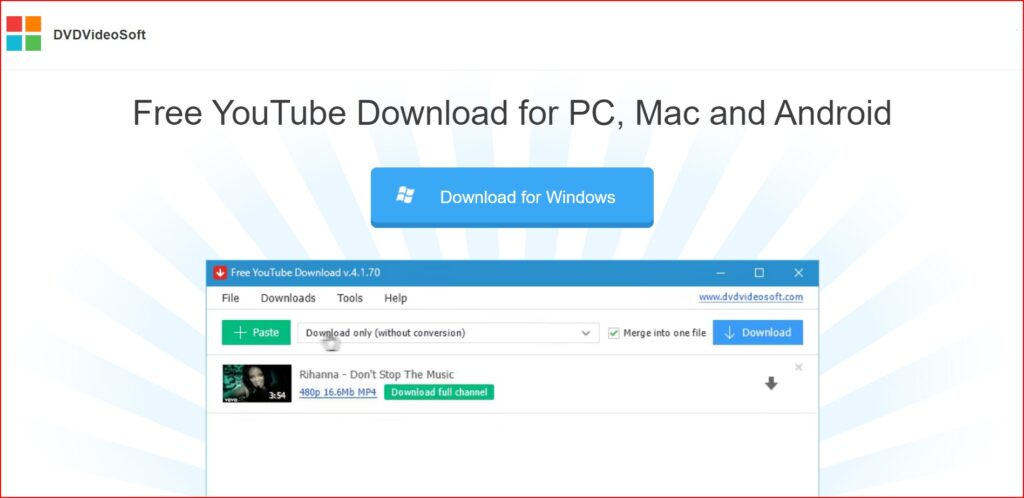
DVDVideoSoft provides a free YouTube Downloader for PC, Mac, and Android.  DVDVideoSoft lets you download and convert YouTube videos, so you can watch them whenever you want. The best feature of DVDVideoSoft is that you can also download YouTube video subtitles

Features of DVDVideoSoft:

  • Download YouTube videos in MP4, MKV, up to 8K UHD, WEBM, and MP3
  • Perform conversion to MP4, AVI, and MP3
  • Apply output name format patterns
  • Open lists of links from any text files
  • Transfer videos to iTunes automatically and convert them to iPhone / iPad / iPod
  • Download subtitles

Supported Formats

MP4, MKV, WEBM, AVI, MOV, MP3 (audio extraction).

Pros & Cons:

ProsCons
Supports high resolutions up to 8KDesktop software needed (not browser-based)
Batch download and playlist supportMay require a premium upgrade for longer videos (per some reviews)
Multiple output formats including MP3Multiple output formats, including MP3
Download with subtitlesOnly works on PC and Mac
Fast download speedsNo direct online version

Availability:

  • Windows app
  • Mac app
  • Android app

Summary:

DVDVideoSoft Free YouTube Download is ideal for users who prefer a powerful desktop downloader with extensive format support, playlist capabilities, and high-resolution downloads.

3. 4k video downloader

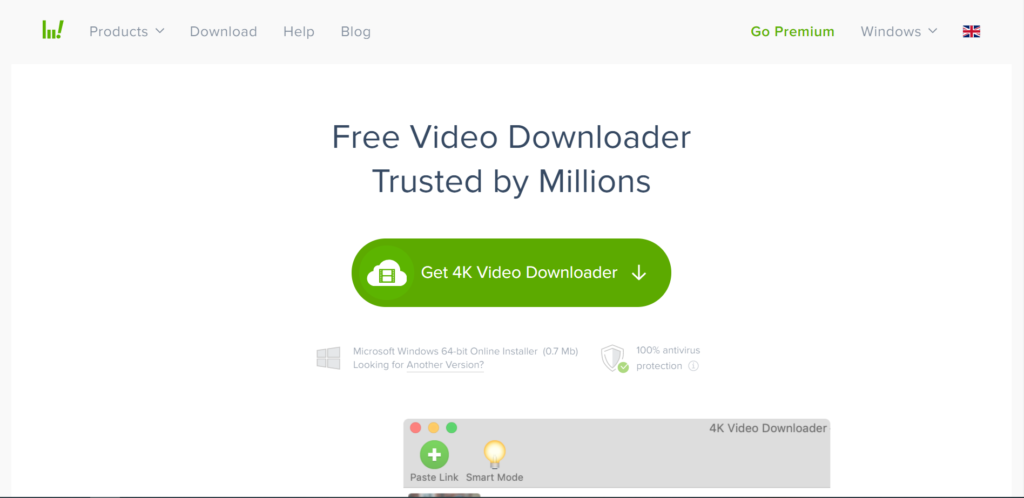
The simplest video downloader, ever! Download video and audio from YouTube and similar services on macOS, PC, and Linux absolutely for free! There are two versions of this software one is the free version, for which you do not need to pay anything. And the second is the premium version, which is paid.
Features of 4k video downloader:

  • Download video in HD quality
  • Download subtitles in one click
  • Download YouTube subscriptions
  • Download full playlists and channels
  • Download 3D video
  • Smart Mode Feature

Supported Formats:

MP4, MKV, MP3, M4A, OGG, and more (depends on the version and output settings).

Pros & Cons:

ProsCons
Supports high-quality downloads up to 8KRequires installation not browser-based
Save full playlists, channels, and search resultsSome advanced features require premium license
Extract subtitles and audio tracksSlight learning curve for beginners
Built-in browser for easier downloadsLarger app size compared to lightweight tools
Works on Windows, macOS, and LinuxDoesn’t run in a browser

Availability:

  • Website
  • Windows app
  • Mac app

Summary:

4K Video Downloader is a great choice for users who want a robust YouTube video downloader with support for high resolutions, playlists, channel downloads, subtitle extraction, and advanced control.

4. Allavsoft

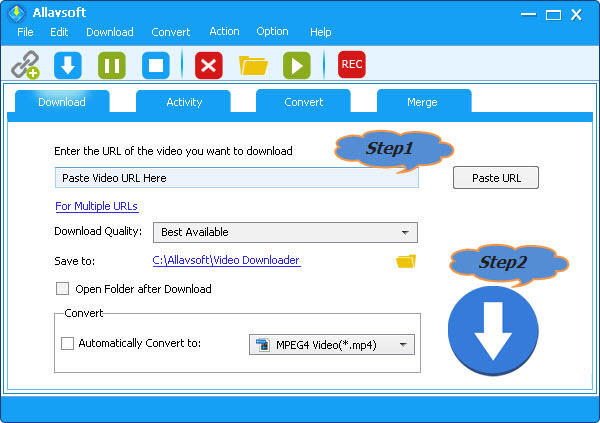
Allavsoft is a video downloader and converter. It can batch download video, subtitles, and music files from YouTube, Vimeo, Spotify, Soundcloud, Twitter, Facebook, Dailymotion, NBC News, CNN, BBC, Acorn TV, ESPN, PBS, Crunchyroll, etc 1000+ websites. It supports direct download to MP4, MP3, AVI, WAV, MOV, etc any video or audio formats. Allavsoft supports adding multiple video URLs and batch downloading and converting multiple videos at a time.

Features of Allavsoft downloader:

  • Download free videos from 100+video-sharing sites
  • One step to download
  • Convert online video files to any video format
  • Download videos in HD, 3D or SD
  • One-click to extract audio from online video files
  • Batch download and convert
  • Preview and playback downloaded video files

Supported Formats:

Video: MP4, AVI, WMV, MOV, MPEG-1, MPEG-2, VOB, ASF, RMVB, WebM, FLV, OGV, and more.
Audio: MP3, WMA, WAV, AAC, M4A, AIFF, RA, FLAC, OGG, AU, etc.

Pros & Cons:

ProsCons
Supports downloads from 1000+ websitesThe interface may feel dated to some users
Batch download + batch convertRequires desktop installation (no browser version)
Converts video to many formatsInterface may feel dated to some users
Built-in player previewNot as fast for high-volume playlist downloads as some specialised tools
Pause/resume supportNot as fast for high-volume playlist downloads as some specialized tools

Availability:

Summary:

Allavsoft is a powerful choice for users who need a multi-site video downloader and converter with batch capabilities and broad format support, especially suitable for downloading from numerous platforms beyond just YouTube.

5. Airy

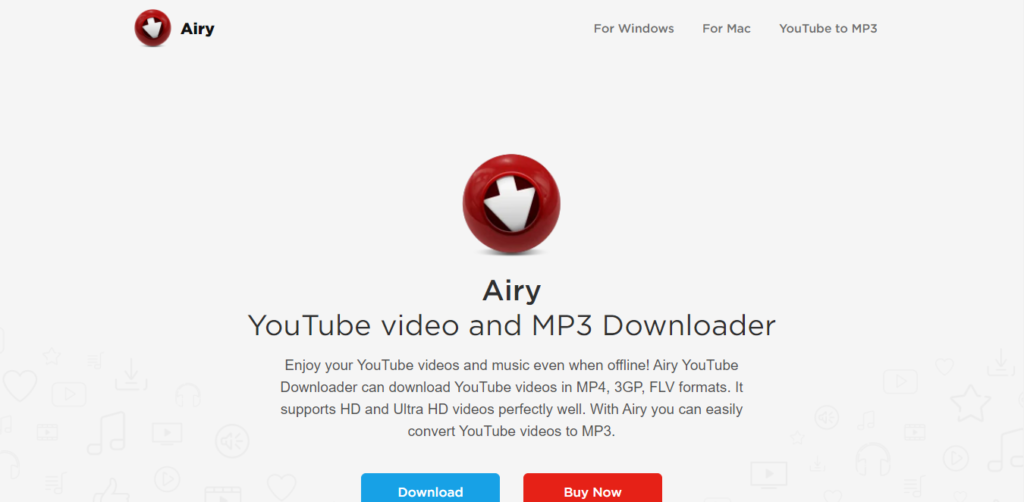
Airy is an application developed by Eltima Software for downloading YouTube videos. It was first developed for the Mac OS, but now supports Windows too. According to expert reviews, Airy is very useful and reliable for downloading YouTube videos and even extracting the audio from the downloaded clips.

Features of Airy:

  • YouTube content without ads.
  • High-quality YouTube videos at fast speeds.
  • Extraction of audio from video.
  • Can choose the format and resolution.
  • Integrate the app with the browser.
  • Download entire YouTube playlists from channels with ease.
  • 60FPS videos from YouTube.
  • Subtitle file extraction in SRT format.
  • Can resume downloads.
  • Access to protected or age-restricted content.

Supported Formats:

MP4, FLV, 3GP, MP3 (audio extraction).

Pros & Cons:

ProsCons
Simple and intuitive interfaceFree version limited to only a few downloads
Supports playlist downloadsFree version is limited to only a few downloads
Audio extraction (MP3) includedNot as feature-rich as some competitors
Allows format selection before downloadNo mobile app available
Browser integration for faster downloadsFull features require a paid license

Availability:

  • Website
  • Windows app
  • Mac app

Summary:

Airy YouTube Downloader is a solid choice for users who want a desktop tool with a clean interface for downloading videos and audio from YouTube, including playlists and multiple quality options.

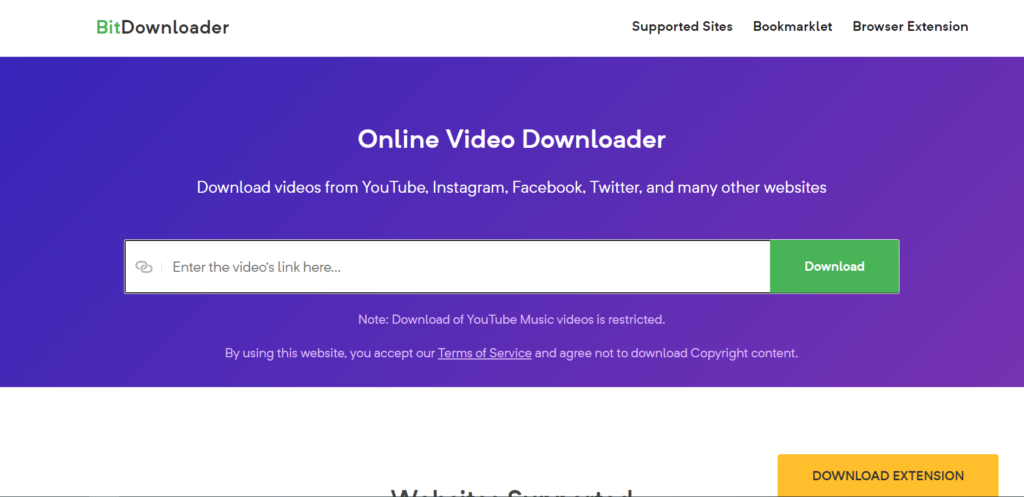
6. BitDownloader

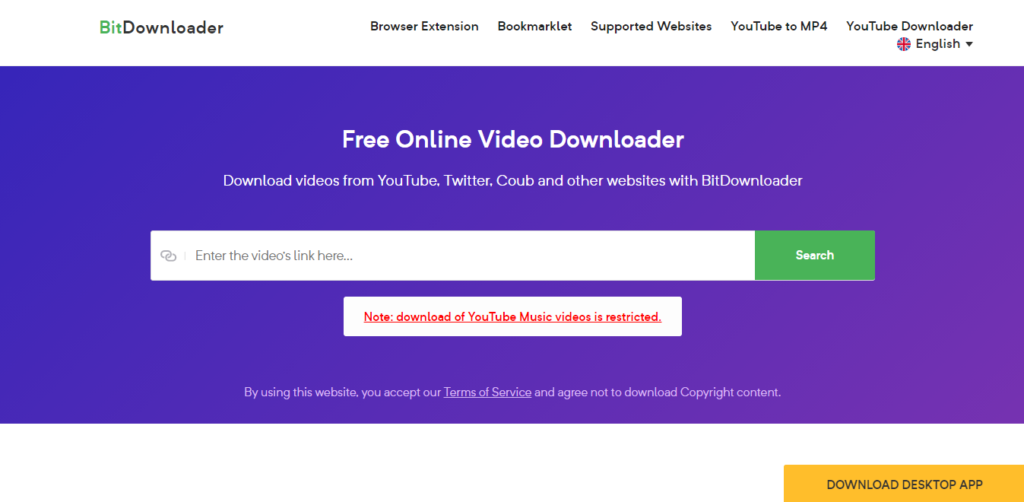
BitDownloader is an online video downloader tool. You can easily and quickly download videos from a range of websites, including YouTube, Facebook, and Instagram. The tool is completely free.

Features of BitDownloader:

  • 100% FREE
  • No restrictions
  • Fast download speed
  • Cross-platform support
  • YouTube to MP4 Converter

Supported Formats:

Common formats such as MP4 and other video/audio options (varies by source and resolution).

Pros & Cons:

ProsCons
100% free to useQuality/format options depend on the source video
No software or registration requiredNo advanced features (no batch download)
Works directly in the browserCannot download private or age-restricted videos
Supports many websites (not just YouTube)Quality/format options depend on source video
Simple and fast interfaceDepends on the internet connection

Availability:

  • Website

Summary:

BitDownloader is a straightforward online YouTube downloader that’s perfect for users who want a free, fast, and no-installation solution to save videos and media from YouTube and many other platforms.

7. VIDPAW

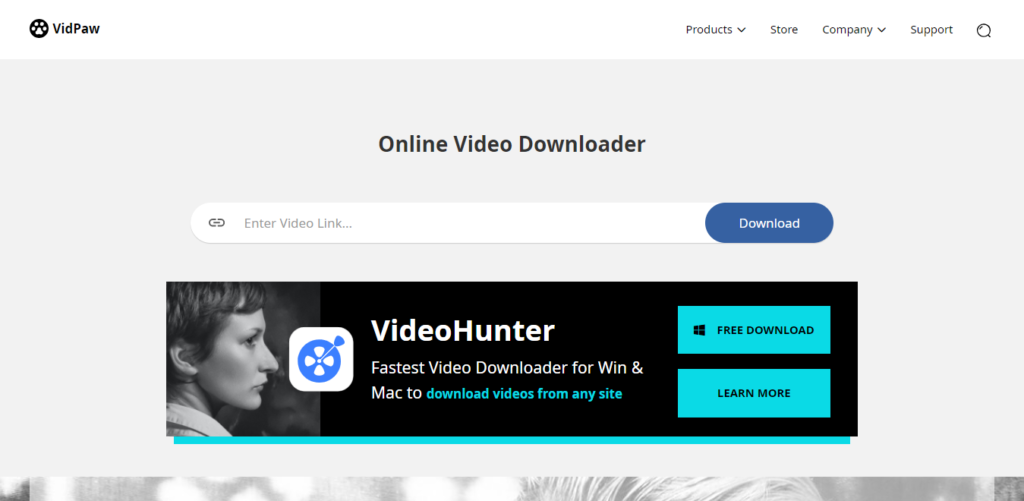
Vidpaw offers intuitive and authentic free tools and software, including a video downloader, video converter, screen recorder, Blu-ray player & ripper, and so on.

Features of Vidpaw:

  • Online Video Downloader
  • Music Video Downloader
  • Powerful Video Converter
  • Download from 1,000 Sites
  • YouTube Subtitle Downloader
  • Multiple Downloads At Once
  • 20+ Popular Output Formats
  • Batch Download Tasks
  • 6X Fast Download Speed
  • Online Video Downloader from Websites

Supported Formats:

MP4, MP3, 3GP, M4A, WebM, and SRT (subtitle), format availability may vary by video source and original quality.

Pros & Cons:

ProsCons
100% free to useDownload options depend on original video quality
No software or registration requiredCannot download private or restricted videos
Works in any browser (Windows, Mac, Android, iOS)Some sites may not be fully supported
Supports multiple formats (video + audio + subtitles)No advanced features like batch downloading
Supports many platforms beyond YouTubeQuality options vary by source

Availability:

  • Website
  • Windows app
  • Mac app

Summary:

VidPaw is a straightforward and powerful online YouTube downloader that’s perfect for users who want a free, unlimited, browser-based solution for saving videos, audio, playlists, and subtitles from YouTube and many other sites without signing up or installing anything.

8. Savefrom.net

Best Youtube Video Downloader

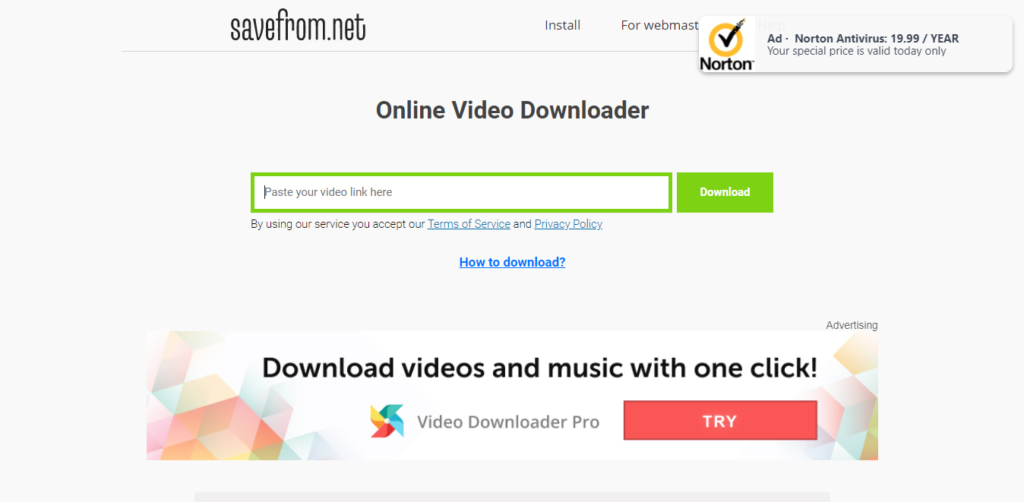
Savefrom is an online video downloader that offers to download videos from almost all popular video streaming sites. Savefrom is a completely free tool for downloading videos

Features of SaveFrom:

  • Paste the video URL to download.
  • Download videos from almost all sites.

Supported Formats:

Common media formats such as MP4 (video), MP3 (audio), and WebM. Format availability depends on the source video and platform.

Pros & Cons:

ProsCons
100% free online tool (no install)Quality and format options vary by video source
Supports multiple video platformsNo built-in batch download feature
Simple copy-paste download workflowCan display ads due to the free model
Works in any browserCan display ads due to the free model
No account or registration neededLacks advanced features like editing or playlist downloads

Availability:

  • Website
  • Chrome Extension
  • Mozilla Extension

Summary

SaveFrom.net is ideal for users who want a fast, free, and no-installation YouTube video downloader that supports a wide range of platforms and output formats, perfect for quick downloads on virtually any device.

9. Clip Converter

Best Youtube Video Downloader

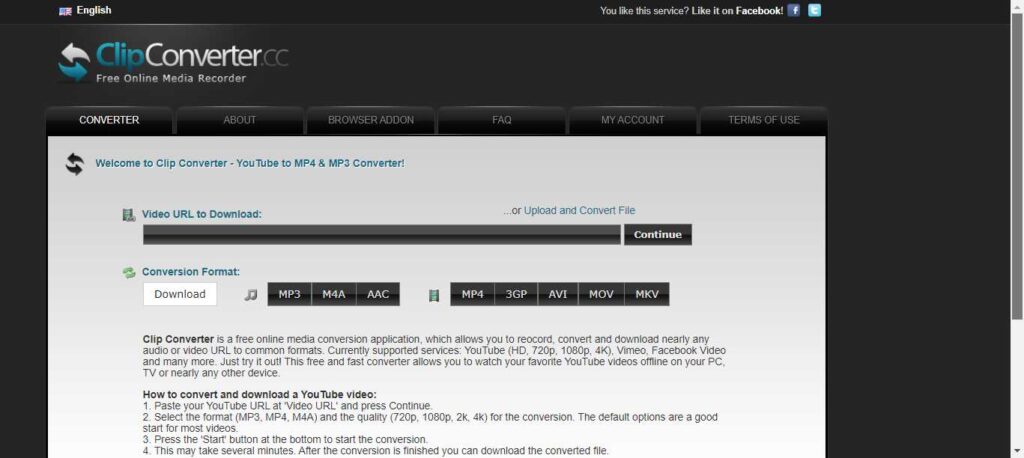
Clip Converter is a free online media conversion application which allows you to convert and download nearly any audio or video URL to common formats. Currently supported services: YouTube (HD, 720p, 1080p, 4K), Vimeo, Facebook Video, and many more.

Features of Clip converter:

  • Record screen.
  • Convert video.
  • Download the video from the URL

Supported Formats:

MP4, MP3, M4A, AAC, AVI, MOV, WEBM, 3GP, MKV (availability may vary by source).

Pros & Cons:

ProsCons
Free to use with no installation neededAds and pop-ups may be intrusive on the site
Supports many common formats (video + audio)Reliability can vary depending on the source and server status
Works in any modern browserCannot download private or age-restricted videos
Browser add-ons make downloads easierNo built-in advanced features like playlist batch downloading
Supports high-quality output including HD/4KSupports high-quality output, including HD/4K

Availability:

  • Website
  • The extension (not official)

Summary:

ClipConverter.cc is a versatile and free online YouTube downloader and converter that’s ideal for users who want to download and convert videos right from their browser with flexibility in output formats and quality, especially for occasional downloads without installing any software.

10. x2Convert

Best Youtube Video Downloader

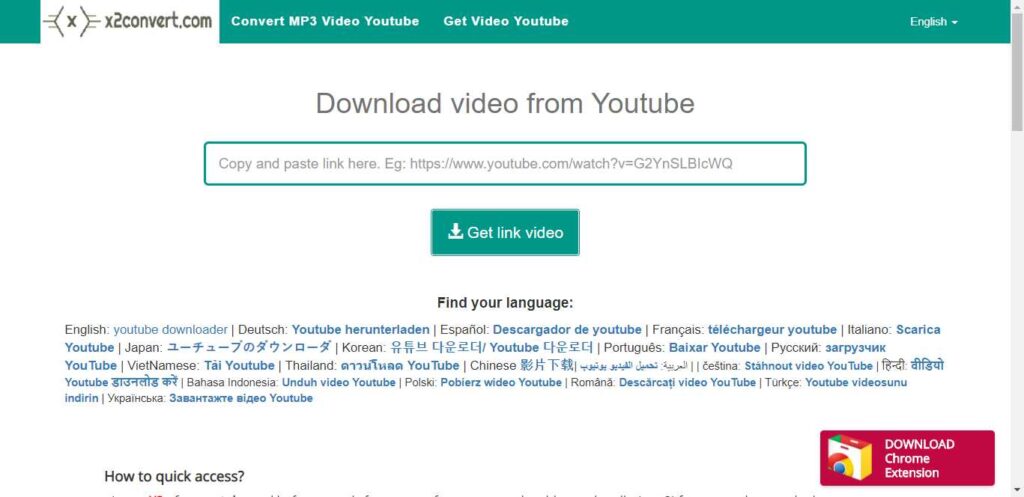
x2Convert is a video-downloading application that you can use to download videos from YouTube. The x2Convert extension is now available in the Chrome Store.

Features of x2Convert:

  • Downloadthe youtube video.
  • Works on any browser.
  • A Chrome extension is available.

Supported Formats:

Popular formats like MP4, MP3, FLV, MKV, M4A, WebM, and others, depending on the source video.

Pros & Cons:

ProsCons
Free and no registration requiredDoesn’t support downloading private or age-restricted videos
Works on any device in a browserNo advanced editing or batch download features
Download quality depends on the original videoDownload quality depends on original video
No preset limits on downloadsMay show ads on the free web interface
Quick and easy paste-and-download workflowSupports many formats, including video and audio

Availability:

  • Website
  • Chrome extension

Summary:

X2Convert is a convenient and free online YouTube downloader and converter that’s ideal for users who want to quickly save videos or audio from YouTube and many other platforms using only a web browser, with support for multiple formats and unlimited downloads.

Conclusion

In this article, we covered some of the best YouTube video downloaders available in 2026, including both free online tools and desktop software. Each downloader offers different features such as MP4 and MP3 formats, HD or 4K quality, fast download speeds, and playlist support.

If you want quick downloads without installing software, online YouTube video downloaders are a great choice. For advanced features like batch downloads or higher resolutions, desktop applications may be more suitable.

Before choosing a tool, consider your needs, video quality, file format, device compatibility, and ease of use. Selecting the right YouTube downloader will help you download videos safely and efficiently.

Categories
Online Tools & Software Reviews

9 Best Online Photo Editors in 2025

Are you looking for the best online photo editor? If yes, then this article is especially for you because I will tell you about the best online photo editors.

However, when creating a portfolio or editing pictures for themselves or clients, most photographers will need to retouch their photos to make them look professional and attractive. 

You can download a photo and use it the way you like – send it to friends, share it on social media networks, or improve photo colour. This is when an online photo editing tool will come in handy.

Best Online Photo Editor

  1. GoOnlineTools photo editor
  2. Wepik
  3. Pixlr
  4. Instasize Photo Editor
  5. Fotor
  6. Befunky
  7. PicMonkey
  8. iPiccy
  9. Ribbet

1. GoOnlineTools Photo Editor

Best Online Photo Editor

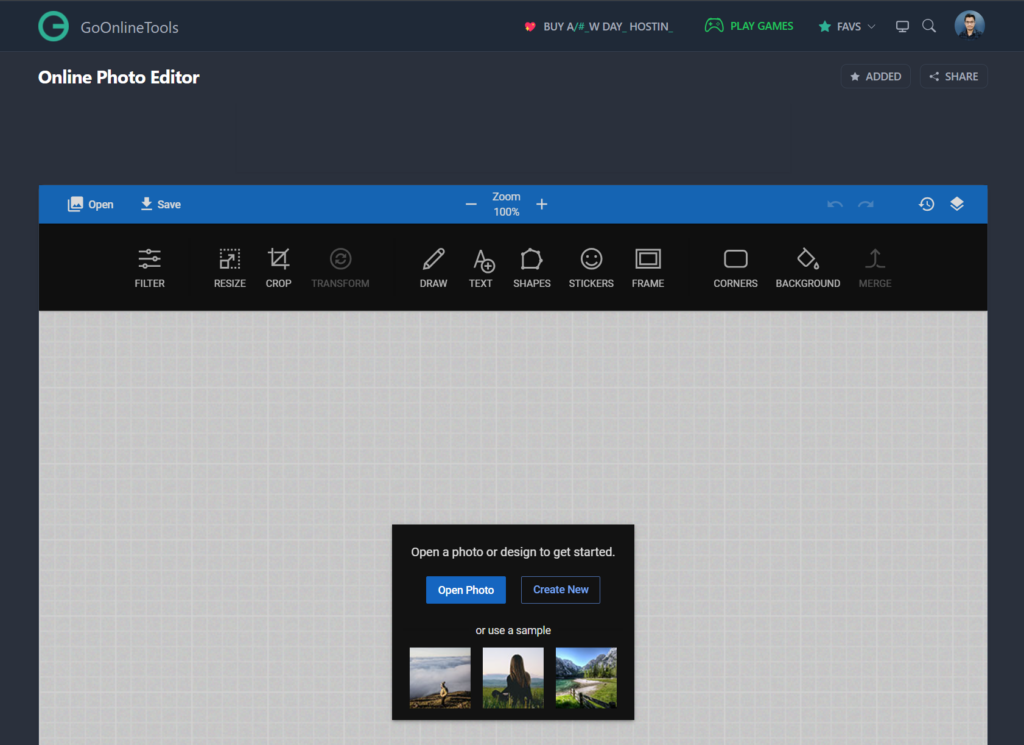
Online Photo Editor by GoOnlineTools is the Best Free Advanced Photo Editing Tool, that helps you to edit photos without downloading any heavy applications. This Tool Needs only a Browser and an Internet Connection. This Online Photo Editor Tool lets you edit photos, apply photo effects, resize, sepia, crop, rotate, flip, and more.

Top features:

  • Filter
  • Resize
  • Crop
  • Draw
  • Text
  • Shapes
  • Stickers
  • Frame
  • Background

2. Wepik

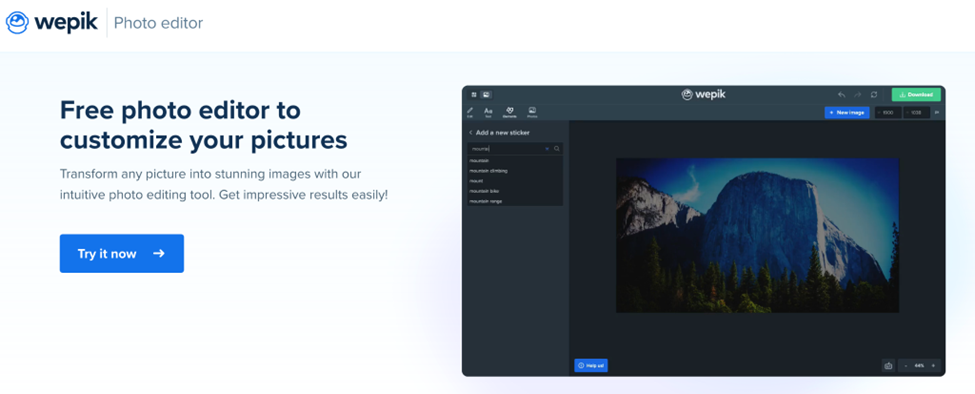
Discover Wepik, a great photo editing tool to customize and edit your photos for free! Wepik also has hundreds of easy-to-edit templates to create logos, flyers, social media posts, business cards, resumes and many more. Great free online template editor for any project and you won’t need any special software or prior graphic design knowledge to get started. From the palm of your hand — thanks to Wepik’s App — to the desktop version, thousands of pre-made designs are ready to be personalized in minutes, effortlessly and 100%  free!

Top features:

  • Ready-to-edit templates
  • Brand Kit tools for your brand
  • Freepik and Flaticon resource library
  • One-click Background remover
  • Integrated AI Image generator
  • Publish directly on your Social Media
  • Blog with additional tips and information

3. Pixelr

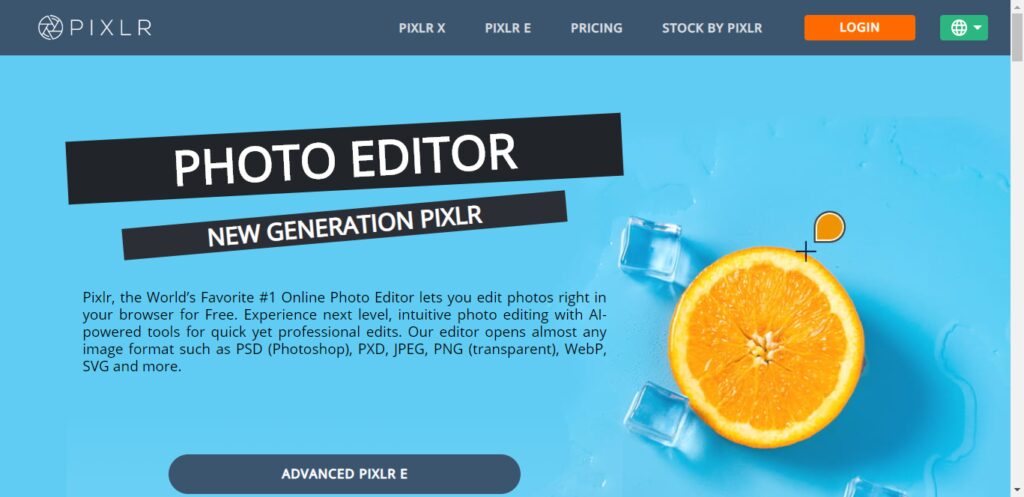
Pixlr, the World’s Favorite #1 Online Photo Editor lets you edit photos right in your browser for Free. Experience next-level, intuitive photo editing with AI-powered tools for quick yet professional edits.

Top features:

  • Built-in Templates.
  • Import-Export Option.
  • Social Media Integration.
  • Auto Select.
  • Batch Editing.
  • Effects and Filters.
  • Enhancement Tools.
  • Import from the web.

4. Instasize Photo Editor

Instasize is the photo editor toolkit for creatives. Easily edit photos and videos with premium photo filters, picture borders, collage maker, retouch tools, format photo resizer and so much more. … Enhance your image with editing tools including contrast, exposure, saturation, and clarity.

Top features:

  • Premium photo filters,
  • Picture borders,
  • Collage maker,
  • Retouch tools,
  • Format photo resizer

5. Fotor

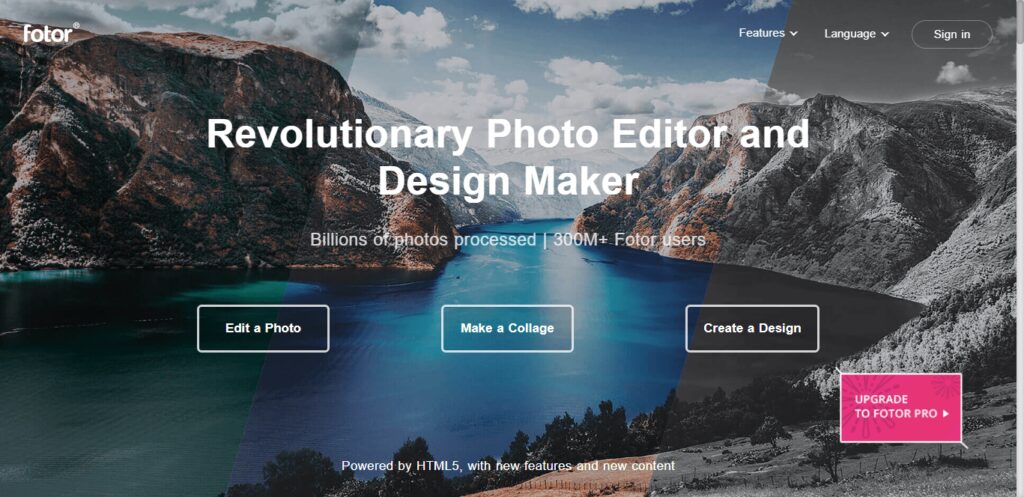
Fotor is a renowned photo editor, designed to bring powerful digital editing to you. Fotor is a renowned photo editor, designed to bring powerful digital editing to you. With basics such as 1-tap enhance, resize, crop, background remover, rotate and straighten, it also has many unique features.

Top features:

  • Adjust exposure,
  • Brightness and contrast,
  • White balance, saturation,
  • Sharpen/blur,
  • Add a vignette,
  • Straighten,
  • Red-eye removal 

Also, read – Best Youtube Video Downloader

6. Befunky

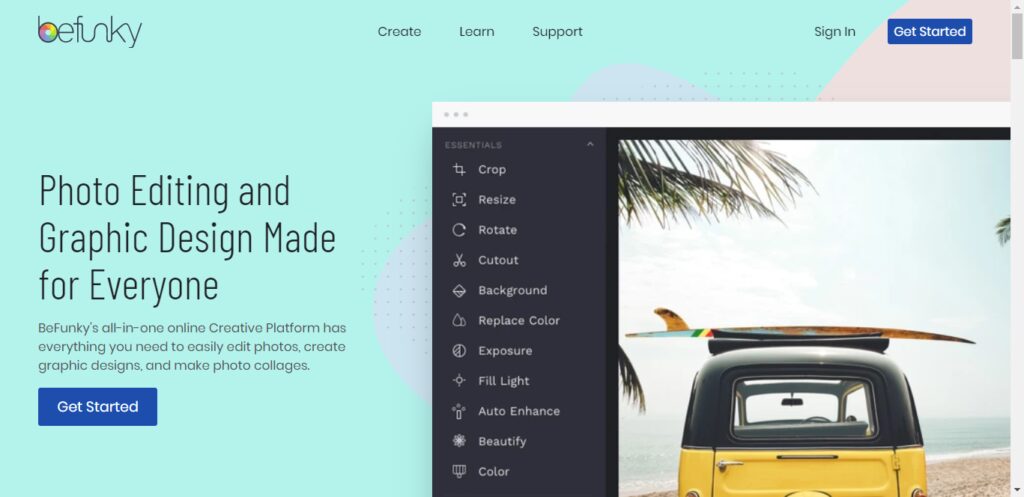
BeFunky is a powerful, yet easy-to-use Photo Editor, Collage Maker, and Graphic Designer for the web. It’s an all-in-one online platform that offers hundreds of fully customizable templates, a vast library of tools, and stunning design elements to choose from.

Top features:

  • Crop Photo
  • Resize Image
  • Background Remover
  • Touch Up Tools
  • Photo to Art
  • Photo To Cartoon
  • Transparent Background
  • Texture Background

Also, read – How to upload fonts to canva

7. PicMonkey

Best Online Photo Editor

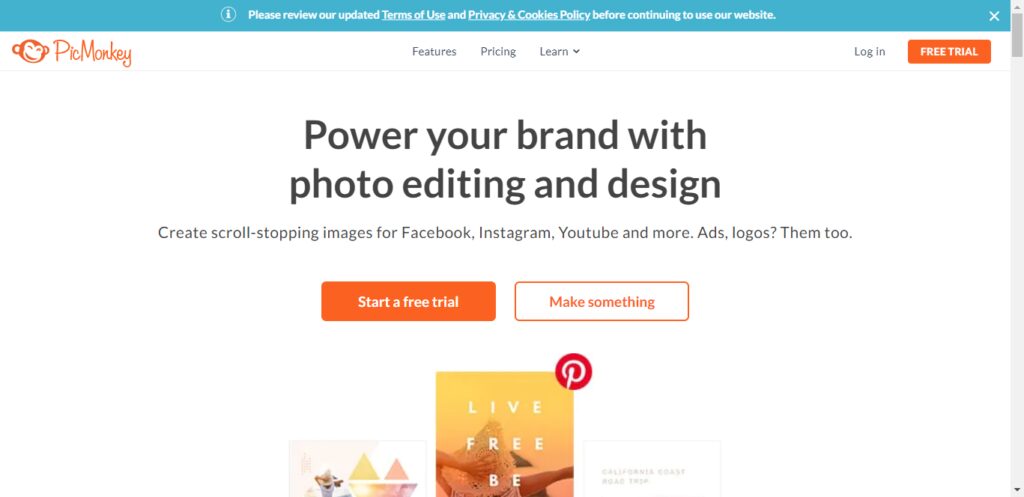
PicMonkey is an online photo editing and design service. It can be accessed from a web browser, or through the PicMonkey mobile app. PicMonkey’s mission is to empower everyday creatives to communicate visually. Create beautiful photos, logos, social media graphics, and Facebook covers with PicMonkey’s easy yet powerful photo editing and graphic design software.

Top features:

  • One-click Background Remover.
  • Erase photo backgrounds instantly.
  • Smart Resize.
  • Brand Kit.
  • Video + stock library.
  • Thousands more graphics & templates.
  • Millions of stock photos.

8. IPiccy

Best Online Photo Editor

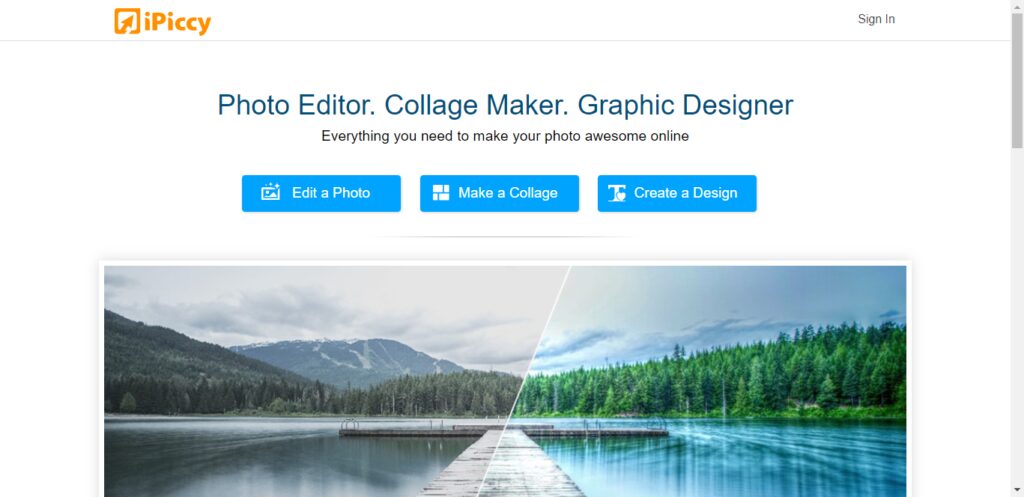
iPiccy has many powerful and easy-to-use photo editing tools right in your browser. Auto adjusts photos in one click, crop, rotate and resize images in no time. Over 100+ photo effects and PRO-level photo enhancements, facial retouching, and frames. This is the best place for your pictures!

Top features:

  • 800% zoom
  • Organized tools.
  • Basic tools.
  • Social media integration.
  • Collage layouts.
  • Filters.

9. Ribbet

Best Online Photo Editor

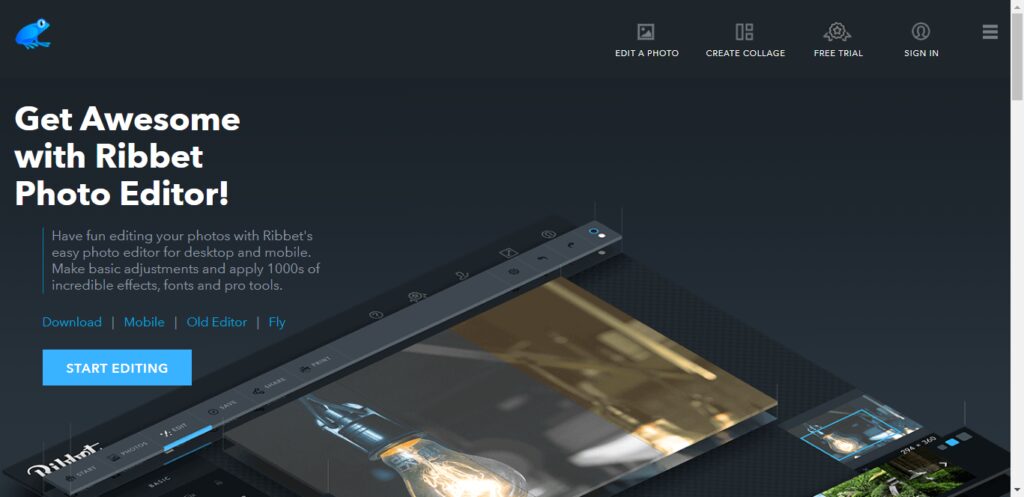
Overview. Ribbet is a free online photo editor and collage maker with beautiful filters, seasonal effects, touch-ups, stickers, and fonts. We also offer Premium membership for those users wishing to take advantage of our Premium editing tools.

Top features:

  • Crop, resize, rotate
  • Basic edits with ease.
  • From professional to artsy or just fun
  • Drag & drop photos to quickly create grids and collages for anything from family albums to engaging social media posts.
  • Create and reuse your project templates.

Conclusion

As per my own experience, every photo editor app has its advantages. However it depends on your requirement which photo editor is best for you.

If you want to go with advanced features in the free plan then I prefer this GoOnlineTools Photo Editor is best.

If you want to go with pricing then I prefer Pixelr because this tool offers good features but it costs money.

Categories
Online Tools & Software Reviews

9 Best Instagram Video Downloaders in 2026

Are you looking for the best Instagram video downloader? If yes, then this article is especially for you because in this article I will tell you the 9 best Instagram video downloaders.

What is an Instagram video downloader?

Instagram video downloader is a free online tool to download any public video or reel posted on Instagram.

Best Instagram Video Downloader

  1. FastDL
  2. 4k Stogram
  3. Inflact
  4. DownloadGram
  5. W3Toys
  6. Savefrom.net
  7. KeepVid
  8. InstaOffline
  9. Snapinsta

1. FastDL

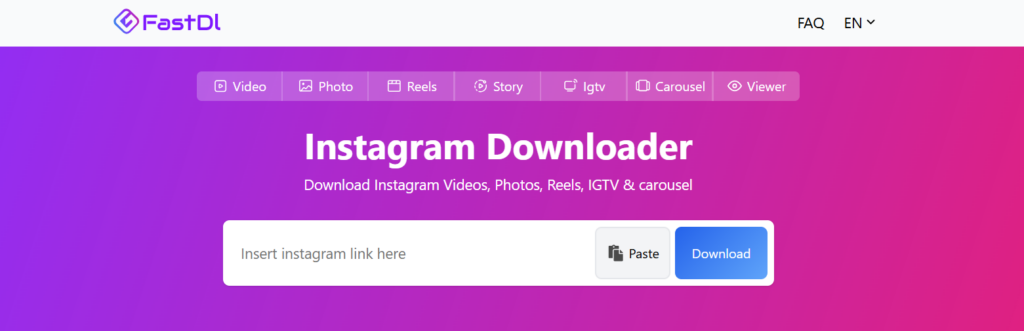
FastDL is one of the best Instagram downloaders. You can download videos, reels, stories and IGTV. FastDL supports almost all devices using a browser.

FastDL supports high-quality Instagram video downloading with high speed.

2. 4k Stogram

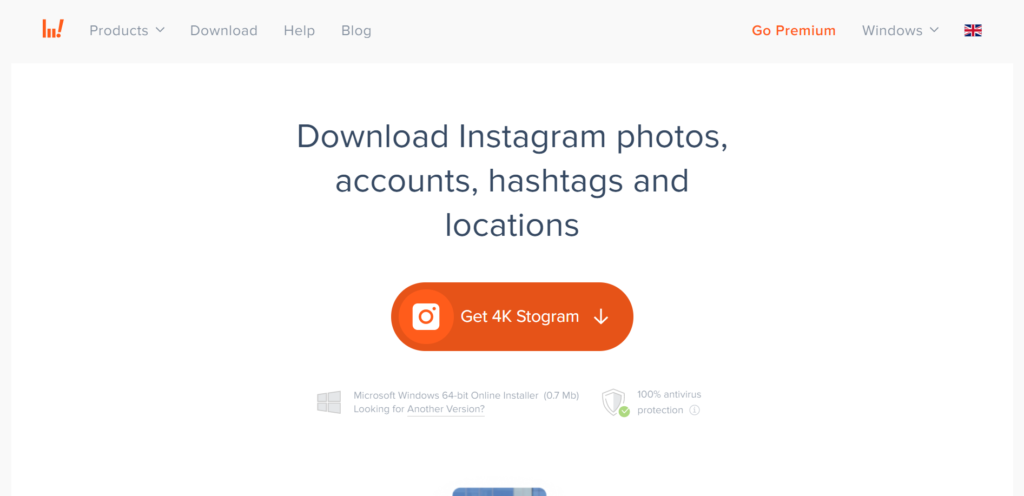
Free Instagram Downloader for macOS, PC, and Linux. Search, download, or backup Instagram photos shared by any user. Explore and download Instagram photos and video content from different places around the world. Subscribe to favourite Instagram accounts, hashtags, and locations in-app — download all their existing and upcoming posts automatically.

3. Inflact

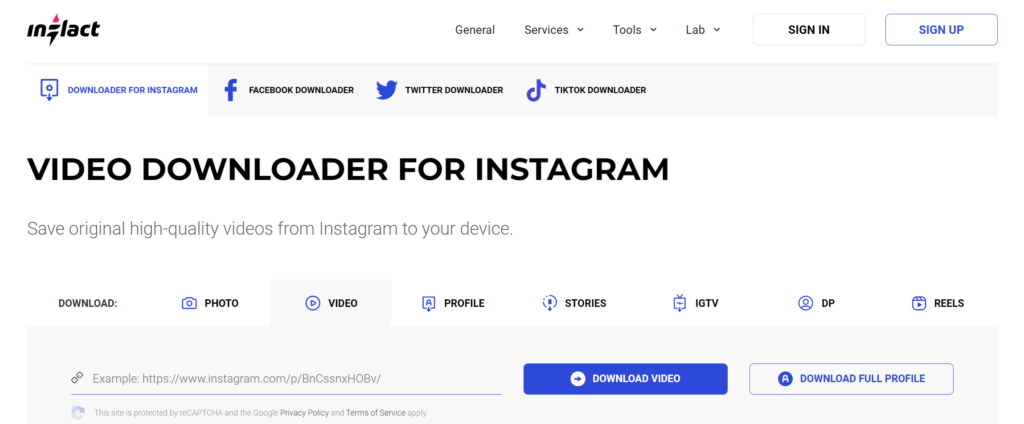
Inflact is a popular Instagram tool for video downloading, photo downloading, story downloading, and IGTV video downloading. Inflact supports downloads from Instagram regardless of the operating system and device type. It is possible to save catchy videos to your iPhone, Android, and computer. The only rule is that you might have to free up some memory on a device.

4. DownloadGram

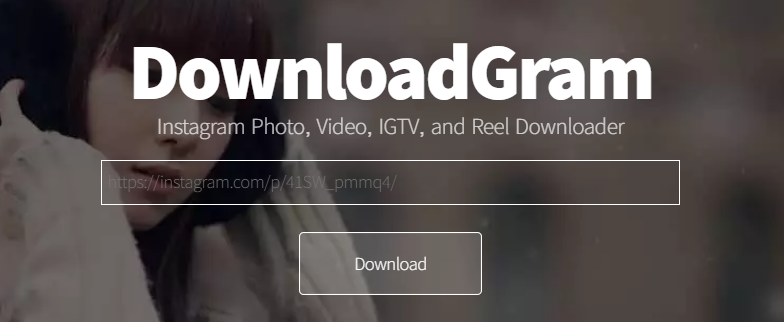
Downloadgram is also an Instagram video downloader. you can also download Instagram photos, Instagram reels, and IGTV videos. The best part of this tool is you can download videos and photos in high quality.

5. W3Toys

Best Instagram Video Downloader

W3Toys is a very popular Instagram video downloader. This tool is not different from others, you can also download Instagram photos and videos using this tool. The worst part of this tool is it comes with tons of ads.

6. Savefrom.net

Savefrom.net is also an Instagram video downloader, and you can download anything from Instagram using this tool. Savefrom.net is not only an Instagram video downloader; this tool offers video downloading from many popular platforms (i.e., Facebook, YouTube)

7. KeepVid

Best Instagram Video Downloader

Keepvid excels at Instagram video downloading. It can also download IG stories and IGTV videos so that you can watch them offline. But that’s not all. Keepvid can also convert Instagram videos to MP3 in seconds. Try Keepvid when you need a good Instagram downloader, and you will not be disappointed. All other tools claim it, but none can match our sound quality.

8. InstaOffline

Best Instagram Video Downloader

Instaoffline is a powerful web tool for downloading and saving media off Instagram. It is the best and easiest online tool for anyone wanting to download: Instagram sideshow posts (aka carousel posts), Instagram images, Instagram videos, and IGTV.

9. Snapinsta

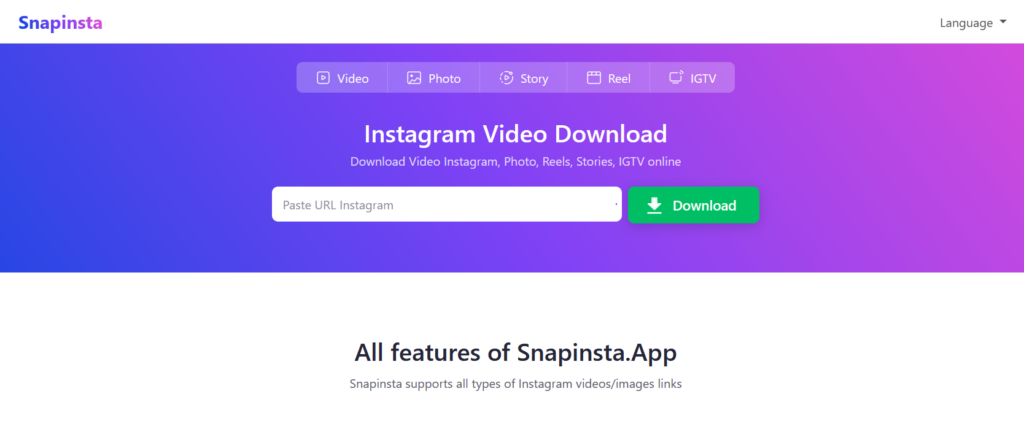
Snapinsta is not only an Instagram video downloader, but you can also download Instagram photos, Instagram stories and Instagram reels. You can download videos and images in high quality.

In this article, I listed almost all the popular Instagram video downloaders. Now you need to choose which one is suitable for you.