Here you’ll find honest guides, comparisons, and lists of useful online tools and software. These posts help you choose the right tools for work, business, productivity, and everyday tasks.
Don’t you just love writing? It’s one of the best ways to express yourself and your ideas, but it can sometimes be difficult to stay up to date with spelling and grammar rules. That is why having a grammar checker as an extra set of eyes on your work is always helpful.
Why is it important? Well, it means that you don’t have to be a professional essay writer to come up with a perfectly written piece. Even the most experienced writers can sometimes make simple mistakes, and having a grammar checker can help to identify and correct these errors.
So what are some of the best grammar checkers out there? In this post, we will show you our list of seven that should do the trick. Let’s take a look!
1. Ginger
Ginger is a powerful new English grammar-checking tool that’s revolutionising the world of digital writing. The Ginger grammar-checking tool is an excellent way to ensure accurate and correct grammar in your writing.
Rather than relying on algorithms alone, this tool also uses advanced artificial intelligence technology that can highlight context errors and provide suggestions for improvement. With a quick scan of what you have written, it can quickly identify common errors such as misspellings, misused words, incorrect subject-verb agreement, incorrect phrase usage, and other errors.
By providing readers with a well-crafted piece of text free from mistakes, the Ginger grammar-checking tool can drastically improve the quality of your work and make you look professional in the eyes of your peers.
2. Clever AI Humanizer
Clever AI Humanizer is a writing tool designed to make text sound more natural and easier to read. Along with its humanization features, it also includes a free grammar checker that helps polish your writing by catching grammar, spelling, punctuation, and word choice mistakes.
Rather than highlighting errors without context, the grammar checker reviews each sentence as a whole and suggests improvements that make your writing clearer and more fluent. It can also smooth out awkward phrasing and reduce the robotic patterns often found in AI-generated text.
Whether you’re editing an email, blog post, essay, or business document, Clever AI Humanizer gives you a simple way to improve both the accuracy and readability of your writing.
3. After the Deadline
After the Deadline is an open-source grammar-checking platform. It uses artificial intelligence and natural language processing to detect errors in spelling, grammar, and style in your written work. The tool also comes with a variety of features:
Auto-correction of typos
Auto-correction of homonyms and abbreviations
A thesaurus
Contextual spell-checking
All this makes the tool incredibly useful for both casual and professional writers.
Grammarly is a powerful, easy-to-use grammar-checking site that can save you time and energy when writing or editing. Packed with features designed to catch typos, punctuation errors, wrong verb tense and other grammar mistakes, it’s an ideal solution for anyone who wants to eliminate common mistakes from their writing.
Moreover, Grammarly even offers suggestions on how to improve your style and clarity in your writing. With advanced feedback delivered in plain language, it’s quickly becoming an indispensable tool for students, business professionals and writers of all kinds.
5. The Hemingway App
The Hemingway App is changing the way we write. It takes the guesswork out of editing by providing an easy-to-use grammar checker with powerful features such as highlighting passive voice, flagging sentences that are too hard to read, and offering solutions for more concise writing.
With this user-friendly tool’s help, writers of all levels can produce clean, professional content in a fraction of the time. The app even gives helpful tips on managing word choice, structure and tone, helping make your writing unbeatable. If you’re looking to save time while improving the quality of your work, upgrade your writing game with the Hemingway App.
6. NounPlus
NounPlus is a comprehensive English grammar and spell-checker that’s designed to help you create clean, error-free writing. It can spot mistakes you might have missed in your own writing, such as typos, spelling mistakes, incorrect word usage, and much more.
The tool also offers detailed explanations of corrections and helpful suggestions on how to improve your writing. With NounPlus, you can be sure that your writing is accurate and up to the highest standards of quality.
7. WhiteSmoke
WhiteSmoke is a must-have tool for all writers who value accuracy and precision in their work. It is the ultimate grammar-checking tool, as it instantly identifies potential errors in spelling, punctuation, and syntax with unparalleled accuracy.
Furthermore, it also offers contextual advice on how to improve your writing, making both your writing quality and confidence soar. With its career-specific features such as professional email writing assistance and resume support, WhiteSmoke ensures that you always put forward the best possible version of yourself.
Whether you’re a student or in a corporate environment, this invaluable tool should be your go-to for all grammatical needs.
8. LanguageTool
LanguageTool is a powerful grammar-checking tool that can be used to improve the accuracy and clarity of your writing.
Not only does it detect hundreds of errors, such as typical spelling mistakes, incorrect verb conjugation, typos and punctuation problems, but it also checks for style issues like phrasing for conciseness or appropriateness for the intended audience.
Through its intuitive user interface and features like auto-correction, bidirectional text support and integration with third-party tools like Microsoft Word and Gmail, LanguageTool makes proofreading and editing much easier and more efficient. It is suitable for writers at all levels from novice to expert and helps ensure that any document you produce meets professional standards.
Conclusion
Writing is not the simplest thing on Earth, but it gets easier when you have the right tools. The grammar checkers mentioned above are all reliable and user-friendly, so you can be sure that your content is error-free. No matter what writing goals you have, these essentials will help ensure you meet them with excellence.
Working on personal or commercial projects, you might encounter some problems with your visuals. Sometimes, an otherwise perfect picture may require minor adjustments to look even better. Or, you might need to tweak some imperfections as quickly as possible, e.g., when you’re about to publish a visual according to the content plan.
Generally, you don’t need to turn to a graphic designer for help. Editing pictures online with the help of special free tools is quicker and more affordable. Read further to learn about the benefits of these graphics editors and discover how they work.
4 main reasons to use free apps for editing pictures
They are quick. You save time on contacting and explaining the details to professional designers. This is especially important if the adjustments are indeed minor or if it’s urgent.
They help you save costs. You don’t have to purchase expensive graphic editing software or pay a professional. Even if an app has some paid features, you can still do most of the basic editing for free.
They are convenient. Offline graphic editing software occupies some of your PC’s memory and cannot be easily accessed from other devices without previous installation. On the other hand, you can access free online picture editors from a PC, tablet, or even your phone.
They are quick to understand and easy to use. While offline software is more powerful and extensive, usually, you don’t need all of its complex options for basic editing. Online tools are easier to figure out because they are more minimalistic and offer only the essential features you need to perfect your images.
Where to edit photos online for free
There are plenty of image editing apps available on the internet. Most offer basic editing options, while some focus on special features like background removal, color correction, or image upscaling. You can stick to one app or combine them for better results.
You can also find the perfect set of stock photos from Freepik, that you can use for your upcoming advertising campaigns.
1. Depositphotos Background Remover
Depositphotos Background Remover is a smart online tool created to make images with transparent backgrounds. Its AI-based algorithms automatically recognize the main objects on a visual, isolate them, and remove the surrounding background. The tool offers intuitive navigation and is quick to deliver HD results. You can download processed pictures in medium size for free or purchase a budget-friendly Background Remover plan to download them in HD.
Here’s how to edit images using Depositphotos Background Remover:
Upload a visual. The tool supports files in JPG, JPEG, and PNG formats weighing up to 15 MB.
Preview the image after its background is removed.
Edit it if necessary. The tool offers two brushes—Erase and Restore. You can adjust their size and hardness for precision.
Download the result in PNG format.
2. Photopea
Photopea is a digital image editor that offers similar features and design options as Adobe Photoshop. It’s suitable for basic editing and additional photo retouching. The tool allows you to resize visuals, add color filters, alter hue and saturation, change tones, and adjust colors, among other things. All of its features are available for both free and paid users. Nonetheless, the Premium plan also offers an ad-free experience, email support, and 2x more steps in editing history.
Here’s how to edit visuals using Photopea:
Open the tool in your browser.
Upload a visual. The program supports JPGs, PNGs, RAWs, SVGs, PDFs, GIFs, and TIFFs, along with file formats of other graphics editors—PSD, AI, XCF, Sketch, and XD.
Edit your image using available tools and features.
Save the result in PSD by clicking File → Save as PSD. You can also save the result as a JPG, PNG, or SVG by clicking File → Export as…
3. Picsart
Background removal is among the most time-consuming process in photo editing. But you do not have to spend hours trying to trace out the edges of your image if you have a background removal solution for photos like Picsart.
Picsart is a highly popular photo editing app that is compatible with both mobile devices (iOS, Android, and Microsoft) and web browsers. This versatile tool offers a wide range of features, making it easy for you to edit photos, create collages, design illustrations and posters, or add fun stickers and text to your images.
The best part is that the app utilizes AI’s power to provide basic editing functions such as cropping, resizing, adding filters or frames, adjusting brightness or contrast, along with more advanced features like drawing tools, double exposure effects, or photo retouching.
Despite offering some premium features with its pro-version subscription plan called Picsart Gold, the majority of the app’s functions are available for free users. That means you can still create stunning visuals without much photo-editing know-how or breaking your budget.
Here’s how to edit images using Picsart:
Access the Picsart website in a preferred browser or download the app on your mobile device.
Sign up for an account if needed; otherwise proceed directly to the editor.
Upload a photo by clicking on “Edit” in the web browser or tap “+” in the mobile app, followed by “Edit.”
Browse through available editing options ranging from basic adjustments to more complex effects and tools. For example, you can remove the background in your photo using the tool or even add AI-generated backgrounds that best fit what you want to achieve with your images.
Customize your image using various adjustment sliders within each tool.
Combine multiple elements like overlays and text layers.
Download the result as a photo in JPG, PNG, PDF, WEBM, or MP4.
4. Pixlr
Pixlr is an online graphics editing program that can be used both for image adjustment and design creation. It is incredibly convenient when you need to use newly edited images for marketing purposes. For instance, you can create social media posters, banners, ads, and other marketing materials using the tool. A free version of Pixlr allows you to crop images; add colour filters; alter brightness, contrast, and saturation; and adjust other parameters.
Here’s how you can edit visuals using Pixlr Photo Editor:
Open the program in a preferred browser.
Upload a visual. To do that, click on Open Image or Create New to choose the design template.
Edit your photo using available tools.
Download the result as a photo in JPG, PNG, WebP, or PXZ, or as a document in PDF or PXZ.
To sum up
To successfully edit your visuals, you don’t need a background in graphic design. Free online tools offer diverse editing options, from quick background removal to basic colour correction. They are easy to use for beginner creators and accessible from all electronic devices connected to the internet. Discover the tools and programs presented in this article to choose the convenient option for your design needs.
Do you want to download a video from the Pinterest website? If so, this article is especially for you. I will show you the seven best Pinterest video downloaders in this article and their features.
Pinterest started as an image-sharing social media platform, but for some time Pinterest allowed video sharing so now people also share short videos on Pinterest.
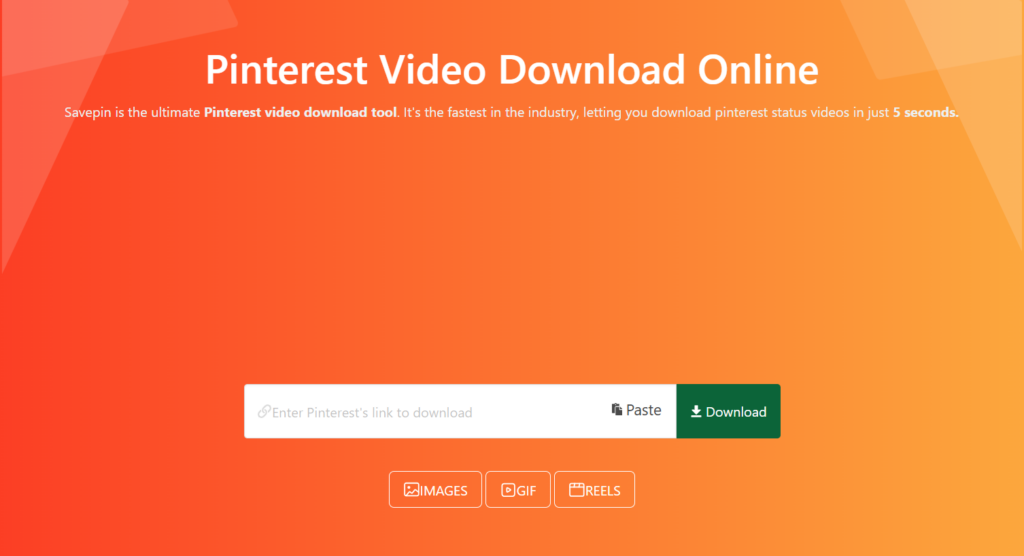
SavePin is the most popular Pinterest video downloader in 2025. Pinterest is amongst the most famous platforms where you can share your videos and photos. SavePin is safe, secure, and compatible with all devices.
Using savepin almost 42 million videos downloaded till now and it has 1.5 million active users.
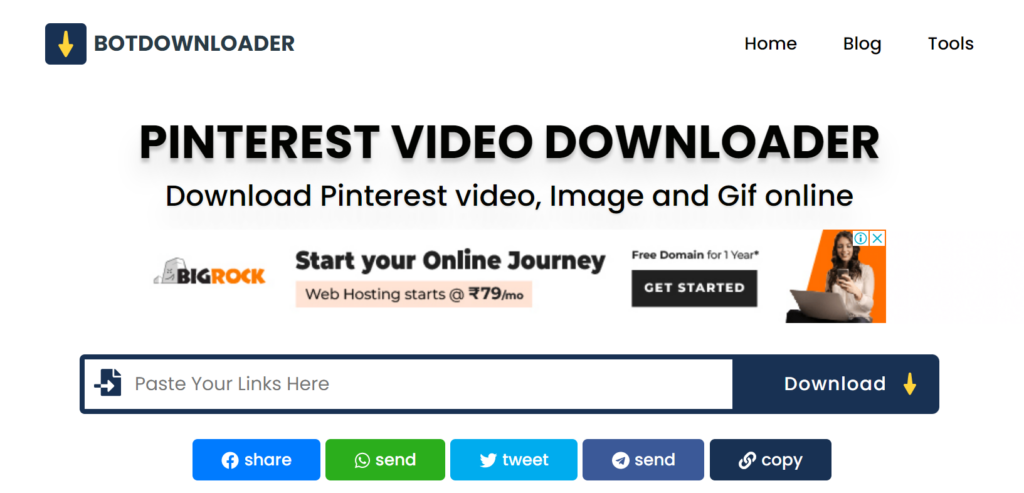
BotDownloader is another free Pinterest video downloader. This tool is not different from others. You can use BotDownloader to download Pinterest videos, images, or GIFs. You can also convert Pinterest videos to mp4 with botdownloader’s built-in features.
The best part of this tool is it’s free and you don’t need to sign up to use their service. The worst part of this tool is it contains ads.
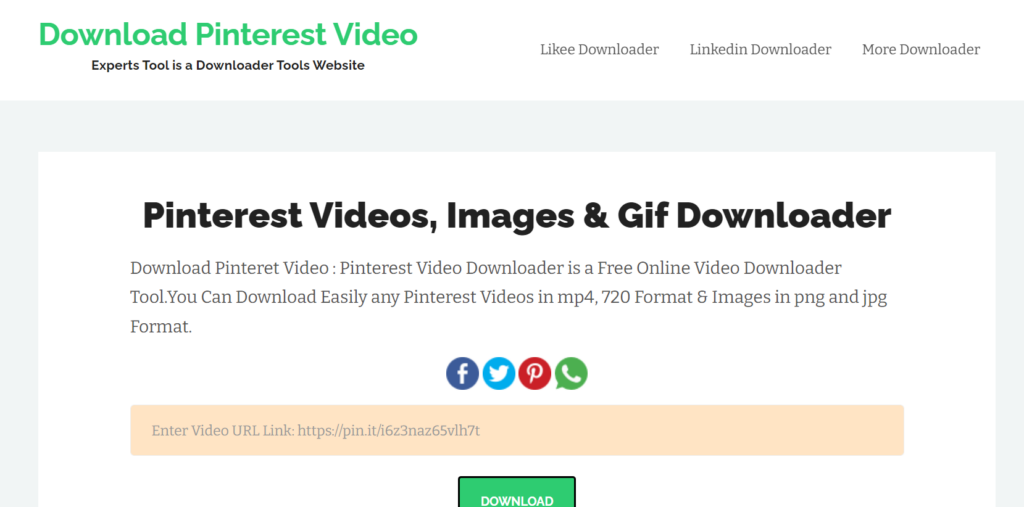
Expertstool is a simple cloud-based Pinterest video downloader tool that doesn’t need any installation. Just paste a link to the content you want to own and get it right on your device fast. Downloading Pinterest videos, stories, and reels Pinterest are made easy with this tool.
The best part of this tool is you can download Pinterest videos, stories, and even reels and the worst part of this tool is it takesa little bit more time to provide downloading links.
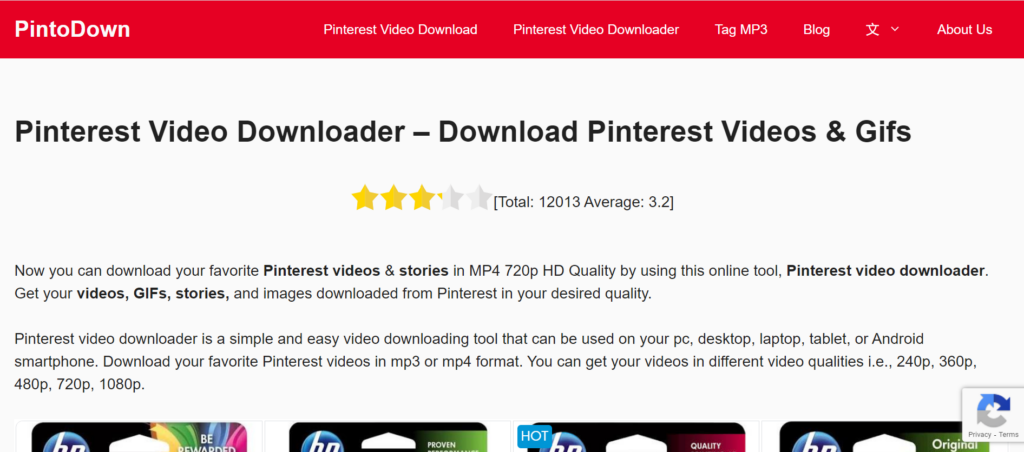
PintoDown is not different from other Pinterest video downloaders. It is a simple and easy video downloading tool that can be used on your pc, desktop, laptop, tablet, or Android smartphone.
The best part of this tool is you can download videos in different video qualities i.e., 240p, 360p, 480p, 720p, and 1080p. And the worst part of this tool is it contains too many ads.
Pinterestvideodownloader.io is similar to other Pinterest downloader tools in terms of its functionality. This user-friendly tool allows you to effortlessly download videos from Pinterest on various devices such as PCs, desktops, laptops, tablets, and Android smartphones.
It supports both Short and Long URLs and you can download unlimited videos using the tool without any link break.
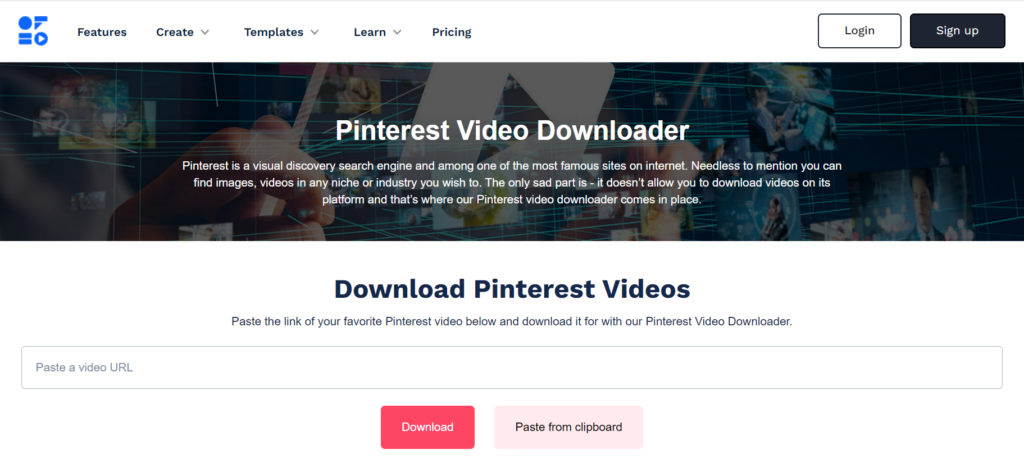
Offeo Pinterest downloaders are apps that enable you to download videos from Pinterest and save them in video or music format on your device so you can play them anytime you like.
The best part of this tool is you can download videos in 4K if the video is uploaded in 4K and I did not find any worst part of this tool.
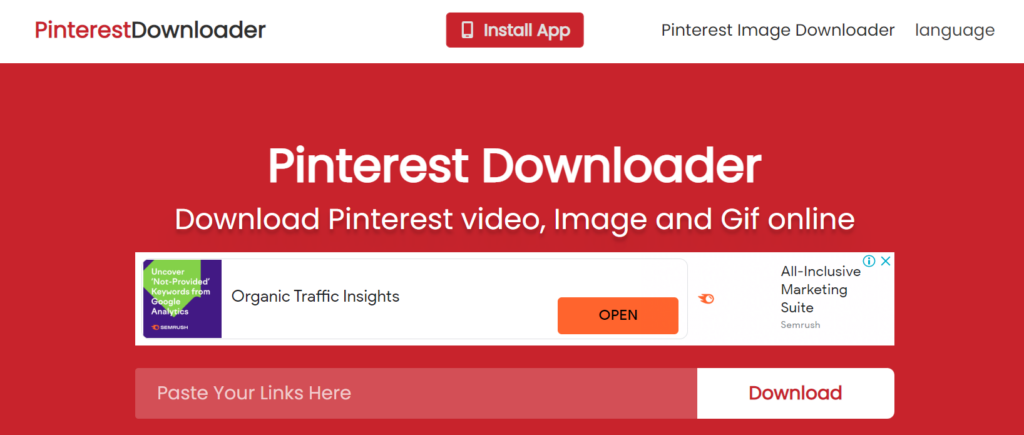
Pinterest Downloader is a free Pinterest video downloader online tool. You can also download Pinterest Images and GIFs directly to your computer, tablet or mobile by using Pinterest Downloader.
The best part of this tool is you can download videos and gifs in high definition and the worst part of this tool is it takes too much time to provide downloading links.
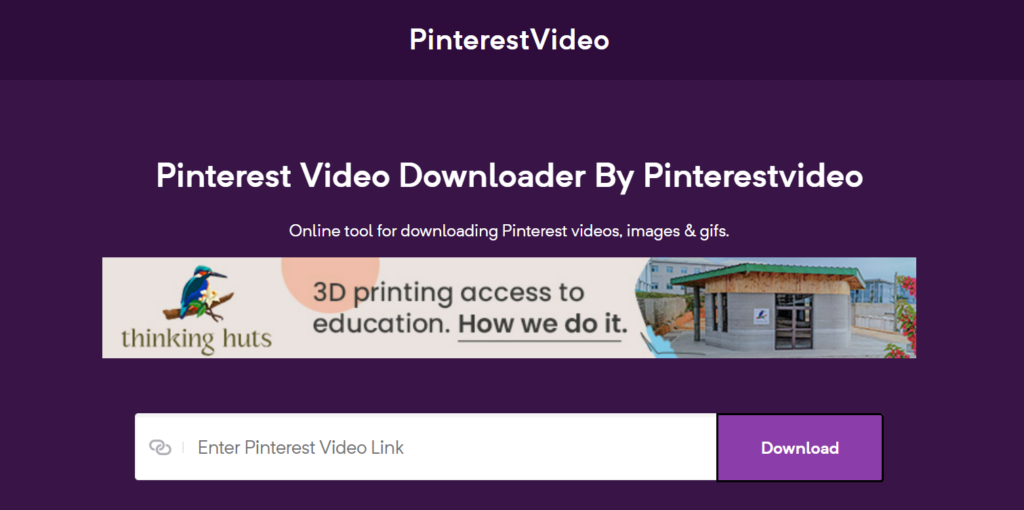
Pinterestvideo is one of the best tools for downloading videos, gifs, stories and reels from Pinterest sites in high quality. Using this tool you can download Pinterest videos in HD, SD, and, FULL HD and 4K.
The best part of this tool is Fast downloads and conversions with no rate limiting and the worst part of this tool is it contains ads.
In this article, I listed almost all the popular Pinterest video downloaders. Now you need to choose which one is suitable for you.
Writing has been an essential component of human culture for ages. As we have evolved, so have our writing tools –from lost tools such as clay, slate, and wood, to pen and paper, typewriters, computers, and recently AI-enabled machines and software. Today, writers are spoilt for choice regarding the writing tools to consider for essay writing, storytelling, editing, organizing, or boosting productivity.
Whether you are a seasoned author, a casual blogger, an aspiring writer, or someone who likes to maintain a journal, keeping track of your thoughts and creating a masterpiece is always challenging. Unfortunately, the world continues to be busy, and there are a whole lot of issues to be attended to, making it difficult for one to sit and wait for writing inspiration to strike.
Fortunately, numerous writing tools are available online, free or paid, which can come in handy for authors, novelists, and playwrights, among others. These implements allow writers to put down ideas whenever they strike, regardless of time, and receive feedback on whether they are grammatically correct. As a result, productivity seems to be on an upward trajectory, leading to the continued development of the writing career.
What Are Some of The Best Tools for Writing?
As hinted, advanced technology in modern-day society presents multiple tools for writers to use during the inscription process. Such implementations range from those that check for grammatical errors, vocabulary, and sentence structure to those that offer suggestions on the correct line of thought. Equally, there are tools designed to aid writers by providing meaningful feedback and recommendations, making one adore the entire writing process.
Perhaps you might be conversant with Microsoft Office and Google Docs as some of the standard and most popular tools for writers. If yes, this article will present other tools to complement the latter and help you boost your expertise by choosing from the recommended selection.
1. LibreOffice
As mentioned earlier, Microsoft Office is a common writing tool whose productivity is well-known among writers. Here is its free counterpart: LibreOffice. It is a free classic word processor that might be useful for anyone interested in feeling the power of Microsoft Office without paying a dime. Moreover, it supports all the file types, from the .pptx, .ppt, .xlsx, .doc, and .docx.
2. Draft
Are you a fan of Google Docs? If yes, we might have just introduced you to another option, a perfect replica that is bound to improve your productivity by a significant margin. The draft is one of the best tools for book writers as it lets you keep track of the words you write every day. It can also send you email reminders if you fail to meet your daily word count goals. Aside from that, Draft works the same way as Google Docs, permitting collaborative writing via suggested edits and comments on the document.
3. Grammarly
Grammarly is an AI-powered writing assistant tool that surpasses basic spell checkers. The implementation includes functionalities that allow the writer to check grammar, spelling, punctuation, and plagiarism. Further, it enhances the vocabulary of the write-up, making it appear unique in its way.
Even though there is a free version of the software, the premium version is much better. However, accessing the premium version may be a bit of a hassle for less established writers such as casual bloggers, novel writers, or even students who might need to work on a single essay assignment.
At this point, one can choose to seek assistance from a professional essay writing service. The latter has access to the software and might save you from the hustle of purchasing premium accounts, as well as the overall writing process. CustomWritings is the best example of such companies, providing high-quality custom essay writing services. Furthermore, the website is available for both individuals and companies since they have experts who can generate original papers based on the client’s instructions regardless of whether the assignment is academic-oriented. Thus, it is common to find students in the USA and beyond placing orders, inquiries, or even buying custom essays and research papers depending on individual needs.
4. Reedsy Book Editor
This free online word processor formats your book as you write. It is a good option for authors interested in seeing their thoughts string into a ready-to-publish manuscript. Apart from the sophisticated level of organization that the tool offers, it has spelling-checker functionalities, which help to boost general productivity.
5. StayFocusd
Do you usually struggle to remain attentive and focus on your writing task, or are you just interested in avoiding distractions from other websites and apps? StayFocusd is your answer. It is a Google Chrome extension that helps you block all the sites you ask it to and prevents you from getting distracted. Therefore, it plays a part in improving your productivity and ensuring you deliver your mandate.
6. ProWritingAid
ProWritingAid is a three-in-one tool working as an AI-powered writing mentor, style editor, and grammar checker. It might just be an alternative to Grammarly. In addition, the implementation offers more granular recommendations, which might be the right dose for any serious writer to understand the mechanics of writing.
7. QuillBot
This AI-powered multi-purpose tool works as a citation generator, paraphraser, plagiarism checker, grammar checker, and co-writer. It is arguably one of the best tools in academia, even though it might not be a good option for content publishers and freelance writers.
Online Writing Tools for Students
When it comes to writing tools, a good number can be accessed online. This is primarily because most of them depend on an internet connection to provide the best services to the writers. For instance, except for LibreOffice and Microsoft Office, all the tools mentioned are online-based.
Even though we have discussed the best writing tools at the writer’s disposal, it might as well be essential to have some free tools from the list highlighted. Specifically, some writers might not be able to pay the premium subscriptions while still needing to boost their performance. Thus, at this point is where the free writing tools come in handy to save the day and ensure that all students meaningfully develop their careers.
From the above-discussed tools, the following can be accessed for free or at least have some free tiers:
LibreOffice
Draft
Grammarly
Reedsy book editor
ProWritingAid (chrome extension)
In sum, productivity is a very crucial aspect of writing. However, this is impossible when resources, from learning materials to writing tools, are unavailable. As a result, it has become a significant challenge for beginners to break through the industry, let alone come up with the best content. Therefore, with the recommendations in this article, we believe that writers, especially those beginning their careers, can garner some helpful information that will play a substantial role in their development.
Are you looking for the best free video editor? If yes, then this article is especially for you because in this article, I will show you the 9 best free video editors in 2025.
Good video editing software helps you showcase your products from every possible angle. It gives your product a professional promo for social media platforms like Instagram, Facebook, YouTube, etc., where you can share these videos like your brand videos. Several easy-to-use free video editing programs may help you stand out from others on the internet.
Well-produced video products have a more engaging form of content marketing than just photographs alone, and something authentic that automatically reduces a customer’s hesitation in making a purchase. E-commerce product videos can increase conversion rates up to around 144 per cent. Therefore, making a well-collected and enjoyable video can help you get a lot of responses online.
There are many modern laptop and desktop-based editing software available for businesses looking to make something promotional as their brand videos. The most substantial advantage of free video editing software for laptops or desktops is that they tend to have more additional features than smartphone video editing applications.
Suppose you are someone looking to edit your promotional video on a simple and small budget. In that case, the applications below are just perfect for you as you can use them to edit long forms of content for social media platforms like YouTube or your eCommerce site.
There is a list of the best video editing software from all around the internet. Each entrepreneur has their own needs and requirements, so this list runs down some of the most valuable features of each best free video editors.
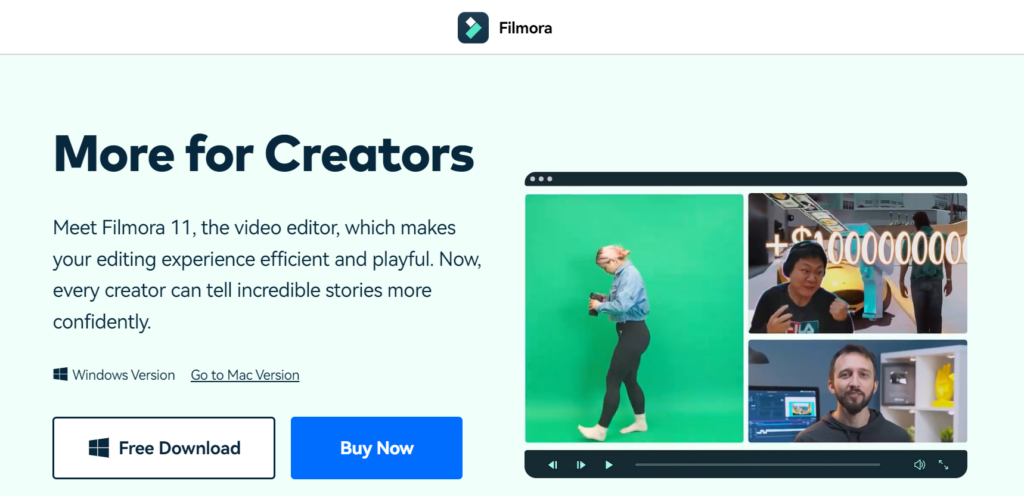
Wondershare Filmora is one of the top and best free video editors. Filmora comes with many amazing features, but picture-in-picture mode, green screen, split screen, auto reframe, silence detection, motion tracking and AI portraits are the best features.
Filmora is a popular video editor among YouTubers and video content creators.
Top features:
Audio Equalizer
4K Resolution Editing Support
GIF Support
Split Screen
Video And Audio Controls
Layer Multiple Video Clips
Video Stabilization
Colour Grading Presets
Advanced Text Editing
Tilt-Shift
Mosaic (Blurring)
Noise Removal
Social Import
Frame By Frame Preview
Speed Control
Audio-Mixer
Chroma Key Backgrounds
Screen Recording
Audio Separation
If you want to try filmora for free, then check out the filmora free trial guide.
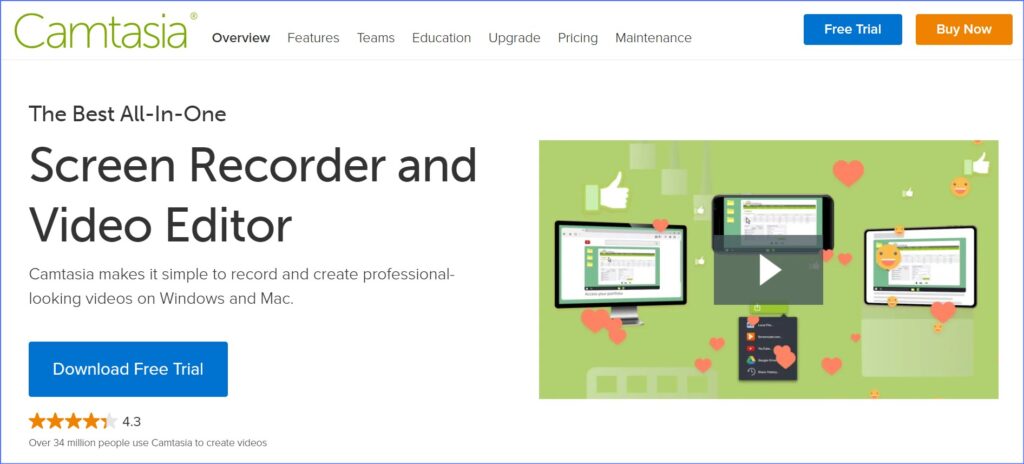
Camtasia allows you to create engaging instructional content using powerful video content as well as other features. These include animated backgrounds, graphics, callouts, and clickable links within the videos created. Therefore, your end-user can easily be engaged by your finished product due to these features available in Camtasia Studio. Nevertheless, Camtasia is not free.
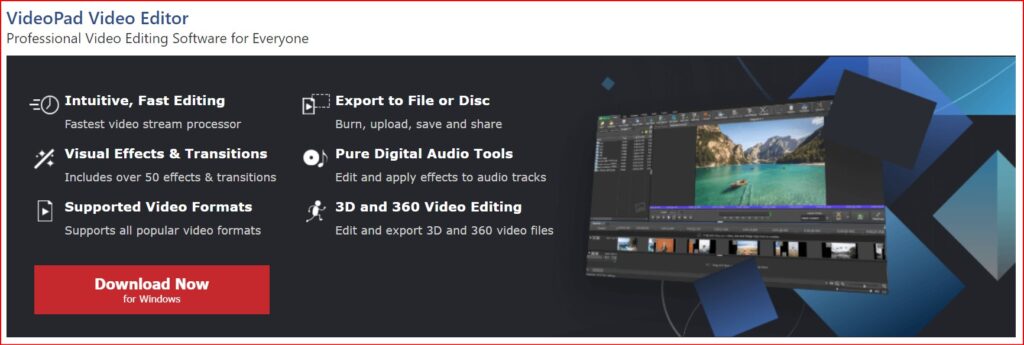
Video Pad is a great free option for anyone who wants to make some high-quality videos without having to spend a dime on it. With the help of this video editing software, you will find all kinds of simple and easy-to-use features, for example, 3D video editing and a sound effects library to try various types of video compositions and styles.
You can use editing features like special effects, overlays, texts and transitions, colour adjustments, and sound effects on your video to make it look more stunning and eye-catching. Then you can even export all your finished videos directly to social media platforms like YouTube and Facebook, or directly to your Google Drive and other mobile devices quickly and easily.
Top Features:
It has a built-in double screen for easy and intuitive editing.
It has pre-made, customizable transitions for more polished professionalism
Exporting presets to easily create video files for specific platforms is very easy in this software
InVideo helps you change your video clips into spectacular videos. They have helped many media companies, small businesses, and brands and have extended their audience engagement with the help of video content.
The one thing that every user would love in the application is that they have at least 100 different categories of templates to choose from, where every template is captivating and straightforward.
The templates also use an artificial intelligence (AI) engine. That works behind all the scenes to provide you with all the visuals and music selections, so you do not have to spend time searching for them. It has an all-the-time open world-class support system, making it a very dependable application at any time needed.
Adobe Premiere Pro is the most popular video editor that can turn your computer into a full-featured device for creating multimedia files that include gaming videos. You can include this program on your list as it gives you high-quality results. It does not even have any limitations when it comes to importing your video in different formats. It has the following features included;
Social media sharing and publishing tools to share videos online through the applications themselves. It has an extensive library of video transitions and visual effects to customise videos. Premiere Pro also includes some more innovative features, including an AI video editor for faster, more advanced editing across all skill sets, and other professional-grade video optimization tools like stabilization.
But this video editor has a straightforward user interface and can be very simple for some advanced video editors. It does not even have as many advanced features as other free video editing software on this list, but it has features like light effects, fine-tuning colours, and over texts and images; there’s enough here to make it worthy of your download.
The iMovie users also get optional templates to use. That means people can add their photos and videos with titles and music to their timelines together to create stunning videos.
Top features:
The biggest pro of iMovie is that it has some fantastic tools for free.
Many special effects are available, including slowing down or speeding up the video clip, the picture-in-picture feature, and the green screen effect.
If a user does not want to add their music to the video, then the application offers more than 80 soundtracks to use, and it also has the option to use your voice as the soundtrack.
The users can also shift between Mac devices to work on the projects.
With such excellent capabilities, many people can get motivated to give this software a crack.
Many professionals use it now and then, and it allows you to combine your video editing tools with a media organisation. It helps you to extend your capabilities by adding features like third-party workflow extensions.
If you are looking for an option that Adobe does not own, this software is your best option. With little work and patience, you can master the software without any problem whatsoever. Final Cut Pro is very significant with Mac systems and is also compatible with iPads. The software is smooth even when you work with large media files.
It has many features like drag and drop, colour correction, etc., which give you high-level results. The user interface is simple and easy to use; it supports almost all kinds of video and audio formats.
This video editor and movie maker is straightforward to use and has a very user-friendly Video Editor, Movie Maker, and Slideshow video maker interface. The software encompasses all the traditional tools and features that you would expect from top-quality video editing software.
This video editor and movie maker software has features like video trim, split, combining video and phone, adding music, and so much more. The software becomes an accessible replica of a professional video editing application like Adobe Premiere Pro.
If you do not have a lot of experience with video editing, this application will make you a little advanced at first. This application is usually used to produce Hollywood-style films, but it’s worth the learning curve as it’s one of the best video editors available.
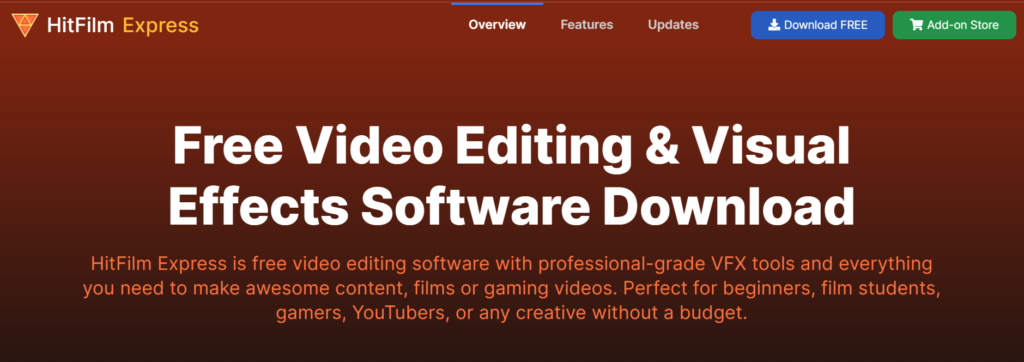
HitFilm includes animation tools that would let you create and edit audio-video transitions without the need to create composite shots, which is a huge time saver when it comes to editing.
Top Features:
It has professional-grade video editing with motion tracking, colour pickers, and cropping tools.
This video editor gives you composite shot enhancements that allow you to animate two separate shots together for surreal video effects.
It even has an auto stabiliser to make shaky footage look smooth
You will get different transition options like push, zoom, dissolves, etc, from this awesome editor.
Conclusion
So, these are the best free video editors that you must try in 2025. So, without wasting any more time, start trying them. Each option may come with its own set of advantages and disadvantages. Hopefully, with the help of this list, you will be able to find out the most useful features of each editor.
According to that, pick Filmora editor if you want a free video editor, and if you want a premium editor, then go with Camtasia and start video editing to make them utterly impressive for the audience. Happy video editing!
Are you looking for the best Facebook video downloader? If yes then this article is especially for you because in this article I listed the 10 best Facebook video downloaders in 2025 😍
What is Facebook Video Downloader?
Facebook video downloader is an online website or application that can be used to easily download any videos from Facebook. Facebook video downloader comes with many excellent features. So it’s an important subject to know all about this type of website/application.
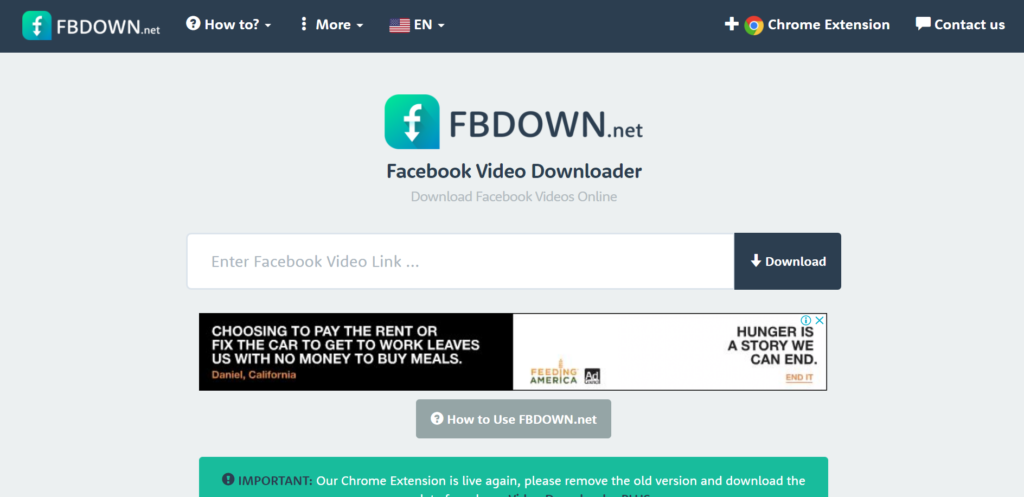
FBDOWN.net is a free website that helps users download their favourite videos off Facebook and save them for offline viewing by generating direct links to the Facebook video.
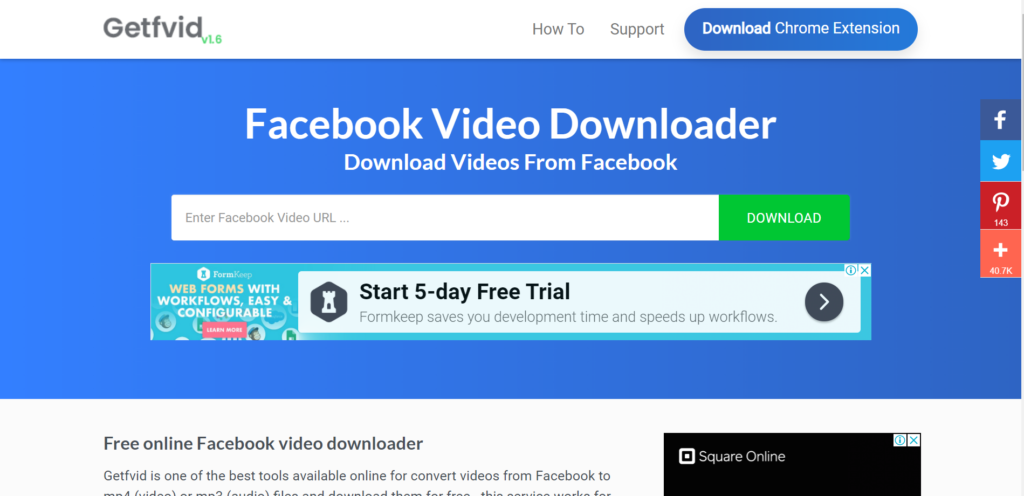
Getfvid is one of the best online tools for downloading videos from Facebook. This tool helps convert videos from Facebook to mp4 (video) or mp3 (audio) files.
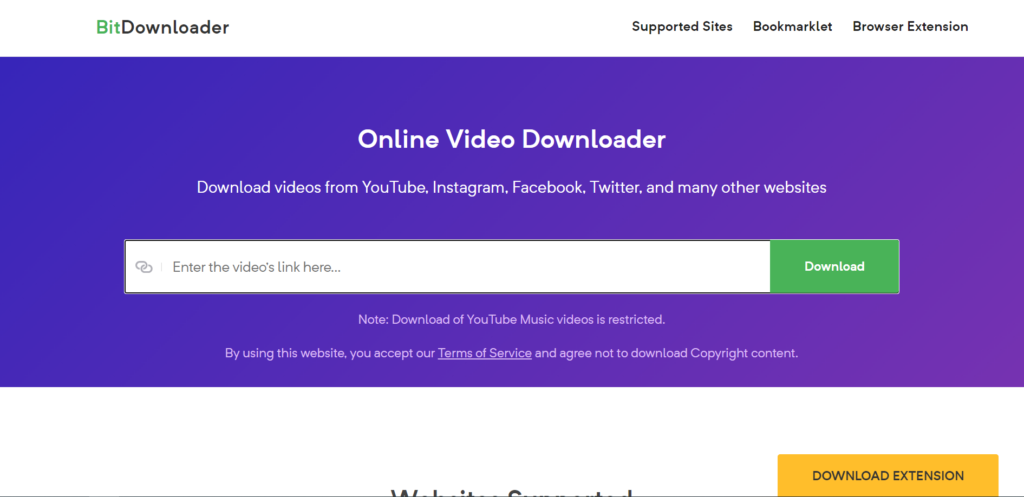
BitDownloader is a free downloader tool that allows you to download videos from many platforms including YouTube, Facebook, Instagram, and many other services.
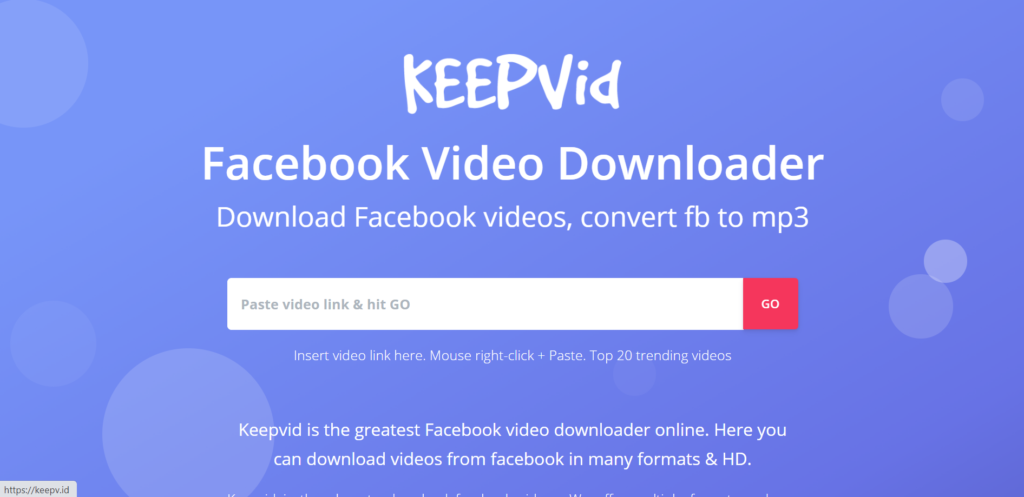
Keepvid is the place to download Facebook videos. Keepvid offers multiple formats and can convert your FB video to MP3. If you need a Facebook video downloader, keepvid is one of the best solutions.
Savefrom.net helps you to download Facebook videos in mp4 or mp3 without leaving the website, you have to install “SaveFrom.Net Helper!”. It is a free browser extension that helps you to save preferred videos without the need to leave the website.
With iTube HD Video Downloader, you’re able to download videos or extract audio from YouTube, Facebook, Vimeo, etc. You can download videos by pasting the URL or using the browser plugin (available for Chrome, Safari, and Firefox) to download full HD videos in the browser directly.
Features of iTube:
10,000+ Video Sites Supported (including Facebook)
FB Downloader is a fast and free way to download and save Facebook videos as MP4s. FB downloader also enables you to convert Facebook videos to MP3 audio files.
Snapsave is high quality Facebook video downloader. You can download all types of Facebook videos for free. Snapsave also provides a native Android app for free.
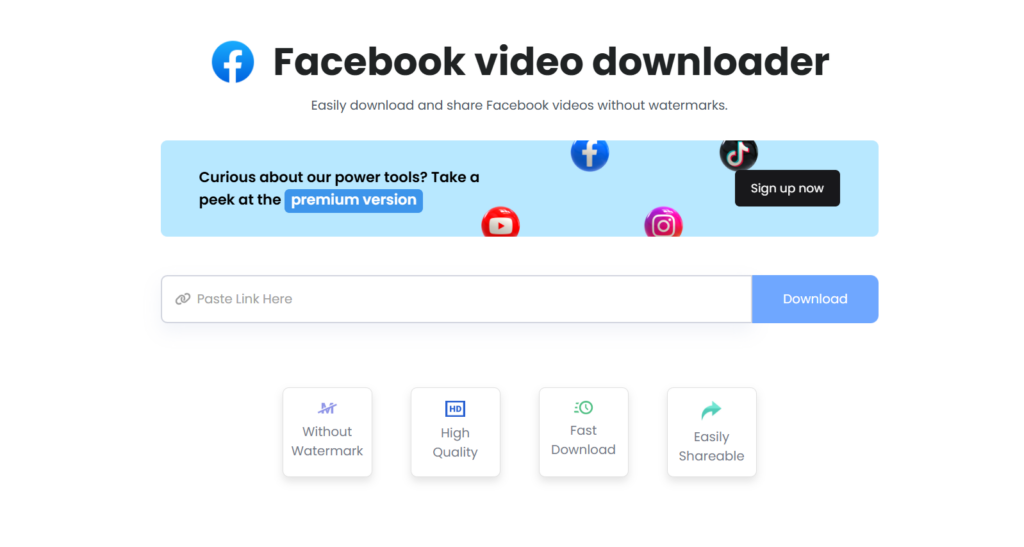
ContentStudio provides a free facebook video downloader that helps you to download Facebook videos without a watermark in high quality. It supports the fastest downloading of video.
Features of ContentStudio:
Download the video without the watermark
Download video in high-quality
Easily share fast video downloadable link
Availability:
Website
I mentioned almost all popular Facebook video downloaders. Now you need to decide which one is best for you.
Want to download YouTube videos for offline watching, editing, or sharing? In this list, we’ll compare the best YouTube video downloaders online and offline including free options, fast download speeds, and multi-format support. Learn which tools work best in 2026 and how to use them.
What is a YouTube Video Downloader?
A YouTube video downloader is an online tool or application that allows users to download videos directly from YouTube to their devices. These tools let you save videos in formats like MP4, MP3, and HD/4K quality, making them accessible for offline viewing, content creation, or personal use.
Most YouTube downloaders also support features such as playlist downloads, audio extraction, and fast processing speeds, making them popular among students, creators, and casual viewers.
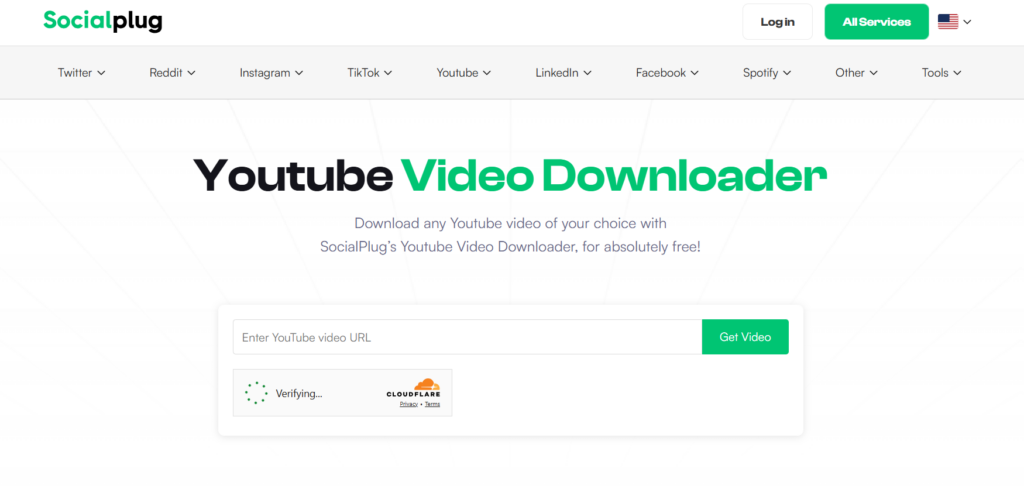
SocialPlug is one of the best YouTube video downloaders that provides many amazing features without any advertisement download videos using SocialPlug without a watermark.
Features of SocialPlug:
Multiple video and audio formats
All Quality Options from 360P to 4K and more
No Advertisement
Comfortable with almost all modern browsers
Fast conversion while downloading cropped clips.
Supported Formats:
MP4, MP3, WebM, and other commonly used formats
Pros & Cons:
Pros
Cons
Completely ad-free experience
Requires a stable internet connection
No watermark on downloaded videos
Limited advanced editing features
Supports multiple formats (MP4, MP3, WebM)
No desktop or mobile app
Quality options up to 4K resolution
Cannot download private videos
Works directly in the browser
No built-in batch download
Fast conversion and download speed
Depends on browser performance
Availability:
Browser
Summary:
SocialPlug is an excellent choice for users who want a fast, free, and ad-free online YouTube video downloader with support for high-quality formats up to 4K.
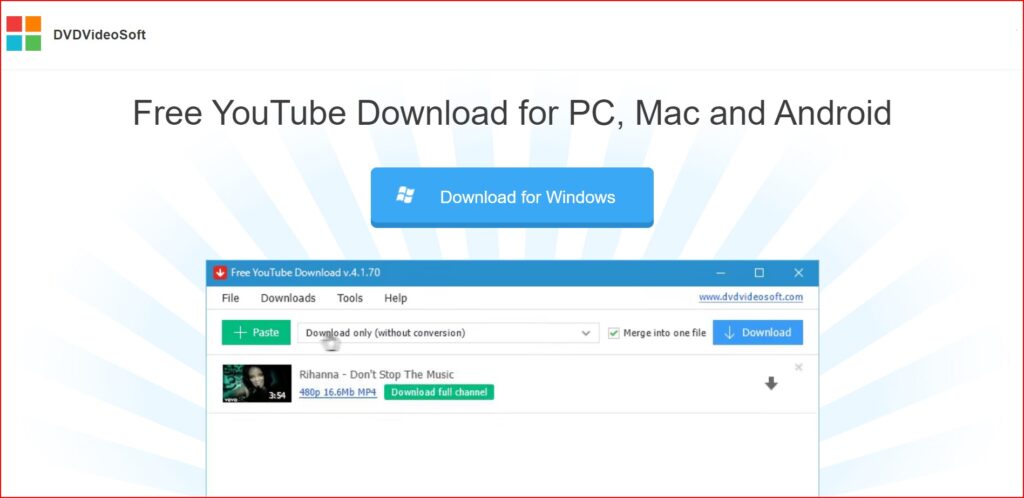
DVDVideoSoft provides a free YouTube Downloader for PC, Mac, and Android. DVDVideoSoft lets you download and convert YouTube videos, so you can watch them whenever you want. The best feature of DVDVideoSoft is that you can also download YouTube video subtitles
Features of DVDVideoSoft:
Download YouTube videos in MP4, MKV, up to 8K UHD, WEBM, and MP3
Perform conversion to MP4, AVI, and MP3
Apply output name format patterns
Open lists of links from any text files
Transfer videos to iTunes automatically and convert them to iPhone / iPad / iPod
Download subtitles
Supported Formats
MP4, MKV, WEBM, AVI, MOV, MP3 (audio extraction).
Pros & Cons:
Pros
Cons
Supports high resolutions up to 8K
Desktop software needed (not browser-based)
Batch download and playlist support
May require a premium upgrade for longer videos (per some reviews)
Multiple output formats including MP3
Multiple output formats, including MP3
Download with subtitles
Only works on PC and Mac
Fast download speeds
No direct online version
Availability:
Windows app
Mac app
Android app
Summary:
DVDVideoSoft Free YouTube Download is ideal for users who prefer a powerful desktop downloader with extensive format support, playlist capabilities, and high-resolution downloads.
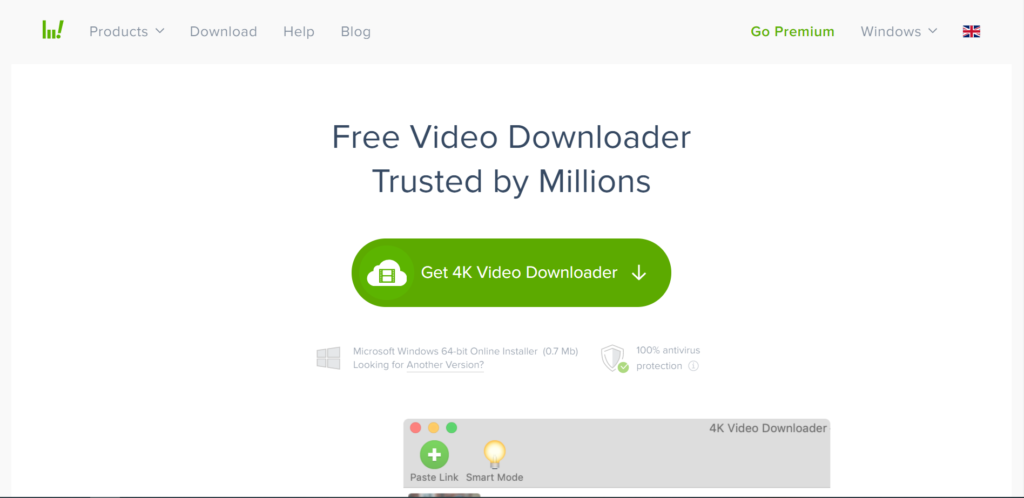
The simplest video downloader, ever! Download video and audio from YouTube and similar services on macOS, PC, and Linux absolutely for free! There are two versions of this software one is the free version, for which you do not need to pay anything. And the second is the premium version, which is paid.
Features of 4k video downloader:
Download video in HD quality
Download subtitles in one click
Download YouTube subscriptions
Download full playlists and channels
Download 3D video
Smart Mode Feature
Supported Formats:
MP4, MKV, MP3, M4A, OGG, and more (depends on the version and output settings).
Pros & Cons:
Pros
Cons
Supports high-quality downloads up to 8K
Requires installation not browser-based
Save full playlists, channels, and search results
Some advanced features require premium license
Extract subtitles and audio tracks
Slight learning curve for beginners
Built-in browser for easier downloads
Larger app size compared to lightweight tools
Works on Windows, macOS, and Linux
Doesn’t run in a browser
Availability:
Website
Windows app
Mac app
Summary:
4K Video Downloader is a great choice for users who want a robust YouTube video downloader with support for high resolutions, playlists, channel downloads, subtitle extraction, and advanced control.
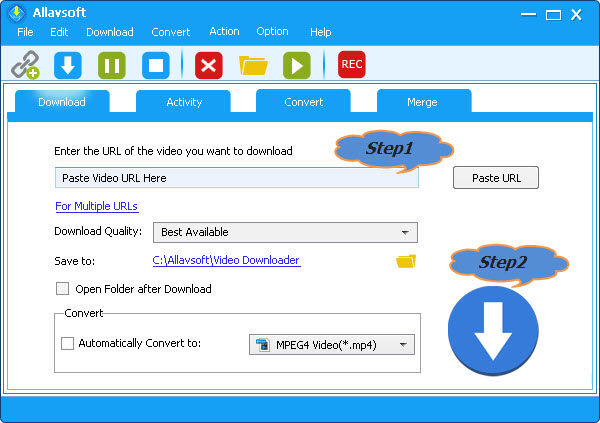
Allavsoft is a video downloader and converter. It can batch download video, subtitles, and music files from YouTube, Vimeo, Spotify, Soundcloud, Twitter, Facebook, Dailymotion, NBC News, CNN, BBC, Acorn TV, ESPN, PBS, Crunchyroll, etc 1000+ websites. It supports direct download to MP4, MP3, AVI, WAV, MOV, etc any video or audio formats. Allavsoft supports adding multiple video URLs and batch downloading and converting multiple videos at a time.
Features of Allavsoft downloader:
Download free videos from 100+video-sharing sites
One step to download
Convert online video files to any video format
Download videos in HD, 3D or SD
One-click to extract audio from online video files
Batch download and convert
Preview and playback downloaded video files
Supported Formats:
Video: MP4, AVI, WMV, MOV, MPEG-1, MPEG-2, VOB, ASF, RMVB, WebM, FLV, OGV, and more. Audio: MP3, WMA, WAV, AAC, M4A, AIFF, RA, FLAC, OGG, AU, etc.
Pros & Cons:
Pros
Cons
Supports downloads from 1000+ websites
The interface may feel dated to some users
Batch download + batch convert
Requires desktop installation (no browser version)
Converts video to many formats
Interface may feel dated to some users
Built-in player preview
Not as fast for high-volume playlist downloads as some specialised tools
Pause/resume support
Not as fast for high-volume playlist downloads as some specialized tools
Allavsoft is a powerful choice for users who need a multi-site video downloader and converter with batch capabilities and broad format support, especially suitable for downloading from numerous platforms beyond just YouTube.
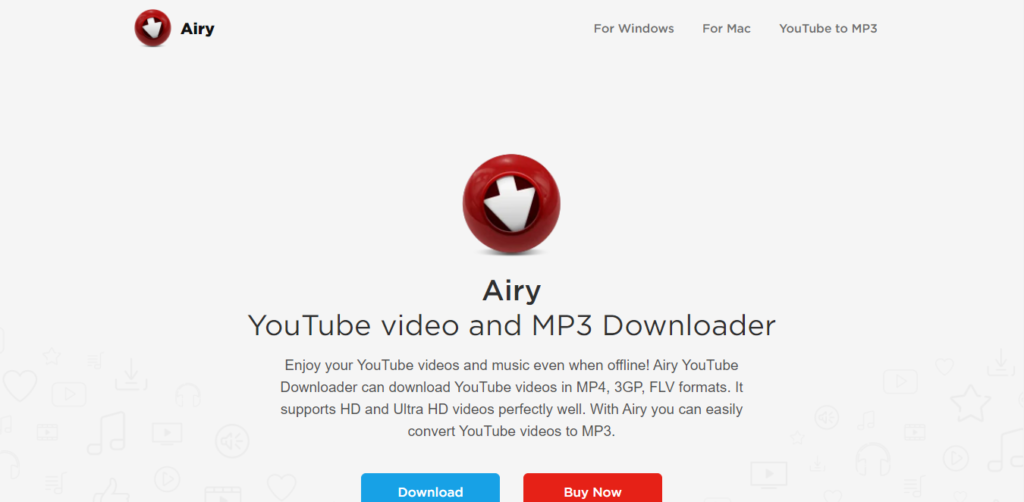
Airy is an application developed by Eltima Software for downloading YouTube videos. It was first developed for the Mac OS, but now supports Windows too. According to expert reviews, Airy is very useful and reliable for downloading YouTube videos and even extracting the audio from the downloaded clips.
Features of Airy:
YouTube content without ads.
High-quality YouTube videos at fast speeds.
Extraction of audio from video.
Can choose the format and resolution.
Integrate the app with the browser.
Download entire YouTube playlists from channels with ease.
60FPS videos from YouTube.
Subtitle file extraction in SRT format.
Can resume downloads.
Access to protected or age-restricted content.
Supported Formats:
MP4, FLV, 3GP, MP3 (audio extraction).
Pros & Cons:
Pros
Cons
Simple and intuitive interface
Free version limited to only a few downloads
Supports playlist downloads
Free version is limited to only a few downloads
Audio extraction (MP3) included
Not as feature-rich as some competitors
Allows format selection before download
No mobile app available
Browser integration for faster downloads
Full features require a paid license
Availability:
Website
Windows app
Mac app
Summary:
Airy YouTube Downloader is a solid choice for users who want a desktop tool with a clean interface for downloading videos and audio from YouTube, including playlists and multiple quality options.
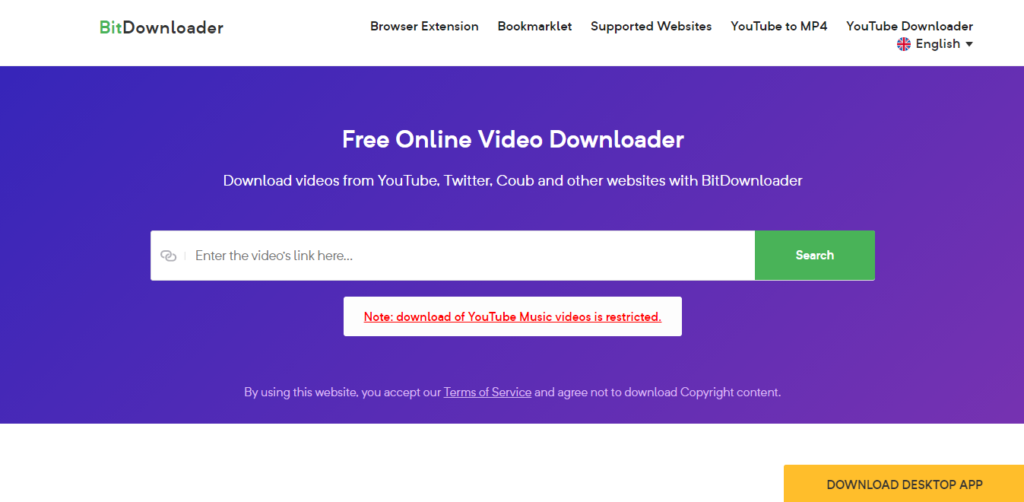
BitDownloader is an online video downloader tool. You can easily and quickly download videos from a range of websites, including YouTube, Facebook, and Instagram. The tool is completely free.
Features of BitDownloader:
100% FREE
No restrictions
Fast download speed
Cross-platform support
YouTube to MP4 Converter
Supported Formats:
Common formats such as MP4 and other video/audio options (varies by source and resolution).
Pros & Cons:
Pros
Cons
100% free to use
Quality/format options depend on the source video
No software or registration required
No advanced features (no batch download)
Works directly in the browser
Cannot download private or age-restricted videos
Supports many websites (not just YouTube)
Quality/format options depend on source video
Simple and fast interface
Depends on the internet connection
Availability:
Website
Summary:
BitDownloader is a straightforward online YouTube downloader that’s perfect for users who want a free, fast, and no-installation solution to save videos and media from YouTube and many other platforms.
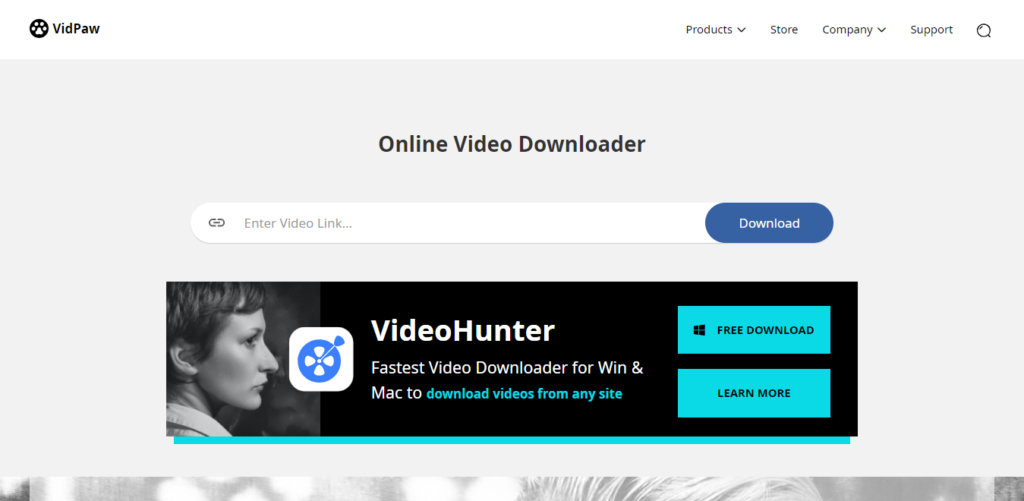
Vidpaw offers intuitive and authentic free tools and software, including a video downloader, video converter, screen recorder, Blu-ray player & ripper, and so on.
Features of Vidpaw:
Online Video Downloader
Music Video Downloader
Powerful Video Converter
Download from 1,000 Sites
YouTube Subtitle Downloader
Multiple Downloads At Once
20+ Popular Output Formats
Batch Download Tasks
6X Fast Download Speed
Online Video Downloader from Websites
Supported Formats:
MP4, MP3, 3GP, M4A, WebM, and SRT (subtitle), format availability may vary by video source and original quality.
VidPaw is a straightforward and powerful online YouTube downloader that’s perfect for users who want a free, unlimited, browser-based solution for saving videos, audio, playlists, and subtitles from YouTube and many other sites without signing up or installing anything.
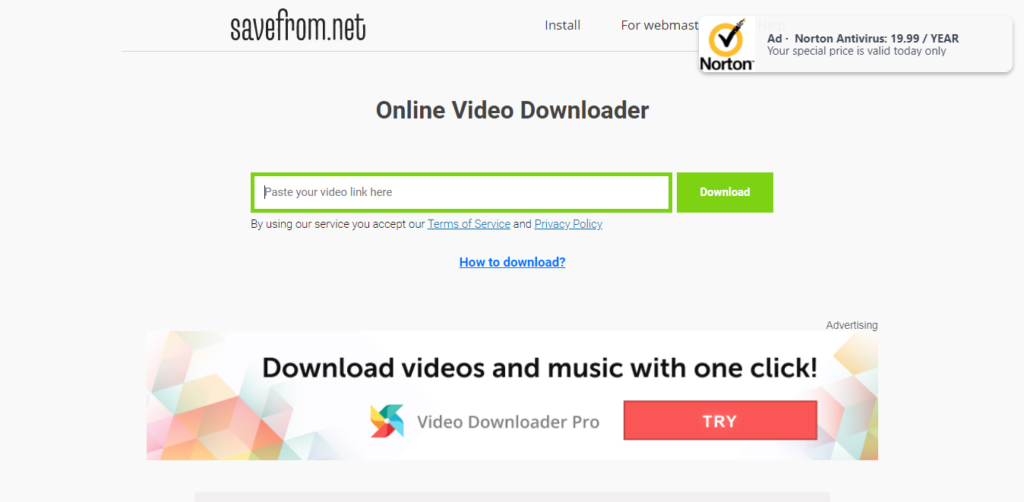
Savefrom is an online video downloader that offers to download videos from almost all popular video streaming sites. Savefrom is a completely free tool for downloading videos
Features of SaveFrom:
Paste the video URL to download.
Download videos from almost all sites.
Supported Formats:
Common media formats such as MP4 (video), MP3 (audio), and WebM. Format availability depends on the source video and platform.
Pros & Cons:
Pros
Cons
100% free online tool (no install)
Quality and format options vary by video source
Supports multiple video platforms
No built-in batch download feature
Simple copy-paste download workflow
Can display ads due to the free model
Works in any browser
Can display ads due to the free model
No account or registration needed
Lacks advanced features like editing or playlist downloads
Availability:
Website
Chrome Extension
Mozilla Extension
Summary
SaveFrom.net is ideal for users who want a fast, free, and no-installation YouTube video downloader that supports a wide range of platforms and output formats, perfect for quick downloads on virtually any device.
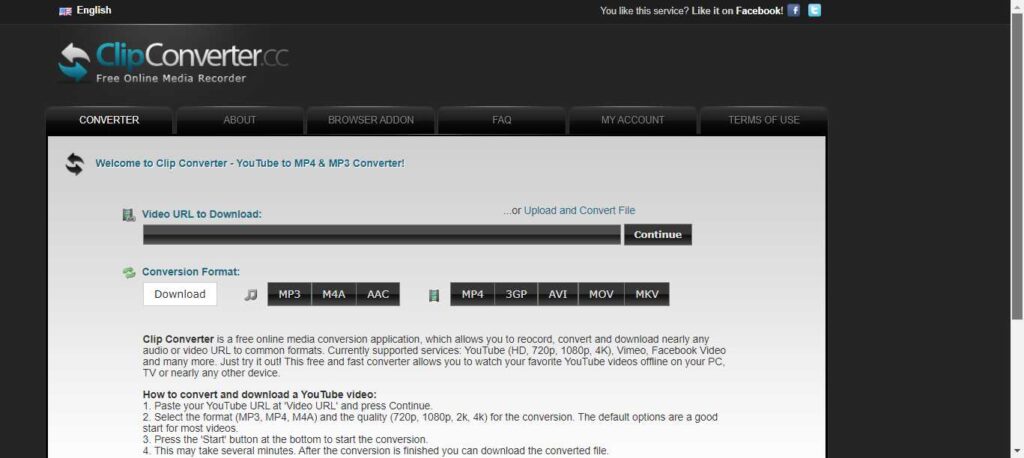
Clip Converter is a free online media conversion application which allows you to convert and download nearly any audio or video URL to common formats. Currently supported services: YouTube (HD, 720p, 1080p, 4K), Vimeo, Facebook Video, and many more.
Features of Clip converter:
Record screen.
Convert video.
Download the video from the URL
Supported Formats:
MP4, MP3, M4A, AAC, AVI, MOV, WEBM, 3GP, MKV (availability may vary by source).
Pros & Cons:
Pros
Cons
Free to use with no installation needed
Ads and pop-ups may be intrusive on the site
Supports many common formats (video + audio)
Reliability can vary depending on the source and server status
Works in any modern browser
Cannot download private or age-restricted videos
Browser add-ons make downloads easier
No built-in advanced features like playlist batch downloading
Supports high-quality output including HD/4K
Supports high-quality output, including HD/4K
Availability:
Website
The extension (not official)
Summary:
ClipConverter.cc is a versatile and free online YouTube downloader and converter that’s ideal for users who want to download and convert videos right from their browser with flexibility in output formats and quality, especially for occasional downloads without installing any software.
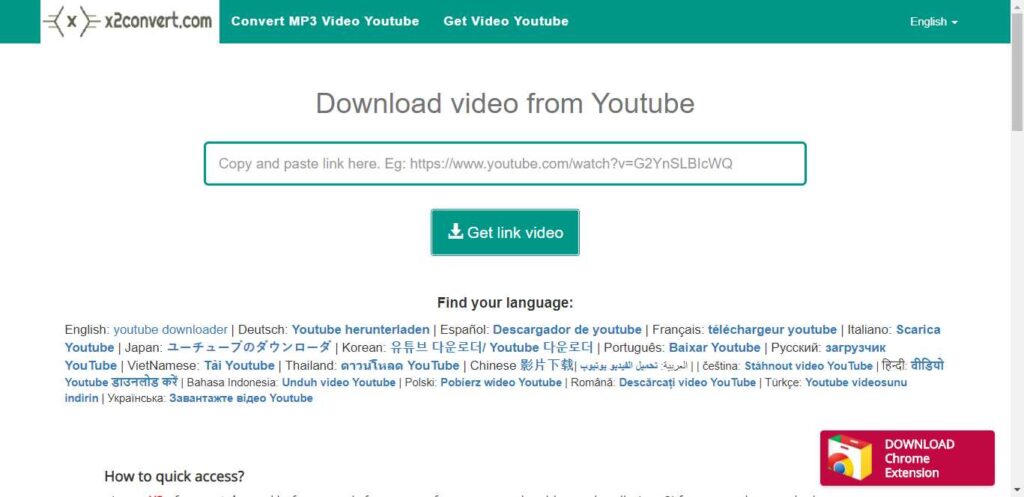
x2Convert is a video-downloading application that you can use to download videos from YouTube. The x2Convert extension is now available in the Chrome Store.
Features of x2Convert:
Downloadthe youtube video.
Works on any browser.
A Chrome extension is available.
Supported Formats:
Popular formats like MP4, MP3, FLV, MKV, M4A, WebM, and others, depending on the source video.
Pros & Cons:
Pros
Cons
Free and no registration required
Doesn’t support downloading private or age-restricted videos
Works on any device in a browser
No advanced editing or batch download features
Download quality depends on the original video
Download quality depends on original video
No preset limits on downloads
May show ads on the free web interface
Quick and easy paste-and-download workflow
Supports many formats, including video and audio
Availability:
Website
Chrome extension
Summary:
X2Convert is a convenient and free online YouTube downloader and converter that’s ideal for users who want to quickly save videos or audio from YouTube and many other platforms using only a web browser, with support for multiple formats and unlimited downloads.
Conclusion
In this article, we covered some of the best YouTube video downloaders available in 2026, including both free online tools and desktop software. Each downloader offers different features such as MP4 and MP3 formats, HD or 4K quality, fast download speeds, and playlist support.
If you want quick downloads without installing software, online YouTube video downloaders are a great choice. For advanced features like batch downloads or higher resolutions, desktop applications may be more suitable.
Before choosing a tool, consider your needs, video quality, file format, device compatibility, and ease of use. Selecting the right YouTube downloader will help you download videos safely and efficiently.
Back in the day, Google Chrome was a lightweight and mean browsing machine that would load everything instantly. However, after a couple of years and countless updates, they’ve made this browser heavier and more complex.
This means that Google Chrome uses more of your PC’s resources, and sometimes the process gets slower.
In today’s article, we will go through some of the best ways to make your Google Chrome faster. There is no need to change between browsers, as these tips can help you bring your Chrome back to life.
1. Clean up Apps and Extensions
Currently, Chrome is basically its own platform, which enables you to install additional apps and extensions that run within.
Many useful apps and extensions can improve your overall browsing experience, but you have to understand that every single one of those apps and add-ons requires more resources to operate.
So, the more extensions and add-ons you have installed, the more bogged down and slowed your Chrome will operate. Additionally, most Chrome apps require access to some of your browsing activity. This means that over time, you must check your list of installed extensions and remove everything you don’t use.
2. Examine The Apps You Decide to Keep
If you choose to hold on to some of the extensions, you should look closely at what sort of access they’re claiming. Some apps might need too much information from you, so you are better off removing them.
If you see an app listed as having access “on all sites,” it usually means that it can see and sometimes even modify what’s in your browser at all times. This is a potential danger for your privacy, and it slows down your browsing experience.
3. Avoid Opening too Many Tabs at Once
Some of us are more disorganized than others. If you are that person that keeps millions of tabs open, you should know that that action significantly slows down your browser performance. Try to improve your tab management. The best option is to develop a habit of closing all the tabs that you don’t use, but if that’s not the answer, you can download an extension that will manage them for you.
4. Allow Chrome to Preload Pages for You
The most frustrating aspect of browser performance is waiting for a page to load. Can you imagine trying to load a site and it taking ages?
However, Chrome found a solution to this problem.
The solution is more like a cover-up, but at least it will take some of the pain away. The preload system works by looking at every link within a page that you’re viewing.
Google is using a magic algorithm to predict which link you are likely to click on, and it preloads the page before you actually click the link.
5. Clean Up Your Computer
Obviously, Chrome takes a significant part of your computer performance. This means that freeing up space on your computer might give your Chrome a better chance of improving its performance. If you haven’t cleaned up your computer for a long time, it is time to do that.
6. Start Fresh
Since Chrome is storing cache data from websites, extensions and might get infected by malware, it is time to start fresh. You can uninstall Chrome from your PC and install it again.
That way, you’ll have a clean, fresh start with basic Chrome without anything to weigh it down.
Final Words
These are some of the ways you can improve your Google Chrome performance. Since browsers are becoming more complicated, sometimes your PC’s hardware performance can be an issue.
If you have outdated components, you cannot expect to run as smoothly as a couple of years ago.
Are you looking for the best online photo editor? If yes, then this article is especially for you because I will tell you about the best online photo editors.
However, when creating a portfolio or editing pictures for themselves or clients, most photographers will need to retouch their photos to make them look professional and attractive.
You can download a photo and use it the way you like – send it to friends, share it on social media networks, or improve photo colour. This is when an online photo editing tool will come in handy.
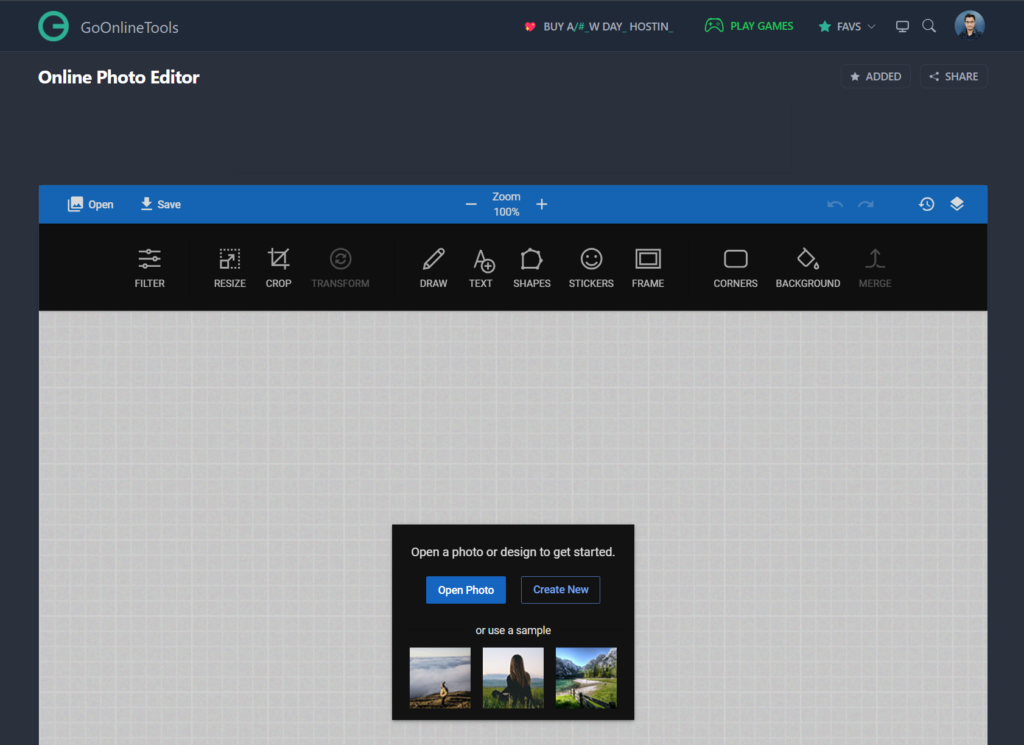
Online Photo Editor by GoOnlineTools is the Best Free Advanced Photo Editing Tool, that helps you to edit photos without downloading any heavy applications. This Tool Needs only a Browser and an Internet Connection. This Online Photo Editor Tool lets you edit photos, apply photo effects, resize, sepia, crop, rotate, flip, and more.
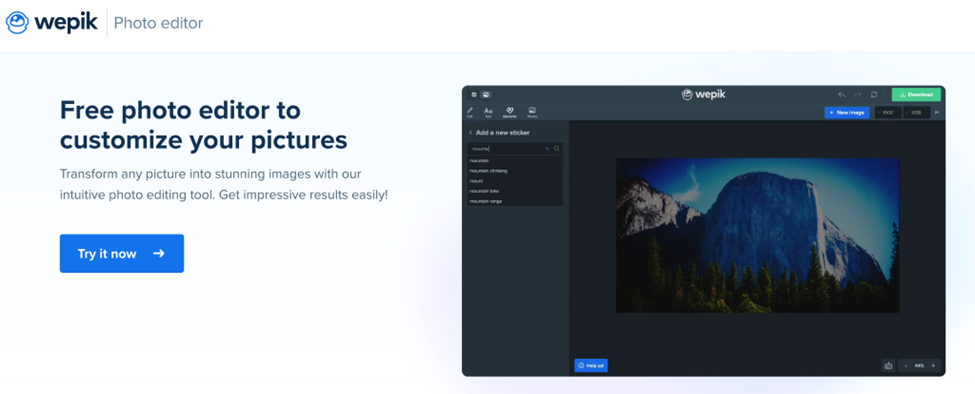
Discover Wepik, a great photo editing tool to customize and edit your photos for free! Wepik also has hundreds of easy-to-edit templates to create logos, flyers, social media posts, business cards, resumes and many more. Great free online template editor for any project and you won’t need any special software or prior graphic design knowledge to get started. From the palm of your hand — thanks to Wepik’s App — to the desktop version, thousands of pre-made designs are ready to be personalized in minutes, effortlessly and 100% free!
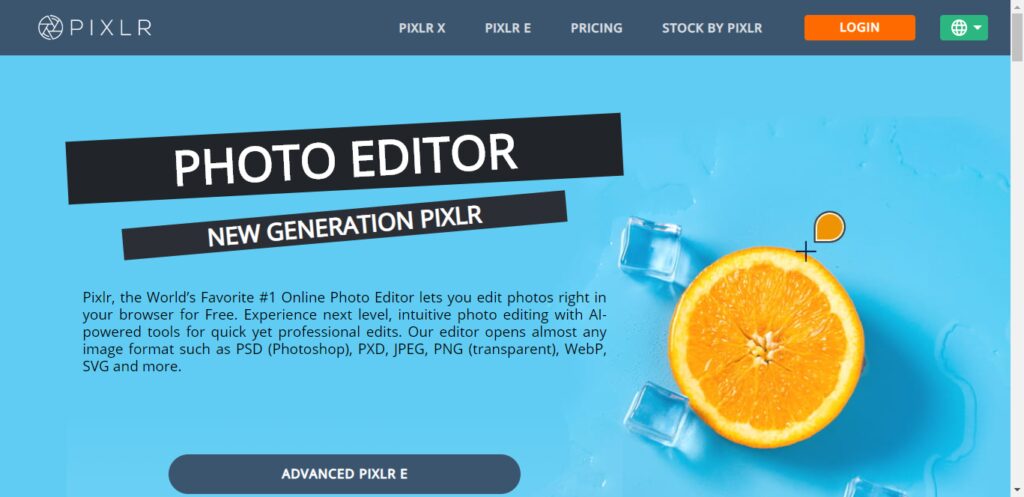
Pixlr, the World’s Favorite #1 Online Photo Editor lets you edit photos right in your browser for Free. Experience next-level, intuitive photo editing with AI-powered tools for quick yet professional edits.
Instasize is the photo editor toolkit for creatives. Easily edit photos and videos with premium photo filters, picture borders, collage maker, retouch tools, format photo resizer and so much more. … Enhance your image with editing tools including contrast, exposure, saturation, and clarity.
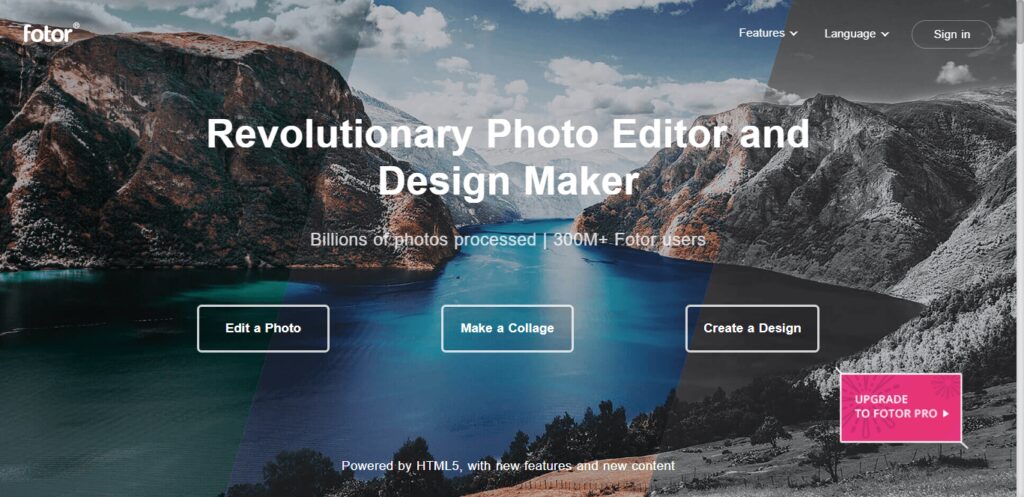
Fotor is a renowned photo editor, designed to bring powerful digital editing to you. Fotor is a renowned photo editor, designed to bring powerful digital editing to you. With basics such as 1-tap enhance, resize, crop, background remover, rotate and straighten, it also has many unique features.
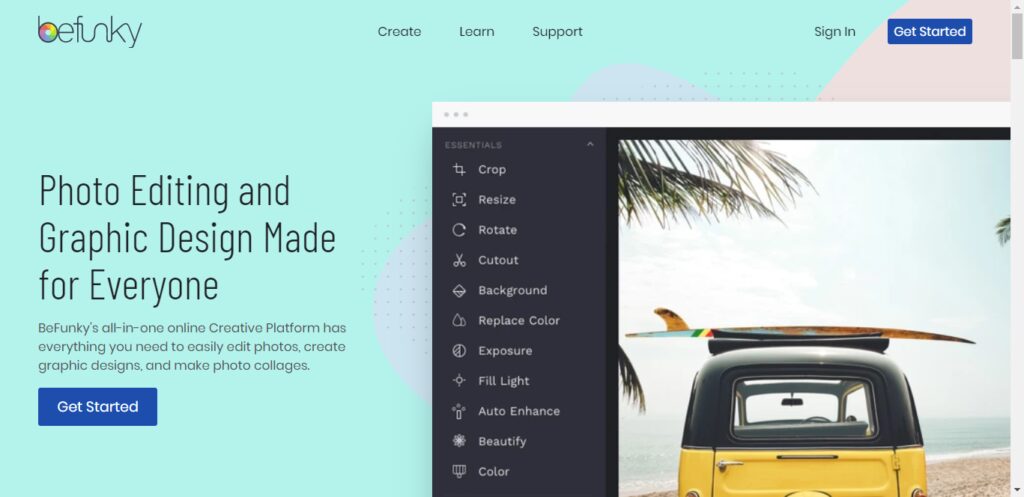
BeFunky is a powerful, yet easy-to-use Photo Editor, Collage Maker, and Graphic Designer for the web. It’s an all-in-one online platform that offers hundreds of fully customizable templates, a vast library of tools, and stunning design elements to choose from.
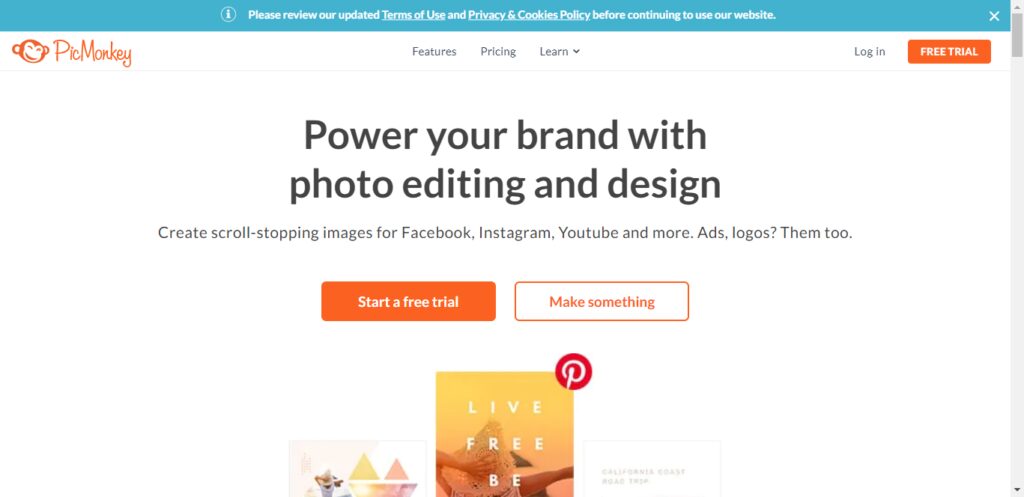
PicMonkey is an online photo editing and design service. It can be accessed from a web browser, or through the PicMonkey mobile app. PicMonkey’s mission is to empower everyday creatives to communicate visually. Create beautiful photos, logos, social media graphics, and Facebook covers with PicMonkey’s easy yet powerful photo editing and graphic design software.
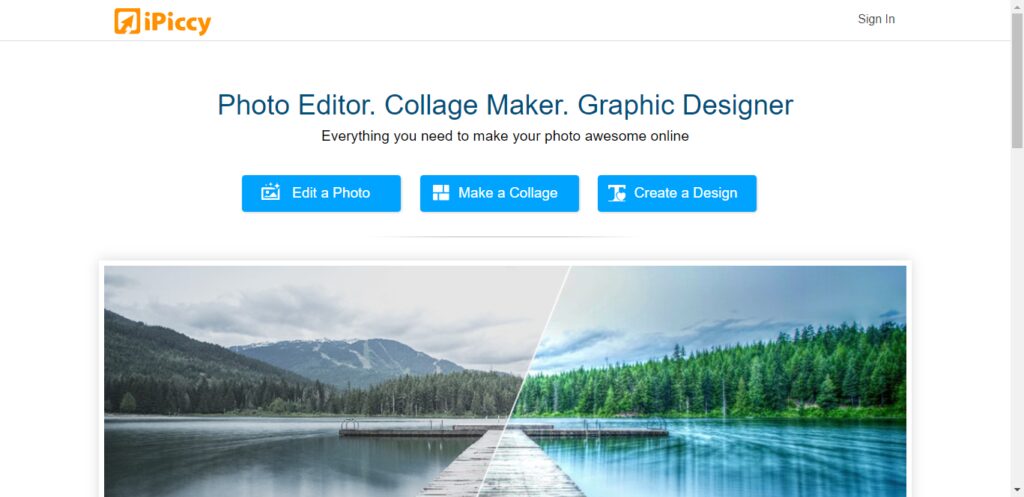
iPiccy has many powerful and easy-to-use photo editing tools right in your browser. Auto adjusts photos in one click, crop, rotate and resize images in no time. Over 100+ photo effects and PRO-level photo enhancements, facial retouching, and frames. This is the best place for your pictures!
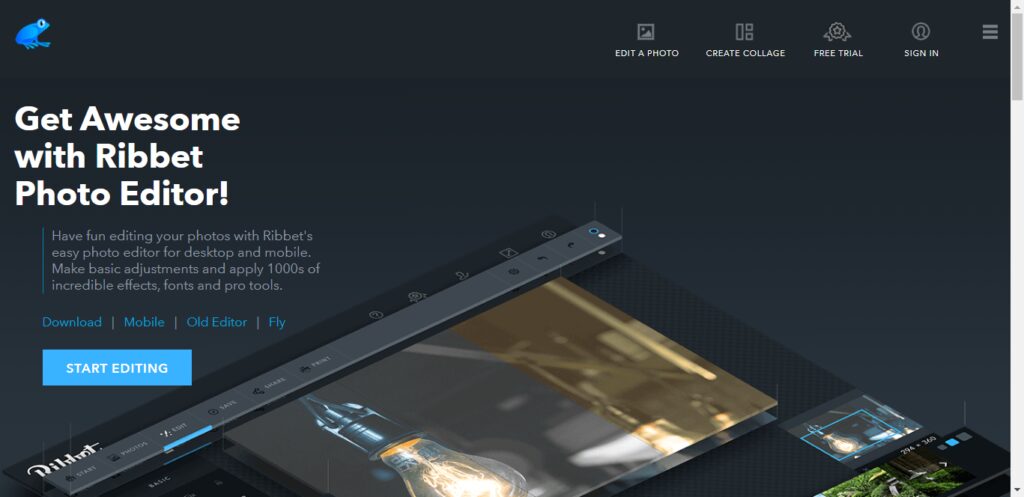
Overview. Ribbet is a free online photo editor and collage maker with beautiful filters, seasonal effects, touch-ups, stickers, and fonts. We also offer Premium membership for those users wishing to take advantage of our Premium editing tools.
Top features:
Crop, resize, rotate
Basic edits with ease.
From professional to artsy or just fun
Drag & drop photos to quickly create grids and collages for anything from family albums to engaging social media posts.
Create and reuse your project templates.
Conclusion
As per my own experience, every photo editor app has its advantages. However it depends on your requirement which photo editor is best for you.
If you want to go with advanced features in the free plan then I prefer this GoOnlineTools Photo Editor is best.
If you want to go with pricing then I prefer Pixelr because this tool offers good features but it costs money.
Are you looking for the best online video downloading sites? If yes, then this article is especially for you because in this article I will tell you the Best Online Video Downloading Sites.
YouTube is one of the widest platforms for streaming video. This is one of the most used and watched streaming websites all across the globe.
You will find TV shows, music videos, films, gaming content, news, educational videos and also personal entertainment vlogs.
If you have a slow or weak web connection, then it can be problematic for video streaming, and this is why we would recommend you save your favourite content from YouTube to your local storage.
Technically, it looks impossible because YouTube or any other site, for that matter, does not allow you to download their content. But in this source, we are going to list out the ten best tools that can help you save videos using URLs!
Before we tell you about the top ten tools, we want you to know the percentage of availability of videos on different platforms all across the globe!
YouTube covers 72% of the video content on the Internet.
5% of content belongs to Netflix
5% of content belongs to Vimeo
4% of content belongs to Dailymotion
Hulu takes 3% of the total share
Vibe comes next with a 2%
Twitch comes with 2% as well
Liveleak has 2%, and Vine has 1%
All other websites contain the remaining 4% of videos
Best video downloader tools for URL downloading
We have gathered all this information after great research on hundreds of free and paid tools on the web. Read the below-mentioned details and use the tool that triggers your instinct!
1. SmallSeoTools
Online video downloader by Small seo tools is one of the best online tools you can find. This is the easiest tool that would help you save videos from every website on the Internet. You need to copy the URL of the video that you want to download and paste it into the input box given by the tool. This video downloader is a well-reputed tool that can be used for free. You can download videos unlimited with this online downloader.
2. 4k video downloader program
This online video downloader tool can be used for free and without any trouble. It is considered to be the perfect one for downloading complete batches or playlists of videos and that tool in high quality. There are two plans available with this program. The first plan is the basic and free one which can be used to save high-quality content with some limitations. The second plan is the one in which you have to get a personal or business license based on your requirements.
3. WinX video downloader
Another online video downloader tool that can be used to save videos from the Internet based on URLs. This is said to be one of the Deluxe tools that you can find online; this is an ideal platform that can help you in saving high-quality as well as low-quality content. The operation of this program is easy and understandable. You can not only download videos with this tool, but you can also convert formats to your desired ones.
4. Snap Downloader
This is one of the best video downloader tools that you can find online if you want to save content in 8k quality. You can save videos based on their URLs may they belong to YouTube or any other website. This is a downloadable tool that you can have on your device for free. This video downloader also has different packages concerning different limitations. It has one of the friendliest interfaces you will find on the web.
5. Video procs
This is a fast video downloader tool that can be used by anyone who wants to save content in their local storage. This downloader can help you save content from more than thousands of websites and that too for free. You have to copy the link/URL of the video from its origin and paste it in the designated box in the tool. It will find the content and download it in your desired quality. You can get special discounts on the paid packages of the tool.
6. Y2 Mate
Y2mate is a website tool that can help you in saving content from the Internet. It has an easy-to-use interface which can help you understand the working of the tool for sure. You can not only find and download videos via URL, but you can also do it with the help of keywords and links to the pages on which the video exists. There is no limitation in the use of this tool, and you can save as much content as you want.
7. YouTube video downloader
This is a great platform that can help you save content directly from YouTube using the links to the videos. This tool allows you the unlimited downloading of HD and SD videos from not only YouTube but also Facebook. It supports multiple document formats and is compatible with all browsers.
8. Savefrom.net
This is another video downloader website tool that one should know about. This website tool is compatible with not only pcs but also with smartphones. The tool is integrated with more than dozens of websites and video streaming applications and can help you in unlimited downloading of content in your desired quality. It would be best if you had the URL of the video, and you are good to go.
9. Itubego
This video downloader tool is compatible with all devices and has strong integrations with almost every video streaming website. This online tool is usually used to save content of lower quality as it doesn’t support the saving of HD content. You can also download or save the complete batch of files with this online tool. This is also a URL-based grabber program
10. Bit Downloader
This is a free video downloader tool that can save content from all the major platforms hosting video content on the Internet. You can also download the application on your device or can use it online. You don’t have to worry about any copyright issues and restrictions with this program. Just keep inputting the URL of the video and saving it on your device!